
October 13, 2026
I Made My Shopify Size Charts Survive an App Change
A practical migration drill for Shopify size-chart data: export it, rebuild the rules, and verify the product page before anything breaks.

When I install a Shopify app that touches product-page content, I ask one mildly paranoid question: if I change the app six months from now, what do I still own?
Size charts are exactly where that question gets expensive. A chart is not just a few rows of measurements. It is the fit notes, the measurement illustration, the product coverage logic, and the promise shoppers see before they decide whether to order. If that information is trapped in a widget, a future cleanup turns into a scavenger hunt.
That is why I like Supra Size Chart. It stores charts as Shopify metaobjects and supports CSV and JSON export, so I can treat sizing as store data instead of a little island inside an app. The app is free in the Shopify App Store, but the part I care about here is the exit path.
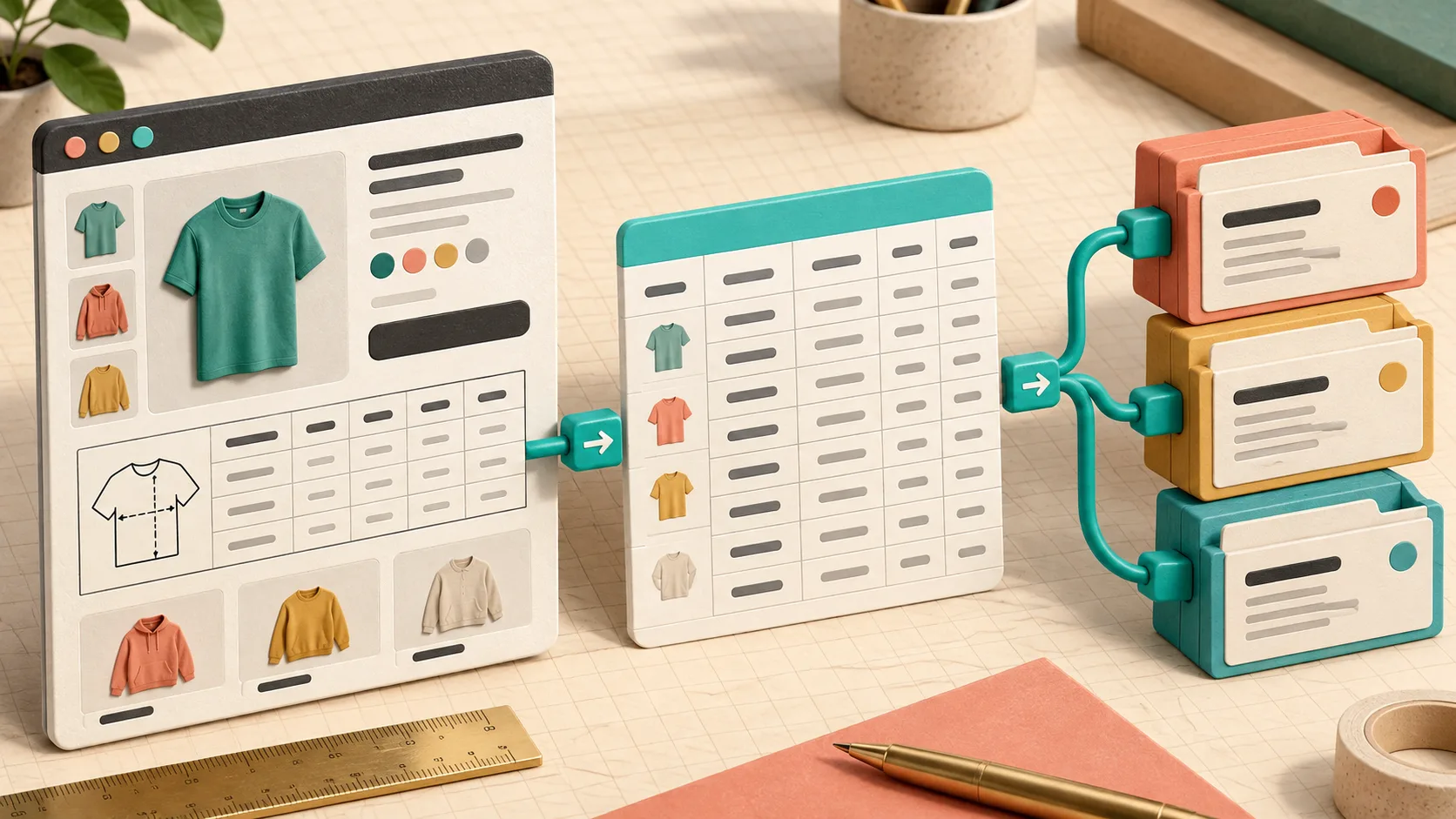
Start with the data you would hate to rebuild
Before exporting anything, I make a small inventory. I do not start by counting charts; I start by listing the decisions each chart carries:
- the measurements and units in each column
- fit notes such as “relaxed through the chest” or “measure the garment flat”
- the measurement guide linked to the chart
- which products should receive it, and why
- the display choice: inline, accordion, or modal
This is also a good moment to catch a design mistake I have made before: assuming a chart is reusable because the garment category matches. A heavyweight unisex tee, a cropped tee, and a fitted rib tee can all need different guidance. My earlier fit-family check is still the fastest way I know to find those false matches.
Export before you have a reason to panic
I export the chart records as CSV or JSON while the current setup is healthy. That gives me a readable backup, but it also makes the schema visible: which columns are actually present, which unit each one uses, and whether any useful note has been hiding in someone’s product description.
I put the export beside a short plain-text record of the assignment rules. For example:
Chart: Core Tees
Matches: collection = Core Tees
Fallback: no
Display: accordion
Guide: flat garment, chest + length
That tiny note is intentionally boring. In a migration, it tells me whether I restored the behavior rather than merely importing a table. If your rules are new or unusually broad, build that proof in a low-risk environment first; I used a size-chart sandbox for exactly this reason.

Rebuild the system in the order shoppers depend on it
My restore order is data, guides, rules, then storefront rendering. That order avoids a misleading success state where a pretty block is visible but it is showing a default chart on the wrong product.
First, import or recreate the chart records. Check the metric and imperial columns before you move on; a conversion toggle cannot rescue a source column that was labelled inconsistently. Next, recreate the measurement guides. The guide matters because shoppers need to know where the tape measure starts—not just what number to compare.
Then add the assignment rules from narrowest to broadest. A product-specific exception should beat a collection rule; a broad fallback should be the last thing you add. Finally, place the theme app block on the product template and test the display mode on an actual product page. Supra Size Chart can render as an inline table, an accordion, or a modal, so I make that a deliberate UX choice rather than a migration accident.
For a fuller preflight, I still use the release-gate checks before I call the work done.
Run a small storefront test matrix
I test more than the product that motivated the work. My minimum matrix is one exact-match product, one product covered by a collection or tag rule, one product that should fall back to the store default, and one product that should show nothing. Then I repeat the checks on mobile.
For each page, I look for four things:
- The intended chart appears, not merely a chart.
- The measurement guide matches the garment and remains understandable at phone width.
- Unit labels and notes are intact.
- The theme block fits the page without pushing the buy box or creating an awkward duplicate.
That last item sounds cosmetic, but it is operational. A chart can be factually correct and still be too hard to find. I have written before about treating charts like release-ready storefront content; the same discipline applies after any migration.

Make portability part of normal maintenance
I do not wait for an app change to prove that a chart is portable. When a new collection lands, I export the current data, review rule coverage, and spot-check the storefront. It takes far less time than rebuilding product-description tables one at a time, and it keeps the chart system understandable for the next person who touches it.
If you are still pasting sizing HTML into individual products, the first useful move is not a huge migration. Create one chart, one measurement guide, and one scoped rule in Supra Size Chart, then export it once you are happy with it. You will have a better product page now—and a much calmer future app change later.