
August 24, 2026
I Treat Shopify Size Charts Like Releases Before Every Collection Launch
A practical release process for Shopify size charts: measurement QA, product-family rules, storefront checks, and an exportable rollback point.
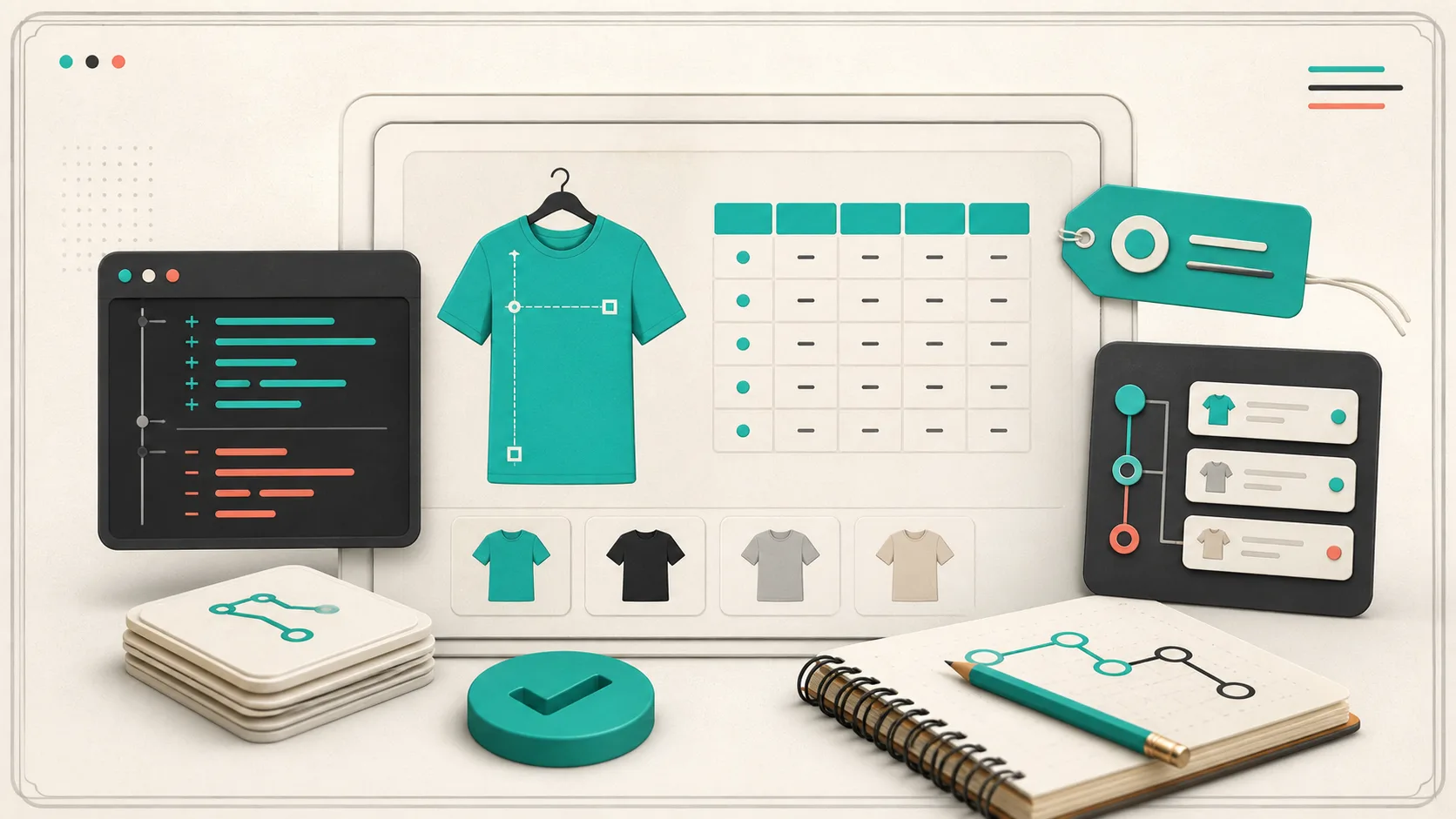
I used to treat a size-chart edit as content work: open a product, change a few cells, save, move on. That approach holds right up until a collection has three fits, a regional variant, and a teammate asking which measurements are live. Then a tiny change becomes a silent catalog release.
My fix is simple: I now give size charts a small release process before a collection launch. It is not heavyweight engineering. It is a repeatable way to confirm that the numbers, the measurement instructions, the assignment rules, and the shopper-facing display all agree. If a shopper cannot turn their tape-measure result into a confident choice, the chart is not ready yet.
Why a size-chart edit deserves a release gate
A chart is product data with consequences. A misplaced chest measurement can create a support ticket; the wrong chart on a product family can create a return. Worse, manual tables in product descriptions make it hard to see which version is actually in use.
This is the natural next step after a size-chart release gate: instead of checking only the table, check the path from source measurements to the live product page. I use four checkpoints.
1. Freeze the source measurements
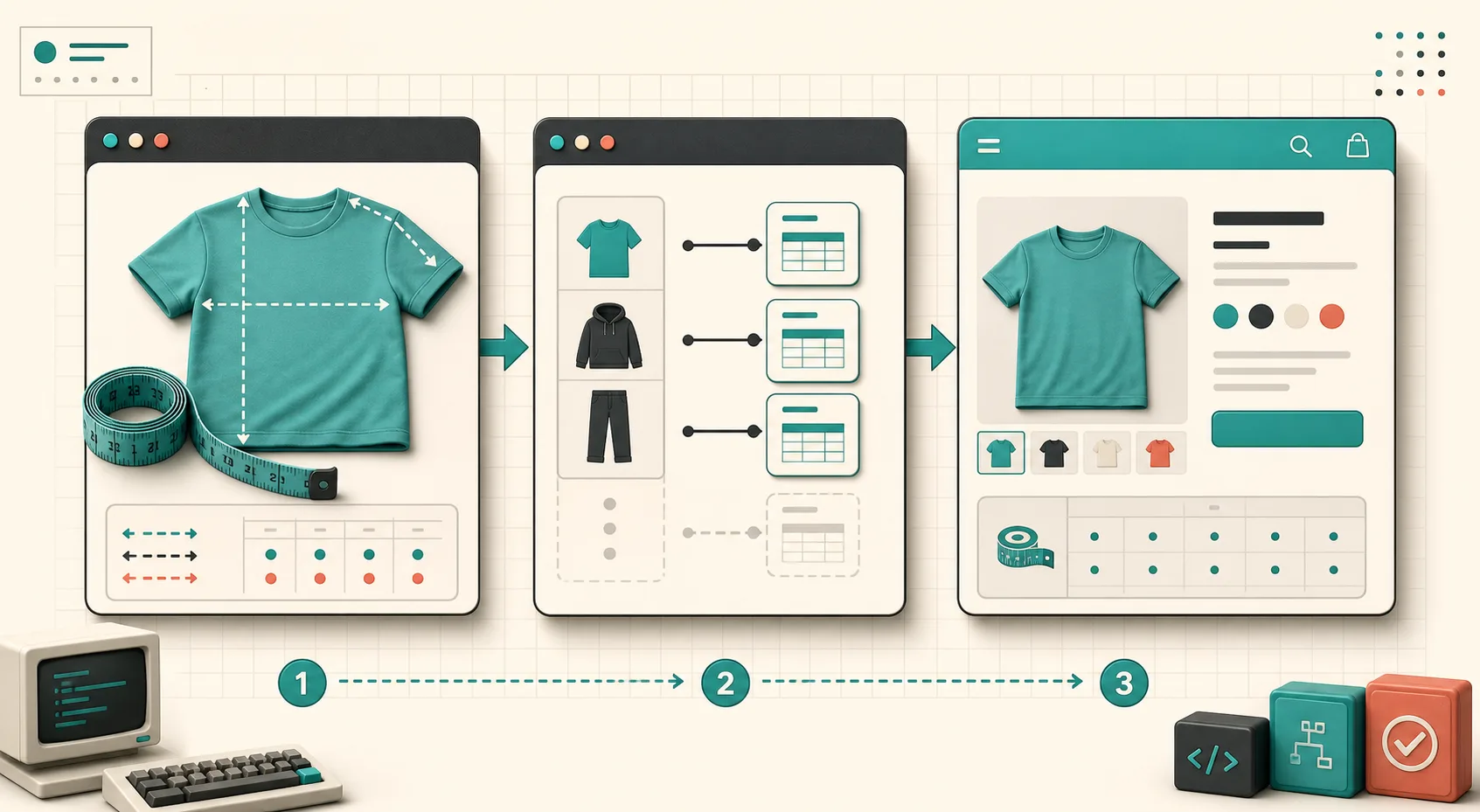
Start with the physical source, not the old table. Lay one representative garment flat and record the measurement method beside each value: chest width across the body, body length from high point shoulder, sleeve from shoulder seam, and so on. Decide whether the chart describes the garment or the person. Mixing those two is where a chart becomes misleading.
For example, a tee chart can say that the garment chest is measured flat and doubled only if that is truly how the listed value is presented. If the product is intentionally oversized, call that out in the fit note rather than trying to hide it inside the numbers. The wording is part of the release.
I keep product families separate when the fit construction changes. A unisex heavyweight tee and a cropped women’s tee can share visual branding without sharing a chart. That principle is what made splitting Shopify size guides by product family much less error-prone.
2. Check the chart and the measurement guide together
A grid alone assumes the shopper already knows where to measure. Before publishing, I compare every chart column to its measurement guide. Does the guide label the same points? Does it show a garment silhouette when the values are garment measurements? Are the units explicit?
Supra Size Chart makes this easier because a chart can be paired with a reusable labelled measurement guide, while the spreadsheet-style editor keeps rows, per-column units, and notes together. The customer can use the visual explanation instead of guessing what “length” means on this product.
If I support both centimetres and inches, I also test the shopper-facing conversion. A decimal that looks reasonable is not enough; the pair needs to be usable for the market receiving it. For a deeper international checklist, I use the same habits from matching Shopify size charts to product families without a maintenance mess.
3. Review rule coverage, not just a sample SKU
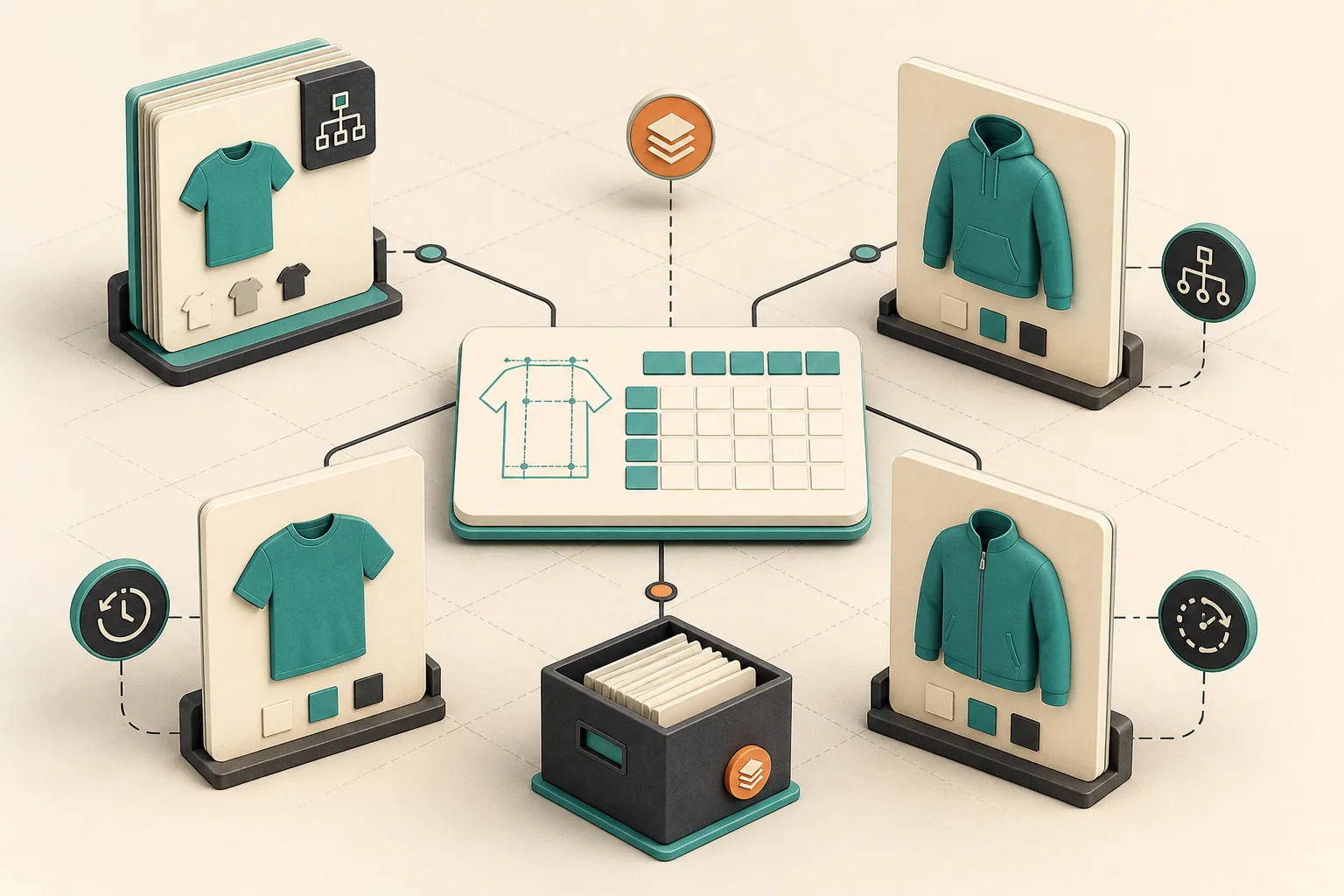
This is the checkpoint that catches the expensive mistake: the new chart exists, but the new products do not receive it. I list every product family in the launch and decide deliberately whether the assignment should be by product, collection, product type, vendor, or tag. Then I test one product at the edge of every rule.
Supra Size Chart evaluates those rules on the product page, so a new item entering the right collection or receiving the right tag can inherit the chart automatically. The most-specific matching rule wins, with a store-wide default available underneath. That is a better catalog model than pasting a table into every description, but it also means the rule design deserves review.
My mini test matrix is: one expected match, one intentionally excluded product, one product that could match two rules, and one brand-new SKU. I inspect the final product page in the theme rather than trusting the editor preview. This is closely related to the audit method in I Audited a Shopify Size-Chart System Before a New Collection.
4. Publish with a rollback point
Right before launch, I export the source data. That gives the team a dated snapshot of the charts and assignment structure before a seasonal update. The goal is not to create bureaucracy; it is to make a bad edit reversible without hunting through product HTML.
Supra Size Chart stores charts in the store’s Shopify metaobjects and supports CSV and JSON import and export. That keeps the size-guide system portable and owned by the store. I also verify the theme app block in its chosen display mode—inline table, accordion, or modal—on both a wide and narrow product-page view. The block is server-rendered, with only lightweight JavaScript for the modal and unit toggle, so the final check is about clarity and placement, not a heavy widget loading late.

The release note I actually keep
For each launch, I save four lines in the catalog checklist: product family covered, source garment checked, rule tested, export saved. If the size guide changed because the fit changed, I add that too. It takes a few minutes and makes the next seasonal refresh much easier to reason about.
You do not need a developer workflow to get this benefit. You need one source of truth, a measurement guide that matches the numbers, rules that cover the intended products, and a storefront check. If you are still maintaining duplicated tables, Supra Size Chart is free and gives you central charts, reusable guides, rule-based assignment, and CSV/JSON portability. Start with the next collection, run these four checks once, and keep the result as your baseline for the next release.