
August 20, 2026
My Shopify Size-Chart Release Gate: Four Checks Before a New Drop
A practical four-check release gate for Shopify apparel size charts: verify measurements, rules, storefront display, and portable data before a drop.
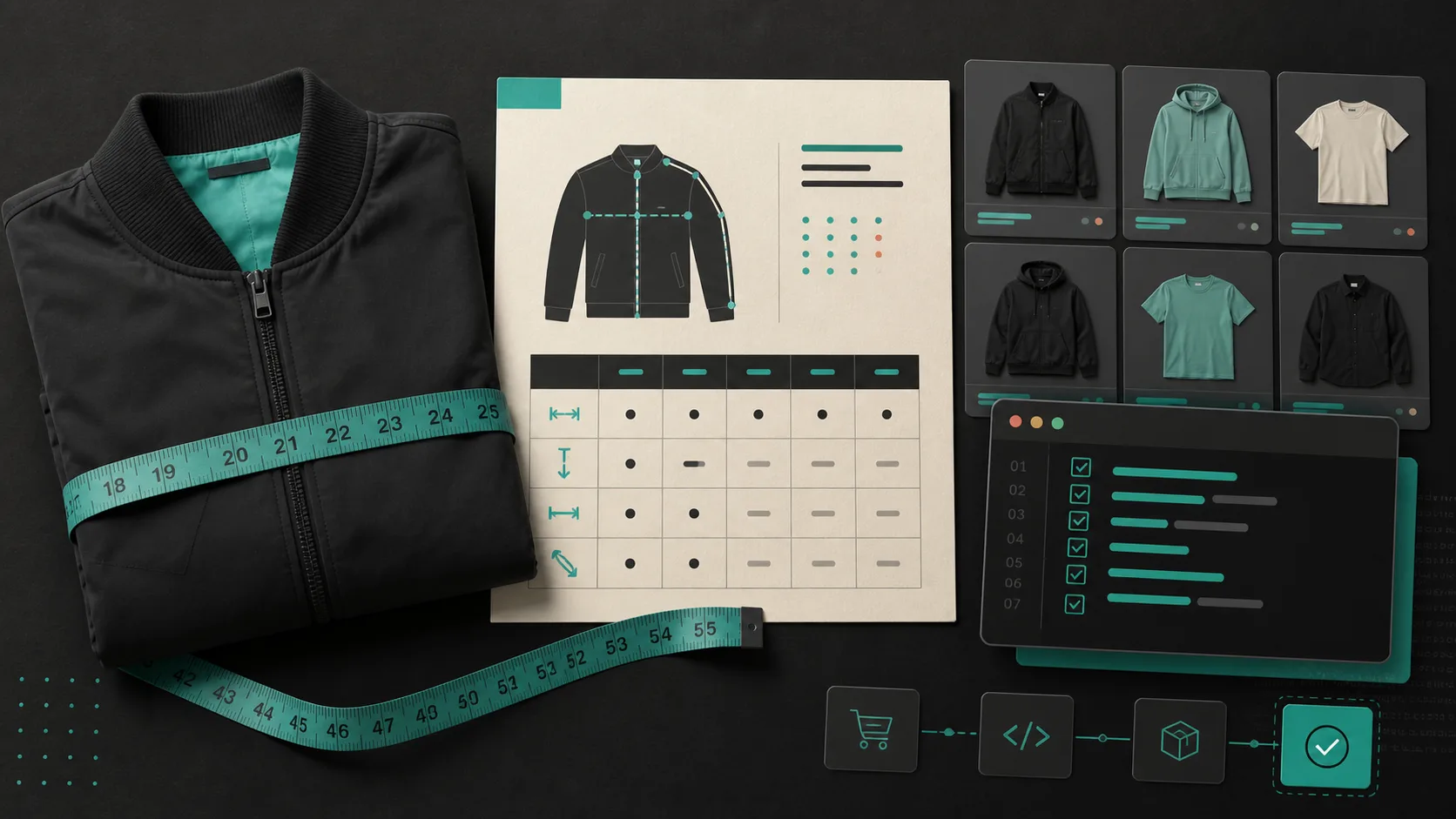
If I am about to publish a new apparel collection, I do not start by asking whether the product page looks finished. I start with a much less glamorous question: can a shopper choose a size without opening a support ticket or ordering two options just to hedge?
That question catches problems that product photos and polished copy will not. A jacket can be beautifully merchandised and still have a chart that belongs to last season, an assignment rule that misses a new tag, or a modal that never made it into the product template. The result is a quiet stream of what size should I get? tickets—and returns that were preventable.
My fix is a small release gate. Before a collection goes live, I run four checks on the size-chart system: the garment data, the matching rule, the measurement help, and the actual storefront. It is deliberately boring. That is why it works.
1. Measure the garment, not the copy you inherited
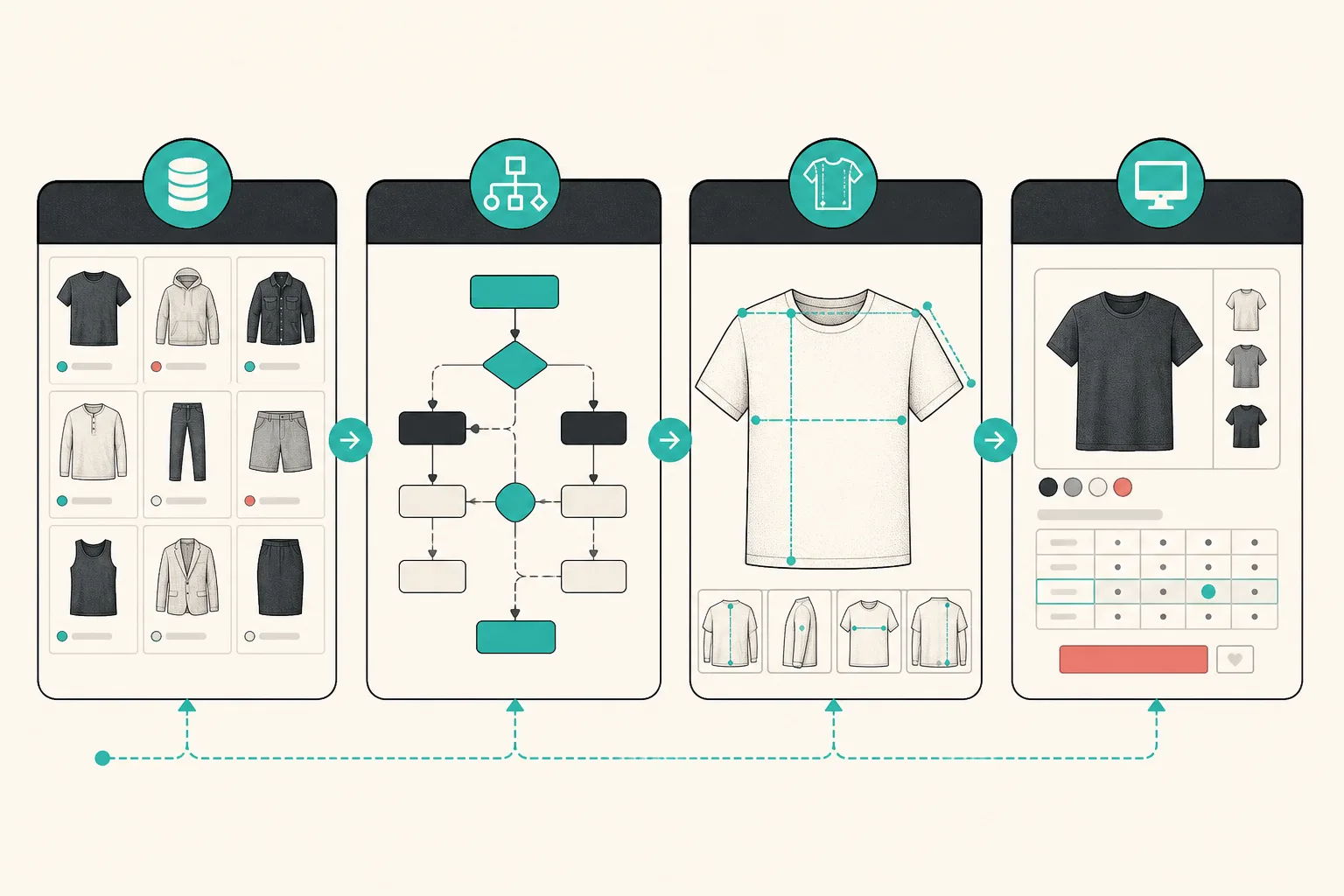
The first failure mode is treating an old product description as the source of truth. It is not. For a new cut, fabric, or supplier, I measure a production sample flat and record the values I can explain to a shopper. For a sweatshirt, that usually means chest width, body length, and sleeve length. For trousers, I add waist, rise, inseam, and leg opening.
The important part is consistency. If the chart says “chest” but the team measured all the way around the body on one product and pit-to-pit on another, the numbers only look comparable. Put the measuring convention in the chart note, and make the measurement guide mirror it. A shopper does not need a fashion textbook; they need to know where to place a tape measure.
This is also where I decide whether a collection really shares a chart. Same fabric weight and pattern block? A shared chart is reasonable. New silhouette, substantial stretch, or a different fit promise? Split it. One neat-looking chart is not worth making a shopper guess.
2. Test the rule against a real product, not just the rule editor
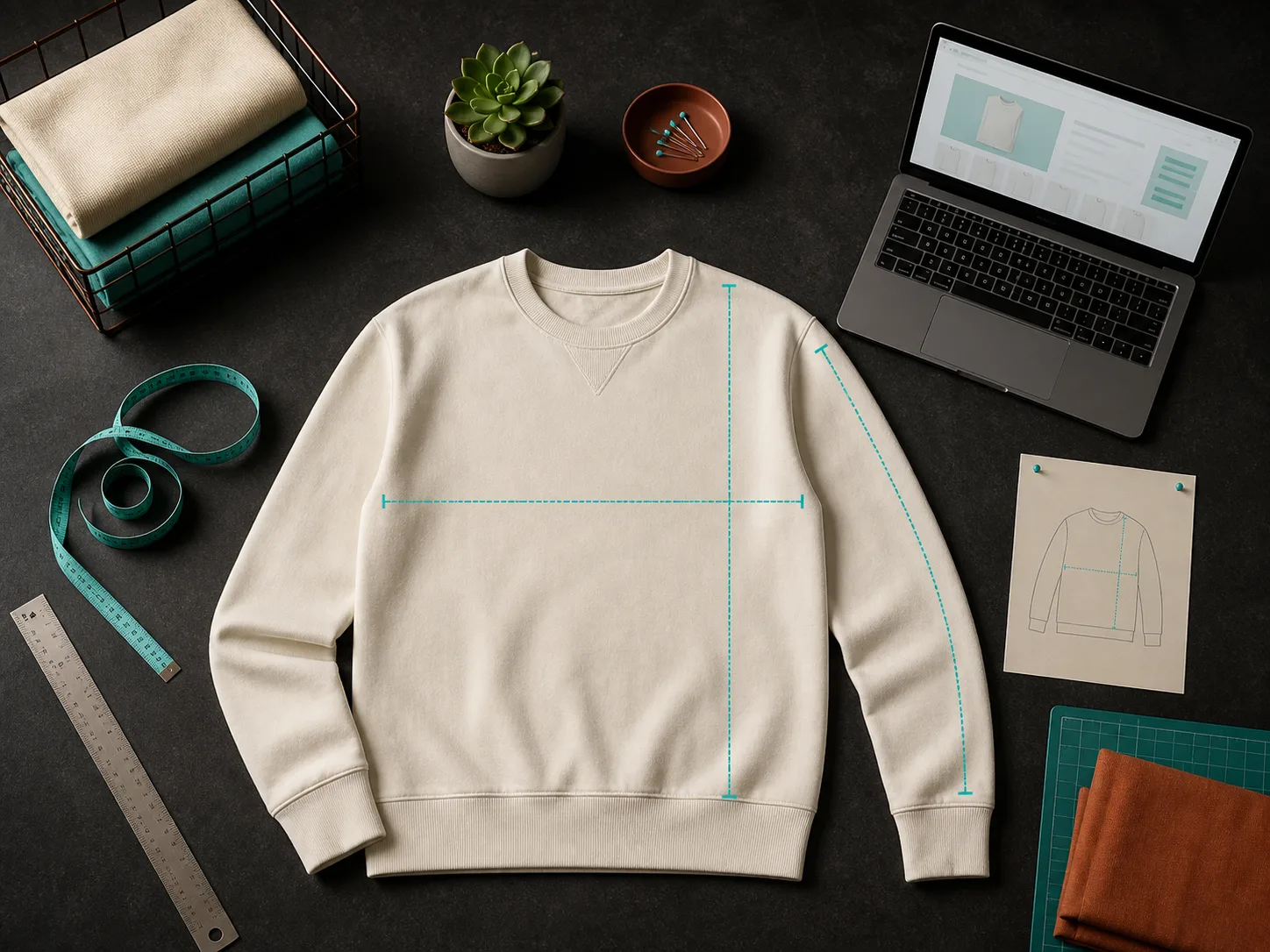
Catalog automation earns its keep only if it keeps working after the next import. I want a chart rule that matches the way the collection is actually organised: by collection, product type, vendor, or tag. Then I open a real new product and confirm the intended chart wins.
This is the place to look for accidental overlap. A broad “outerwear” rule may be correct for most jackets while a product-specific rule is needed for one oversized style. With Supra Size Chart, more-specific assignment rules take precedence, with a store-wide default underneath. That gives me a useful mental model: the default is a safety net, while collection and product rules are the deliberate decisions.
For a larger catalog, I also export the chart data before launch. A CSV gives a merchandiser something easy to scan, and JSON gives you a portable snapshot of the system. The goal is not paperwork. It is being able to answer, later, which values and rules were live on launch day. If you are still rolling out the underlying structure, this guide to updating charts across a Shopify catalog is the companion build note.
3. Make the measurement guide do real work
A table of measurements is only half a size guide. The other half is helping a shopper take the same measurement you took. I add a labelled garment silhouette for any chart where “width” or “length” could be interpreted two ways. It turns an opaque grid into a small instruction set.
I also check the units before I call this done. If a collection sells across borders, centimetres alone can create unnecessary friction for shoppers who think in inches, and the reverse is true too. Supra Size Chart can expose a metric/imperial toggle, so the source chart does not need duplicate columns or duplicate maintenance. The broader point is to choose one primary scale, state what it represents, and offer the counterpart where it helps. I covered the shopper side of that decision in How to Build Size Charts Shoppers Can Measure at Home.
4. Preview the page in the theme shoppers will use
A perfect chart in an app is not a shipped chart. I open representative product pages in the storefront and check the theme app block in context: desktop and mobile, a product that should match the new rule, and one that should fall back to the default.
The display choice is a product-page decision, not a universal best practice. An inline table makes sense when sizing is a primary consideration. An accordion keeps a dense page calmer. A modal can be useful when you want the chart available without permanently expanding the page. Whichever route I use, I make sure the trigger is easy to find, the table can be read without horizontal chaos, and the measurement guide is reachable before checkout.
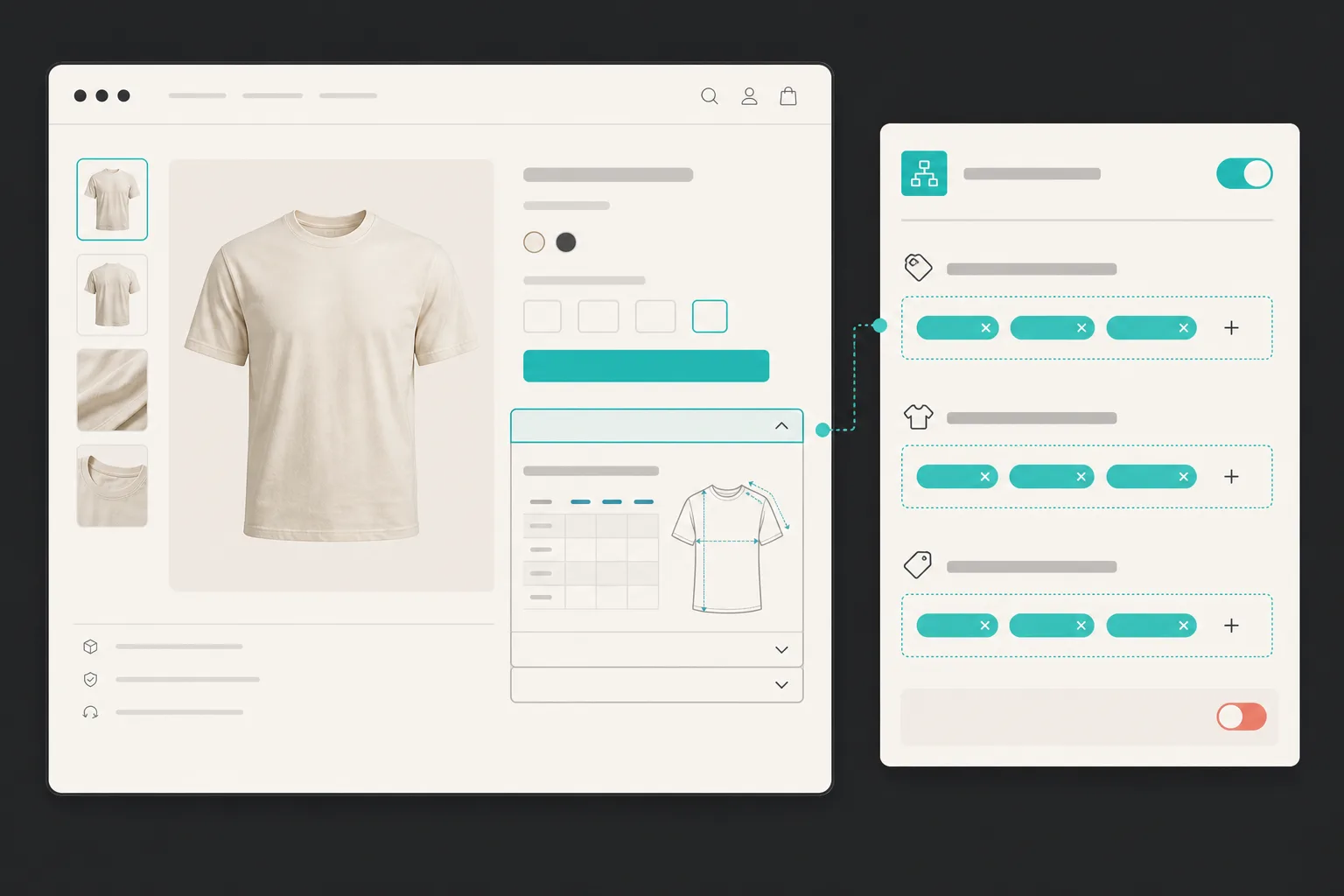
This preview is where theme-native rendering matters. Supra Size Chart renders through a Shopify theme app block and uses the theme’s text colour, so it should belong on the page instead of feeling like a bolted-on widget. Still, “should” is not a QA result—open the page and verify it. For a deeper presentation decision, compare your result with Shopify Variant vs Linked-Product Swatches: A Decision Framework; both sizing and swatches fail when the product-page information model is vague.
The release gate I keep next to the publish button
Before I publish, I want four unambiguous yeses:
- The chart contains fresh garment measurements and explains how they were taken.
- The correct chart matches a real product from the release, while the fallback remains sensible.
- The guide and unit treatment help the shopper interpret the values.
- The block is visible, usable, and on-brand in the live product template.
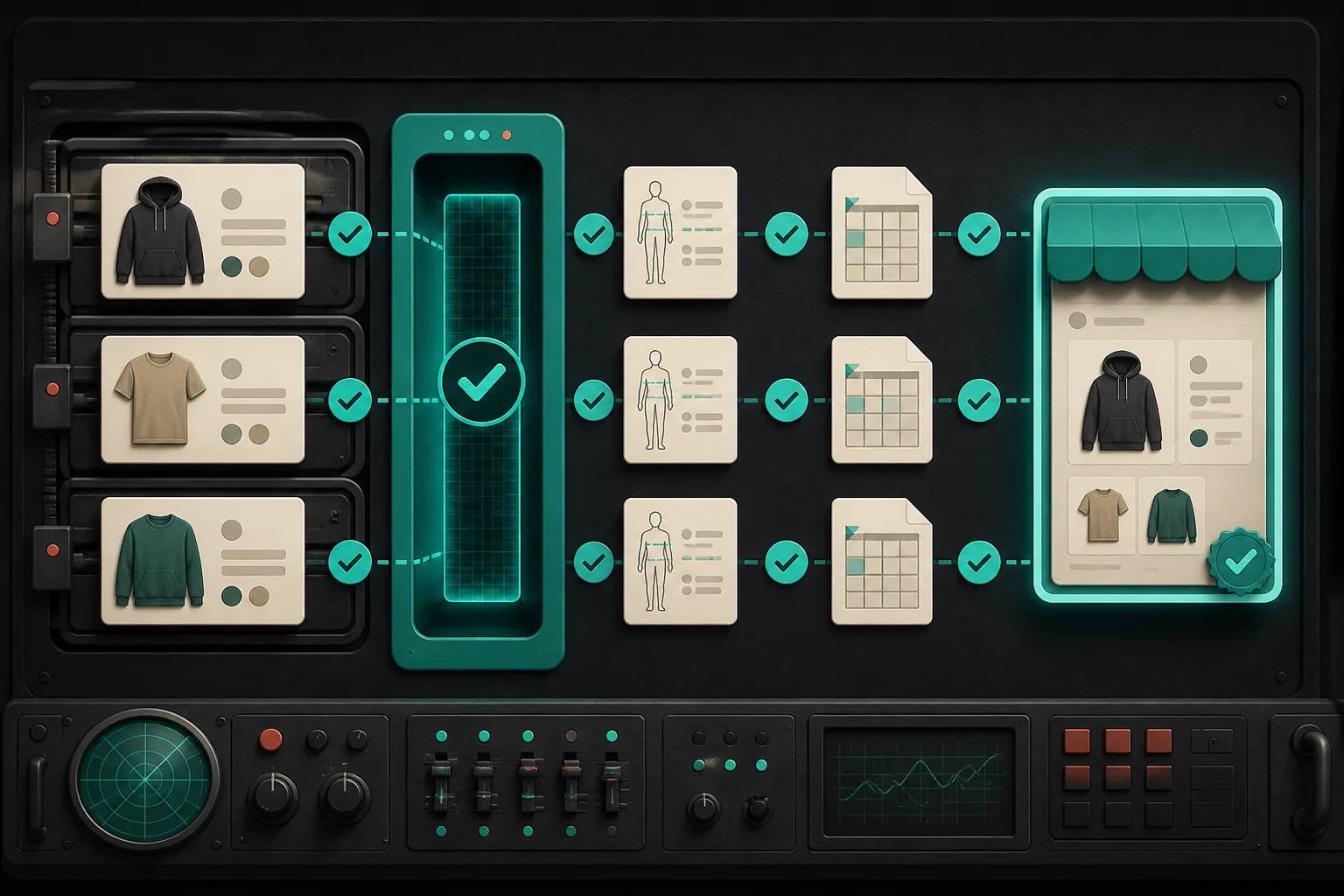
That is enough process to prevent the predictable mistakes without turning a collection launch into a project plan. If a check fails, I fix the central chart or rule and preview again; I do not start pasting a one-off table into product descriptions. The point of the system is that the correction carries across the catalog.
If your current size information lives in scattered product HTML, start with one collection. Build its chart once, attach a clear measurement guide, assign it with a rule, and use the theme block to test it on a real product page. Supra Size Chart is free, supports unlimited charts and rules, and keeps the chart data in your store’s Shopify metaobjects with CSV and JSON export.
A collection is not launch-ready because every product has a chart. It is launch-ready when the right chart reaches the right shopper, with enough context for them to make a confident choice. Run the four checks before the next drop; the first confusing size question is much cheaper to prevent than to recover from.