
October 4, 2026
How I Keep Shopify Size Charts Honest Across Fit Families
A practical way to separate Shopify size charts by fit, set catalog rules, and keep sizing guidance maintainable as a catalog grows.
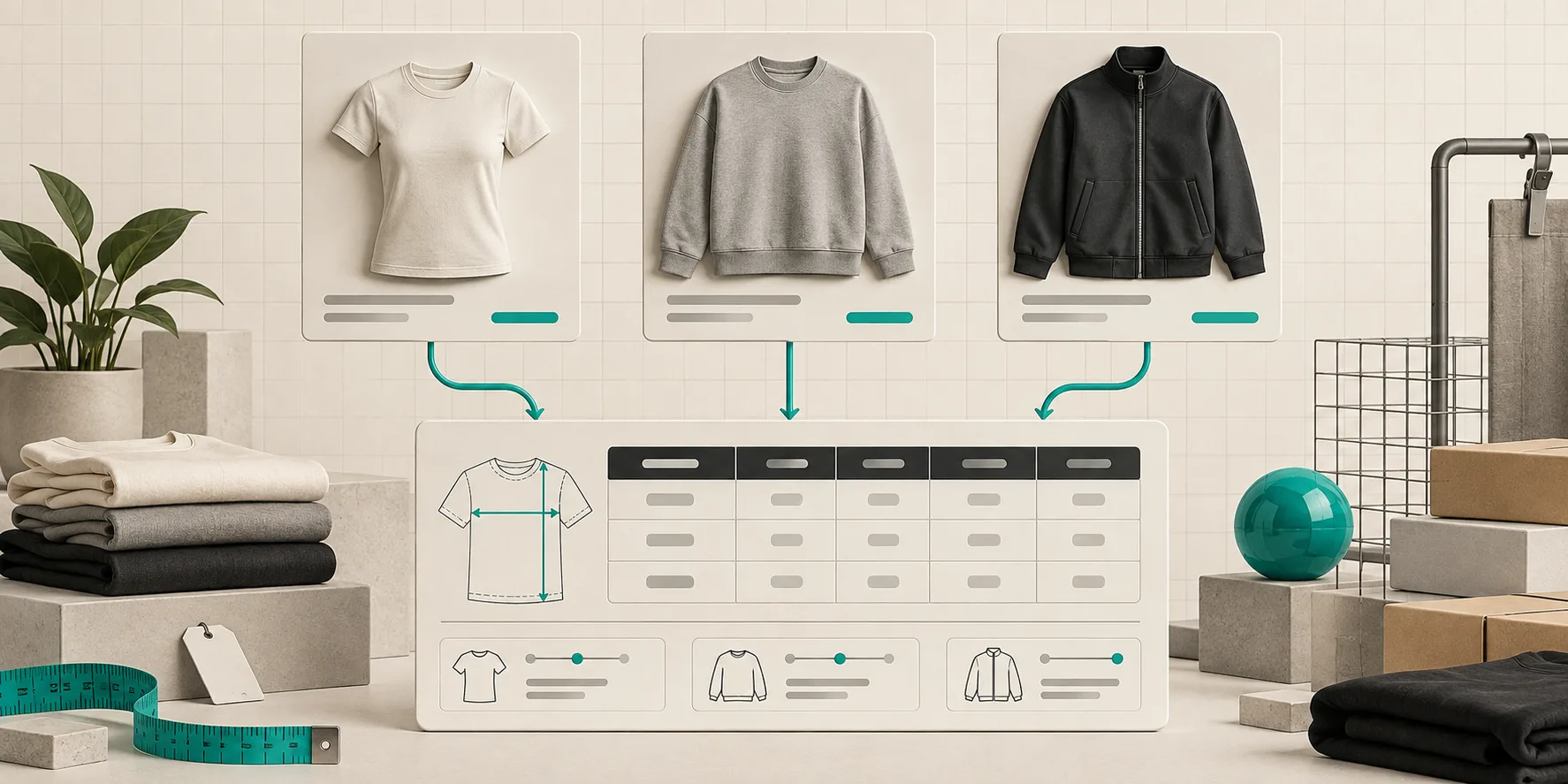
I hit a sizing mess that looked normal from the Shopify admin: one collection called “Tops”, one chart, one neat rule. The problem appeared on the storefront. A fitted rib tee, a relaxed sweatshirt, and an unisex overshirt were all borrowing the same chest measurement logic. The table was technically present, but it was not helping shoppers decide.
That is the point where I stopped treating a size chart as a product attribute and started treating it as a small piece of catalog infrastructure. The right question is not “does this product have a chart?” It is “does this product belong to the same fit family as the chart?”
Supra Size Chart is useful here because it keeps the tables, measurement guides, and assignment rules in one place. I can create a chart once, then target it by product, collection, product type, vendor, or tag instead of pasting HTML into every description.
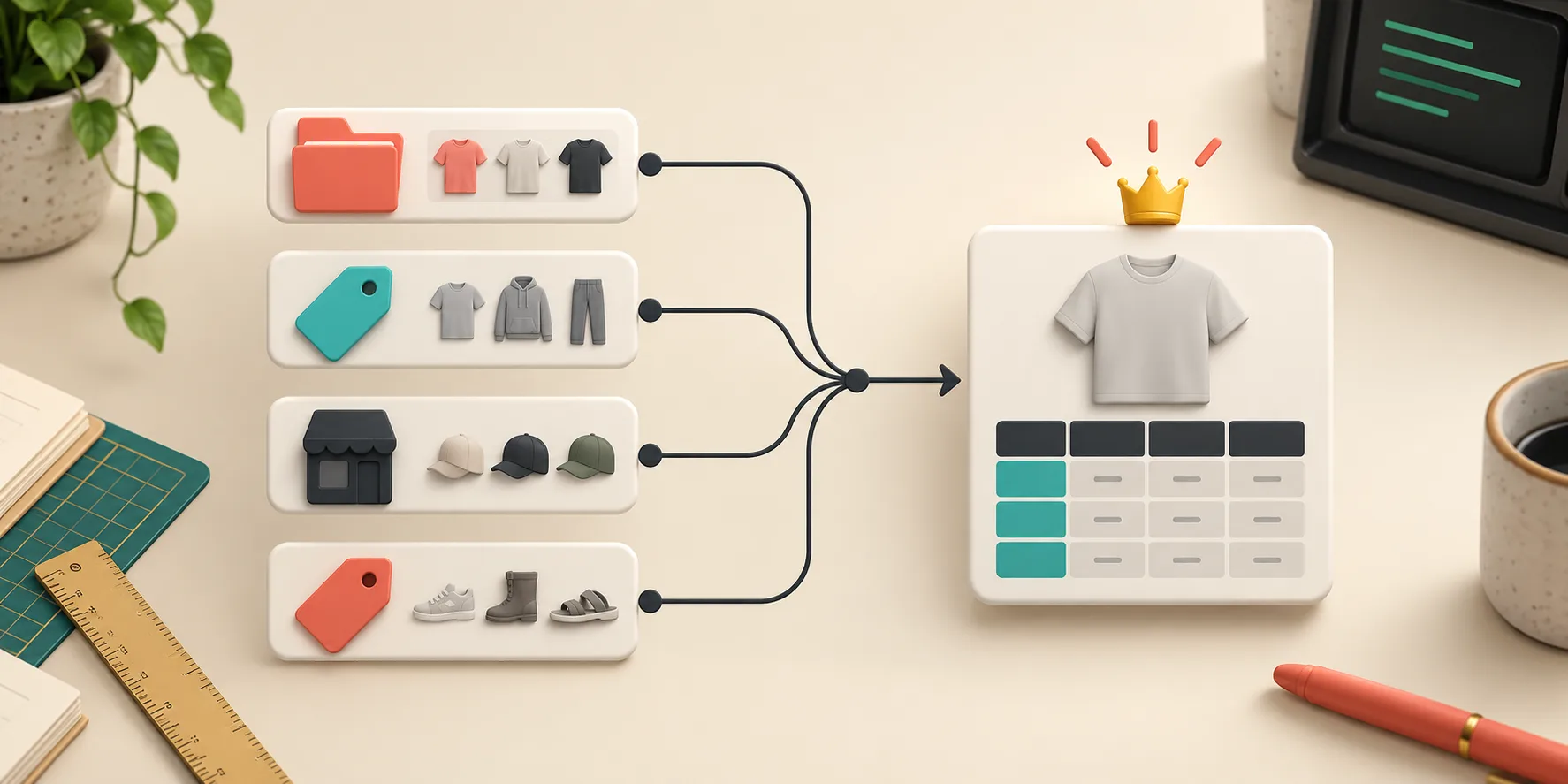
Start With Fit Families, Not Your Shopify Navigation
Collections are usually built for merchandising: New Arrivals, Tees, Outerwear, Sale. Fit is a different dimension. My first pass is a compact worksheet with four columns: product type, fit promise, the garment measurements shoppers need, and the chart family.
For example, a fitted tee and a relaxed tee may both live in Tees, but they should not automatically share a recommendation. The fitted piece needs a clear chest width and length; the relaxed piece needs the same measurements plus an explicit ease note. A cropped jacket needs its own body length convention. If you sell unisex items, say whether measurements are garment measurements or body measurements—then use that convention consistently.
I keep the families intentionally boring: fitted tops, relaxed tops, structured outerwear, bottoms, and accessories. Splitting every SKU creates maintenance debt; forcing unrelated products together creates shopper doubt. The useful middle ground is one family whenever the measurement method and the fit expectation match.
Build the Chart Around the Question a Shopper Actually Has
A spreadsheet-looking table is not automatically a good size guide. For a top, I normally begin with size, chest width, body length, and sleeve length when sleeve fit matters. I add a one-line note such as “measure a garment flat; double the chest width for the full circumference” only if the numbers are garment measurements.
Then I attach a labelled measurement guide. That is the small but important bridge between a row of numbers and a shopper with a tape measure. Supra Size Chart lets me reuse a guide across charts and show the relevant measurement on a garment silhouette; it also supports a metric/imperial toggle when the columns use compatible units.
The rule of thumb I use: if someone could measure two different places and get two different answers, label the place. “Chest” without a diagram is a support ticket waiting to happen.

Let Rules Express the Catalog Logic
Once the families are real, I map them to rules in descending order of specificity. In Supra Size Chart, a product rule can handle an exception, while collection, product type, vendor, or tag rules cover repeated patterns. The most specific match wins, with a store-wide default available underneath.
Here is the setup I would use for a small apparel catalog:
- Tag all slim-cut tees with
fit-fittedand assign the fitted-tops chart to that tag. - Tag intentionally roomy pieces with
fit-relaxedand point that tag to a relaxed-tops chart. - Use product type for a broad fallback, such as
Outerwearfor a jacket chart. - Add a product-level rule only where construction genuinely breaks the family—say, a limited-run cropped jacket.
That ordering makes the exceptions visible. It also means a new product becomes covered when you give it the right tag, rather than after someone remembers to paste a table into its description. This is the same operational payoff I liked when I organized product-page content without theme code: reusable structure beats repeated edits.
Put the Chart Where the Buying Decision Happens
After the data is right, I enable the theme app block on the product template. Supra Size Chart can render the chart inline, in an accordion, or behind a modal trigger that adopts the theme’s button styling. I choose based on the product page, not habit.
An inline table works when fit is the core purchase risk. An accordion is tidy when product details are already dense. A modal can work for a visual guide, but I make sure the trigger is obvious and keyboard-accessible in the theme. If you are deciding between those layouts, the same trade-offs show up in how I keep Shopify product pages organized.
I also test the narrow mobile view with the longest column heading and the widest realistic number. That catches the most annoying failure mode: a perfect desktop chart that becomes a horizontal-scroll puzzle on a phone.
Run a Small Rollout Before You Touch the Whole Catalog
My rollout is deliberately unglamorous. I pick five products: one normal member of each fit family, one exception, and one newly tagged product. I check the displayed chart, the guide, the unit toggle, and the default fallback. Then I export the charts as CSV or JSON and save that alongside the catalog notes. Because the app stores charts as Shopify metaobjects, the data remains in the store and is portable.
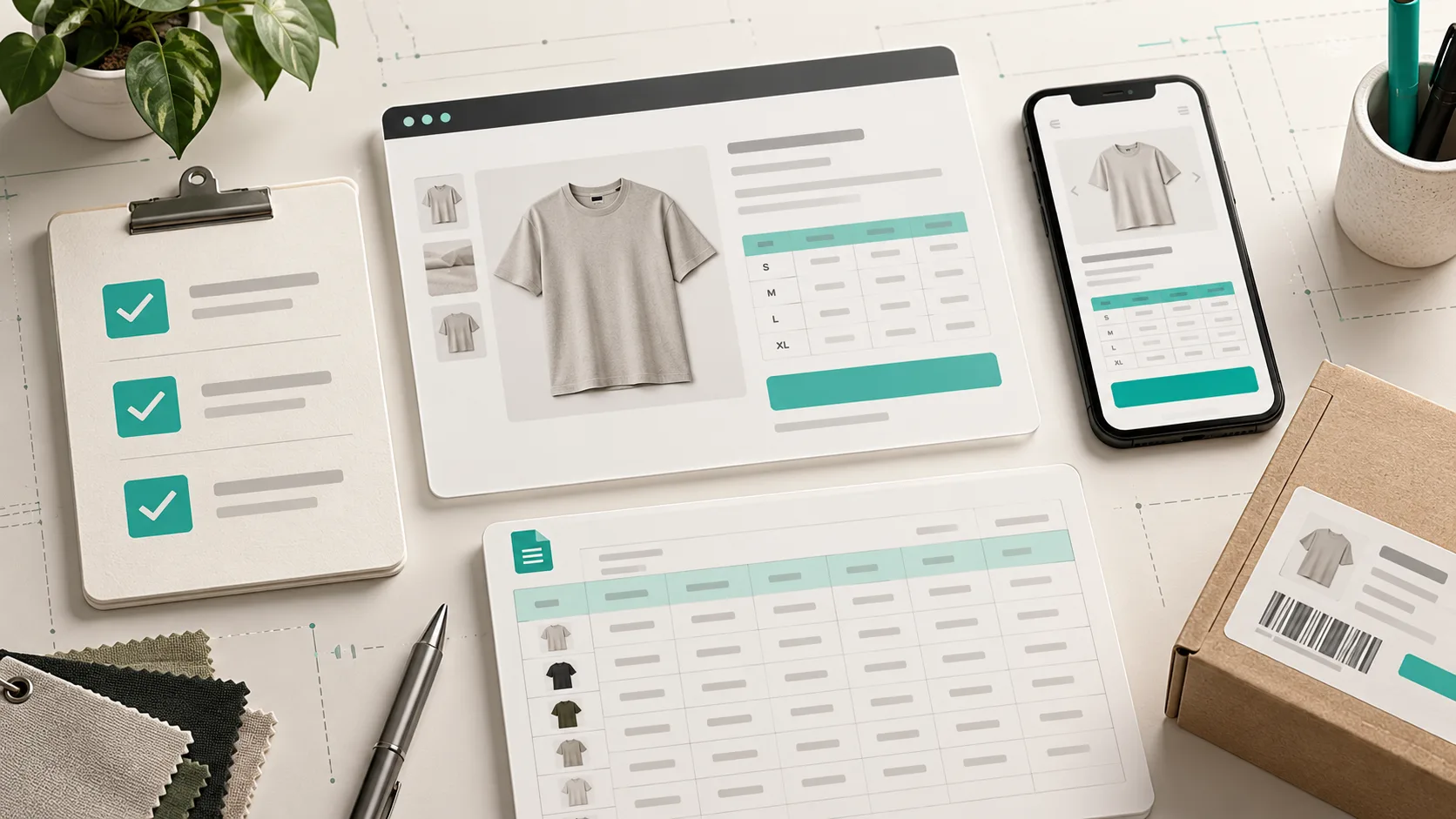
This five-product pass is also a good complement to a size-chart pre-launch check. The distinction matters: the pre-launch check confirms the page is ready; the fit-family pass confirms the rules are telling the truth across the catalog.
The Maintenance Rule I Actually Follow
Every time I add a new apparel product, I answer three questions before it goes live: Which fit family is it in? Does its measurement method match that family? Is there a customer-facing note that distinguishes its fit from the default? If the answer is unclear, it gets a product-level exception until the family model improves.
That is less exciting than a giant redesign, but it is how a catalog stays sane. Create the fit families, write the rules once, and let Supra Size Chart render them where shoppers need them. Your next concrete step: audit ten active products and mark the ones whose current chart makes an unspoken fit assumption.