
October 4, 2026
I Created a Shopify Size-Chart Sandbox Before Turning On Rules
A practical way to test Shopify size-chart assignment rules before they affect a live apparel catalog.

Every time I add a rule to a Shopify size-chart system, I have the same low-grade fear: the chart will be technically correct and still show up on the wrong product page. A rule that catches one oversized hoodie, misses a petite dress, or falls back to a generic chart can quietly make a clean launch feel untrustworthy.
My answer is a small sandbox—not a duplicate store, and not an elaborate QA project. It is one deliberately chosen test product, one chart, and a short sequence of checks before I let a new assignment rule touch the catalog.
Supra Size Chart makes this practical because charts live in Shopify metaobjects and can be assigned by product, collection, product type, vendor, or tag. I can treat the setup like a release: make the intended match obvious, test its boundaries, then turn it on.
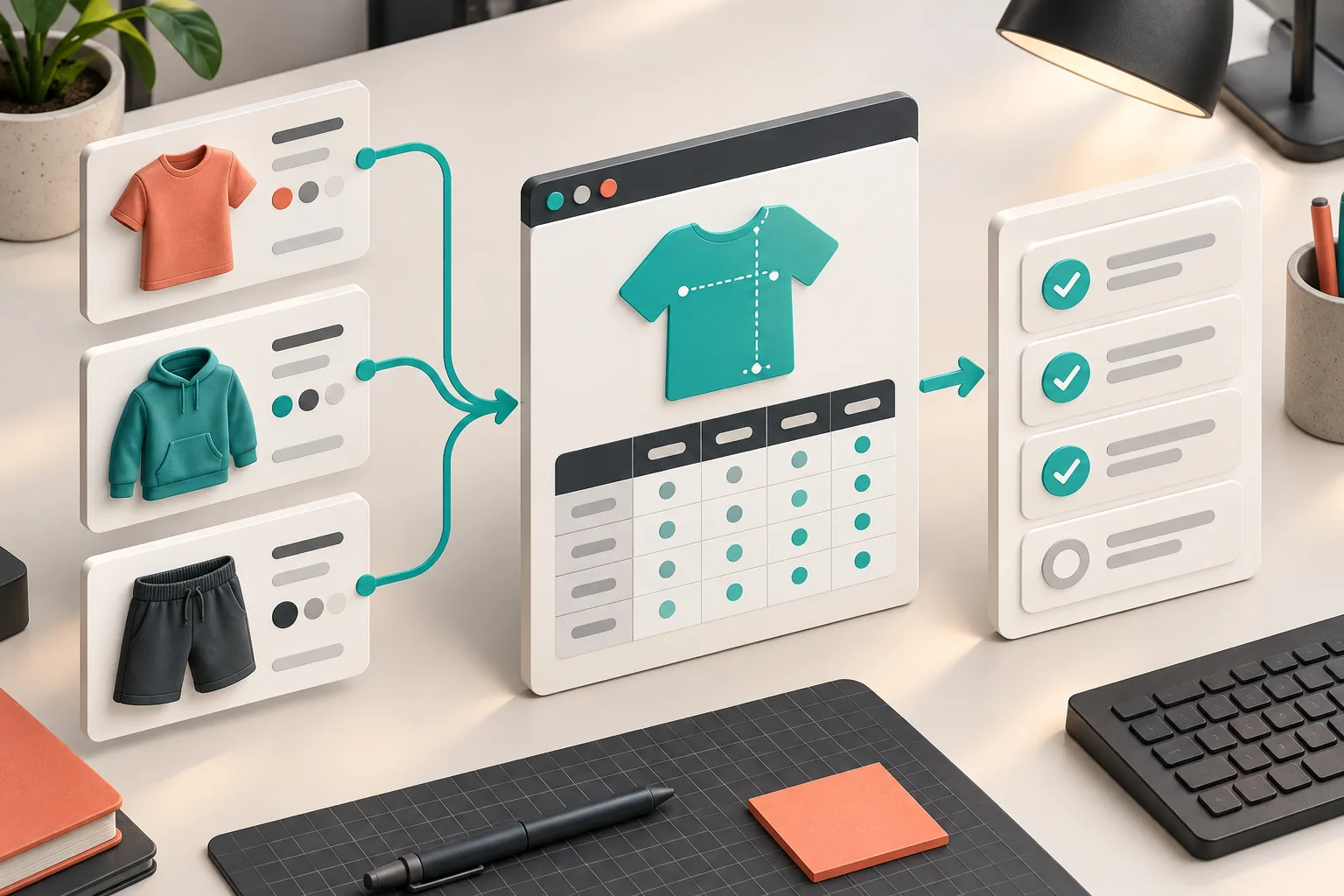
Why I Test the Rule, Not Just the Chart
The table is usually the easy part. You can spot a missing hip column or a bad inseam while you are editing. Assignment rules are where catalog structure gets involved: product types are inconsistent, vendor names drift, and a collection can gain products after the rule was written.
That is why I separate two questions:
- Does this chart describe this garment family accurately?
- Does this rule put that chart on every intended product—and nowhere else?
Those are different jobs. I still use a fit-family audit to decide whether a shared chart is appropriate. The sandbox is what confirms the assignment logic afterward.
Build a Deliberately Boring Test Product
I start with one product whose attributes are unambiguous. For a new trousers chart, I use a product that is clearly Pants, belongs to the intended collection, and has the exact tag or vendor I plan to target. I do not test on the first product I happen to find. Ambiguity makes failures hard to explain.
Then I create two comparison products:
- one that should match for the same reason;
- one that is almost the same but must not match.
For example, a Pants collection rule should include two trouser products but exclude a jumpsuit that shares the vendor. A tag rule should include the tagged product and exclude the nearly identical one without the tag. This turns an abstract rule into an observable boundary.
Supra Size Chart’s assignment order is useful here: a specific product rule can take precedence over broader collection, type, vendor, or tag rules, with a store-wide default underneath. I put the proposed rule in place, reload those three product pages, and record what appears. If I cannot say why each page resolved to a particular chart, I do not ship the rule.
Keep the Chart Data Separate From the Matching Logic
I also avoid cloning a chart just to make a rule feel safer. That creates two sources of truth and guarantees a future update will land in only one of them. Keep the shared chart as the shared chart; use the rule and test products to prove the routing.

For a seasonal collection, my setup notes look more like this:
Chart: Relaxed-fit trouser measurements
Expected match: collection = Autumn Trousers
Expected exclusions: dresses, jumpsuits, legacy trouser collection
Fallback: store-wide general apparel chart
Override: one product rule for a short-inseam style
That compact note is enough to make a later debugging session sane. It also exposes an important trade-off: collection rules are convenient when merchandising maintains collections well; product-type or tag rules are more stable when collections are campaign-driven. There is no universal right answer. Pick the attribute your team already maintains reliably.
If you are assigning an entire catalog branch for the first time, the walkthrough on assigning one size chart to a whole collection is a useful companion. My sandbox comes immediately after that setup.
Test the Fallback on Purpose
Most size-chart failures I see are not dramatic. They are fallback failures. A new item lands in a collection late, its tag is missing, and shoppers get a generic chart that looks plausible enough to create bad orders.
So I test the product that should not match anything. It should receive the store-wide default—or no chart, if that is the intended experience. I do not leave this to assumption. The fallback is part of the product-page contract.
This is also where CSV or JSON export earns its keep. Before a large cleanup, export the current charts and rules. That is not a substitute for the sandbox, but it gives you a portable checkpoint before you normalize product types or retag a collection. Since Supra stores the charts in your Shopify metaobjects and supports export, the data remains yours rather than locked inside a vendor dashboard.
Check the Actual Product Page
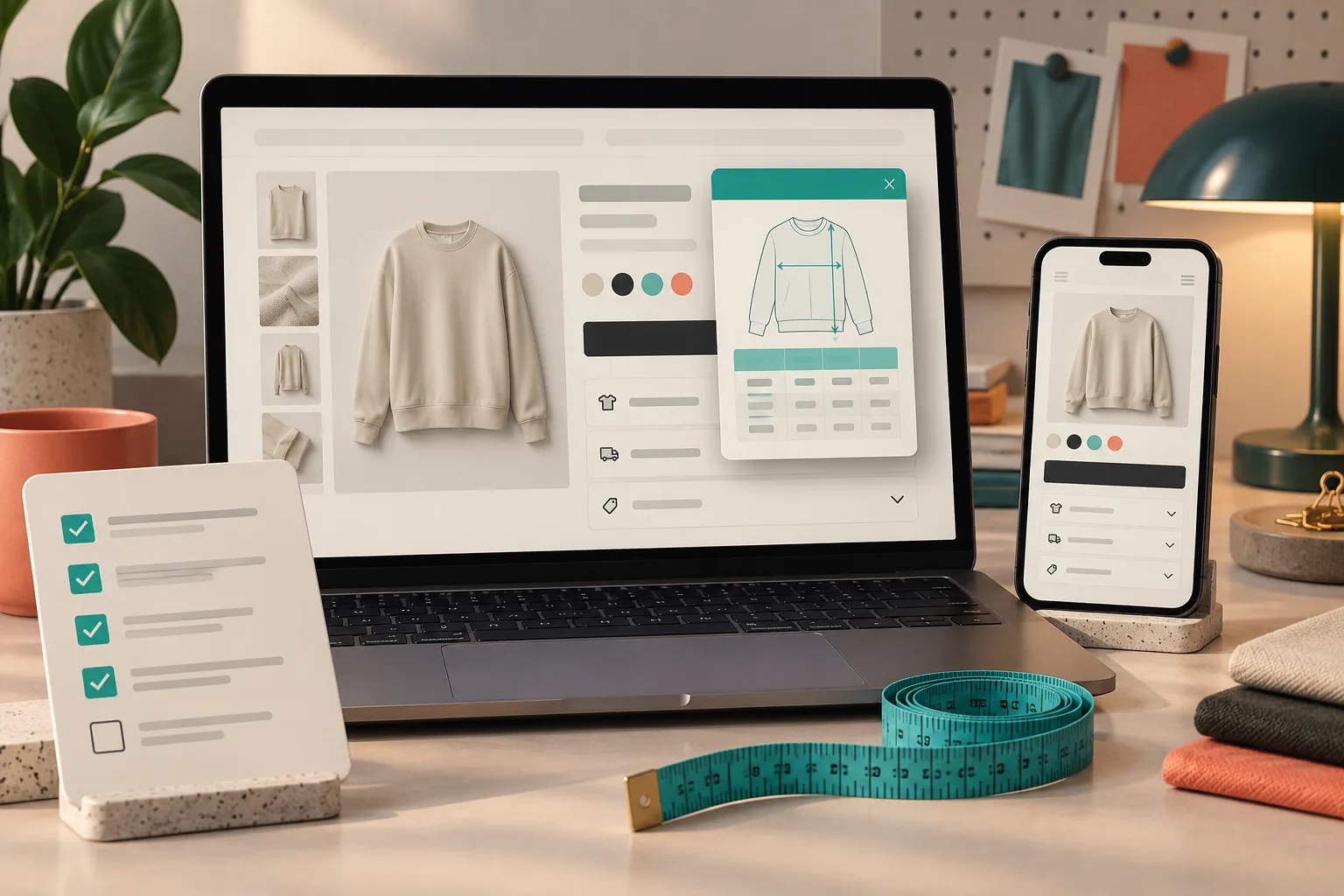
A rule can resolve correctly and still be awkward for a shopper. I finish on the storefront, not just inside the app. Supra’s theme app block can render the chart inline, in an accordion, or behind a modal trigger, and the right choice depends on the product page.
My final pass is short:
- Open the matching product on desktop and mobile.
- Confirm the intended chart and measurement guide appear.
- Toggle metric and imperial if the chart serves both.
- Check the comparison product has its expected chart or fallback.
- Verify an override wins over the broad rule.
- Make sure the chart is readable where it appears.
For the last item, I use the principles from making Shopify size charts easy to read on mobile. A perfectly routed chart still fails if the shopper has to pinch-zoom it or cannot understand where to place the tape measure.
Turn the Sandbox Into a Repeatable Release Gate
I keep this lightweight because it has to survive a busy launch week. One target product, one near miss, one intentional fallback, then a storefront check. That is enough to catch the costly category of mistakes where a reasonable-looking table lands on an unreasonable product.
If you are about to publish a new apparel range, pair this rule sandbox with a full size-chart pre-launch check. Start by creating the three test cases for your next rule. Once they behave exactly as expected, enable the theme block and let the chart scale with the catalog instead of becoming another per-product maintenance task.