
October 31, 2026
I Choose VideoFlow Studio's CLI or Hosted Path Before a Launch Video
Choose VideoFlow Studio's CLI or hosted workflow for a startup launch video by matching control, setup, billing, and review needs.

I Choose VideoFlow Studio’s CLI or Hosted Path Before a Launch Video
When I need a startup launch video quickly, I do not start by picking transitions. I first decide where the work should happen: on my machine through VideoFlow Studio, or in its hosted browser workflow. The CLI is the better fit when I want local project files and already use Codex or Claude Code; hosted is the better fit when I need an agent to do the setup in the browser and am comfortable with usage-based AI credits. Both paths end with the same kind of editable VideoFlow project and review pass.
That choice is small, but it changes the brief I prepare, who can review the work, and what I need to keep track of once the first cut arrives.
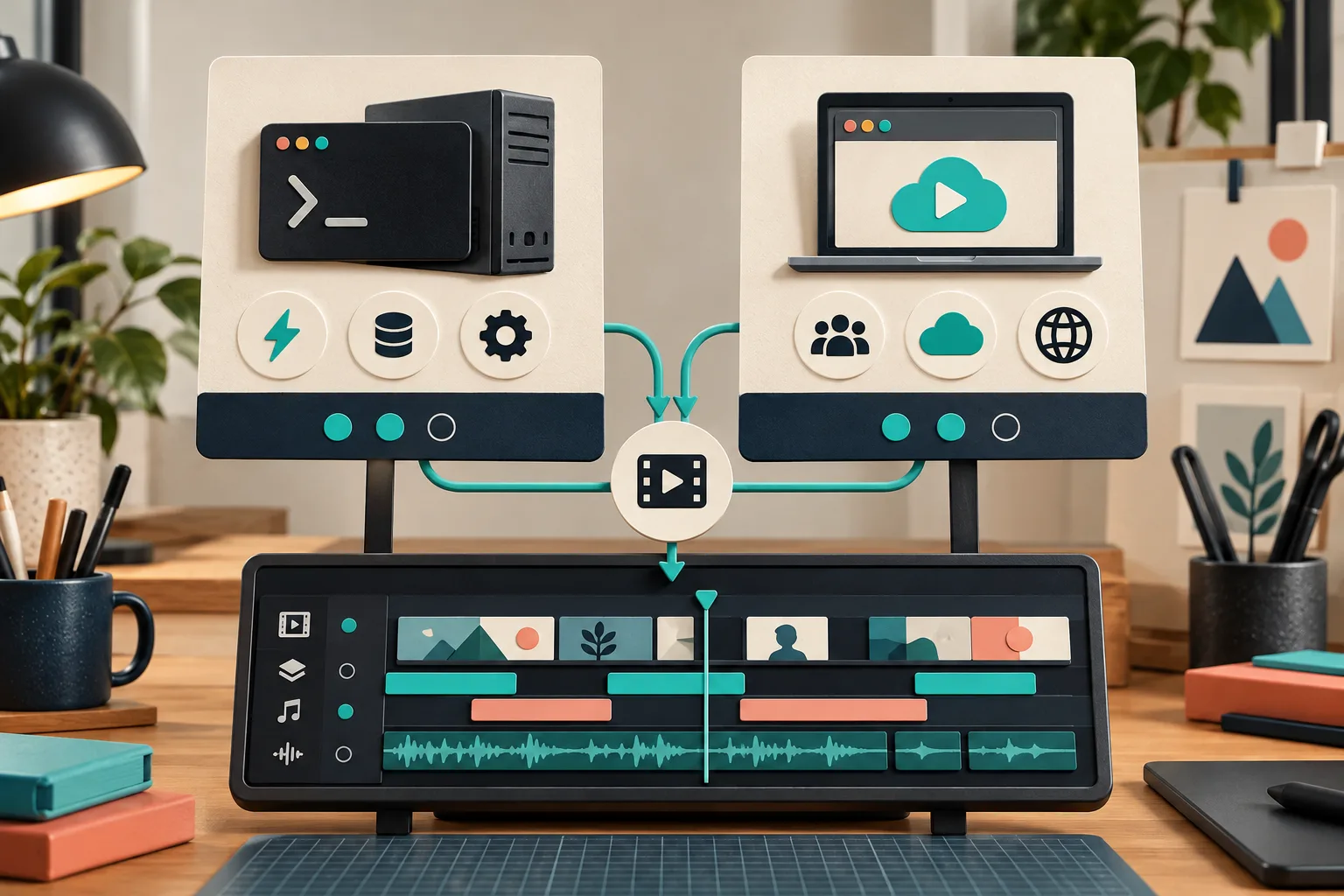
The decision table I use before I generate anything
| If this sounds like the job | Start with | Why |
|---|---|---|
| I already work in a terminal and want the project and renders under my control | CLI | Studio runs on my machine and leaves me with local project files. |
| A founder or marketer needs a first cut without local setup | Hosted | Paste the URL, let the browser workflow run the agent, then steer it in plain language. |
| I need predictable access under an existing coding-agent subscription | CLI | Studio currently advertises eight free renders and edits each month on the CLI, then unlimited use on paid plans; verify the current allowance before planning a campaign around it. |
| I need optional AI voice, image, or video generation | Either, budget first | The Studio page says optional AI media uses credits, so I put that in the production estimate rather than treating it as included. |
| A developer needs to author a custom video application in React | Consider a code-first tool | Remotion’s project flow is designed around scaffolding and coding a video project; that is a different job from URL-to-first-cut direction. |
This is not a quality ranking. It is a boundary check. The open-source VideoFlow engine is underneath Studio either way; Studio is the agent-led product layer for turning a website into a reviewed motion-graphics film.
What the CLI route buys me
The CLI is my default when the video belongs to an active product launch. I can start it with:
npx @videoflow/studio@latest
Then I give it the public launch URL and a narrow direction, not a pile of vague adjectives. A good first request names the audience, the one promise to carry through the film, and the action the viewer should take. For example:
Create a 30-second launch trailer for technical store operators.
Carry the 'catch rule conflicts before customers see them' idea through the film.
End with a product-page QA action, not a generic sign-up claim.
The practical advantage is not that a terminal magically makes a better film. It is that the project, render loop, and my surrounding launch files can live in the same working context. That is useful when the homepage changes midweek or the team needs a durable handoff. It is also why I first make a compact website evidence pack before generating a startup video: copied claims are not a video strategy.
What the hosted route buys me
Hosted Studio is the sensible choice when the blocker is setup, not creative judgment. I paste the URL, let the agent research the site and assemble the film, and use the browser editor to direct changes. Studio describes that route as credit-billed and says paid plans include a monthly credit allowance, so I confirm the live plan details before committing to a deadline.
I still supply a brief. A hosted workflow can remove local installation; it cannot decide which feature deserves the middle of the story. I use this minimum evidence pack before either route:
- One audience and one moment they are trying to improve.
- One product claim that is visible on the live site and safe to repeat.
- One proof item: a UI state, a product image, a workflow, or a measurable outcome with a source.
- One CTA and one thing the video must not imply.
- A short list of brand constraints: logo treatment, colors, type, and prohibited claims.

That last line prevents a common failure mode: a visually polished trailer that is already wrong when marketing reviews the copy. For a more detailed preflight, I use the same habit behind my launch-video decision sheet.
Keep the first render editable on purpose
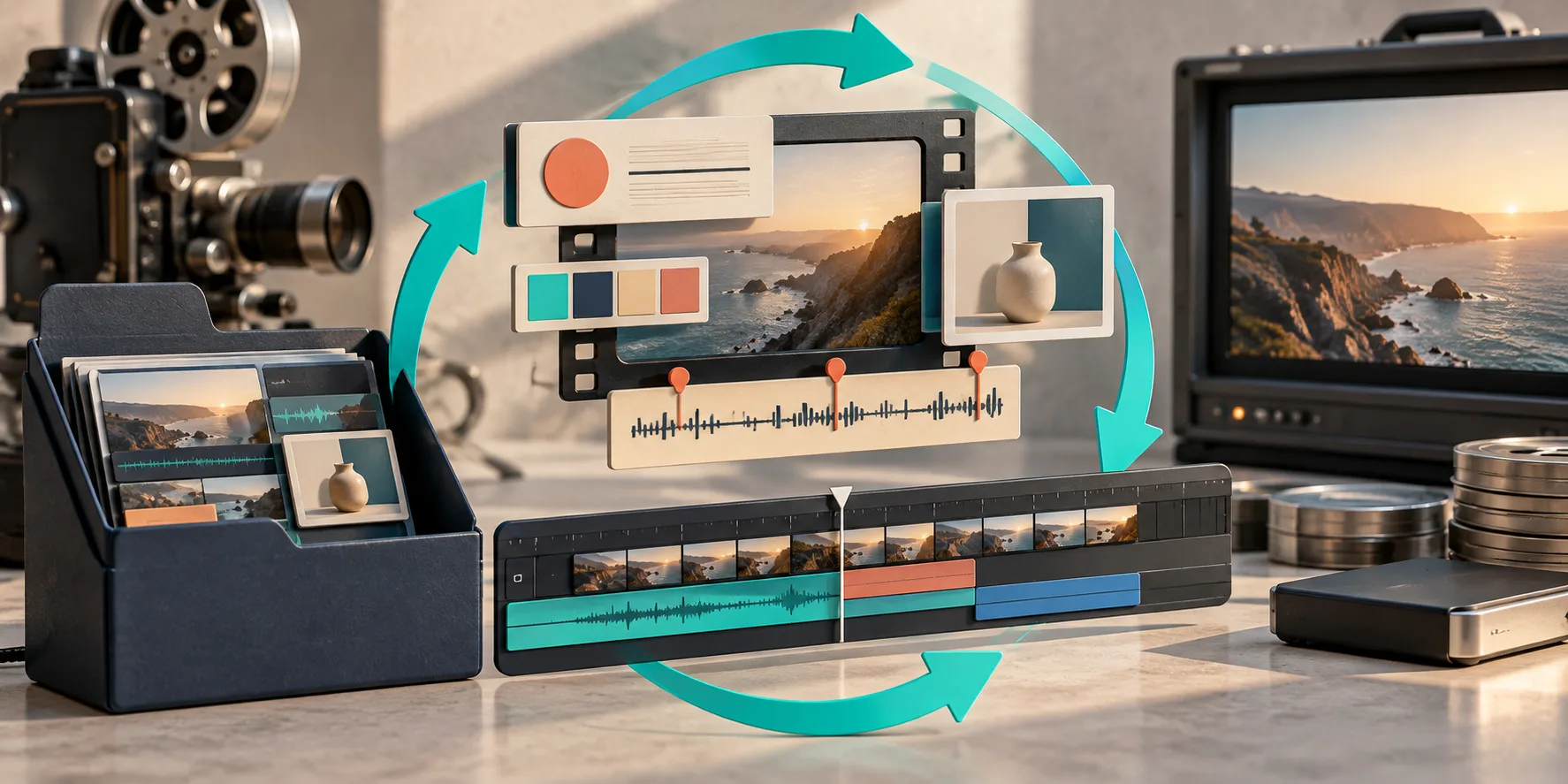
I treat the first render as an inspectable draft, whichever route created it. Studio says every film is a portable document rather than a locked render, with both natural-language changes and a built-in editor available. That changes the review request I send to a teammate. Instead of asking “looks good?”, I ask for scene-specific notes:
- Does the opening identify the product and audience before the visual momentum takes over?
- Is the feature shown in the right order to support the claim?
- Does any logo, headline, or CTA lose contrast at actual playback size?
- Is the end card long enough to act on?
This complements, rather than replaces, a final QA pass. I have written separately about keeping a startup video accurate when the product changes and adding a review gate to a launch-video workflow. The important bit here is ownership: keep one source project and send revision notes against what viewers actually see.
My rule of thumb
Choose the CLI when you want local control, already have a compatible coding-agent subscription, and expect the film to change alongside the product. Choose hosted when you need to get from URL to a collaborative first cut without managing a local environment. In either case, reserve enough time for review and revision; neither path turns an unverified website into a reliable message by itself.
My next action is simple: open VideoFlow Studio, choose the route that matches the launch team, and prepare the five-line evidence pack before pressing generate.