
October 29, 2026
How I Keep a Startup Video Accurate When the Product Changes
A practical workflow for updating a startup launch video when the product shifts between planning and export.

I had a launch video in good shape when the product changed underneath it. A navigation label moved, the screenshot in the middle scene was now wrong, and the final CTA promised a flow we had just simplified. The familiar bad option was to ignore it because the render already looked polished. The slower-but-safer option was to reopen the whole creative project and start over.
I wanted the third option: treat the video like a product artifact with a small, reviewable change set. That is the workflow I now use with VideoFlow Studio when a startup landing page is still moving. Studio is useful here because it starts from the product URL, creates a structured motion-graphics plan, renders it, and leaves an editable video document behind the render. It is not a substitute for product decisions; it is a way to make the video keep up with them without turning every copy tweak into a production restart.
The Small Source of Truth I Make Before Asking for a Video
The website is input, not truth. A landing page can have an old screenshot, a half-finished pricing sentence, or a feature section that exists mostly because nobody removed it yet. Before I run Studio, I make a short video contract with four fields:
- One audience problem: the job the viewer is trying to get done.
- One demonstrated product moment: the screen or interaction we can actually support today.
- Three claims with sources: each tied to a URL, a current screenshot, or a person who owns the statement.
- One CTA: the next action the video is allowed to ask for.
That looks fussy until the product changes on Thursday. Then I can see whether the change affects the story, a scene, a claim, or only a label. The distinction keeps “update the video” from becoming an invitation to rewrite the launch.
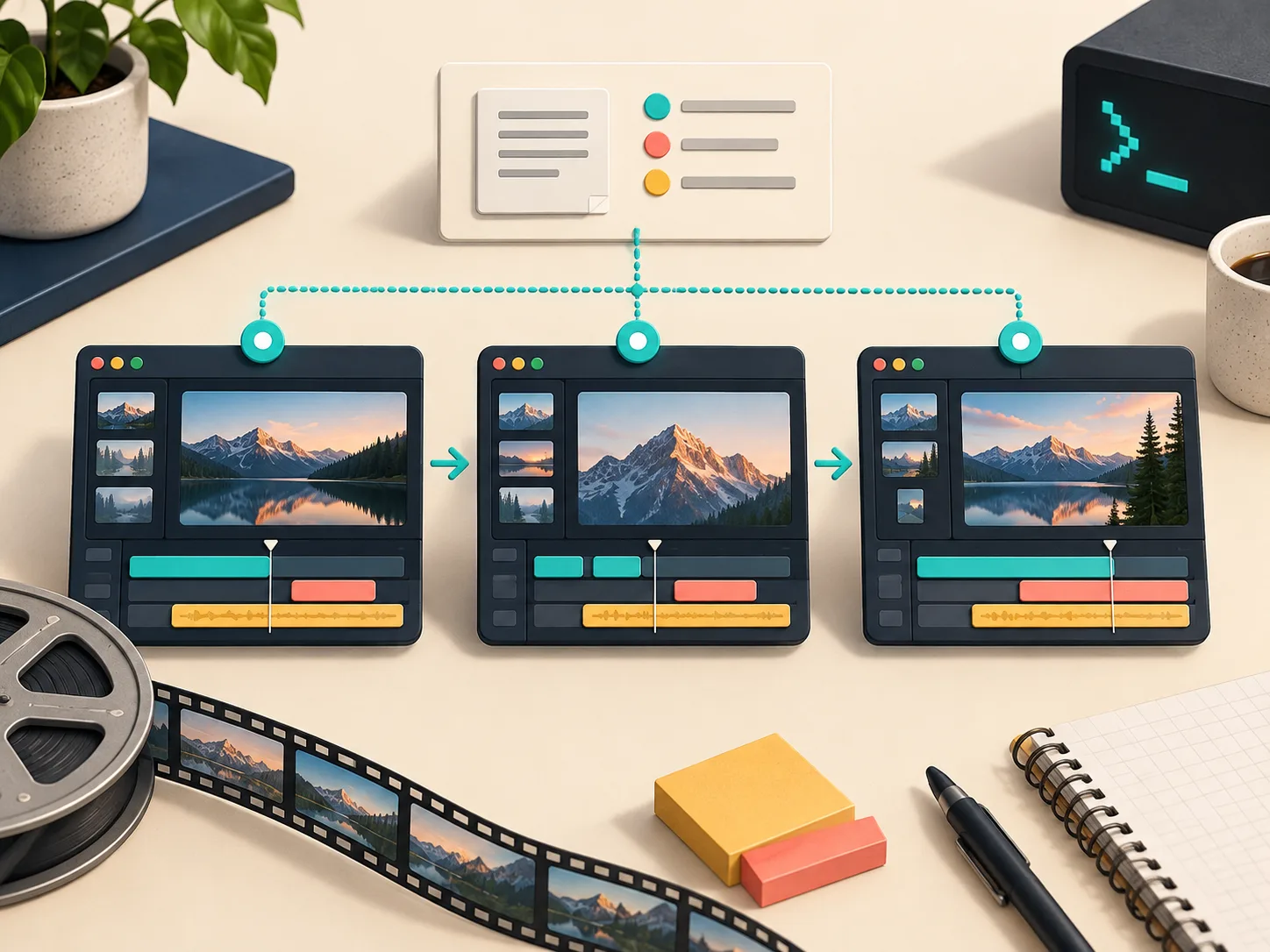
For example, if a settings panel is renamed, I update the visual reference and its scene note. If the promised outcome changes, I revisit the opening and the CTA. I do not casually change both because a button moved. This is the same sort of containment I use when I build a reviewable AI video pipeline with VideoJSON: define what is allowed to vary before the generated output makes it harder to reason about the work.
Turn the Contract Into a First Cut, Not a Final Claim
I use Studio from the terminal when I want the agent to turn the site and this short contract into the first motion-graphics cut. The product page documents the terminal-first starting point, including npx @videoflow/studio; I keep the instruction specific about the audience, product moment, claim boundaries, and CTA rather than writing a screenplay.
My request usually says something like: “Use the verified dashboard flow as the product moment. Do not invent integrations. Keep the feature name exactly as shown in the supplied reference. Make the final scene point only to the waitlist.” That gives the agent a job, not an excuse to fill an empty brief with speculation.
This is where Studio differs from treating a one-shot AI clip as the deliverable. It plans and builds structured motion graphics on top of the open-source VideoFlow engine, then lets me ask for revisions in plain language or make manual edits in its built-in editor. The render is a checkpoint. The editable document is the insurance policy.
If the website is the only source, I also keep a frozen copy of the relevant page and screenshots with the brief. I learned that habit from static-site work: when I scoped a Squarespace handoff with a testable static copy, the useful thing was not merely downloading files; it was preserving the evidence needed to validate the handoff later.
Review Rendered Frames Against the Current Product
A video can be technically rendered and still be wrong. I review frames at the points where the viewer has to believe us:
- Opening promise: Does the first claim match the current homepage and the actual customer problem?
- Product proof: Are the interface, labels, and sequence real enough that a user will recognize them after clicking through?
- Legibility: Are type, contrast, and motion safe at the intended social or landing-page size?
- End card: Does the CTA send someone to a live, consistent destination?

I write issues as observable changes: “Replace the old navigation label in scene three,” or “The end card says annual plan, but the current page says request access.” Vague feedback like “make it fresher” works poorly because it mixes taste, product facts, and animation choices into one untestable request.
Studio’s visual self-review matters here, but I still make the final call. The system can catch a contrast or alignment issue in an encoded frame; it cannot know that a founder decided to postpone a feature yesterday. Human product review is still the boundary between an attractive video and an accurate one.
Keep a Change Log Beside the Video
For a launch that lasts more than a day, I keep a tiny table next to the video source: change, affected scene, evidence link, owner, status. No elaborate production tool required. A Markdown file works.
2026-10-29 | renamed onboarding step | scene 03 | current product capture | updated
2026-10-29 | CTA changed to waitlist | end card | homepage | updated
The log pays off when someone asks why the social cut and the landing-page loop differ. More importantly, it tells me when a request is actually a new video instead of a revision. A new audience, new product narrative, or new CTA is a new job. A renamed control is not.
That boundary is why I would not automatically reach for a code-first framework for this stage. A framework such as Remotion is excellent when a developer wants to author reusable video behavior in React. I use Studio when the immediate job is getting a reviewable, URL-informed startup trailer into shape without first designing a video application.
Deliver the Editable Source With the Render
The final handoff is not just an MP4. I send the exported video, the editable Studio/VideoFlow document, the source screenshots or URLs, the brief, and the small change log. It takes a few extra minutes and prevents the next update from becoming a forensic exercise.
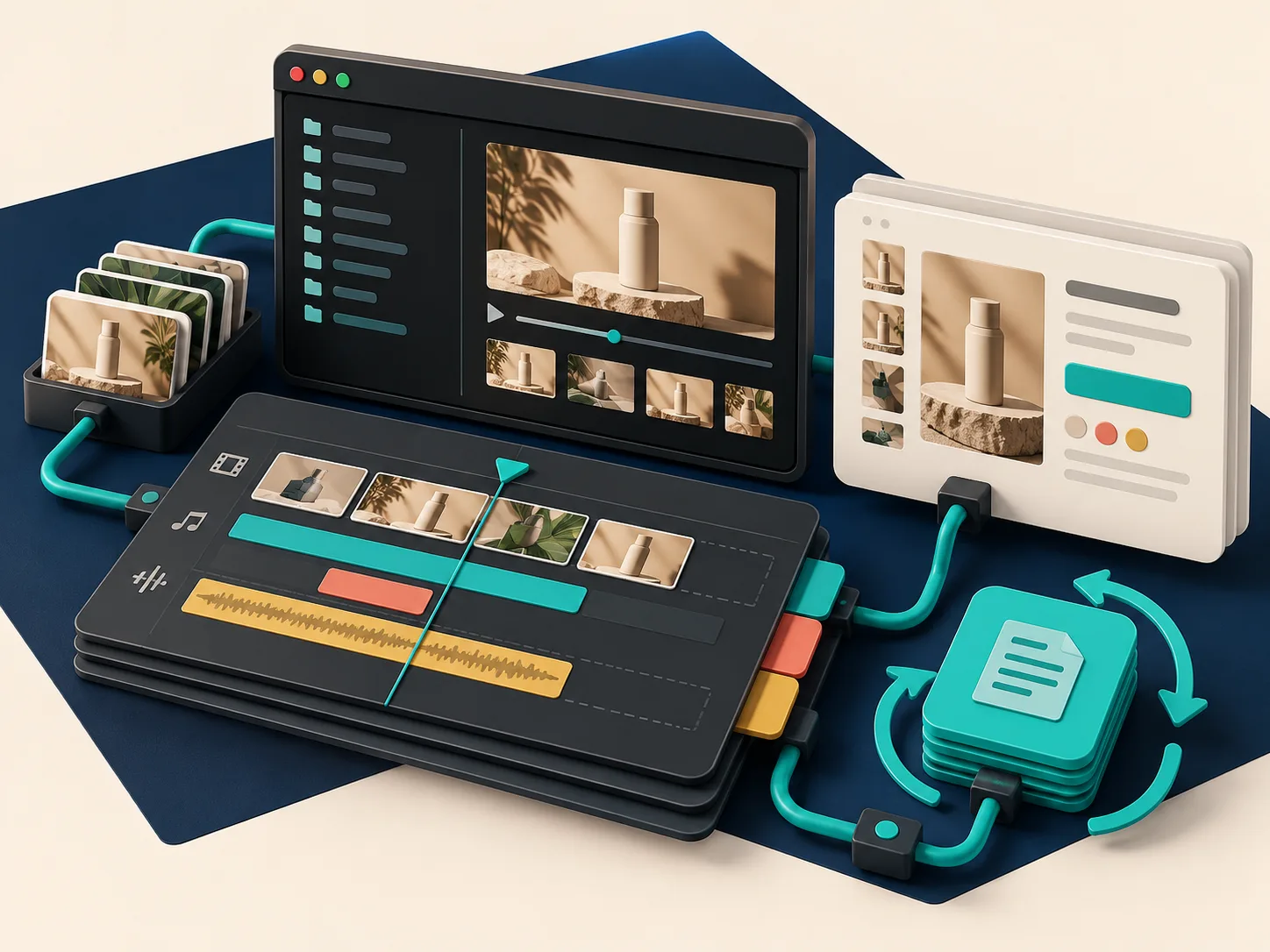
That is the practical advantage of an agent-driven structured workflow: revisions have somewhere to land. You can give Studio a website URL, direct the next change from your terminal, inspect the updated result, and still retain the layers, timing, colors, and text for manual control. It is a better fit for a moving SaaS launch than treating every export as a sealed file.
If you are making a launch video this week, start with the four-field contract before you generate anything. Then try VideoFlow Studio with one verified product moment and one narrow CTA. You will know very quickly whether the video is telling the truth—and, when the product moves again, exactly what needs to change.