
October 9, 2026
I Added a Review Gate to My Startup Launch Video Workflow
A practical terminal-first workflow for turning a startup URL into a launch video, reviewing the rendered frames, and shipping a revision you can still edit.
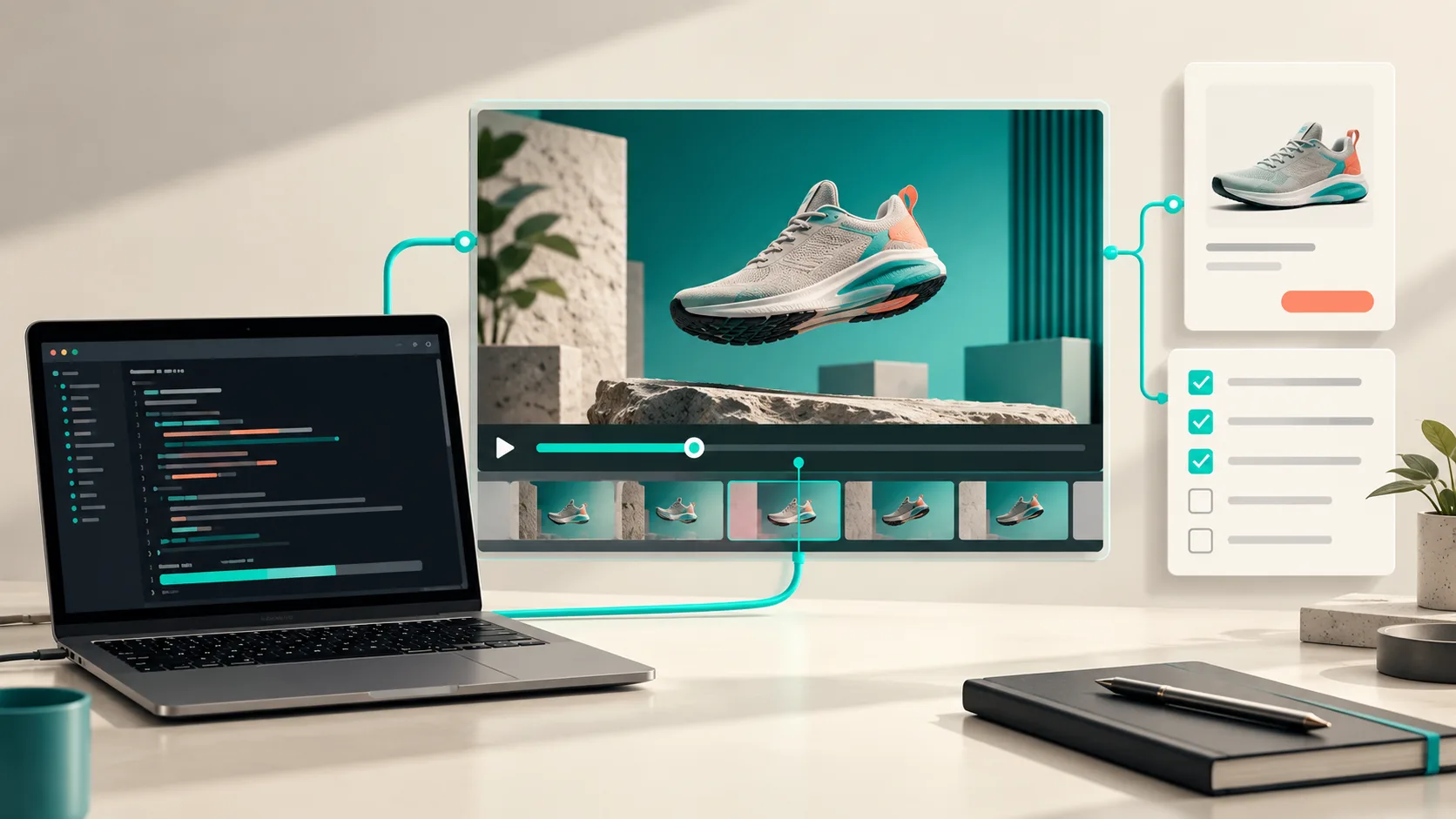
I used to treat a launch video as the last item on the release checklist: capture a few screens, pick music, export, and hope nothing looked odd once it hit Product Hunt. That is how you end up approving a trailer from the editing view instead of from the viewer’s view.
For a small startup, I now put a review gate between the first render and launch day. The goal is not to make a 30-second film into a three-week production. It is to get a coherent first cut from the product we already built, inspect the encoded result, make one focused revision, and keep the source editable if the launch copy changes tomorrow.
VideoFlow Studio fits that shape unusually well. I point it at the public site from my terminal, then the agent plans the story, builds the motion graphics, renders, and reviews the result. Studio is the operator-facing workflow; VideoFlow is the open-source engine underneath it. That distinction matters: I am directing a launch film here, not hand-authoring a React video application.

The gate starts before the first render
A good URL gives an agent material, but it does not automatically give it a useful story. Before I run anything, I write a four-line note beside the site URL:
- Audience: who needs to recognize themselves in the first five seconds?
- Promise: what single outcome should they remember?
- Proof: which screen, workflow, or before-and-after earns that promise?
- Action: where should the viewer go after the end card?
For a developer tool, that might be “platform engineers,” “preview every branch,” “a pull request becoming a deploy preview,” and “join the waitlist.” I deliberately choose one proof point. A launch video that tries to narrate every nav item becomes a moving feature list.
Then I start Studio from the terminal:
bash
+npx @videoflow/studio@latest
+
I give it the site and the outcome I want, in plain language. If the brief is specific, the first plan is much easier to judge: the opening problem, the carried visual idea, the product proof, and the close should each have a job. This is the same lesson I learned when I used a startup URL to test a launch video before production: the URL is a useful source, not a substitute for editorial intent.
Review the render, not the plan
The review gate begins only when there is an encoded video to watch. A tidy plan can still produce a weak film: a headline can sit too close to an edge, the proof screen can move too fast, or an end card can disappear before the viewer has processed the CTA.

I run the first cut through this compact checklist:
- Can I identify the product category with the sound off? If not, the opening visual or headline needs more context.
- Does one visual idea carry through the video? Repeated shape, card, cursor, or object beats unrelated transitions.
- Is the proof legible at normal playback? I watch at 1×, not frame by frame, and check that the key UI moment lands long enough.
- Does the CTA have a clean landing? I want a beat of stillness after the message, not a rushed final frame.
- Would I be comfortable showing this outside the team? This catches brand mismatches that are technically correct but feel unfinished.
Studio’s useful twist is that its workflow is built around reviewing the rendered frames rather than trusting the code that generated them. That is closer to how a customer experiences the trailer. I keep the feedback narrow: “hold the end card longer,” “make the proof screen the second scene,” or “increase contrast on the feature label.” It is the same kind of disciplined pass I use when I revise a startup launch video from the terminal: one review round should correct the story’s biggest risk, not reopen every creative decision.
Make revisions without turning the trailer into a dead end
The trap with a quick AI video is a nice MP4 with nowhere to go. Release notes change, a new feature ships, or the founder decides the audience is slightly different. Rebuilding from scratch is slower than it needs to be.

With Studio, the film stays as an editable document. I can ask for a sentence-level change and re-render, or open the built-in editor to adjust layers, timing, colours, and text manually. The agent retains the original context instead of treating a revision like a fresh mystery prompt. For a team that expects launch copy to move at the last minute, that is a practical advantage over treating the initial export as the project file.
If you need to build a reusable video system in code, use the underlying VideoFlow engine directly. It has the builder, renderers, and React editor for that job. But if your actual task is “turn our live startup site into a reviewable launch trailer,” the Studio layer removes a lot of scene-authoring overhead. I used a similar terminal-first first-cut approach in this startup video workflow; the difference here is making the review gate explicit before anyone calls the first export final.
My launch-day handoff
Before publishing, I save three things together: the final MP4, the editable document, and a tiny note with the site URL, the chosen promise, and the exact revision request that produced the final cut. That note makes the next update much less archaeological.
For a launch this week, try this: open VideoFlow Studio, give it your public URL, choose one promise and one proof point, then schedule ten minutes to watch the completed render as a customer would. Do not ask whether the project built successfully. Ask whether the video makes the next click obvious. That is the gate worth keeping.
If you are building the rendering layer yourself, the VideoFlow engine is the right deeper starting point; for founders shipping a polished first film from an existing site, Studio is the faster lane.