
October 6, 2026
How I Use a Startup URL to Test a Launch Video Before Production
A practical workflow for turning a startup URL into a reviewable launch-video first cut before committing to a bigger production.
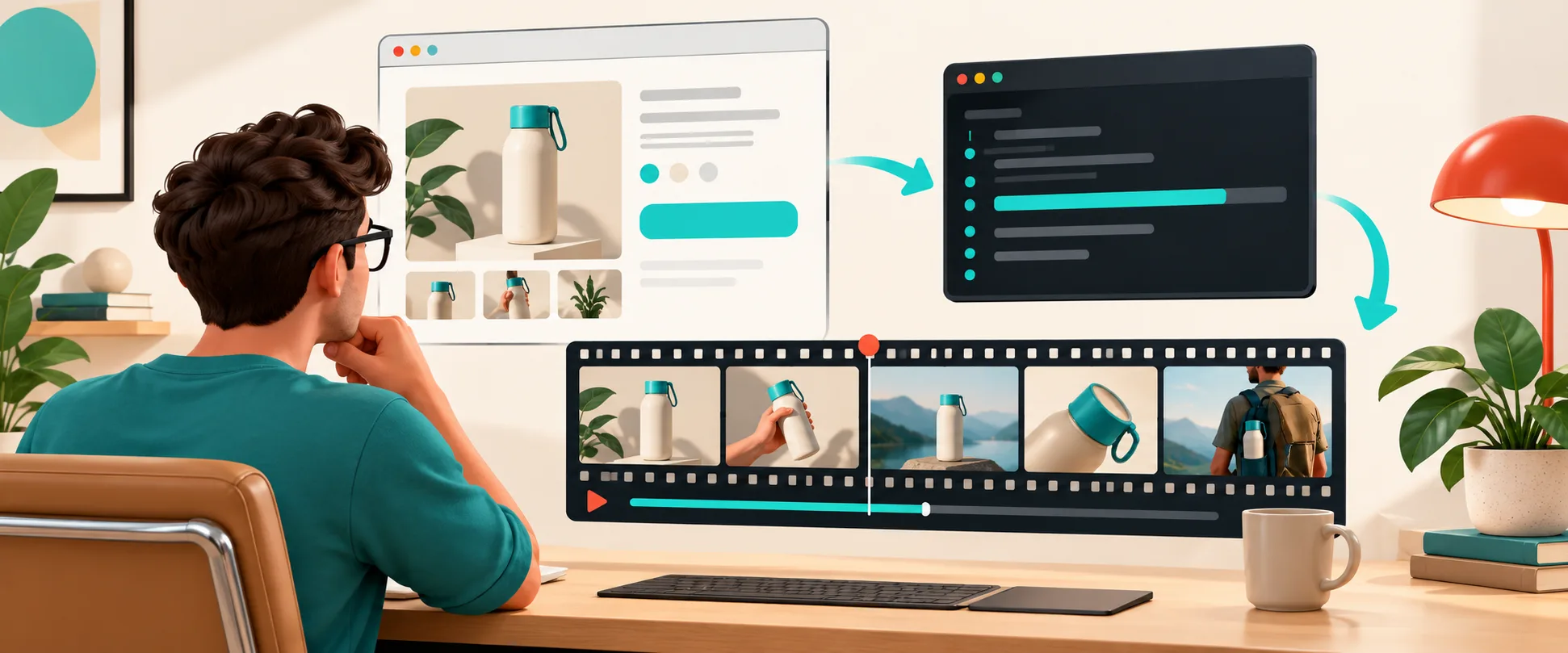
A launch video is easy to postpone because the usual next step feels expensive: book a production slot, write a proper brief, collect screenshots, get everyone to agree on the message, and hope the first cut has the right energy. I still do that when a campaign needs a real shoot or a heavily art-directed film. But before I commit, I want to know whether the story actually holds together.
That is where I now use a startup URL as a testable first brief. With VideoFlow Studio, I can hand the product page to an agent from my terminal, ask for a motion-graphics launch video, then review and revise an editable first cut. It is not a substitute for every production. It is a fast way to decide what deserves production budget.
The eight title directions I considered
Before writing this build note, I pressure-tested eight angles: “How I Use a Startup URL to Test a Launch Video Before Production”; “Startup Trailer Video: A Practical Website-to-First-Cut Workflow”; “How to Make a SaaS Explainer Video From a URL Before Hiring a Crew”; “The Editable Alternative to a One-Shot AI Startup Video”; “How I Validate a Product Video Story Before a Full Production Budget”; “Agentic Video Creation Versus Template Tools for Early Launch Tests”; “How to Turn a Product Page Into a Motion-Graphics Video Brief”; and “When a Startup URL Is Enough to Start a Launch Trailer.” I chose the first because it answers the budget question without pretending an automated first cut is the finished campaign.
Start with a narrative inventory, not the whole homepage
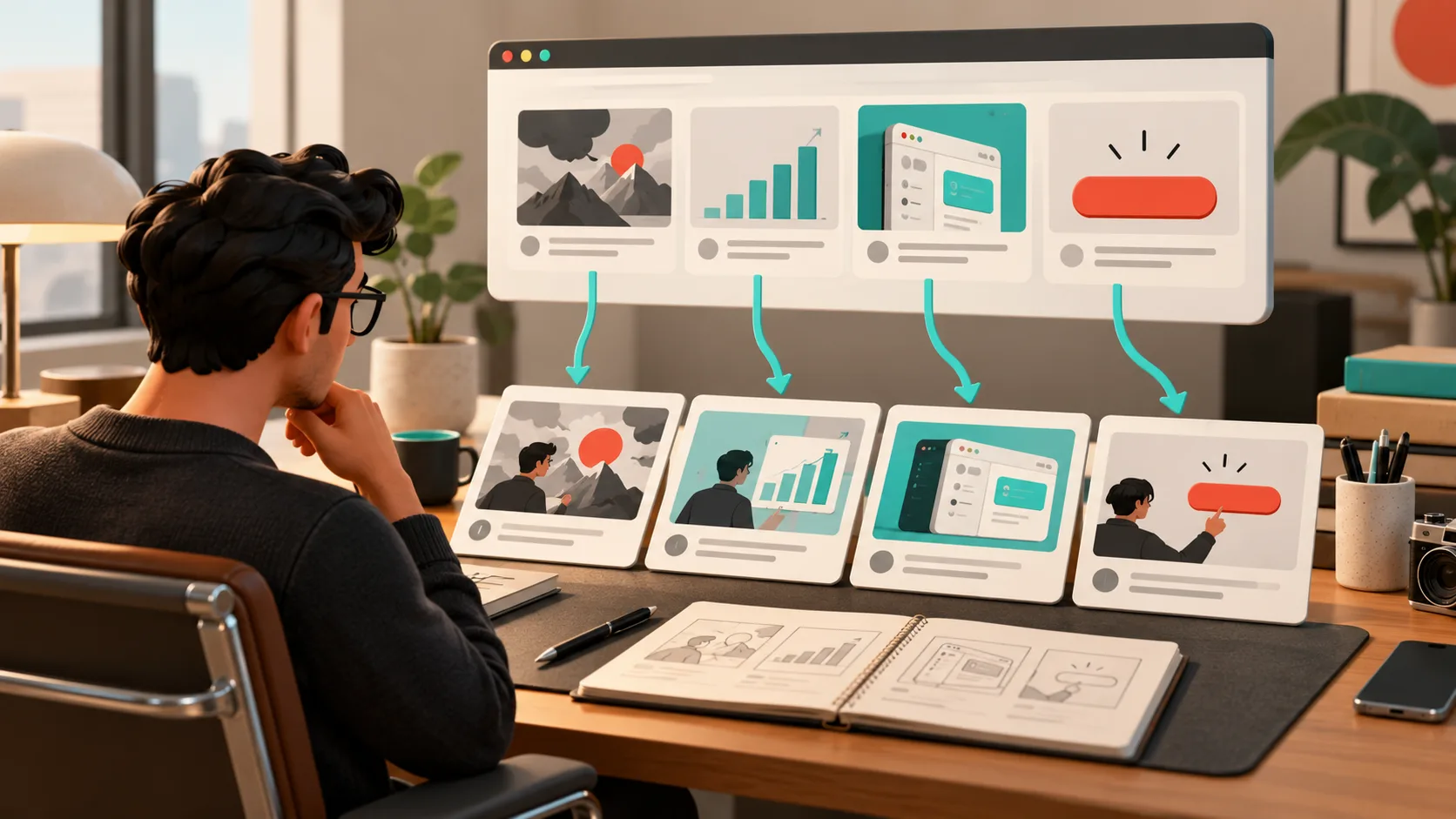
The URL is input, not the entire creative strategy. Before I run anything, I pull four things out of the page: the customer problem, the visible product action, the proof point, and the next action. If I cannot point to those four things, a video will only hide the problem under motion.
For a SaaS launch, my scratchpad normally looks like this:
Problem: teams lose a day stitching this work together
Product action: paste a URL, generate a structured first cut
Proof: frames can be inspected and revised before delivery
CTA: try the workflow on the launch page
That small inventory also makes feedback far cheaper. It is the same principle behind the reviewable launch-video workflow I used for a startup site: decide what the viewer must understand before discussing transitions or music.
Use the URL to make a hypothesis, then inspect the first cut
I run Studio from the terminal with npx @videoflow/studio, give it the URL, and state the job in plain language: make a short launch video for founders, lead with the operational pain, show the product action quickly, and end on the CTA. Studio reads the page, creates a structured plan, and builds the motion-graphics film on the open-source VideoFlow engine.
The useful part is not that I get a file quickly. The useful part is that there is a real, editable video document behind the render. I can ask for a sharper opening, change an end card, or open the built-in editor and adjust layers, timing, colors, or text without restarting from zero. That is why I treat it differently from a one-shot generator; the same editable-first-cut idea is what helped me keep a launch video changeable after the first cut.
Review frames like a product surface
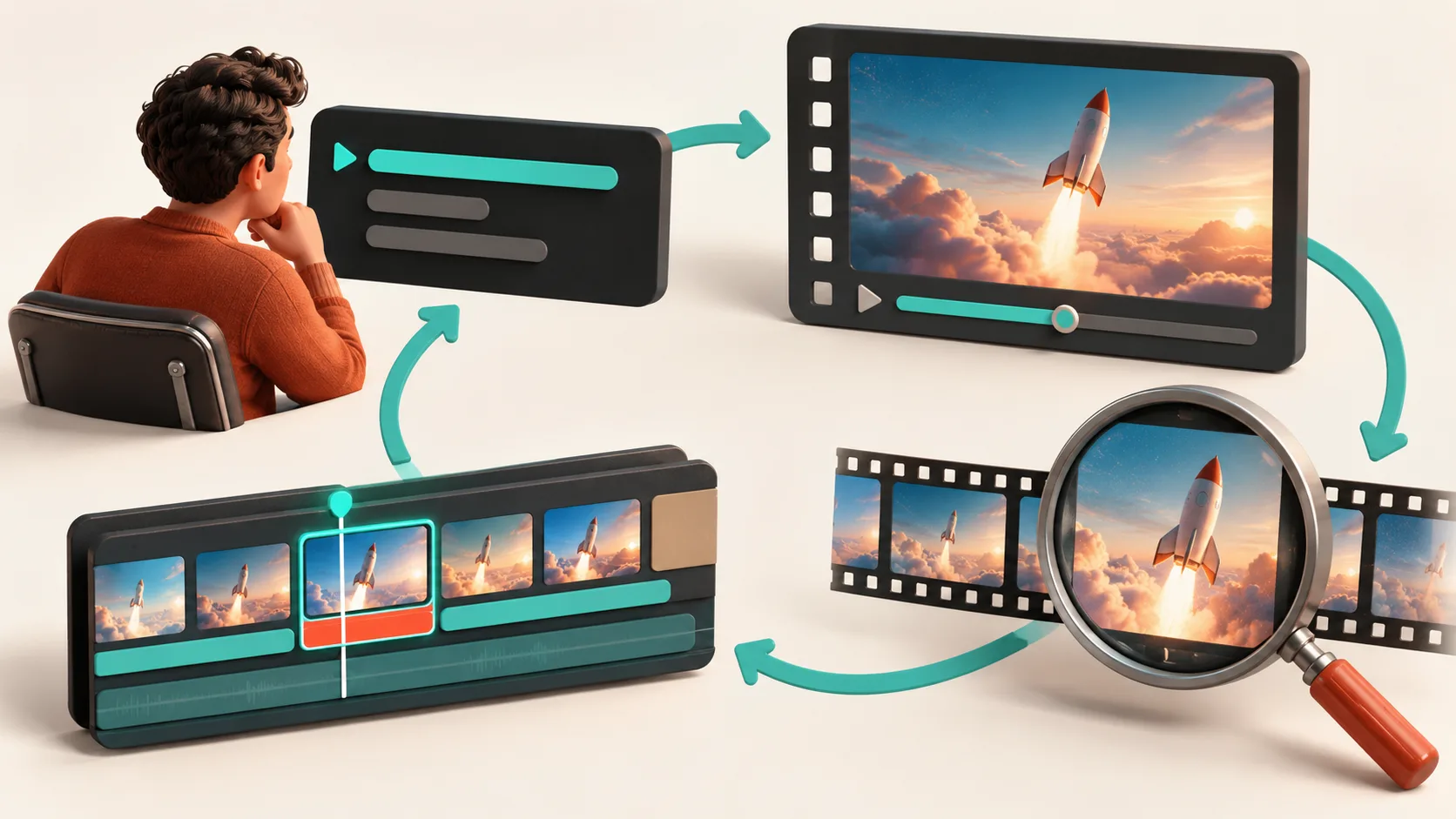
A render that technically completes is not automatically usable. I look for three boring-but-important failures: the logo is too small to read, the product claim lands too late, or a frame has alignment and contrast problems when viewed at normal size. Studio is designed to inspect rendered frames, detect visual issues, fix them, and re-render. I still make the final call, especially on brand voice and factual claims.
My review pass has four checkpoints:
- Can a viewer explain the problem in the first few seconds?
- Does the product action look specific rather than like a generic AI montage?
- Is every on-screen claim supported by the page or release notes?
- Does the CTA match the destination I am actually sending people to?
That keeps the work connected to a broader launch system. For example, when I need a product-level test rather than a company story, I first create the concise source material described in my product-page-to-UGC explainer workflow.
Know what this approach is and is not for
A URL-to-video first cut is a strong fit when you are testing a launch narrative, preparing a demo, or giving an agency a concrete direction. It is not the right answer for a brand campaign that depends on original live action, licensed talent, complex 3D, or a creative concept that the site does not communicate. In those cases, I still use the first cut as a decision artifact: it exposes missing proof, vague positioning, and weak calls to action before the expensive work begins.
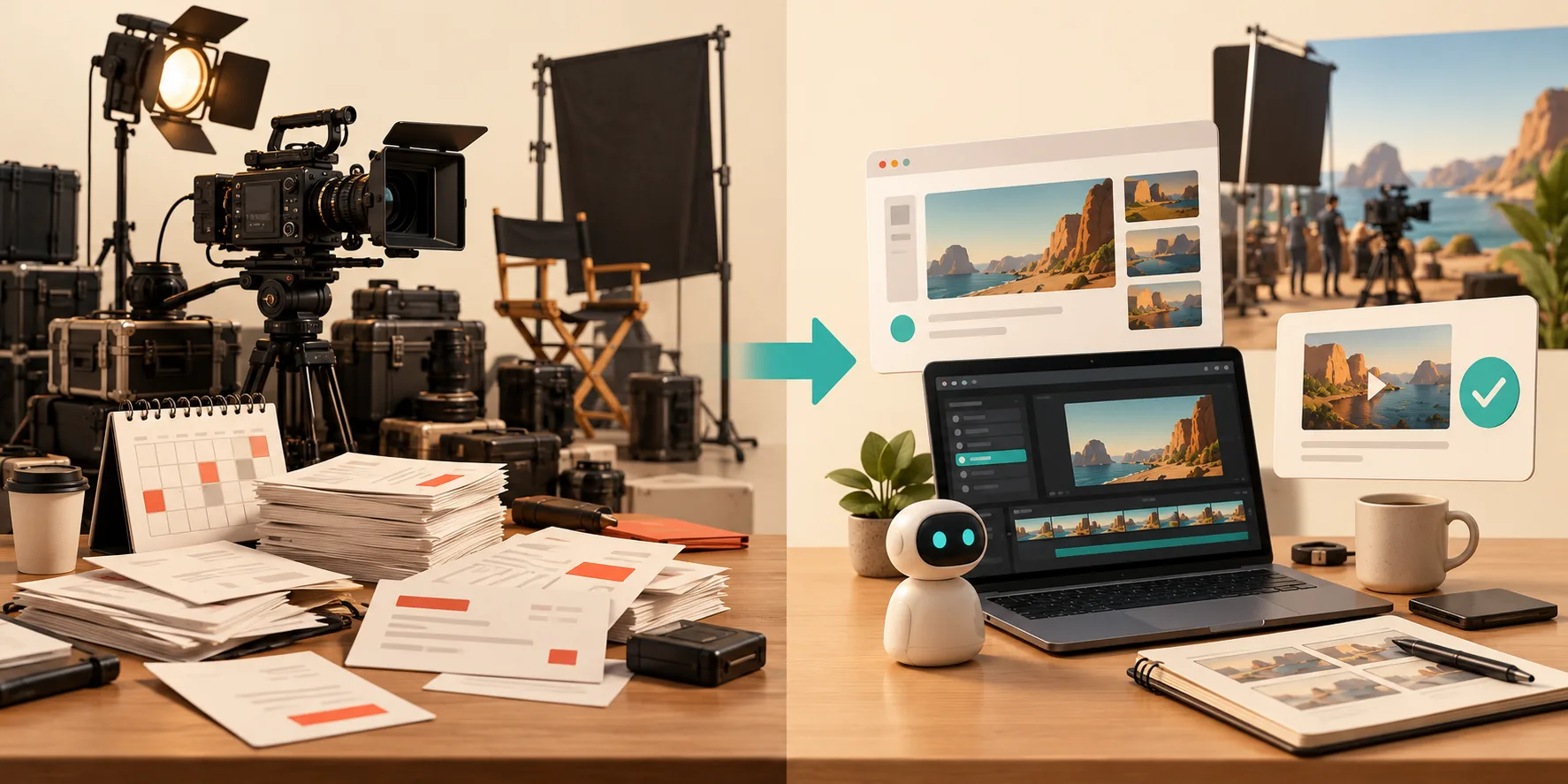
If you are evaluating code-first options, the boundary matters there too. A framework such as Remotion makes sense when a developer needs to author a video application in React. Studio is aimed at the different job: an operator or founder who needs a reviewable motion-graphics first cut from a URL, with a terminal-first agent workflow and an editor available for follow-up changes.
My next action before I spend more
Open your current launch page and write the four-line narrative inventory. Then run VideoFlow Studio against that URL and ask for one 30-second first cut. Do not judge it as the final campaign; judge it on whether it gives your team a specific story to approve, correct, or fund. That is a much cheaper decision than discovering the story problem after production is already underway.