
September 24, 2026
I Turn a Startup Website Into an Editable Launch Video
A practical URL-to-video workflow for founders who need a reviewable, editable motion-graphics launch film.

A launch video used to be the line item I postponed until the landing page was already live. I could brief an editor, wait, revise through a spreadsheet, and hope the final cut still matched the product. Or I could try a one-shot AI clip and get something fast but oddly fragile: a nearly-right logo, text I could not fix, and no honest path from feedback to a usable second cut.
That gap is why I have been testing VideoFlow Studio for startup launch work. It is not a template library and it is not a magic publish button. I give it a website URL from my terminal, ask for the motion-graphics job I actually need, then review and revise a real editable video document. The workflow fits especially well when the site is already the closest thing I have to a launch brief.
The deliverable is a decision, not just an MP4
Before I generate anything, I write down the single decision the video should help a visitor make. For a new SaaS feature, that might be: “I understand the before-and-after in 30 seconds, and I know where to try it.” For an ecommerce tool, it may be: “This solves the merchandising bottleneck I keep putting off.”
That keeps me from repeating the mistake I described in my launch-video approval workflow: reviewing vibes instead of reviewing a concrete job. I collect the URL, the audience, one proof point I can stand behind, the placement, and the next action. If I cannot state those five things, a prettier animation will not rescue the launch.
Then I start Studio from the terminal:
npx @videoflow/studio
The useful part is that I can point it at the product page and direct it in plain language. Studio reads the product, category, brand, and narrative angle, develops a structured plan, and creates the motion-graphics film. I still treat its first pass as a proposal. My prompt is short but specific: audience, placement, runtime, the product change worth showing, and what must not be claimed.
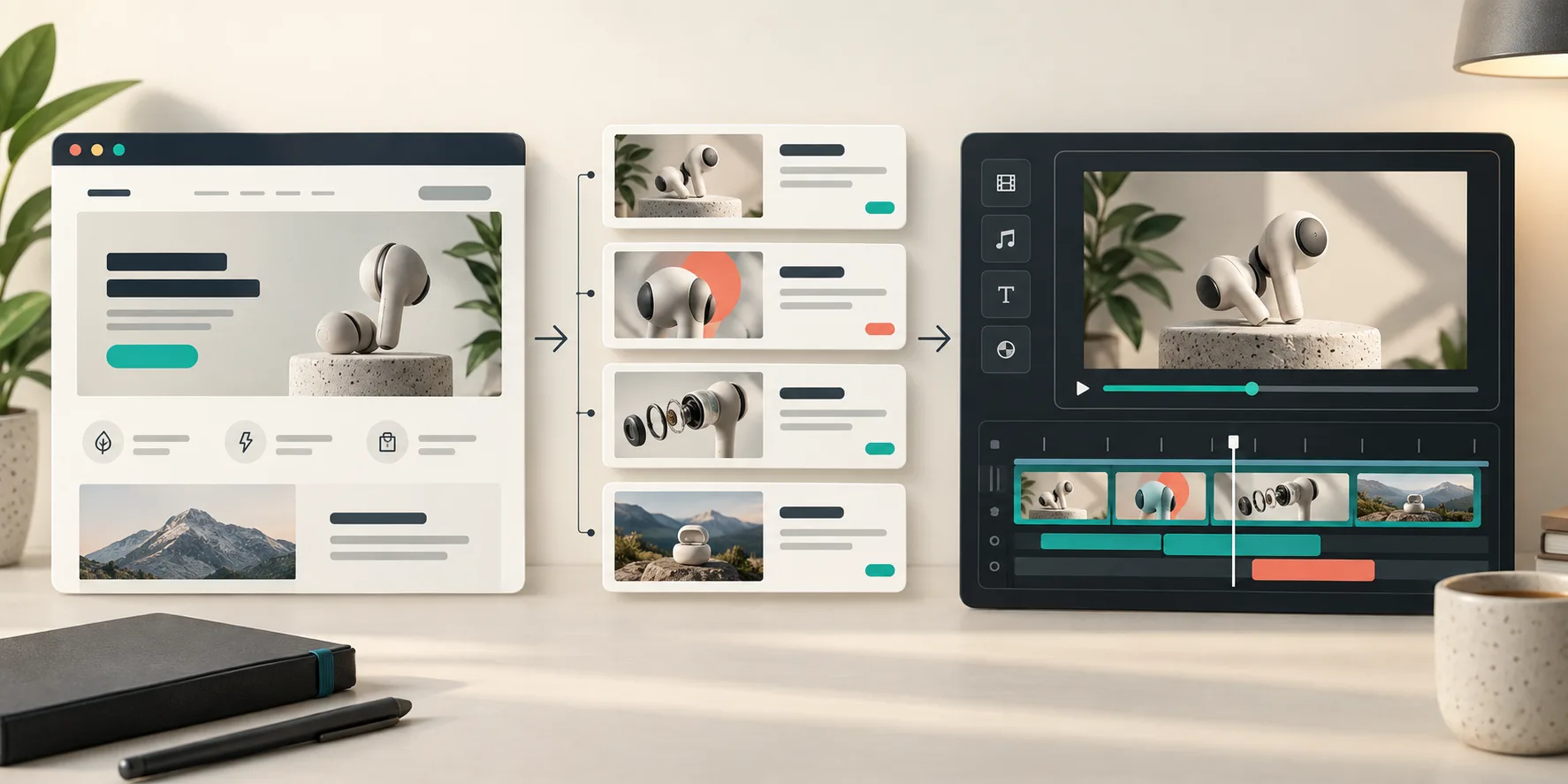
Build the first cut from the page I already maintain
A URL is not the whole brief, but it is a remarkably good starting point. It carries real brand colors, product language, screenshots, and the order in which a visitor learns the story. That is why this approach has felt more grounded than beginning with an empty template.
I ask for a plan before treating the render as final. I want to see a simple arc: problem, product moment, proof, and CTA. If a scene does not pull its weight, I cut it before I spend time polishing transitions. The same principle helped when I turned customer research into a SaaS launch brief: the source material needs a narrative order, not just more words.
Studio is built on the open-source VideoFlow engine, whose underlying video representation is structured and portable rather than a locked binary. That distinction matters to me. A startup launch changes constantly. If the pricing copy moves, the end card needs a new CTA, or a product screenshot is replaced, I need an edit path—not an argument for living with an old render.
Review the frames like a product surface
The most valuable habit here is unglamorous: I inspect the rendered frames. I look for contrast, line breaks, alignment, pacing, small visual collisions, and whether the product story survives on a small screen. Studio is designed to review encoded frames, detect visual issues, and re-render corrections before delivery; I still make the final call, because it is my brand and my claim.
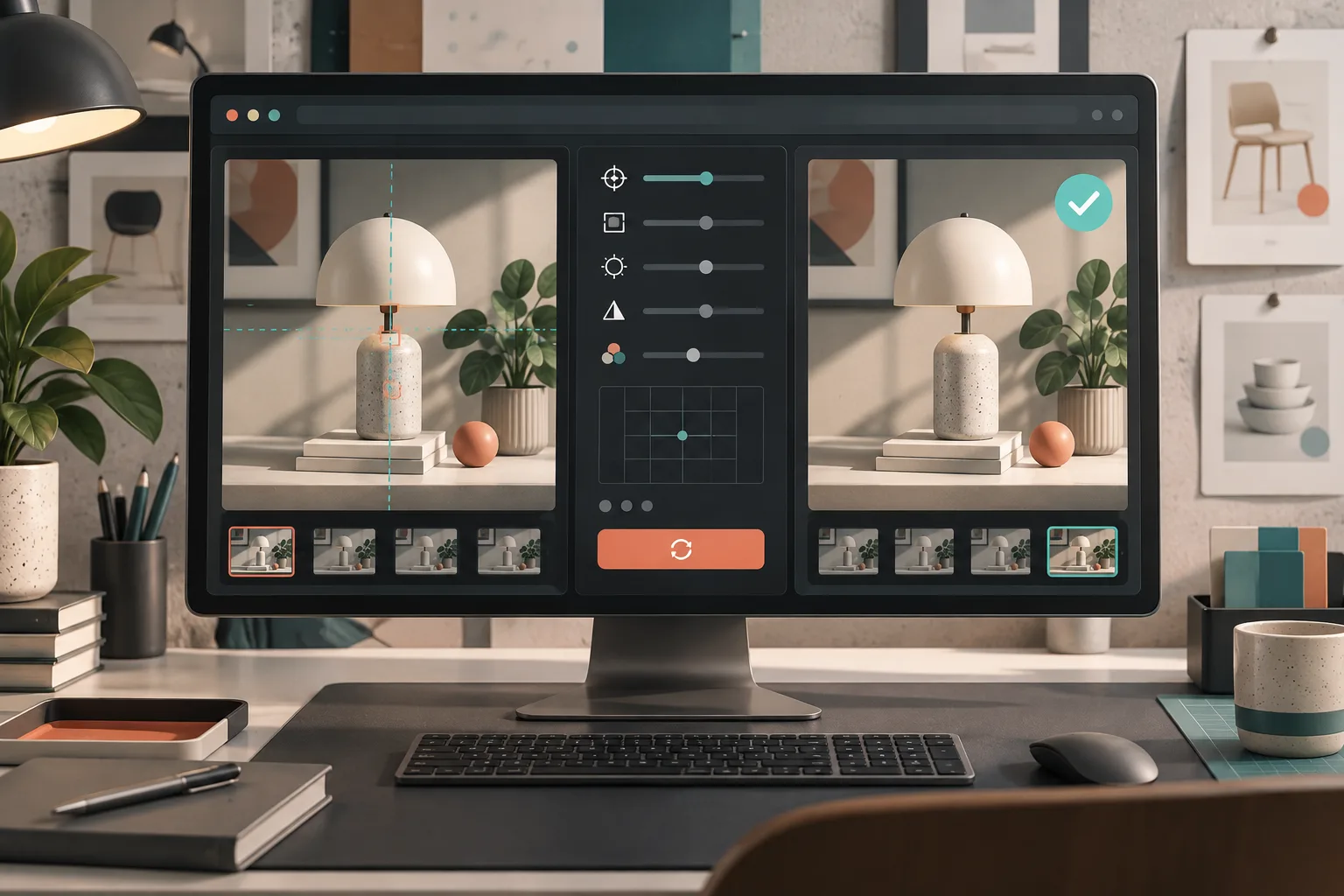
That review is not optional just because the generator is smart. A launch video can be technically rendered and still be wrong for a page: the value proposition arrives too late, the demo moves too quickly, or the CTA gets visually buried. I use the same four checkpoints I would use for any campaign asset: correct promise, legible product evidence, recognizable brand treatment, and an obvious next action.
For a broader checklist, this pre-final-render approval guide is the one I keep nearby. It prevents the “looks good, ship it” review that later turns into a re-export at 11 p.m.
Keep the escape hatch open
The other reason I prefer an editable output is that feedback arrives after the first cut. A founder says, “Make the product moment earlier.” A marketer wants a calmer final frame. An agency client replaces a headline. With Studio, I can request a revision in a sentence or use the built-in editor to adjust layers, timing, colors, and text without throwing away the agent context.
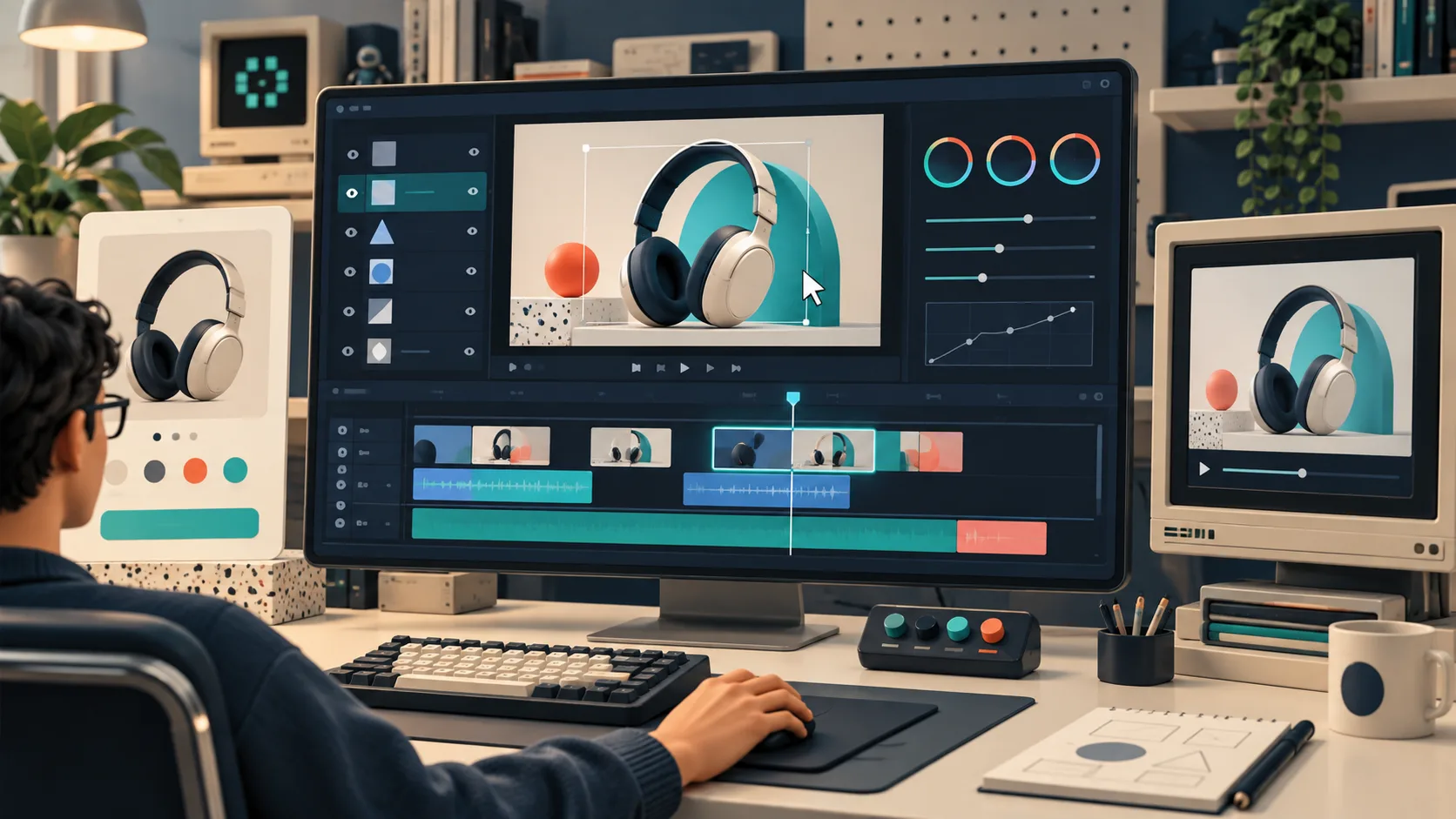
This is where Studio differs from treating AI video as a disposable clip generator. The agent-driven workflow is for a founder or operator who needs a designed, reviewable motion-graphics video from a URL. Developers who want to author a video application in React still have a different job; the open-source VideoFlow project is there for code-first work. I use Studio when I need the first cut to move quickly without surrendering the right to change it.
If your team is still deciding whether the website can carry the story, start smaller than a full campaign. Make one product-page or waitlist cut, put it in front of a few people, and revise the confusing scene first. That is the practical extension of using a URL as a SaaS release-video brief: let the existing page provide the material, then make the narrative decisions visible.
My next step
Open VideoFlow Studio, choose one page with a clear product promise, and write a five-line brief before you run it: audience, placement, problem, proof, CTA. Generate the plan, not just the render. When the first cut arrives, review it like a product surface and change the scene that fails the brief. That is how a startup URL becomes a launch video I can actually keep using.