
September 25, 2026
I Turned a Product-Page Question Into a 30-Second Shopify UGC Explainer
A practical workflow for turning one recurring shopper question into a focused Shopify UGC product video.
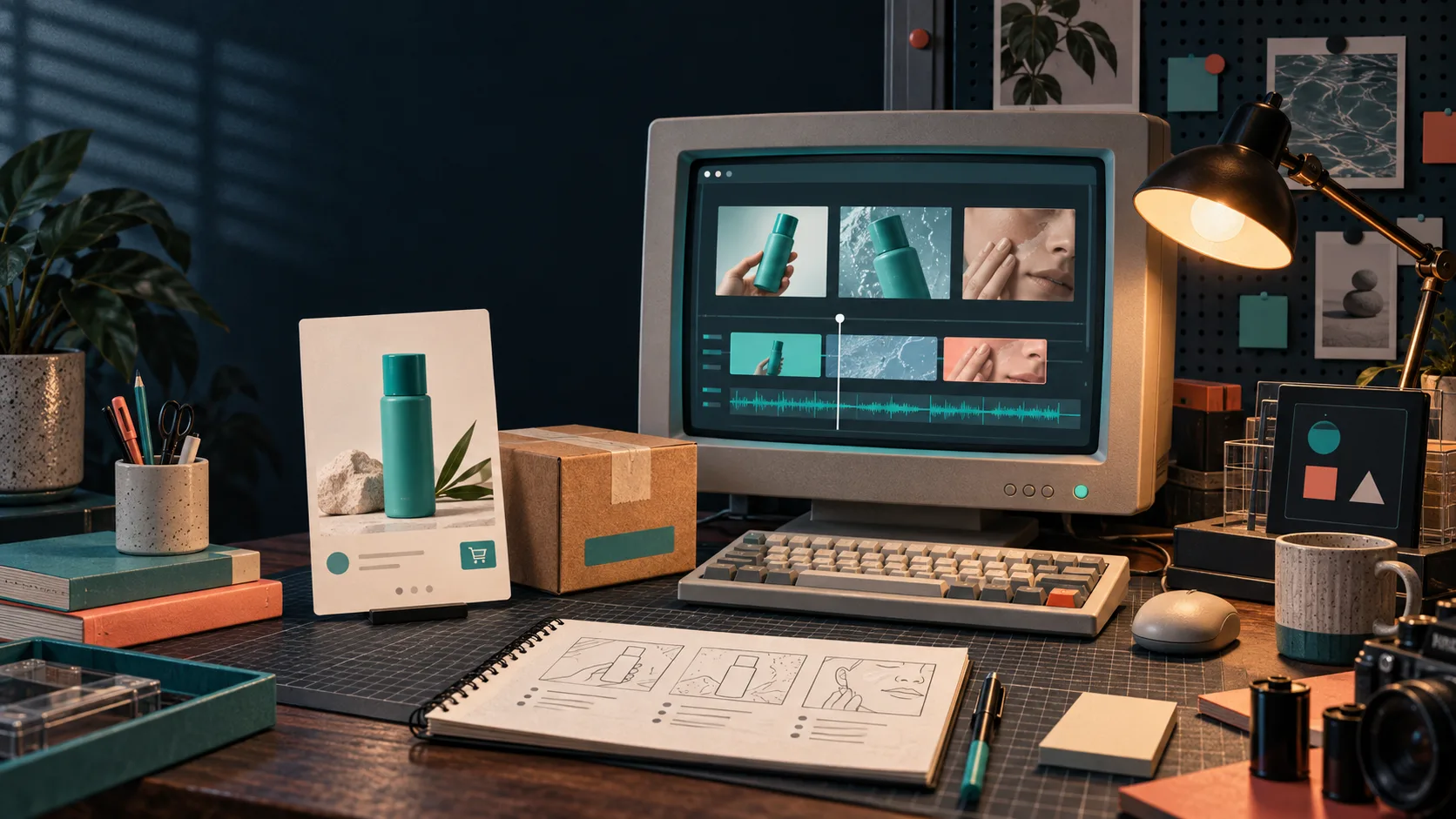
My product pages kept collecting the same question in slightly different clothes: Will this actually work for me? A size chart, ingredient list, or spec table might contain the answer, but a shopper has to stop, interpret, and imagine the result. That is a lot to ask on a phone.
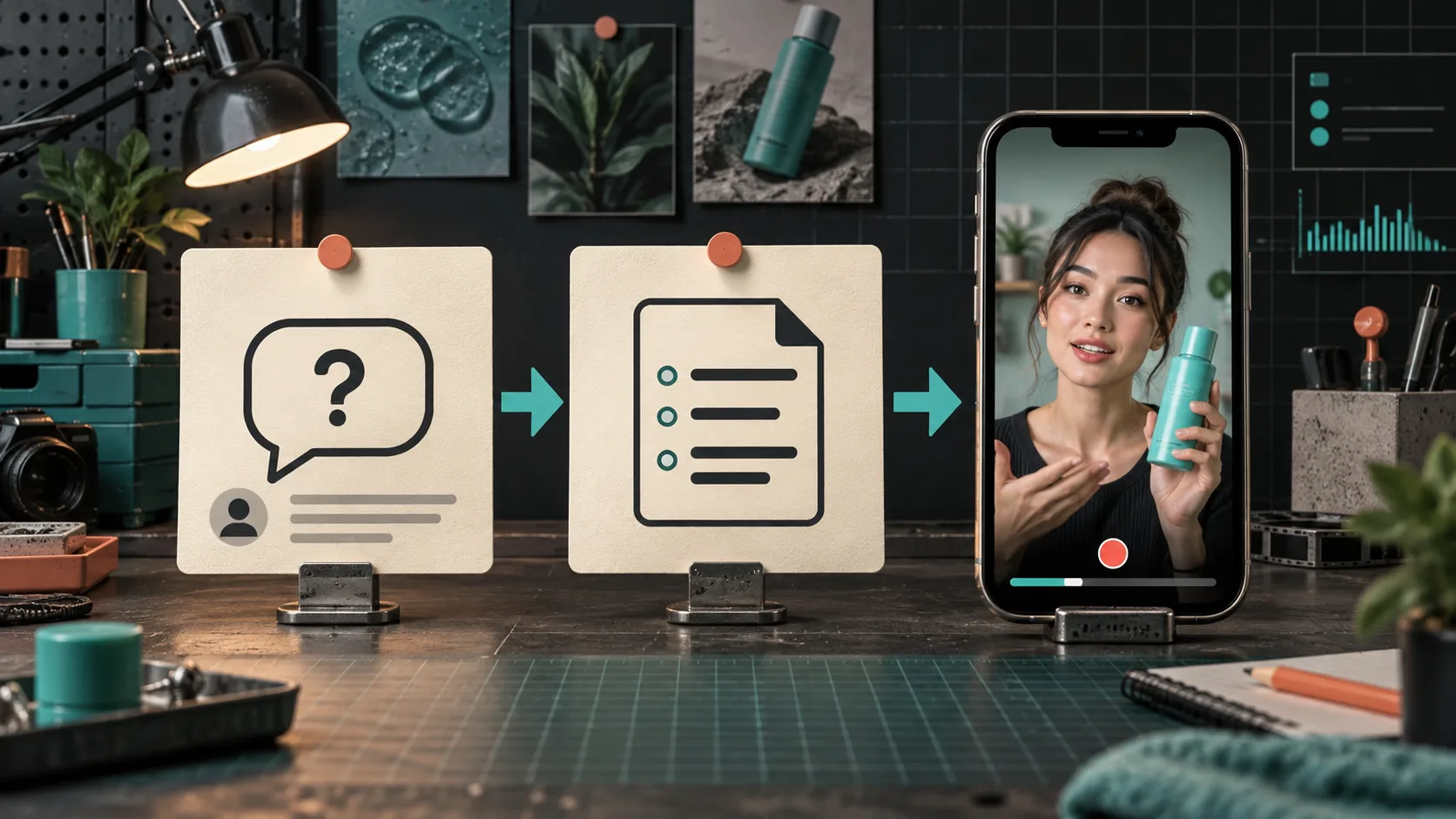
I wanted a short product-page video that answered one question plainly, without scheduling a shoot every time a product or objection changed. The useful constraint was to give the video one job—not to make a glossy brand film or cram in every feature. I used Supra UGC Maker to build a UGC-style explainer from an avatar, scene, product reference, script, and voice.
Start With a Question You Can Demonstrate
I do not pull the first question from a support inbox and call it strategy. I look for a question that is both repeated and showable. “How big is it next to a normal countertop?” is much better video material than “What is your return policy?” The former can be resolved with a product in a believable setting; the latter deserves clear page copy.
My quick filter is:
- Does this question block a purchase or cause a return?
- Can a person answer it in one spoken sentence?
- Can the proof appear on screen without a maze of captions?
- Will the answer still be true next month?
For a skincare product, the question might be “Where does this fit in my evening routine?” For a kitchen tool, it could be “Will this take up my whole drawer?” The point is not to fake a testimonial. It is to make one product fact easier to understand. If I need broader creative coverage, I use the same discipline from my one-product-to-a-week-of-tests workflow: each variation gets a single viewer question and a single next action.
Write a 30-Second Script Before Opening the Generator
The generator is not where I discover the message. I write a tiny script first, usually in this shape:
0–3 sec: Name the shopper situation.
3–12 sec: Show the product doing the relevant job.
12–22 sec: State one concrete reason it solves the question.
22–30 sec: Tell the viewer what to check or do next.
That becomes something like: “If your evening routine already has too many steps, this is the one I reach for after cleansing. It is designed to slot into that moment, not add a ten-minute ritual. Check the routine notes on the product page and see whether it fits yours.”
I remove claims I cannot prove from the product page or its approved materials. I also skip the pressure to sound like a real creator sharing a personal experience. AI avatar product videos are useful for scalable explainers and creative tests; real creators remain the better choice when the campaign needs lived experience, community trust, or a genuine testimonial.
Build the Scene Around the Proof
Inside Supra UGC Maker, I choose an avatar, set a scene, add the Shopify product when appropriate, then pair the script with a voice and tone. The scene should make the proof legible. A bathroom shelf helps with a routine question. A studio surface works for size, finish, or setup. A boutique or home setting can help shoppers understand context.
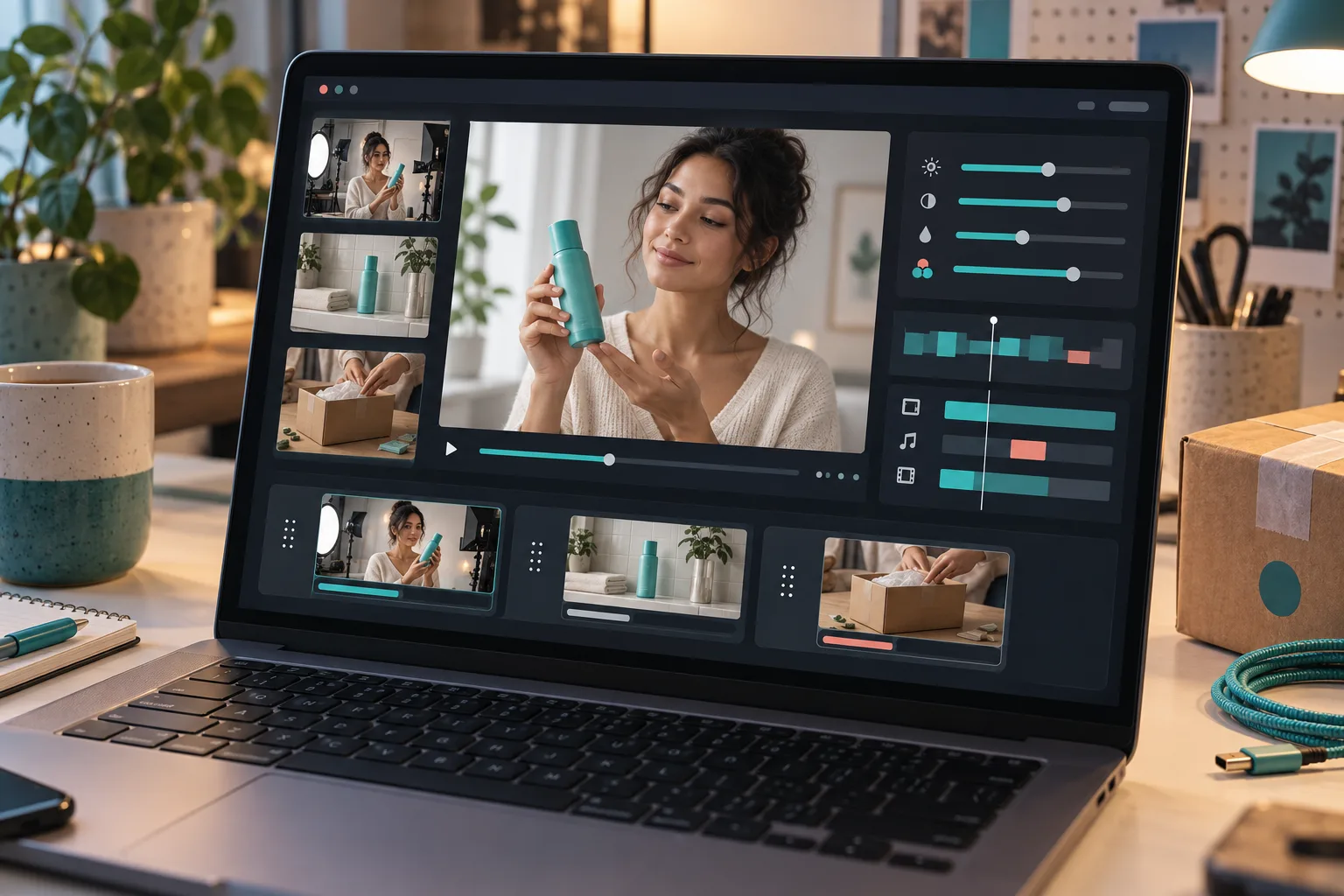
I keep the first version almost boring: one setting, one point of view, one product action. The app lets me preview scenes and reorder, trim, update, or regenerate clips inside a project, so the sensible iteration is to change one variable at a time. If the opening is weak, revise the opening; do not also replace the avatar, voice, background, and CTA. That is how a small production task turns into an untraceable mess.
This is the same reason I separate a reusable scene from a reusable promise. My older UGC scene-library build is still useful here: save a scene that matches the product category, then swap only the script and product reference when the question changes.
Put the Video Where the Question Happens
A finished clip is not automatically a product-page asset. I check it on a phone at the exact place shoppers hesitate—near the gallery, variant selector, or the section that carries the relevant detail. The first frame should show the product or the situation quickly. The sound-off version needs to make basic sense too, even if the final treatment includes captions.
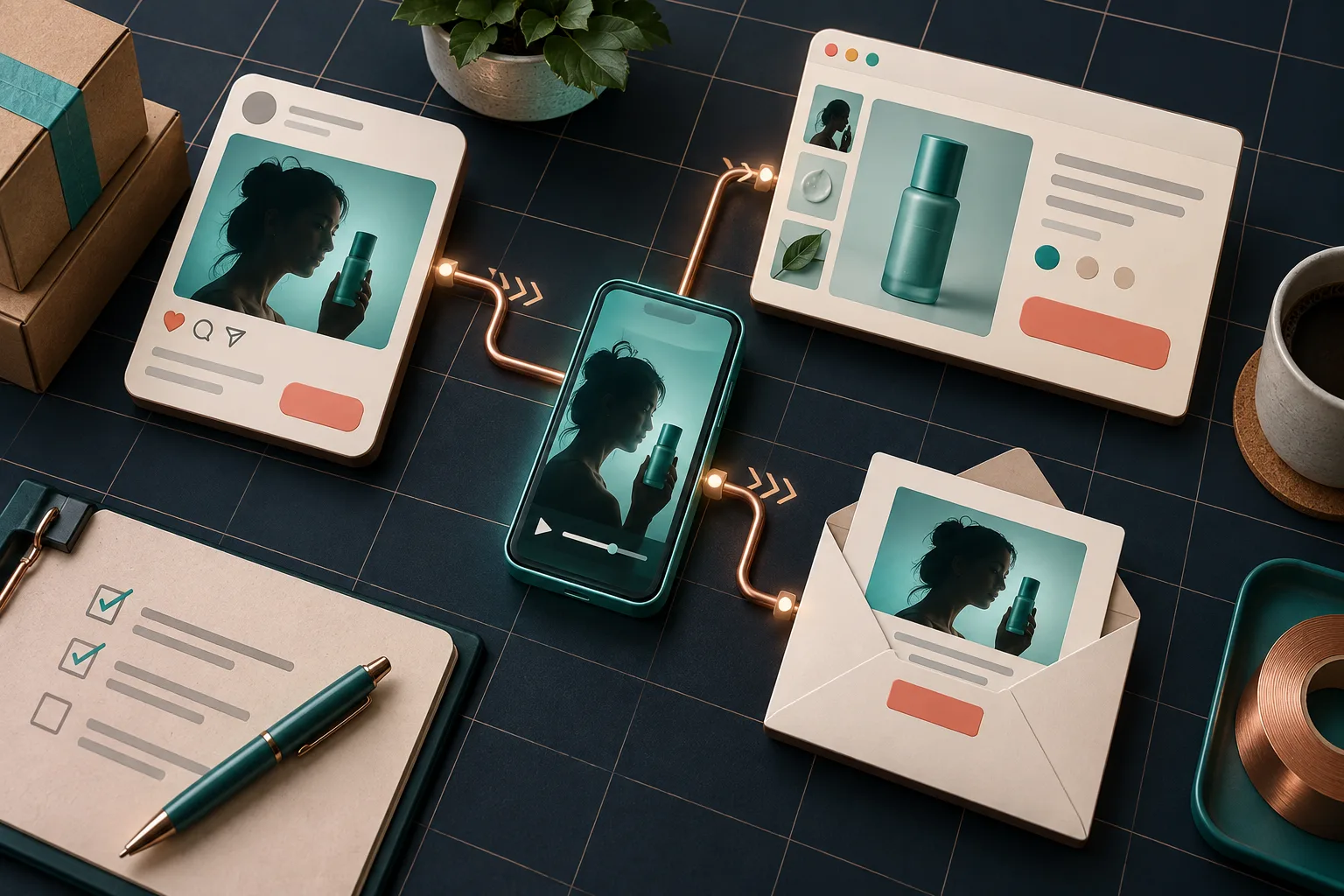
Once that product-page version is clear, I can create related placements without turning the message into a different campaign:
- A paid-social cut starts with the question as the hook.
- A product-page cut gives the clearest demonstration more breathing room.
- An email teaser points back to the product detail that the video explains.
That is a practical extension of reusing one Shopify video across ads, product pages, and email. The asset can travel, but the job should remain stable.
Review the Result Like a Product Claim
Before I download anything, I run a short QA pass:
- Does the spoken line match the approved product information?
- Is the product recognizable and shown in a plausible context?
- Does the scene imply anything the product cannot actually do?
- Does the CTA lead to the detail that resolves the question?
- Can I say what this version is testing in one sentence?
If I want to test hooks, I create a small, named set instead of an accidental pile of almost-identical clips. My recent three-hook UGC test is a good model: retain the product and offer, then change the hook deliberately. That makes performance feedback usable when it comes back.
The Useful First Version
A 30-second Shopify UGC explainer will not replace every creator partnership or every deep product demonstration. It can, however, give a high-intent shopper one clear answer while giving the store team a repeatable creative unit to improve.
Pick the recurring question that your product page currently makes people work too hard to answer. Write the one-job script, build the first scene, and review it against your approved product facts. Then try Supra UGC Maker on Shopify and ship one focused product video before planning ten.