
July 4, 2026
How I Reuse One Shopify Product Video Across Ads, Product Pages, and Email
A practical workflow for turning one Shopify product into reusable UGC videos with Supra UGC Maker.
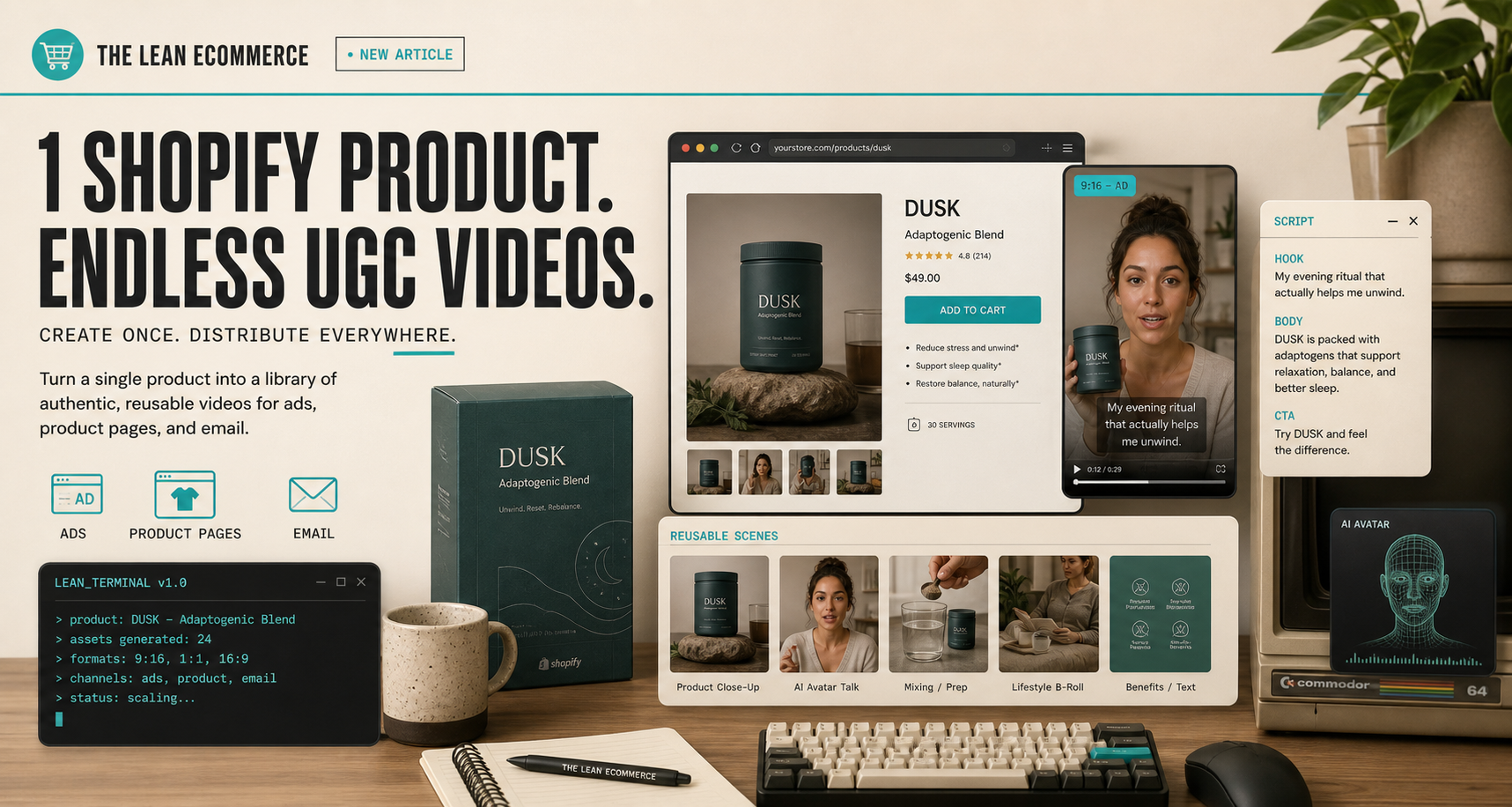
I keep running into the same creative problem: a store gets one decent UGC-style video, and everyone starts treating it like the final asset. In practice, one clip usually has to do three jobs at once. It needs to stop the scroll in ads, explain the offer on the product page, and give email something more concrete than a static product shot.
That is the part that pushed me toward Supra UGC Maker. The app positions itself as an AI-powered UGC video generator for Shopify, with avatars, scenes, scripts, speech, and product references. The real value for me is not just that it makes a video. It is that it lets me build a repeatable creative system instead of a one-off production cycle.
The same idea shows up in How I Build a Reusable UGC Video Library for Shopify and How I Build a Shopify UGC Launch Kit From One Brief. I keep linking those because the workflow only starts making sense once the reusable parts become more important than the single clip.
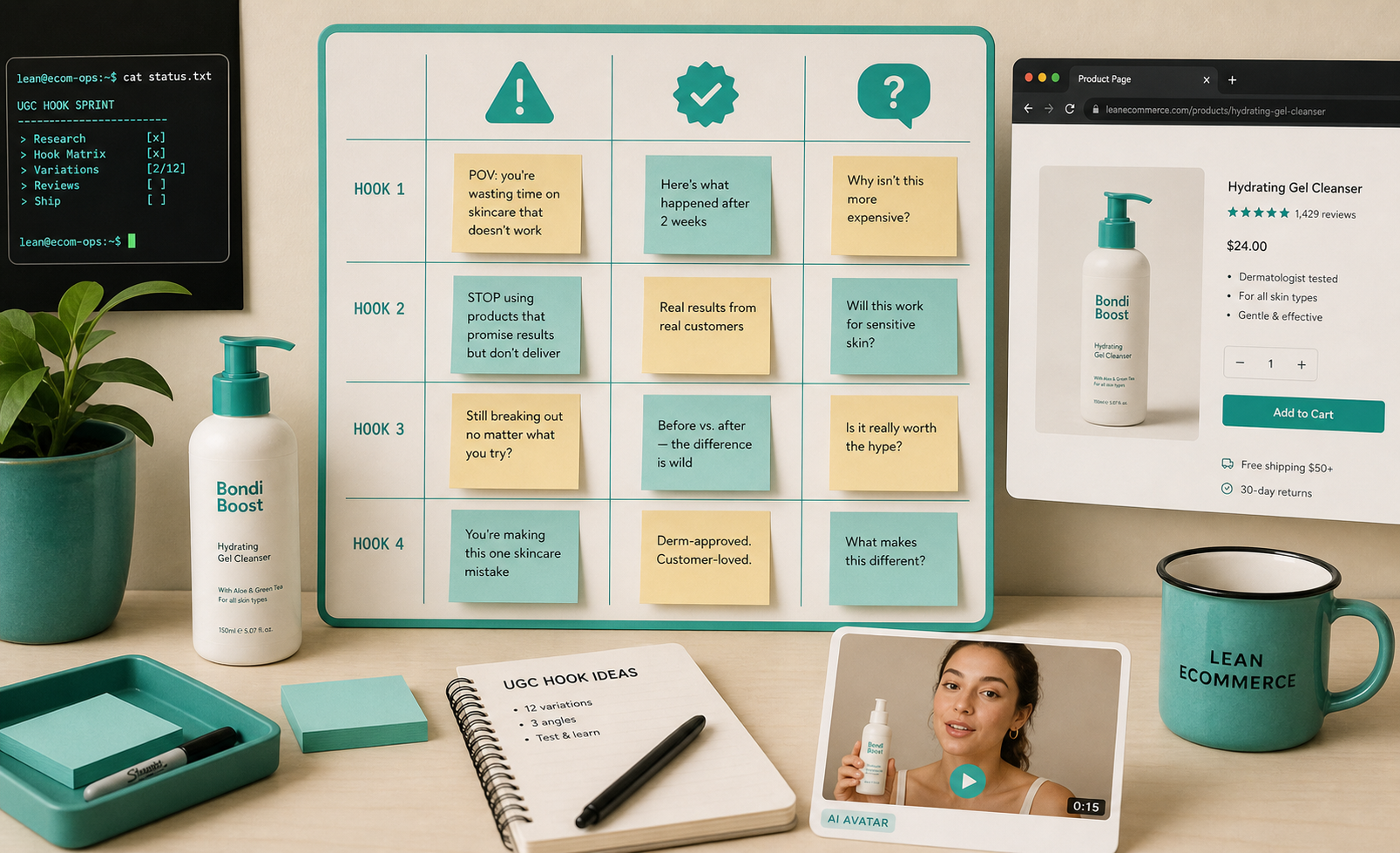
The first decision is the job
Before I touch the avatar or the scene, I decide what the video has to do.
- Ads need a hook.
- Product pages need clarity.
- Email needs a fast proof point.
- Social cutdowns need something native enough to belong in the feed.
Once I know the job, the rest gets simpler. Supra UGC Maker gives me a clean sequence: choose a preset avatar or custom AI model, pick a scene, add the Shopify product, write the script, choose the voice or tone, and then generate the segment. I can preview scenes first, which matters more than it sounds like it should. Catching the wrong setup before export saves more time than fixing it after the fact.
That is also why I like starting with a small question set instead of a giant creative brief. If I need a stronger sequencing model, I go back to How to Make Shopify UGC Videos for Ads, Product Pages, and Email and How I Build a Shopify UGC Testing Sprint Around One Product. Both posts push the same point: the video is only useful if the variation has a purpose.
My first three versions
I do not try to make ten versions on the first pass. I make three.
1. The plain explanation
This version answers the simplest question: what is this, and why should I care? It is the safest product page clip and usually the easiest one to reuse later.
2. The objection answer
This one handles the thing that slows people down. It might be price, trust, setup time, fit, or whether the product is actually for them. A short script matters more here than flashy visuals.
3. The brand-forward version
This one sounds the most like the store itself. If the first two are functional, this one carries tone and personality. It is the version I would use when the launch needs to feel less generic and more like the brand.
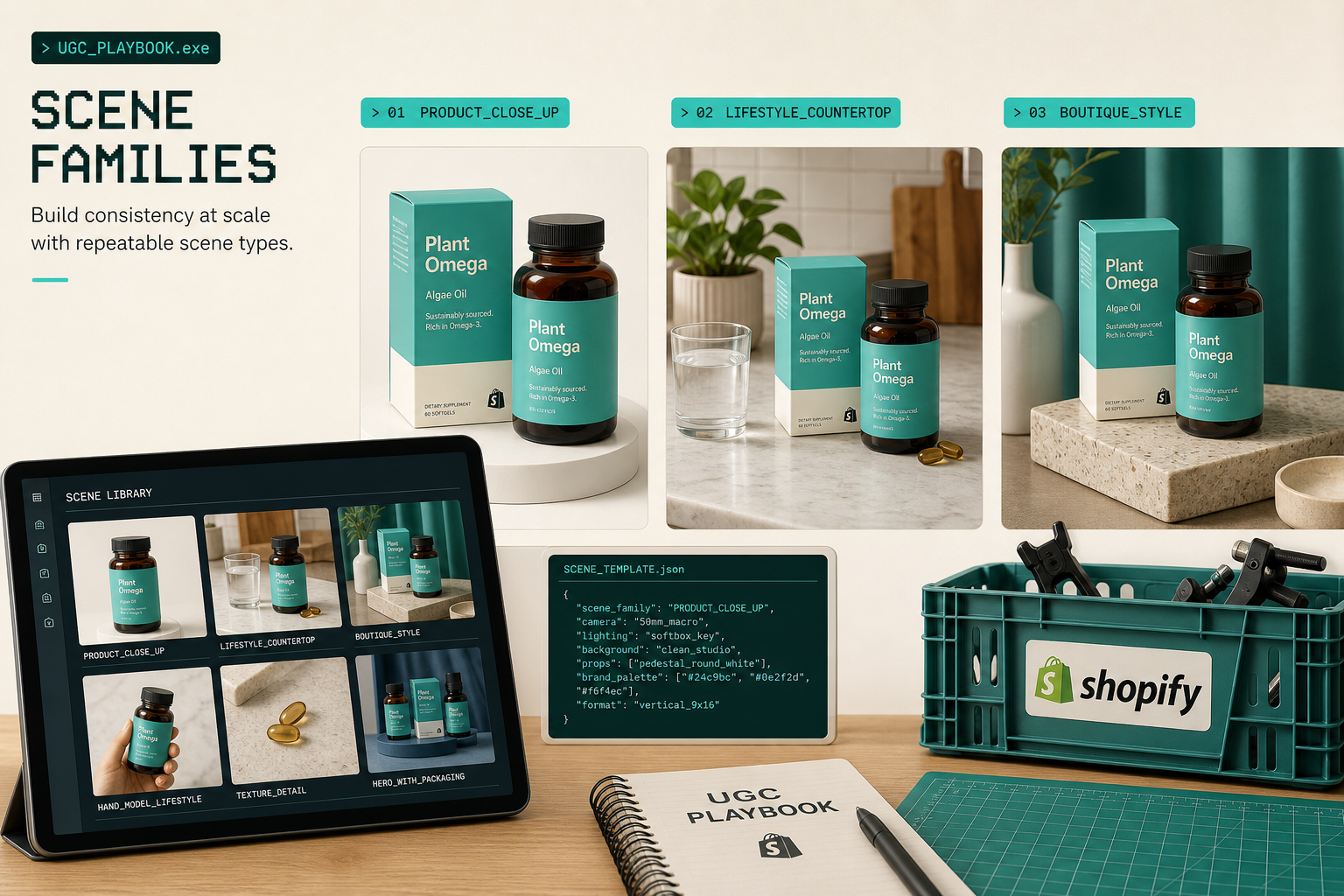
The app is built for this kind of reuse. I can save projects, keep scenes around, reorder clips, trim them, update them, and regenerate only the parts that got weak. That is the difference between a tool that creates a single clip and a tool that can support a campaign.
This is also where How I Refresh Shopify UGC Videos Without Starting Over fits naturally. It is the maintenance version of the same idea: keep the strong parts, swap the weak parts, and do not rebuild the whole thing unless you have to.
Keep the reusable parts fixed
The easiest way to make AI video feel messy is to let every export become a new experiment. I try to keep a few things fixed:
- one core product reference
- one or two scene families
- one voice style per campaign
- a narrow script range
- a single review pass before export
That is why the scene system matters so much. A clean studio scene, an outdoor scene, and a boutique-like scene can all support the same product, but they each tell a different story. The scene is not decoration. It is context.
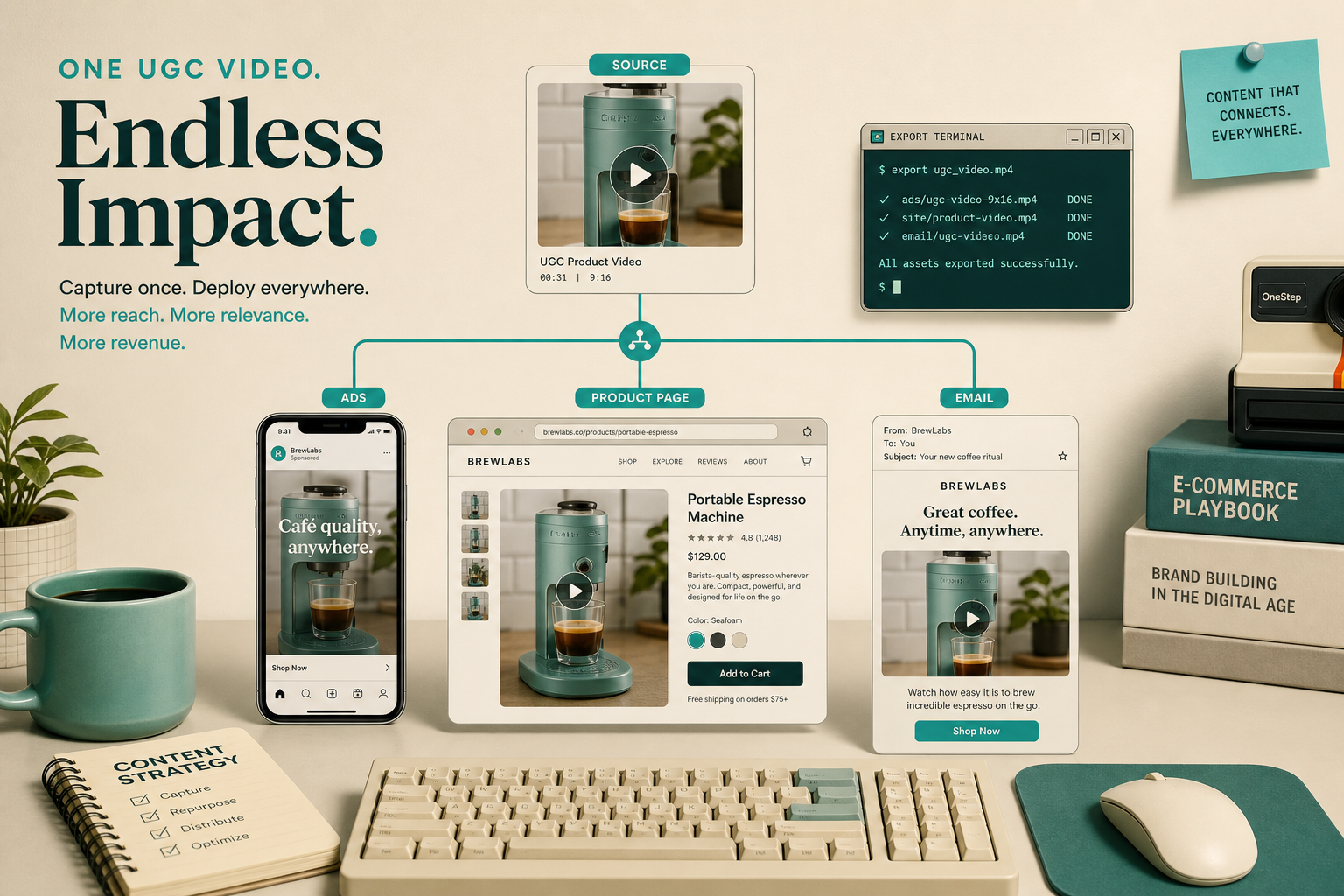
The visual side stays manageable when I think in reusable scene families instead of isolated clips. I can build a small library that covers the product without making the campaign look inconsistent. That was the part I kept wanting when I wrote How I Turn Buyer Questions Into Shopify UGC Video Variants and How to Build a Shopify UGC Workflow That Reuses Every Clip.
Where I actually use the outputs
I do not make these videos because I want more video. I make them because the product needs more jobs done.
- Paid social needs a hook that earns a click.
- Product pages need a clearer explanation than photos alone.
- Email needs a fast visual that does not feel flat.
- Seasonal promos need a version that can ship quickly.
- Post-purchase education needs reassurance, not hype.
That is where the branching workflow starts to pay off. One product setup becomes several placements without another shoot.
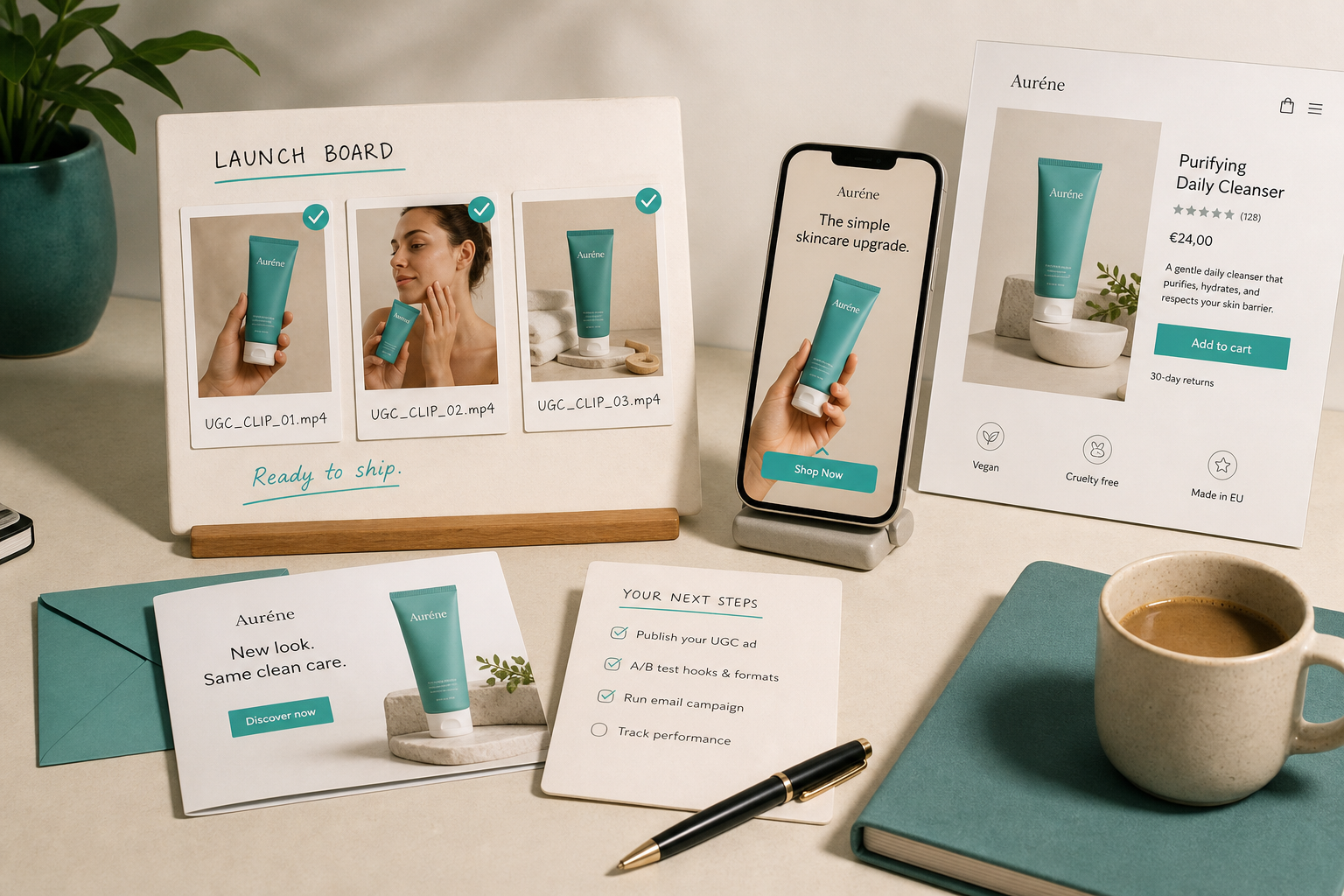
That same channel logic is what I saw in How to Create Five Shopify UGC Video Ads From One Brief and How I Build a Shopify UGC Launch Kit From One Brief. The useful trick is not making one perfect asset. It is setting up a workflow where the next version is cheaper to produce than the last one.
The loop I repeat
My repeatable loop is simple:
- Pick one product that needs more video.
- Decide the job of the clip before writing the script.
- Build three versions: explanation, objection, brand-forward.
- Keep the best scene family and cut the weak variation.
- Reuse the winner on the channel where it matters most.
That is enough to keep the system moving without turning every launch into a production project. It also makes the creative decisions easier to audit later, because I can see which hook, scene, or tone actually pulled its weight.
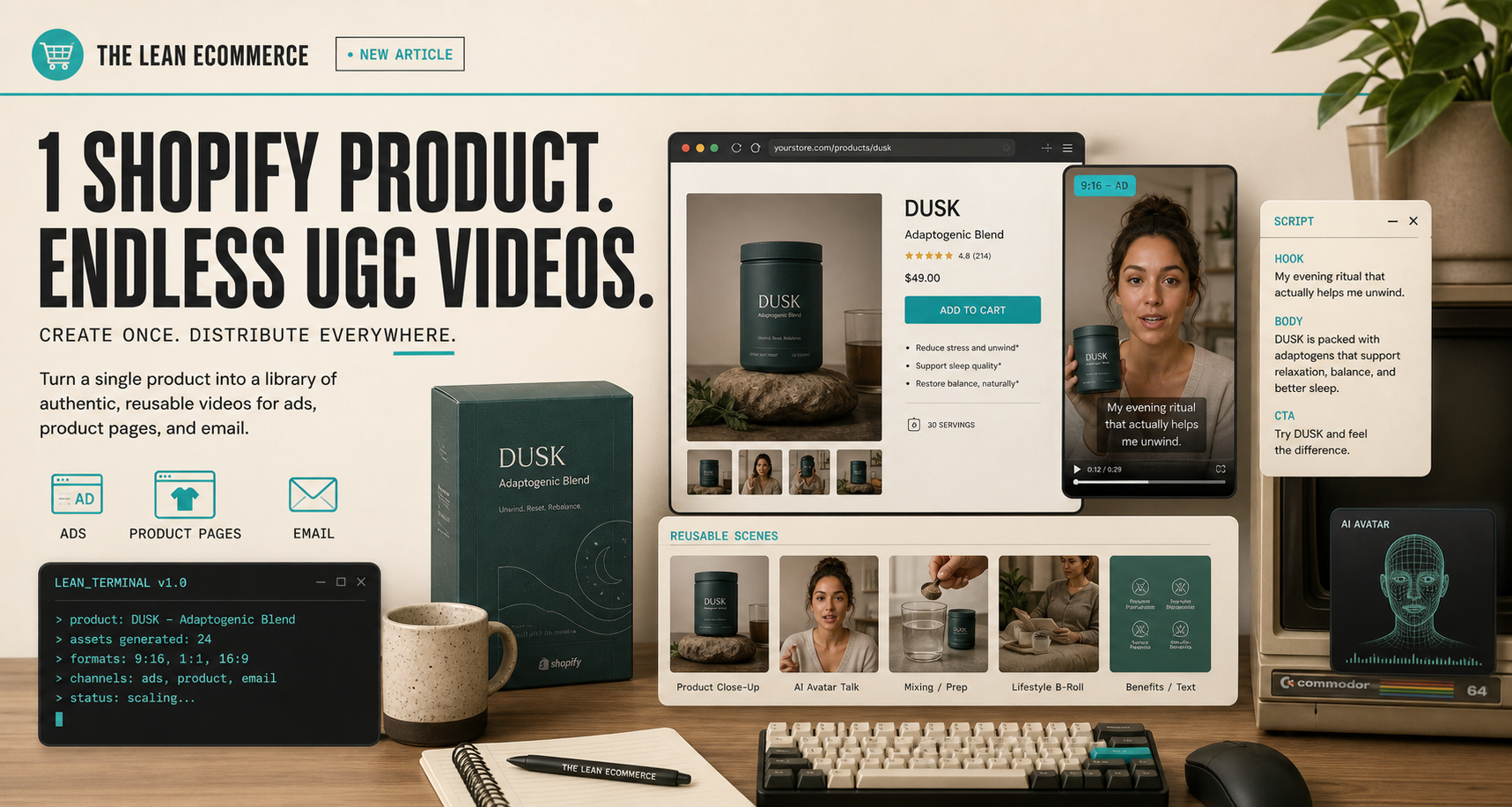
If I wanted to pressure-test the workflow fast, I would start with the free plan on Supra UGC Maker or compare it directly with the Shopify App Store listing. The free tier is enough to see whether the first few exports are easier than rebuilding the same concept by hand.
That is usually the only test that matters. If one product can become a small set of credible UGC variations without another shoot, the workflow earns its place. If not, I move on.