
September 28, 2026
How I Keep a Startup Launch Video Editable After the First Cut
A practical workflow for turning a startup URL into a reviewable motion-graphics launch video without locking the team into a one-shot render.
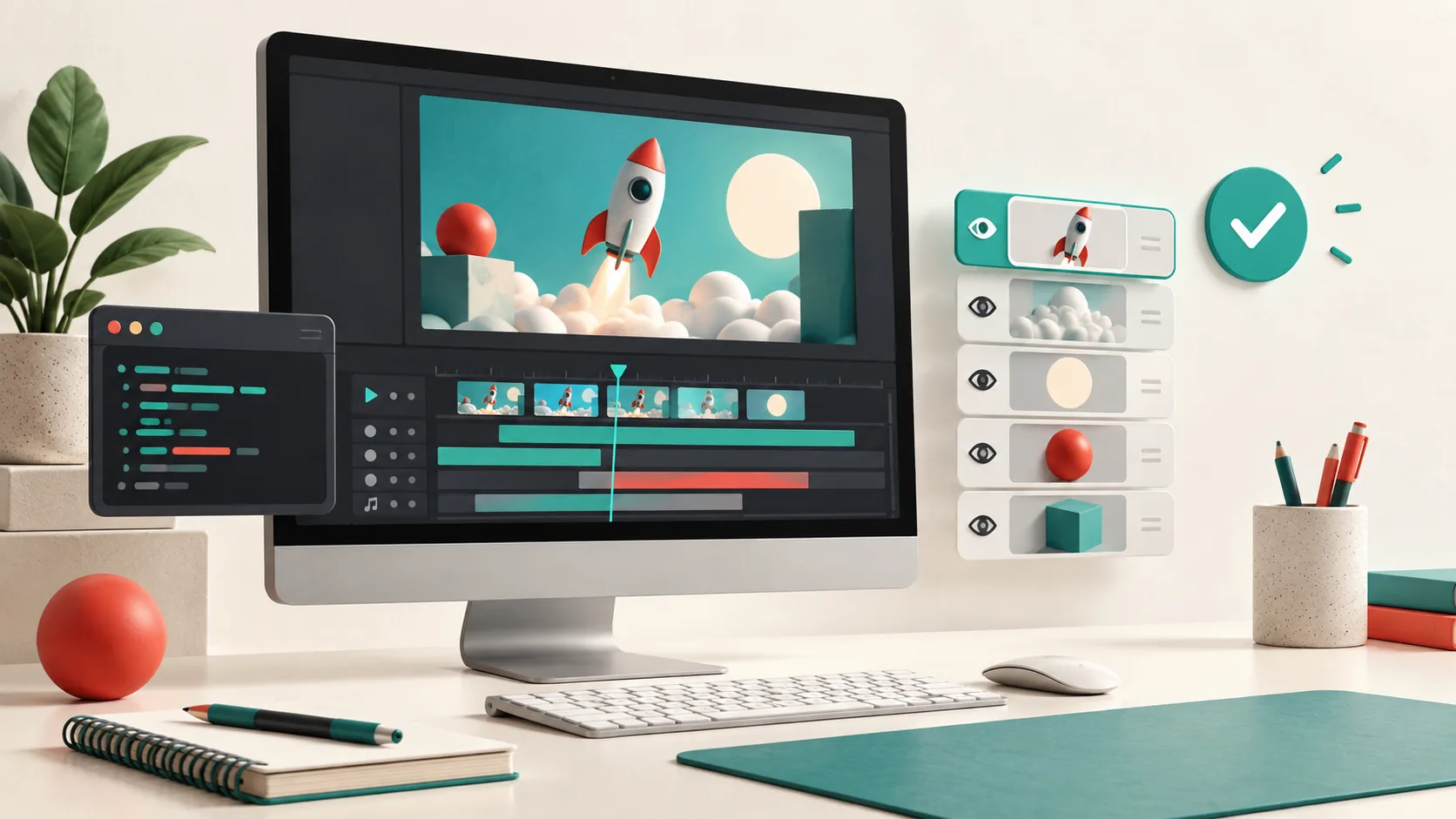
I have made the expensive mistake of treating a first launch-video render as a finished asset. It looks good in the review call. Then the positioning changes, the product UI moves, or someone notices that the end card says the wrong thing. A one-shot video generator turns that small correction into a new production job.
My working rule now is simple: the first render must be a reviewable first cut, not a creative dead end. For startup motion graphics, VideoFlow Studio is interesting because it turns a website and a direction into a planned, structured video while keeping an editable document behind the render. I can ask for a change in plain language, inspect the result, then still adjust layers, timing, colors, or text manually in its editor.

The output I actually need from a first cut
Before I run anything, I write down the job of the video in one sentence. A launch trailer is not a compressed version of every feature page. Mine usually has one of three jobs: explain the product category, make a new capability feel tangible, or give a launch page a little movement and confidence. If the video has two jobs, I choose the one the viewer needs first.
That constraint changes the brief. Instead of asking for a “high-energy product video,” I give the agent a URL plus a sequence such as: problem, product moment, proof, next action. I also name the non-negotiables: the preferred headline, a product UI moment that must be accurate, and the call to action. This is the same discipline I used when I planned a reviewable launch video from a website: decide what the story is before giving a creative system too many options.
Start with the URL, then make the plan inspectable
Studio can be run from the terminal with npx @videoflow/studio, or started from its product flow. It reads the site and develops a video plan before the final film. I use that plan as a cheap checkpoint. If the opening story is wrong there, a polished render will only make the wrong idea more expensive.
My quick review questions are:
- Does the first scene state the customer’s problem, not merely show a logo?
- Is there one clear product demonstration instead of five quick claims?
- Could a teammate identify the intended viewer and next action without my narration?
- Which elements must survive a later revision: product geometry, brand color, proof point, or CTA?
For a founder who needs a first trailer quickly, that is a better handoff than a pile of template choices. For a developer building a reusable video application in code, a framework such as Remotion can be the more appropriate tool. Studio’s advantage is the agent-first workflow around a URL and an editable creative document; it is not a claim that every video should stop being code.

Review the render like a product surface
I do not judge the first cut only in the editor. I watch the exported clip at normal size, then pause on the frames that carry the main promise. VideoFlow Studio is designed to inspect encoded frames, spot issues like contrast or alignment, fix them, and re-render. That matters because tiny type, a cramped end card, or a misaligned product window can be invisible while the timeline is moving.
My frame review is deliberately boring:
- Watch once with sound off. Is the narrative still clear?
- Pause the opening, product reveal, proof moment, and CTA. Are the focal points obvious?
- Check the brand colors against the landing page rather than memory.
- Look for motion that competes with the product UI.
- Ask one person who was not in the brief what they think the product does.
This takes less time than a reshoot. It is also why I prefer a workflow with a review-and-revision loop over an attractive but locked MP4. For a deeper pre-publish checklist, I keep this launch-video approval checklist nearby.
Make revision requests narrow enough to evaluate
“Make it more exciting” is a valid feeling, but it is a poor revision ticket. I split feedback by what changed: story, pacing, hierarchy, product accuracy, or finish. Then I request one observable adjustment at a time.
For example: “Keep the opening structure, move the proof point ahead of the product montage, and hold the final CTA for one extra beat.” That is much easier to review than a full restart. Studio supports those natural-language revision requests, and its built-in editor remains useful when I need to tune a layer or timing directly without dropping the agent’s context.

There is a practical boundary here. If the product positioning has fundamentally changed, I go back to the plan. If the story is sound and the rhythm is wrong, I revise the render. Treating those as different problems keeps the launch from becoming an endless chain of cosmetic tweaks. I used a terminal-first variation of this approach when I revised a startup launch video from the terminal; it remains my preferred way to avoid losing a good first cut to a vague feedback loop.
Keep the source as seriously as the export
The final MP4 is for the campaign. The editable source is for the business that will inevitably update the campaign. Studio is built on the open-source VideoFlow engine, so the structured motion-graphics document remains portable instead of becoming a locked render. That does not remove the need for a clear brief or a human reviewer. It does give a small team a better recovery path when launch reality moves.
My next action is to choose one launch page, write a four-beat story, and create a first cut that I expect to revise. If you want that workflow instead of another disposable render, start at VideoFlow Studio and make the plan—not the export—the first thing your team reviews.