
October 29, 2026
I Built a Website Evidence Pack Before Generating My Startup Video
A practical way to turn a startup site into a stronger, reviewable motion-graphics video without asking an agent to guess the story.
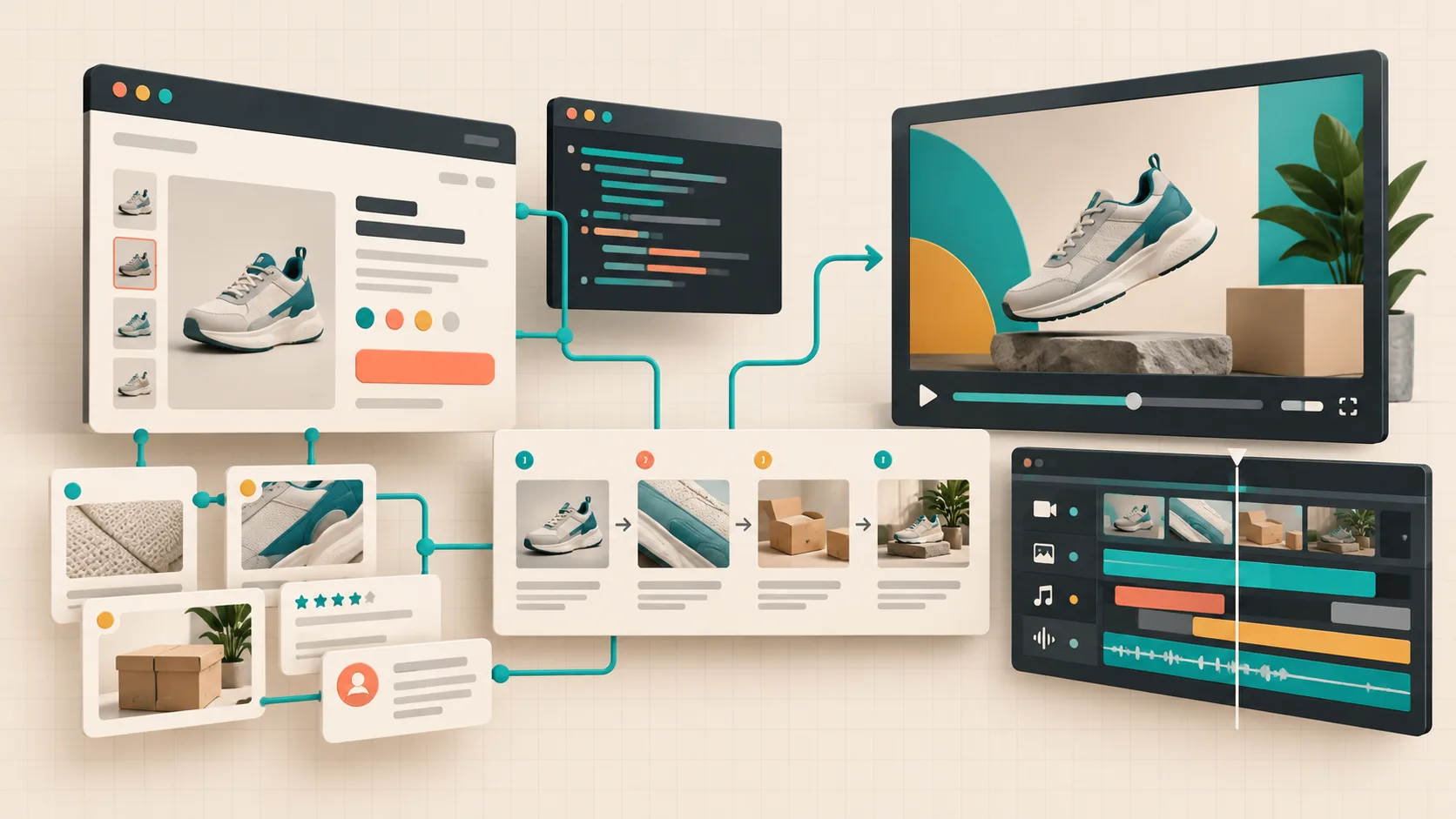
I thought a good startup homepage was enough input for an AI video. It is enough to get a video. It is rarely enough to get the video I want to show customers.
The usual failure mode is not bad motion. It is a film that treats every headline, feature card, and testimonial as equally important. The result is a tidy tour of a site rather than a point of view. I now make a small website evidence pack before I ask VideoFlow Studio to generate a first cut. It takes me about 20 minutes, but it gives the agent a story to protect—and gives me a much better review surface.
The evidence pack is not a longer brief
My pack is deliberately small: one customer problem, one credible proof point, one product moment, and one next action. Each item gets a link or screenshot from the public site. That constraint stops me from inventing claims in the video just because a line sounds more cinematic.
For a Shopify app, the shape might be:
Problem: Store owners lose time reconciling variant data
Proof: The product page shows the bulk-edit workflow
Product moment: A catalog table becomes one reviewed change set
Next action: Book a demo or install the app
This is the same discipline I use when I turn a startup website into a launch-video brief. The important bit is selecting, not collecting. I leave out pricing claims I cannot verify, decorative feature lists, and customer logos without permission to imply endorsement.

Capture the page as evidence, then state the job
I save the URLs for the homepage, the product page, and any proof page. Then I write a two-sentence instruction that says what the video must make a viewer understand—not merely what it should contain.
For example: “Make a 40-second motion-graphics cut for a founder who needs to see why this tool reduces catalog risk. Lead with the error-prone spreadsheet workflow, show the reviewed bulk change, then finish with a demo CTA.”
That is a more useful starting point than “make a product trailer from this URL.” VideoFlow Studio is built for this workflow: I can point it at the site from my terminal, have it develop a plan and film, then steer the result with a plain-language correction. I am not asking it to replace product strategy; I am asking it to turn confirmed material into a structured first cut.
If I need an agent-oriented command-line workflow, I start with the product’s documented entry point:
npx @videoflow/studio
The useful distinction is that Studio is the operator-facing product, while VideoFlow is the underlying open-source engine and editor stack. I use Studio when the task is “make a launch-ready draft from this site,” not when I am trying to build a custom video application from React primitives.
Give every scene one job
Before the first render, I turn the evidence pack into a four-scene ledger. This prevents the middle of the film becoming a feature grid with music.
- Friction: show the manual or risky before-state.
- Mechanism: show the product action that changes it.
- Proof: show the result the buyer can recognize.
- Action: make the next click or conversation obvious.
I keep the sentence for each scene beside its source URL. That makes review concrete: if Scene 2 looks great but does not demonstrate the stated mechanism, I know what to ask for. It also makes later updates much cheaper. When a feature changes, I replace one piece of evidence and reconsider one scene rather than re-briefing a whole film. This is adjacent to the review gate I used in my startup launch-video workflow, but the gate works better when the source material is already ranked.
Review the film against the sources, not your memory
When the first cut comes back, I open the original pages next to it. I check three things: whether the most important claim appears early, whether on-screen copy matches the page, and whether the end card asks for the intended next action.
I also inspect rendered frames for the boring-but-expensive issues: a low-contrast caption, an awkward crop of product UI, or a sequence whose pace makes the proof impossible to read. Studio’s workflow includes visual review and re-rendering, which is valuable here. But I still keep a human review pass because the question “does this claim deserve prominence?” is a product-marketing judgment.

My feedback stays specific: “Keep the first problem scene. Make the catalog table the proof scene; the current frame is too abstract. Hold the final CTA two beats longer.” That is much easier to execute than “make it punchier.” If you are building your own review process, the product-video review rubric is a useful companion.
Preserve the editable handoff
A render is a delivery format, not the whole project. I keep the evidence pack, the scene ledger, the approved links, and the editable video document together. VideoFlow Studio’s structured output and built-in editor mean I can adjust layers, timing, colors, or copy without throwing away the agent context. That is the practical advantage over treating an AI video as a one-shot clip.
This matters most after launch. The next version may need a revised screenshot, a new CTA, or a shorter social cut. I do not want to reconstruct why the film made a claim in the first place. The pack gives the next editor a defensible source trail. It is the same portability instinct behind keeping a startup launch video editable after the first cut.

Start with four cards, not a blank prompt
The evidence pack is not glamorous. It is four cards and a few verified links. But it makes the first cut feel like a designed argument instead of a site tour, and it makes revisions traceable when the launch gets noisy.
Pick one public product page today. Write the problem, proof, product moment, and CTA on four cards, then give VideoFlow Studio that bounded brief from your terminal. You will have something specific to review—and a video you can keep improving instead of starting over.