
October 12, 2026
How I Turn a Startup Website Into a Launch Video Brief
A practical way to turn a startup landing page into a focused, editable launch-video brief before production starts.
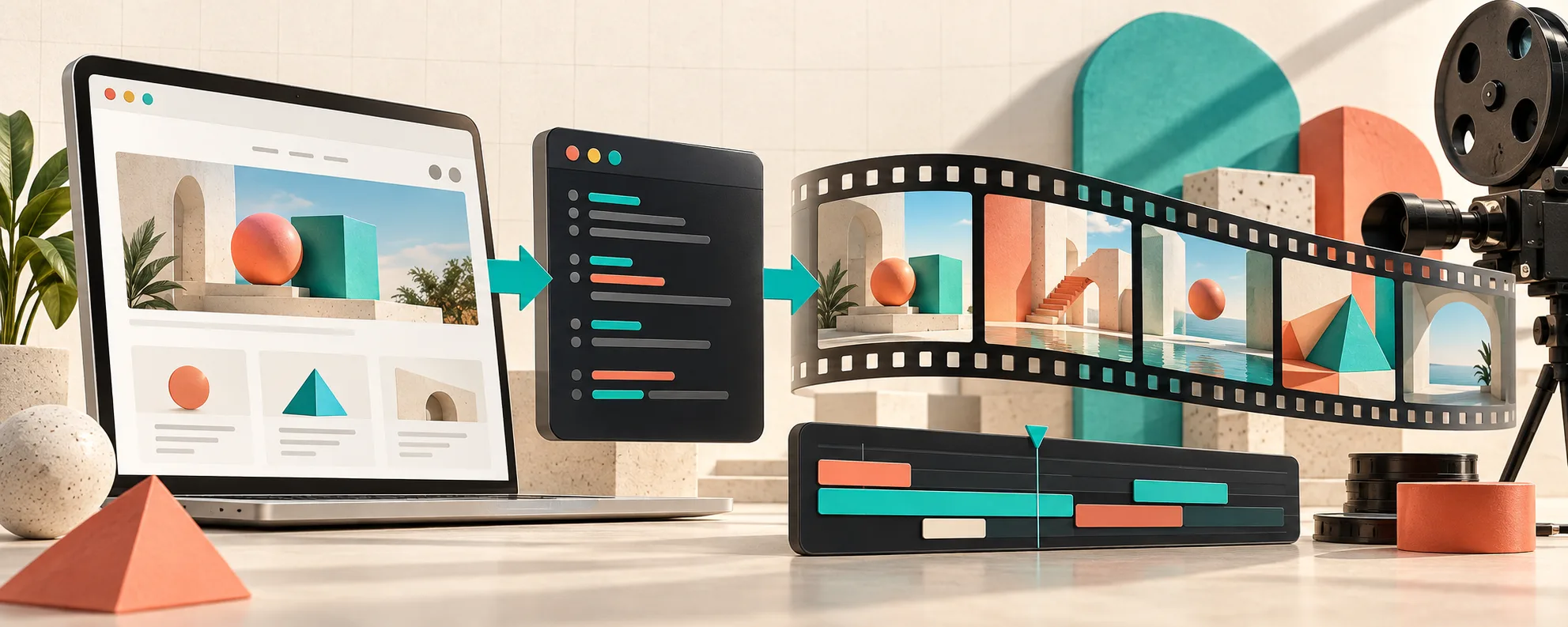
A startup site can look finished and still be a terrible video brief. I hit that wall whenever I tried to hand someone a homepage and say, ‘make this into a launch trailer.’ The page had features, screenshots, and a shiny hero. What it did not have was a sequence: the one problem worth opening on, the proof worth showing, and the moment a viewer should care.
My fix is to turn the page into a short narrative before I render anything. I use VideoFlow Studio for this because it starts with the URL, plans a motion-graphics video, and keeps the result editable. That changes the job from ‘invent a video’ to ‘make the page tell one clear story.’
Start With the Page, Not Every Feature
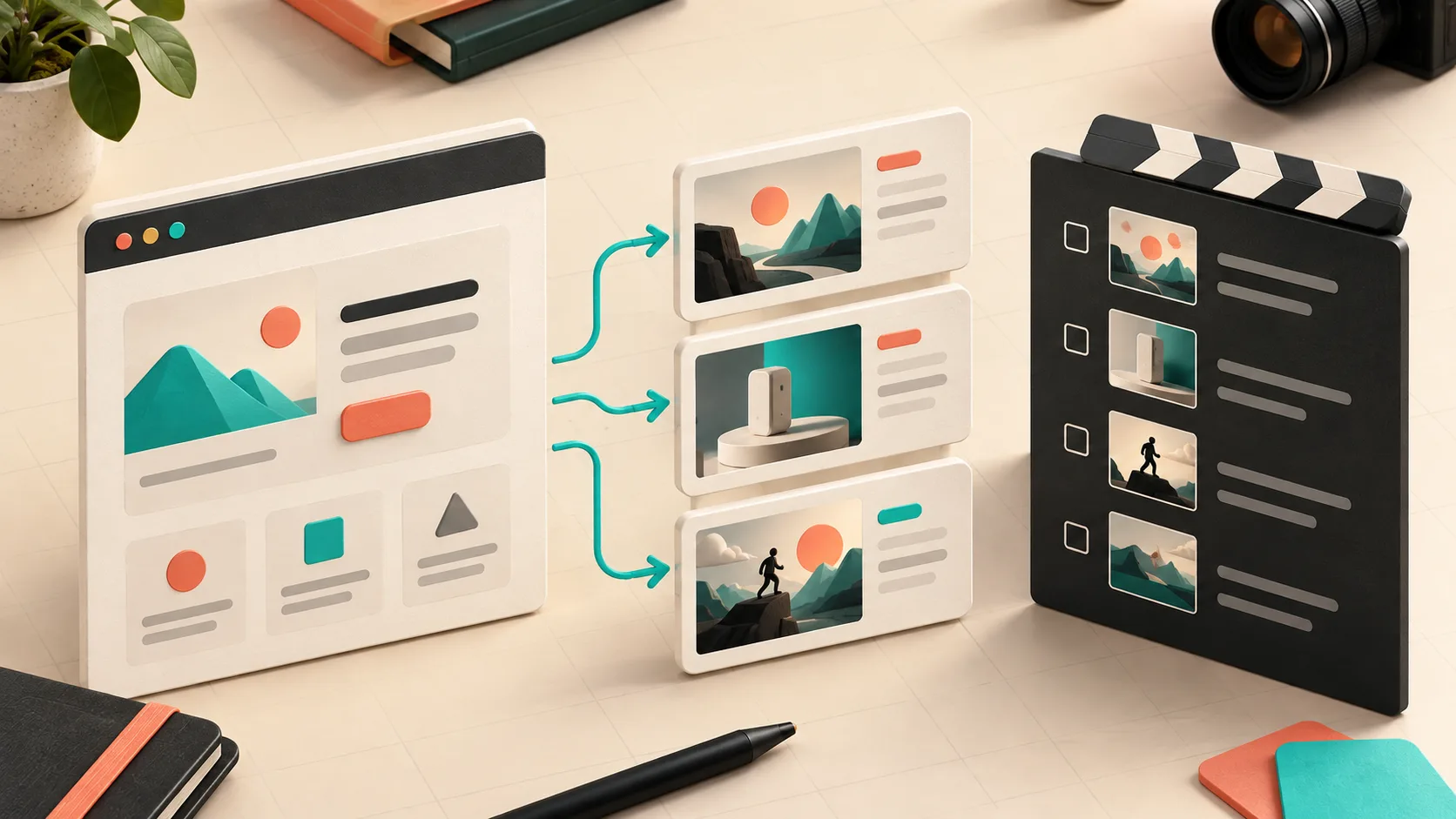
I do a fast read of the landing page and write down three things: who has the problem, what frustrating before-state they recognize, and what visibly changes after the product is involved. If I cannot name those in a sentence each, I do not have a trailer yet—I have a feature inventory.
For example, a developer tool might have five impressive capabilities. The trailer should usually lead with one costly bottleneck, show the new workflow in action, and then use the other capabilities as credibility. Trying to give every navigation item equal screen time is the fastest route to a demo that feels like a scrolling website.
This is the same discipline I use when I build a SaaS demo video brief that survives revision: decide what must remain true when the cut changes. For a short launch video, that is usually the audience, the promise, one proof point, and the CTA.
Make a Six-Beat Brief
My default first-cut brief is only six beats. It is deliberately small enough to argue about before spending a day polishing transitions.
- Hook: show the old, expensive, or irritating moment.
- Promise: introduce the new outcome in plain language.
- Product move: show the action that makes the outcome believable.
- Proof: surface a concrete screen, artifact, or result.
- Payoff: return to the audience’s new, easier state.
- CTA: ask for one next action: try it, join a waitlist, or see the demo.
I do not write final voiceover copy at this stage. I write a sentence per beat and attach the page section or screenshot that supports it. That gives the agent material to work with while still making the narrative choices explicit. If your video is for a launch page, that small brief also prevents the familiar problem of a gorgeous opening followed by thirty seconds of unrelated UI.
Tell the Agent What to Protect
The useful prompt is not ‘make a cool launch video.’ It carries the decisions I just made: audience, primary claim, proof, pacing, and things that must not become generic. With Studio, I can give the URL from my terminal, direct changes in normal language, and keep working from a structured plan rather than a locked export.
A starter instruction might look like this:
Create a 45-second motion-graphics launch video for technical founders.
Open on the manual reporting bottleneck, then show the product workflow.
Keep the tone precise and optimistic. Use the dashboard only as proof,
not as a feature tour. End with a request to book a demo.
That is enough specificity to get a useful first cut without pretending I know every shot. For a longer walkthrough, I also keep a separate explanation of how I make a SaaS product video without starting over, because the brief should survive even when the scenes change.
Review the Frames, Not Just the Idea
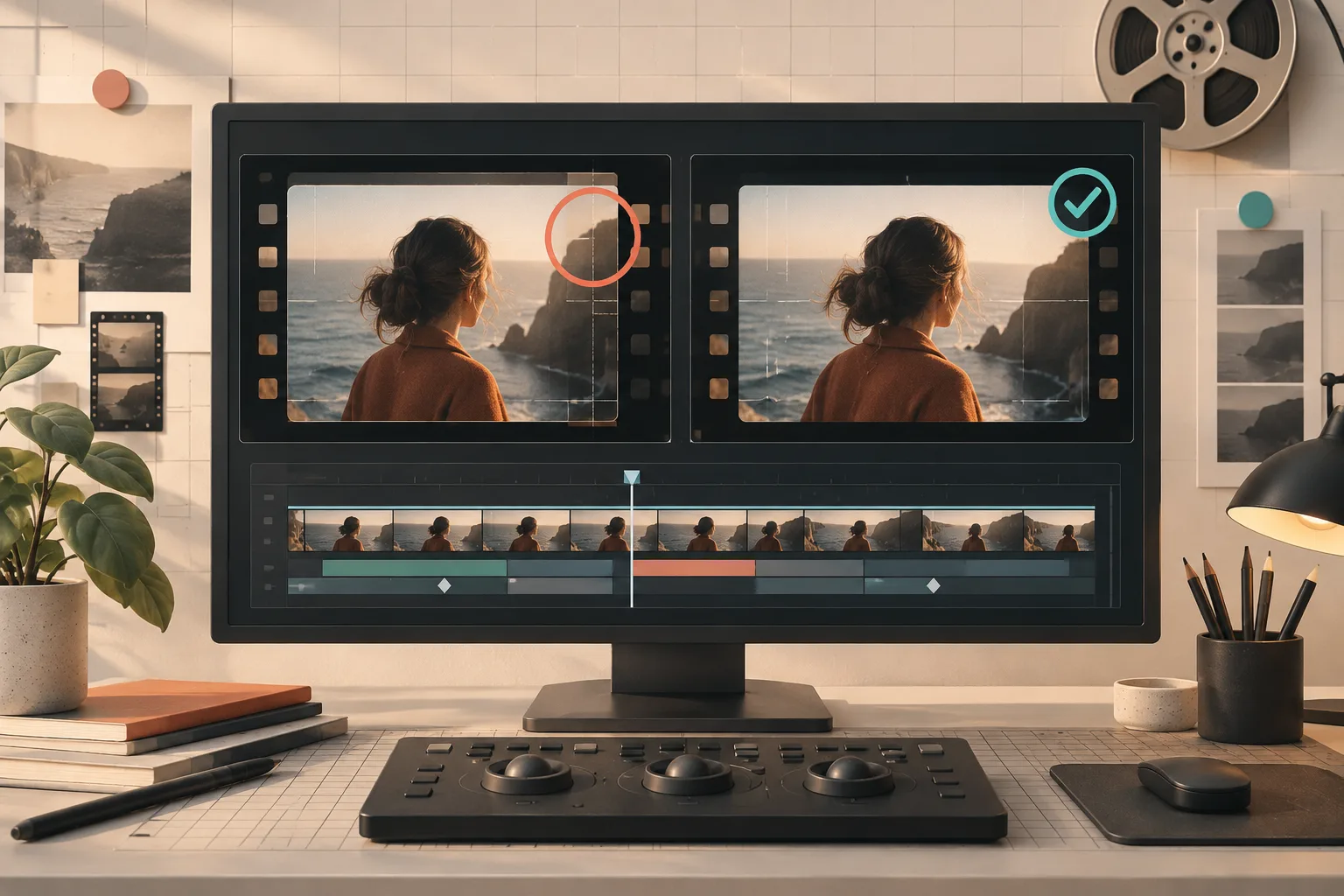
A plan can be right while the rendered film is wrong. Tiny contrast issues, crowded copy, awkward cropping, and misaligned elements are much easier to spot in frames than in a written outline. Studio’s workflow includes rendering, visually reviewing, and correcting the motion-graphics output before delivery.
I review one frame from each beat with a short checklist: can I identify the subject instantly, can I read the primary message at a glance, does the transition preserve the story, and is the CTA earned? If a scene fails one of those tests, I revise the instruction before adding more scenes. This is why I added a review gate to my own startup launch-video workflow. It is cheaper to correct the story before people see it than to explain a muddled trailer afterward.
Keep the First Cut Editable
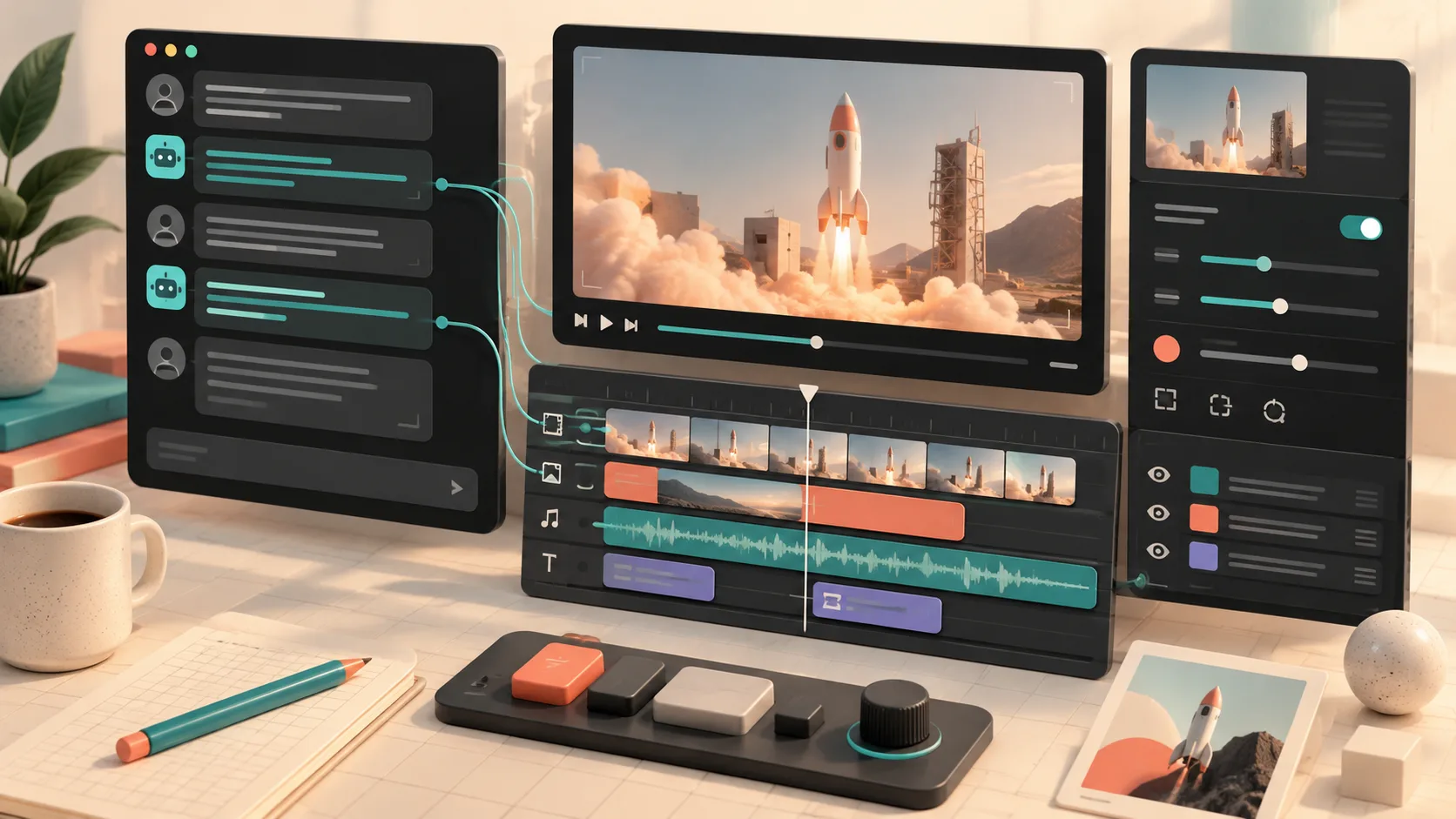
The first render should be a decision tool, not the final artifact you are afraid to touch. VideoFlow Studio is built on the open-source VideoFlow engine, so the video remains a structured, editable document. I can ask for a change in a sentence or use the built-in editor to adjust layers, timing, colors, and text without abandoning the context that produced the video.
That matters when a founder says, ‘the ending needs more urgency,’ or a product lead notices that the proof should arrive ten seconds earlier. Those are normal launch edits, not evidence that the whole concept failed. If you work terminal-first, the related workflow in my launch-video revision notes is a good reminder: preserve the brief, then make the smallest change that answers the feedback.
A Better Next Step Than ‘Make a Video’
Open your startup homepage and write the six beats before you open an editor. Pick the one visitor problem worth dramatizing, the one product move that resolves it, and the one proof asset you can show. Then give VideoFlow Studio the URL plus that brief and judge the first cut against the story—not just whether the motion looks expensive.
That is the smallest workflow I have found for turning a website into a launch video that stays focused, reviewable, and easy to improve.