
August 11, 2026
How I Built a Shopify Product Photo QA Pipeline Without a Studio
A practical Shopify workflow for turning raw product photos into consistent, reviewable catalog and lifestyle imagery with Supra AI Photo Studio.
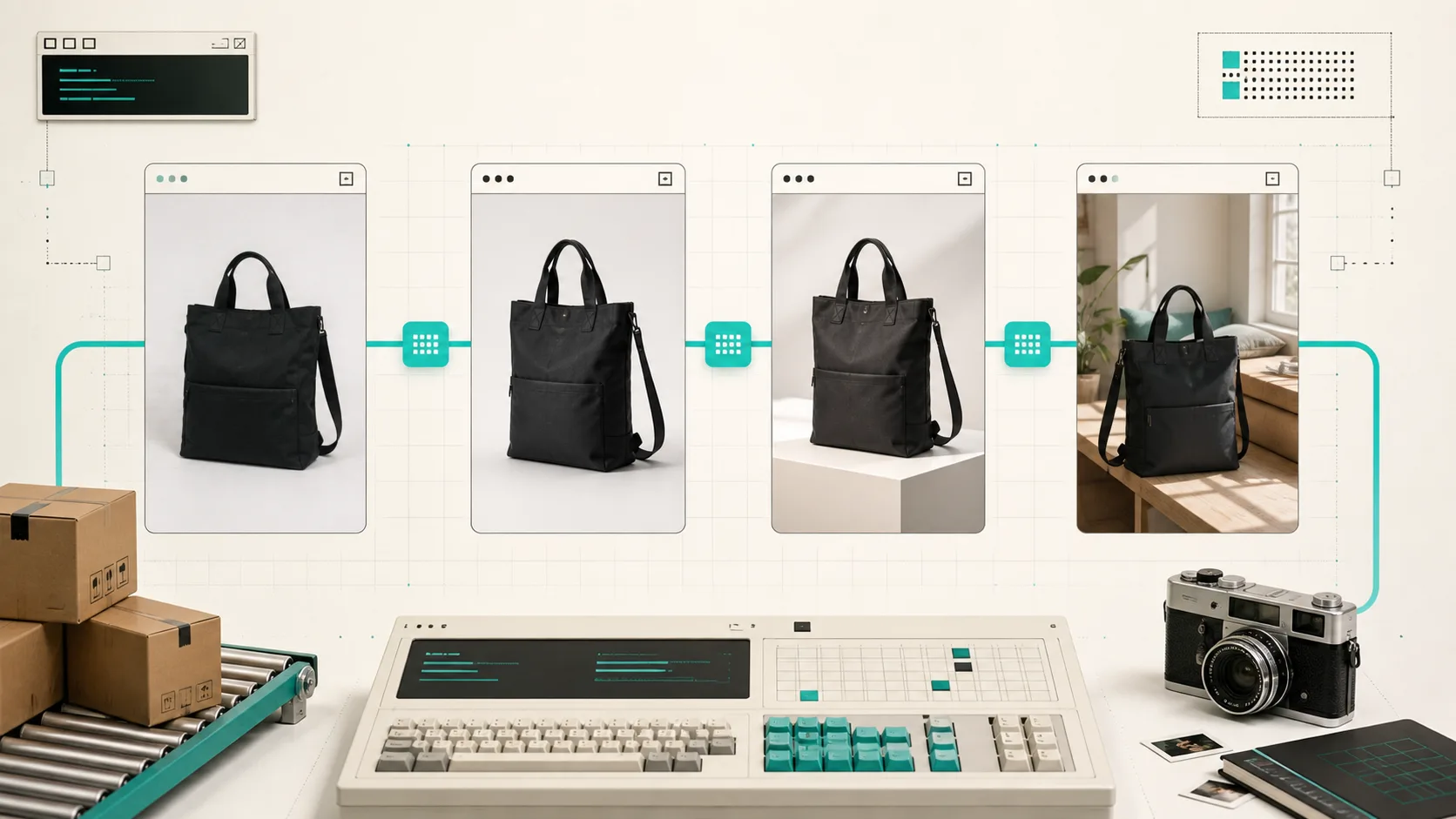
I used to treat product photography as a one-off creative task: get a decent hero image, add a few alternates, and move on. That falls apart as soon as a collection grows. One product has warm lighting, the next is blue and flat, a third has a busy background, and suddenly the collection grid looks like four different stores sharing a domain.
The fix for me was not trying to make every image more dramatic. It was building a small, repeatable QA pipeline that starts with a usable source image and ends with a publish decision. Supra AI Photo Studio is useful here because it keeps background cleanup, enhancement, lifestyle placement, try-on, and short-form visual work in the Shopify workflow rather than scattering the work across a few tools.
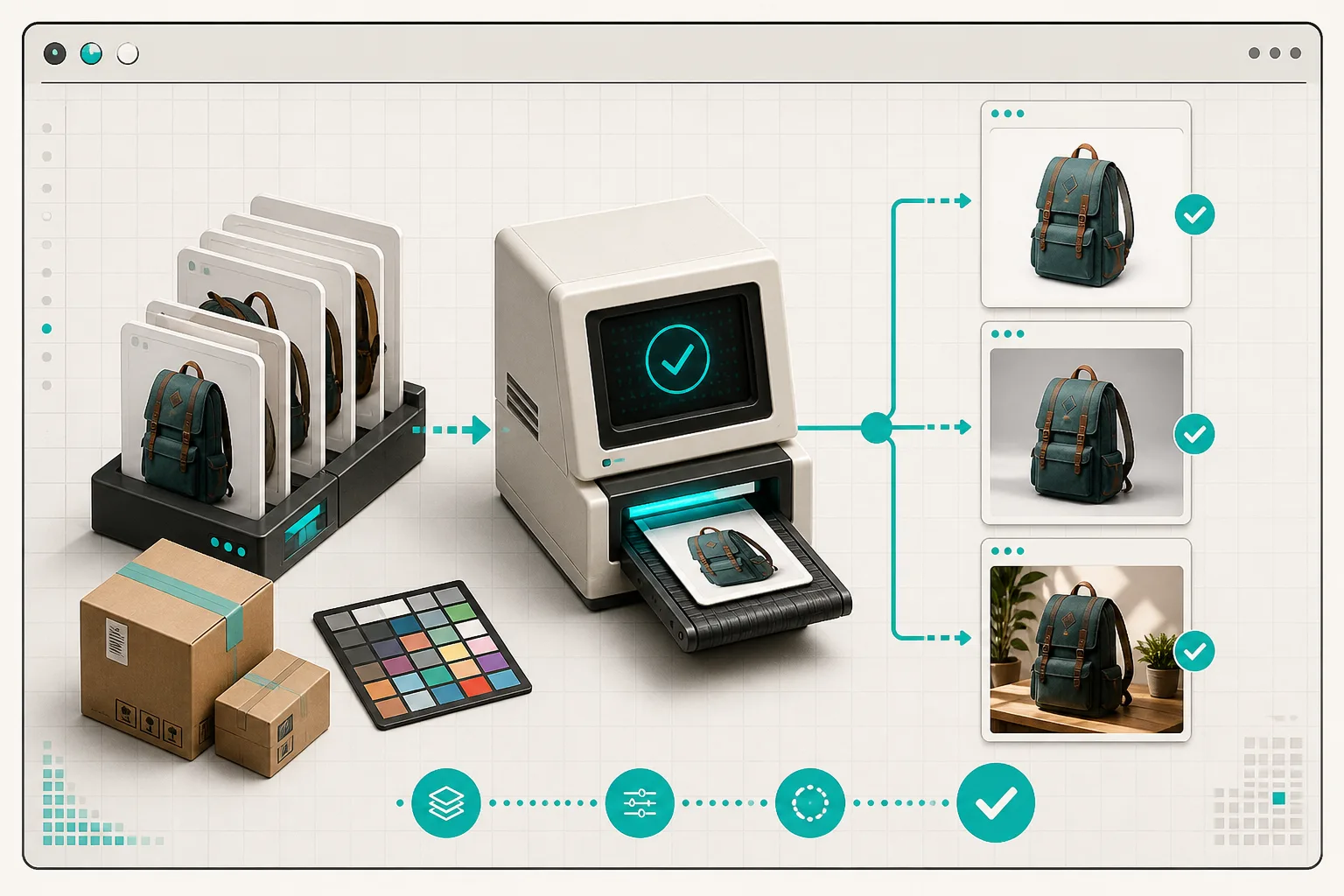
The real problem is catalog consistency, not image generation
An AI image that looks good in isolation can still be a bad ecommerce asset. The product can be the wrong scale. A tote can gain a pocket. A cosmetic bottle can lose its label shape. A lifestyle image can be attractive but unusable when cropped for a collection card. I have seen each of those issues sneak in when the only question is, “Does this look nice?”
My working question is narrower: does this image make the same product easier to recognize and compare wherever a shopper meets it? That means the product-page gallery, the collection grid, mobile crop, ad, and social asset need a common visual baseline. If I need a refresher on keeping the routes organized after the images are ready, I use the same reasoning from my Shopify photo routing workflow: define the destination before making more files.
1. Start with an intake gate, not a creative prompt
The highest-leverage thing I do is pick a source photo that makes the downstream job boring. I want the product centered, unobstructed, reasonably sharp, and captured from an angle I would actually use on a product page. For apparel, that may be a clean laid-flat or on-model source. For an object, it is usually a simple front three-quarter view plus a detail angle.
Before I generate anything, I make a tiny record for each SKU or product family: source filename, hero angle, must-preserve details, approved background direction, and intended placements. A JSON-shaped note is enough:
json\n{\n "sku": "trail-bottle-olive",\n "preserve": ["cap profile", "handle shape", "matte olive finish"],\n "hero": "front three-quarter",\n "placements": ["product page", "collection card", "summer campaign"]\n}\n
That record gives the editor an actual constraint. In Supra AI Photo Studio, I would first use the isolation/background tools where needed, then use enhancement to correct softness, lighting, or color before I ask for a lifestyle placement. The app also supports model try-ons for apparel and object placement for products; I treat those as separate branches, not as a replacement for the base catalog shot.
This is similar to how I stage images before they become public: the pre-publish photo staging checklist is still a useful guardrail. The point is to make a decision before the asset gets copied into five more places.
2. Make one controlled variation at a time
I keep a simple test matrix: one product, one camera angle, one change. If I need a lifestyle version, I choose the setting and preserve the product. If I need a cleaner catalog image, I change the background and preserve the framing. If I need an ad crop, I change the composition after the hero is approved.
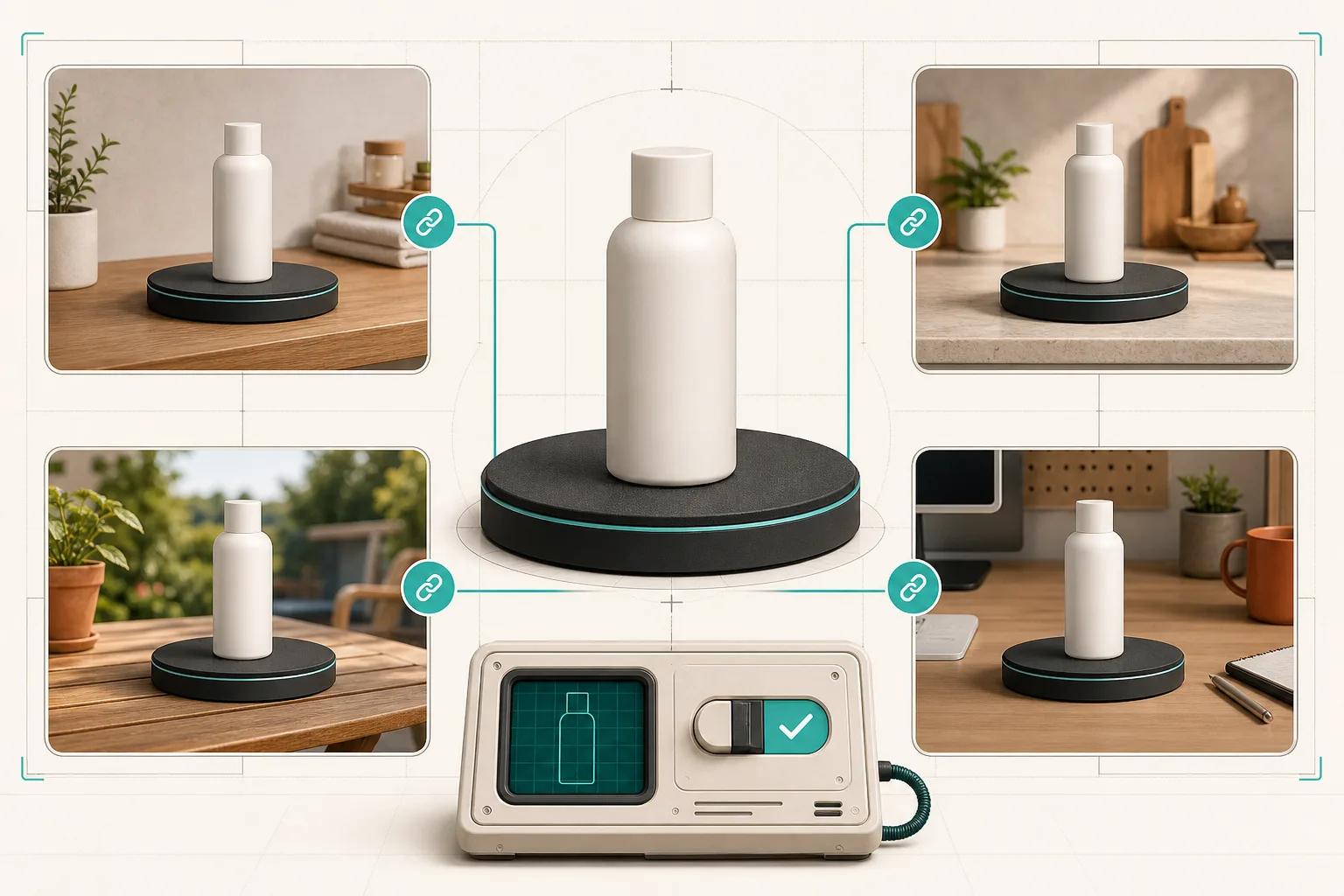
For a small collection, I usually build this sequence:
- A clean hero that clearly identifies the product.
- One detail or alternate angle that answers a practical shopper question.
- One lifestyle image with a job: scale, material context, or use case.
- A mobile-safe crop that proves the product still reads at collection-card size.
This is where I avoid magical prompts. “Make a premium lifestyle shot” is not a brief. “Put the same matte olive bottle upright on a pale stone kitchen counter, morning window light, keep the cap and handle geometry unchanged, leave open space on the right for a 4:5 crop” is a brief. The Supra AI Photo Studio landing page calls out object placement, background work, upscaling, and auto-enhancement; those features are more useful when each one has a narrowly defined job.
For products that are difficult to understand in one flat image, I also borrow a lesson from my phone-first Shopify 3D media pilot: do not add another media type because it is novel. Add it because it resolves a shopper question that the existing images do not.
3. Review across the actual Shopify surfaces
The final QA pass happens outside the image editor. I add the approved candidates to a draft product, then check the places where visual drift becomes expensive:
- The product-page hero at desktop and mobile widths.
- The collection grid beside neighboring products.
- The zoomed or alternate-gallery view.
- A campaign crop or social placement, if that is part of the plan.
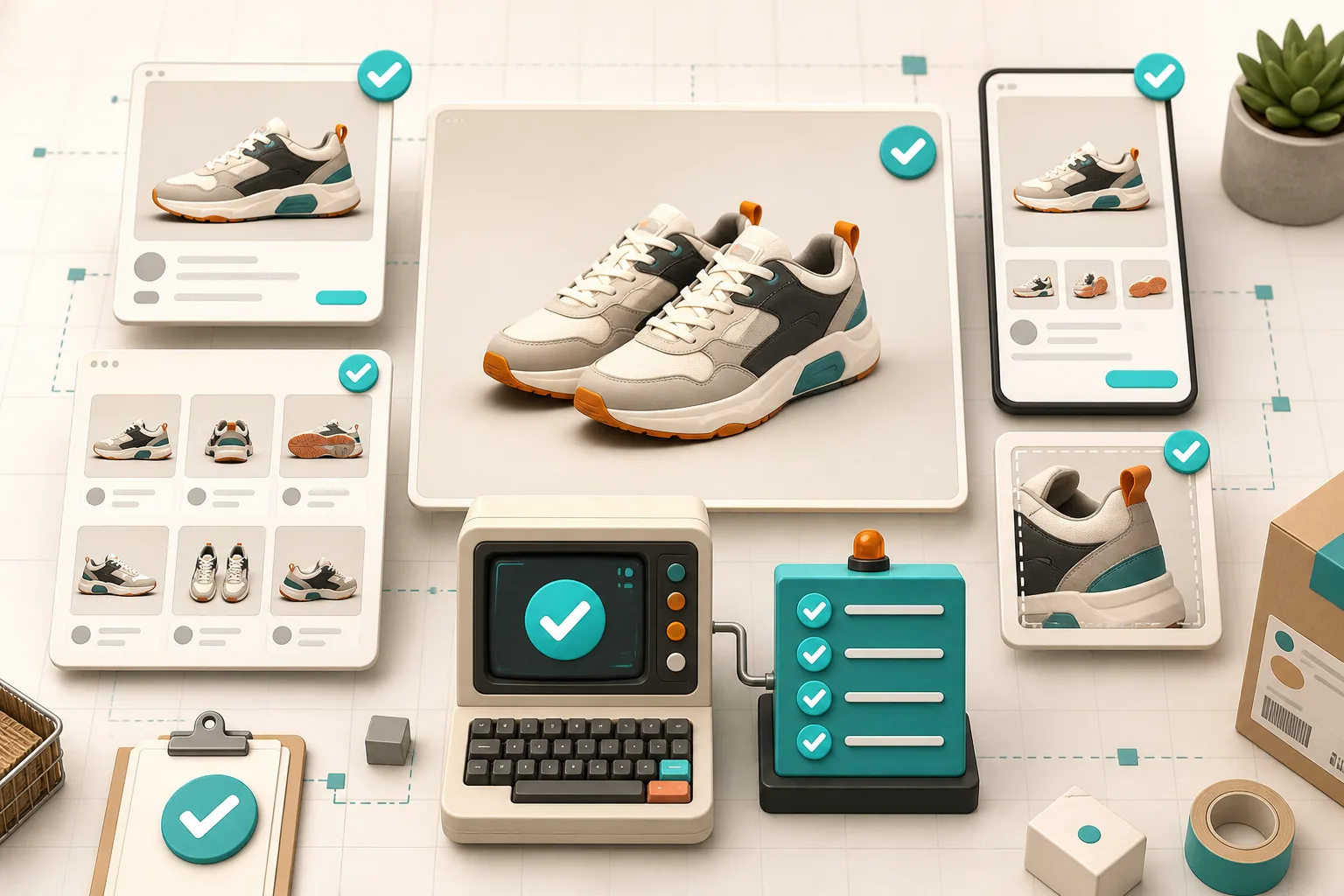
I am looking for simple failures: a product that is too small to recognize, a crop that cuts off the useful detail, a lifestyle setting that changes the apparent color, or a polished image that makes the rest of the collection look neglected. When one image fails, I do not quietly ship it because the others work. I send it back to the single-variable test matrix.
This review step is also where content and media can meet cleanly. If I am making creator-style assets for a launch, I keep the approved product image as the source of truth and branch into video afterward. My recent UGC video testing workflow uses that same pattern: controlled source assets first, campaign variations second. Supra AI Photo Studio includes UGC and b-roll video options, but I would not make them the place where product accuracy is first decided.
A lean rule for deciding what to publish
I use one last test: if I remove the product title, will a returning shopper still recognize the item and understand why this image exists? If the answer is no, the image may be creative but it is not ready for the catalog.
You do not need a full studio to get a coherent storefront. You need a stable source image, an explicit preservation list, a small set of purposeful variants, and a review pass on real storefront surfaces. Install Supra AI Photo Studio, run one product family through that pipeline this week, and keep the variants that make comparison easier—not just the ones that generate the most visual novelty.