
June 12, 2026
How I Keep Product Video Templates Stable as Data Changes
A practical VideoFlow workflow for keeping one product video template stable while the data, render target, and editor surface keep changing.

How I Keep Product Video Templates Stable as Data Changes
I do not want one product update to force me to rebuild a video template. If the hero image changes, the price changes, or the CTA changes, the scene should absorb the change without drifting. That is the part I care about most in VideoFlow: the template stays in code, the scene compiles to portable JSON, and the render target can change later.

The Split I Care About
The first thing I separate is the thing that should stay stable from the thing that should change every time the catalog changes.
For me, the stable part is the video system:
- Layout and composition.
- Layer order and timing.
- Transitions and motion.
- Renderer choice.
- Editor behavior.
The changing part is the product input:
- Product copy.
- Asset URLs.
- Variant-specific values.
- Calls to action.
- Channel-specific overlays.
That split is what keeps the workflow sane. If you let product data creep into scene structure, the template starts to fork. If you let scene logic leak into data, the catalog becomes hard to review.
This is the same reason I keep coming back to the core idea in VideoFlow: describe the video once, then render it where it makes sense. The docs, renderers guide, playground, React Video Editor, and examples all point in that direction.
The Smallest Version I Trust
I like starting with the smallest scene I can defend in a code review.
import VideoFlow from "@videoflow/core";

const $ = new VideoFlow({
  name: "Product Demo",
  width: 1920,
  height: 1080,
  fps: 30,
});

$.addText(
  { text: "New drop, same template", fontSize: 7, fontWeight: 800 },
  { transitionIn: { transition: "overshootPop", duration: "500ms" } }
);

const json = await $.compile();
const blob = await $.renderVideo();
That is enough to keep the workflow honest. I author the scene once, compile it to VideoJSON, and decide later whether the output should go to the browser, the server, or a live editor.
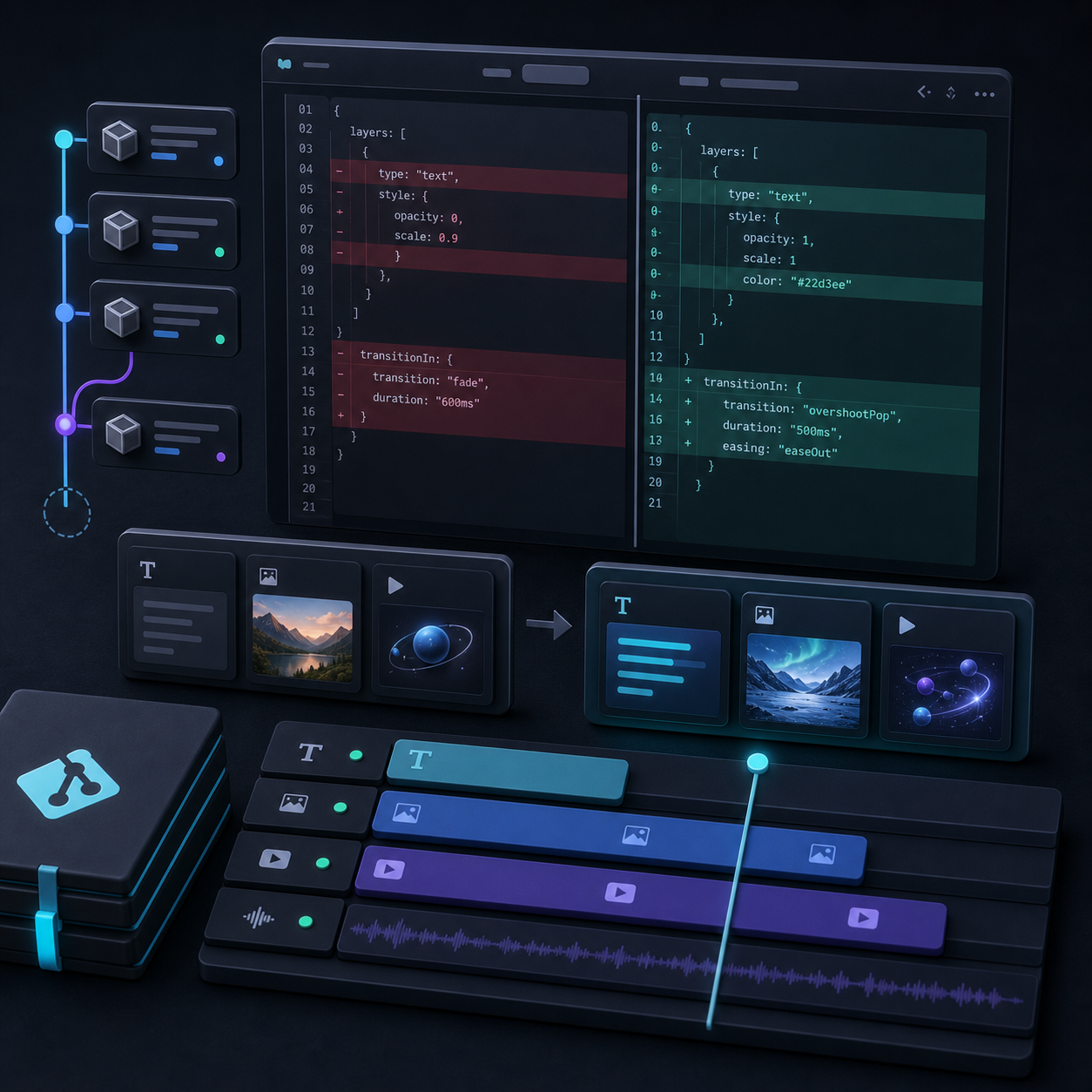
If I want the Git story to stay clean, I also keep How to Make Video Templates Diffable in Git with VideoFlow nearby. That post is the practical companion to this one because it shows why template changes should read like code changes.
Match The Runtime To The Job
I do not force one renderer to do every job. VideoFlow is more useful when I pick the runtime based on the workload.
- Browser rendering is the right fit when I want export to happen inside the product.
- Server rendering is the right fit when I need batch jobs, queues, or API-driven output.
- DOM preview is the right fit when I want scrubbable playback while I build.
- The React editor is the right fit when a human needs to adjust the same JSON-backed scene.
That is the same decision boundary I described in How I Keep One Video Workflow Portable Across Browser, Server, and React. I think that article and this one are really the same argument from two sides: one is about runtime portability, the other is about data stability.
When browser export becomes the part that keeps drifting, How to Add Browser MP4 Export Without Forking Your Video Template is the post I would hand to someone first.

Keep The Data Flexible, Not The Scene
The easiest mistake to make is to put too much product variation into the scene itself.
What I try to keep flexible is the data layer:
- Product title and subtitle.
- Variant-specific price or badge copy.
- Hero image and supporting assets.
- Channel-specific CTA text.
- Any fields that change from one SKU to the next.
What I try to keep fixed is the scene layer:
- Brand rhythm.
- Motion timing.
- Text hierarchy.
- Media framing.
- Export behavior.
That distinction matters because product data changes are normal. Template changes should be deliberate. If I can swap a product record without changing the composition, the workflow scales much better.
This is also where I think the React video editor earns its keep. I only want visual editing when a person truly needs it. I do not want the editor to become the source of truth for everything. If you want the editor-centered version of that idea, How I Built a React Video Editor Around Portable JSON with VideoFlow is the right companion read.

What I Would Ship First
If I were starting from scratch, I would keep the first version simple:
- Define one reusable scene in @videoflow/core.
- Make the product data plain and reviewable.
- Compile to VideoJSON before worrying about extra runtimes.
- Add browser export or server render based on the first real bottleneck.
- Put the editor on top of the same structure only when a human needs it.
That order keeps the template from turning into a pile of special cases. It also makes the output easier to reason about when the catalog changes and the video has to keep up.
If you want to try the same approach, start with the core docs, then move to the renderers and examples. If you are building a human-editable surface, the React Video Editor is the next place I would look.
The next step I would take is simple: build one template, feed it new product data twice, and make sure the scene survives both changes without a rewrite.