
June 11, 2026
How I Keep One Video Workflow Portable Across Browser, Server, and React
A practical VideoFlow workflow for keeping one JSON source of truth across browser export, server rendering, and a React editor.
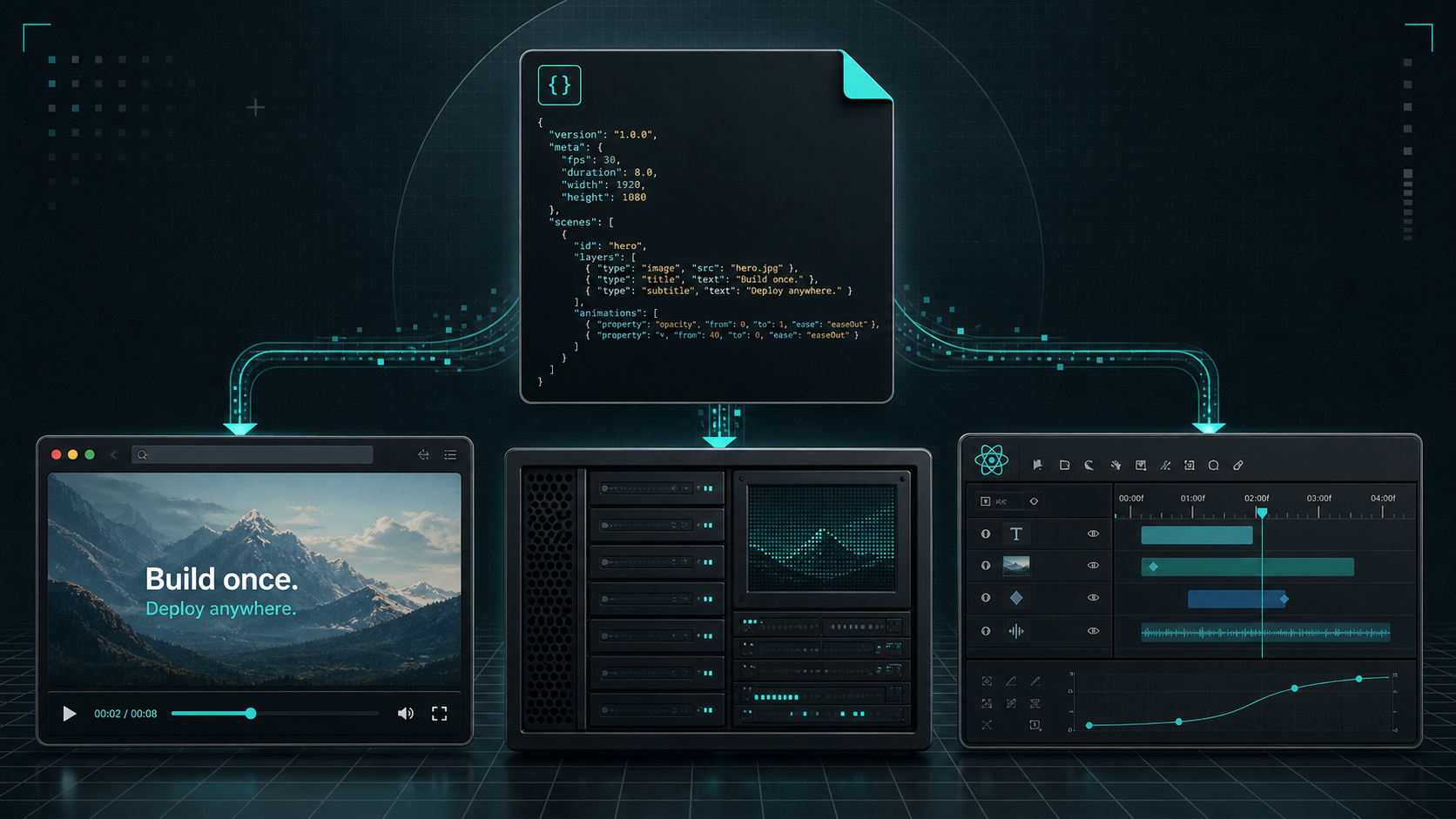
How I Keep One Video Workflow Portable Across Browser, Server, and React
I do not want a video project that changes shape every time I switch render targets. If I have to rebuild the template for the browser, rewrite it for the server, and then patch it again for a human editor, I am not really maintaining one workflow. I am maintaining three.
That is why I keep coming back to VideoFlow. The core idea is simple enough to hold in my head: describe the video once as portable JSON, then render it where the job makes sense. The official docs at VideoFlow, the docs, the renderers guide, and the playground are all built around that idea, which makes it easier to start with one source of truth instead of a pile of one-off exports.
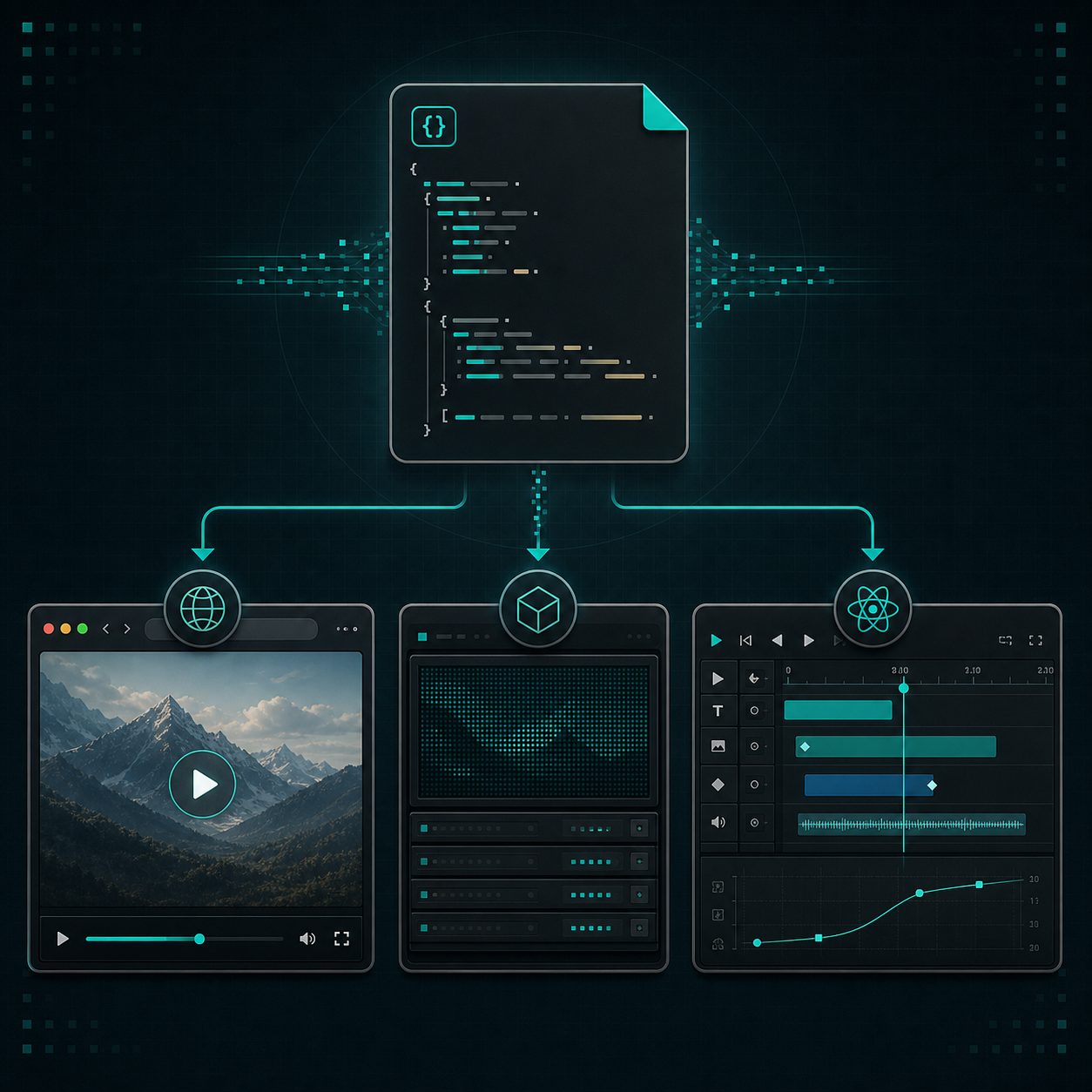
What I Mean by Portable
Portable does not mean generic. It means the project structure survives the handoff between the tools I actually use.
For me, that usually means four things:
- I can author the scene in code.
- I can compile the scene into JSON.
- I can render that same JSON in more than one environment.
- I can let a human edit the result without inventing a second source of truth.
That is the part I care about most. The template should be stable enough to live in Git, but flexible enough to feed a browser export, a server job, or a React editor without a rewrite. That is also why How to Keep One Video JSON Source of Truth for Preview, Edit, and Export still feels like the right companion piece if you are trying to reason about the workflow boundary.
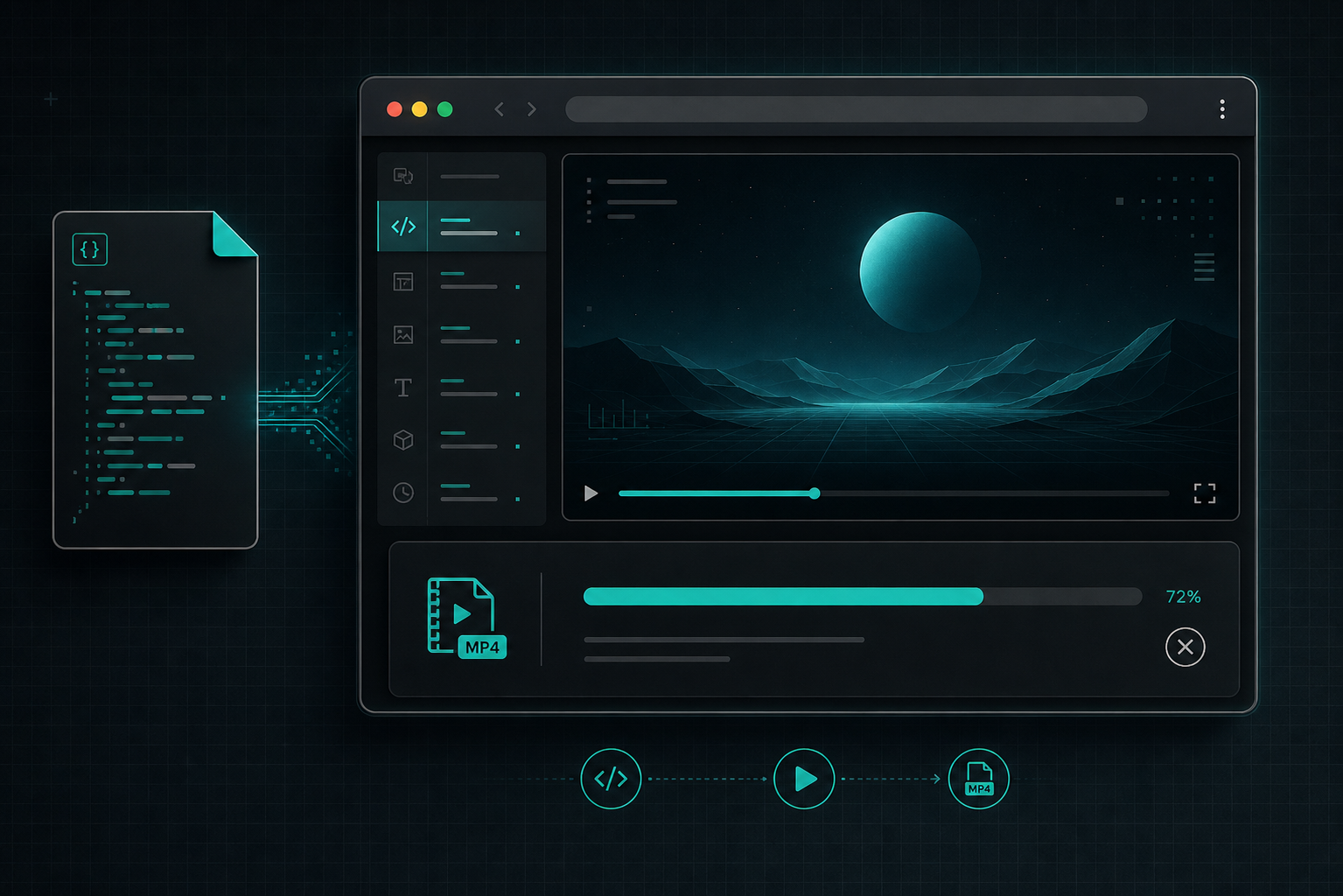
The Core Loop I Trust
The shortest version of the flow is:
import VideoFlow from "@videoflow/core";

const $ = new VideoFlow({
  name: "Launch Demo",
  width: 1920,
  height: 1080,
  fps: 30,
});

$.addText(
  { text: "Build once.", fontSize: 7, fontWeight: 800 },
  { transitionIn: { transition: "overshootPop", duration: "500ms" } }
);

const json = await $.compile();
That is enough to show me the seam that matters. I author the scene in code, compile it into portable VideoJSON, and then decide where the next step belongs. If I need a reminder of why that split matters in practice, How to Build a Three-Renderer Video Workflow With VideoFlow is the most useful companion article in the recent archive.
Once I have the JSON, I stop thinking in terms of a single editor and start thinking in terms of workloads. That has kept me from overbuilding the wrong layer more than once.
Where Each Renderer Fits
VideoFlow makes more sense to me when I stop asking, “Which renderer is best?” and start asking, “Which renderer matches the job?”
- The browser renderer is the right choice when export happens inside the product and I want to avoid a server round trip.
- The server renderer is the right choice when I need queued jobs, batch rendering, or API-driven output.
- The DOM renderer is the right choice when I want live preview and frame-accurate inspection while I build.
- The React editor is the right choice when a human needs to tune the same underlying project without breaking the template.
That is also why I would send someone to How to Turn Video JSON Into Browser Preview and MP4 Export before they chase implementation details. It shows the browser-side version of the split very cleanly.
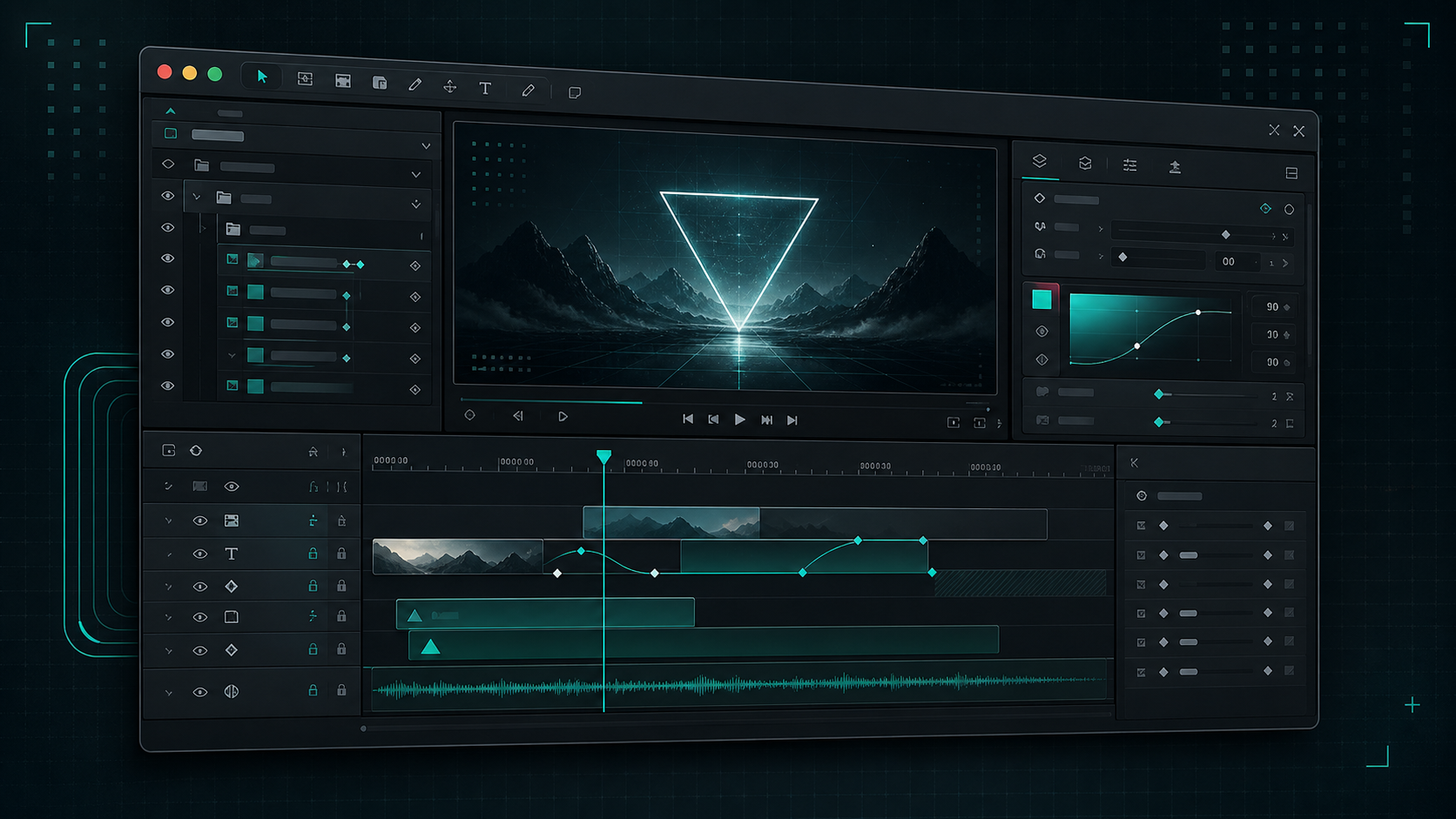
If your use case is editor-heavy, How to Add a Multi-Track React Video Editor to Your SaaS App is the other post I would keep open while I work. It is the same product story, but from the human-editing angle.
The First Version I Would Ship
If I were starting from scratch, I would not try to support every renderer on day one. I would keep the first version boring:
- Define the smallest useful video template in TypeScript.
- Compile it and confirm the JSON shape is stable.
- Test browser export or preview first, because it is the quickest feedback loop.
- Add server rendering when the workload starts to need automation or queues.
- Only add a human editing layer when someone actually needs to touch the scene visually.
That ordering prevents the most common mistake I see in template-based video work: building the editor before the data model is stable enough to survive change. If you want a practical example of the next step after that, How to Add Browser MP4 Export Without Forking Your Video Template shows what happens when the export path stays attached to the same template instead of becoming a separate project.
What Changed My Mind
I used to think the editor had to be the center of the system. With VideoFlow, I think about it differently now. The editor is one consumer of the project data, not the place where the whole workflow lives.
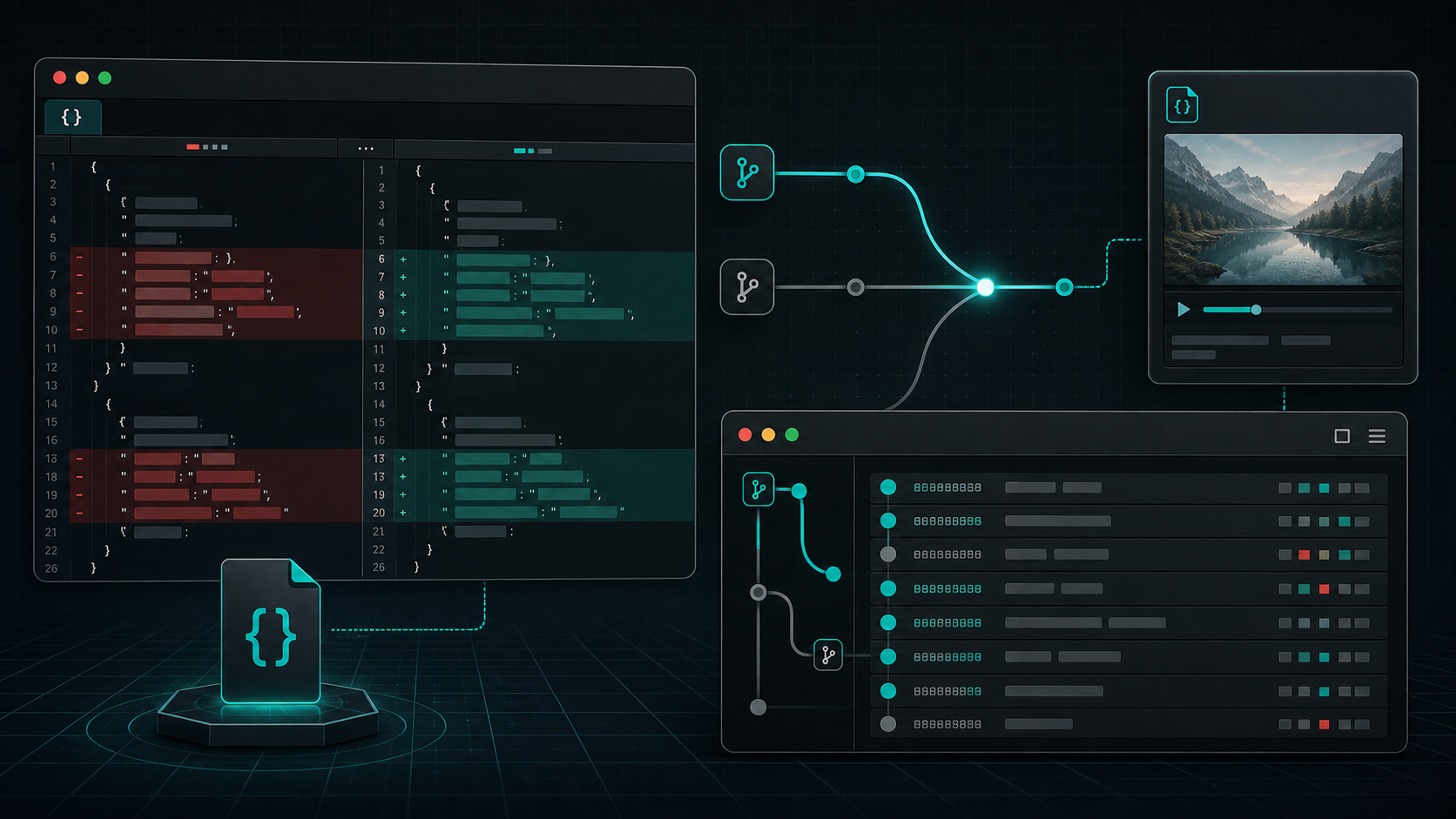
That shift matters because it keeps the project honest. The same JSON can support preview, edit, export, and automation without turning into a forked mess. It is also the reason I find the Git story important. Once the template is diffable, I can review it like any other code artifact instead of treating video work as something fragile and hard to inspect. How I Keep Video Templates Maintainable Across Preview, Edit, and Export goes deeper on that part.
If I want the clearest proof that the model is working, I look for the simplest question: can I make one change and see it survive browser export, server render, and editor preview without rewriting the scene? If the answer is yes, then the workflow is portable in the way I actually care about.
Bottom Line
VideoFlow is most useful to me when I want one portable video system instead of a chain of disconnected exports. That means one JSON artifact, multiple renderers, and a React editor only when the job needs a human interface.
If you are trying to build something similar, start with the docs, skim the renderers guide, and try the playground. Then build the smallest template you can and do not add the next layer until the current one is stable.
The next step I would take is simple: define one template, compile it once, and see how far that same JSON gets you before you reach for a second workflow.