
June 9, 2026
How to Add Browser MP4 Export Without Forking Your Video Template
A practical way to keep one VideoJSON source while letting users export MP4s in the browser with VideoFlow.
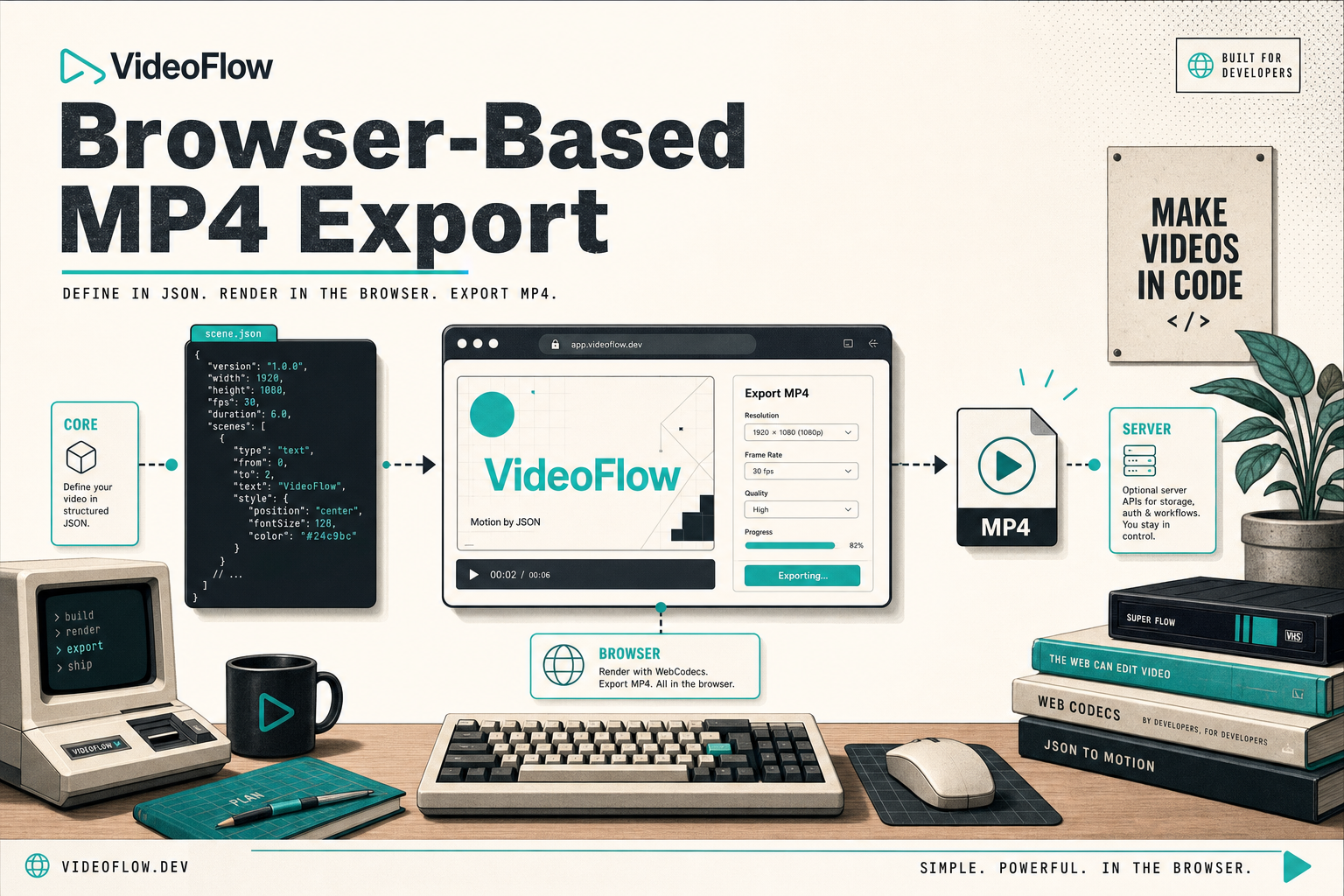
I keep seeing the same mistake in programmatic video projects: browser export gets treated like a separate product path, and then the template starts to drift. The preview looks right, the editor still works, but the export branch quietly becomes its own little codebase.
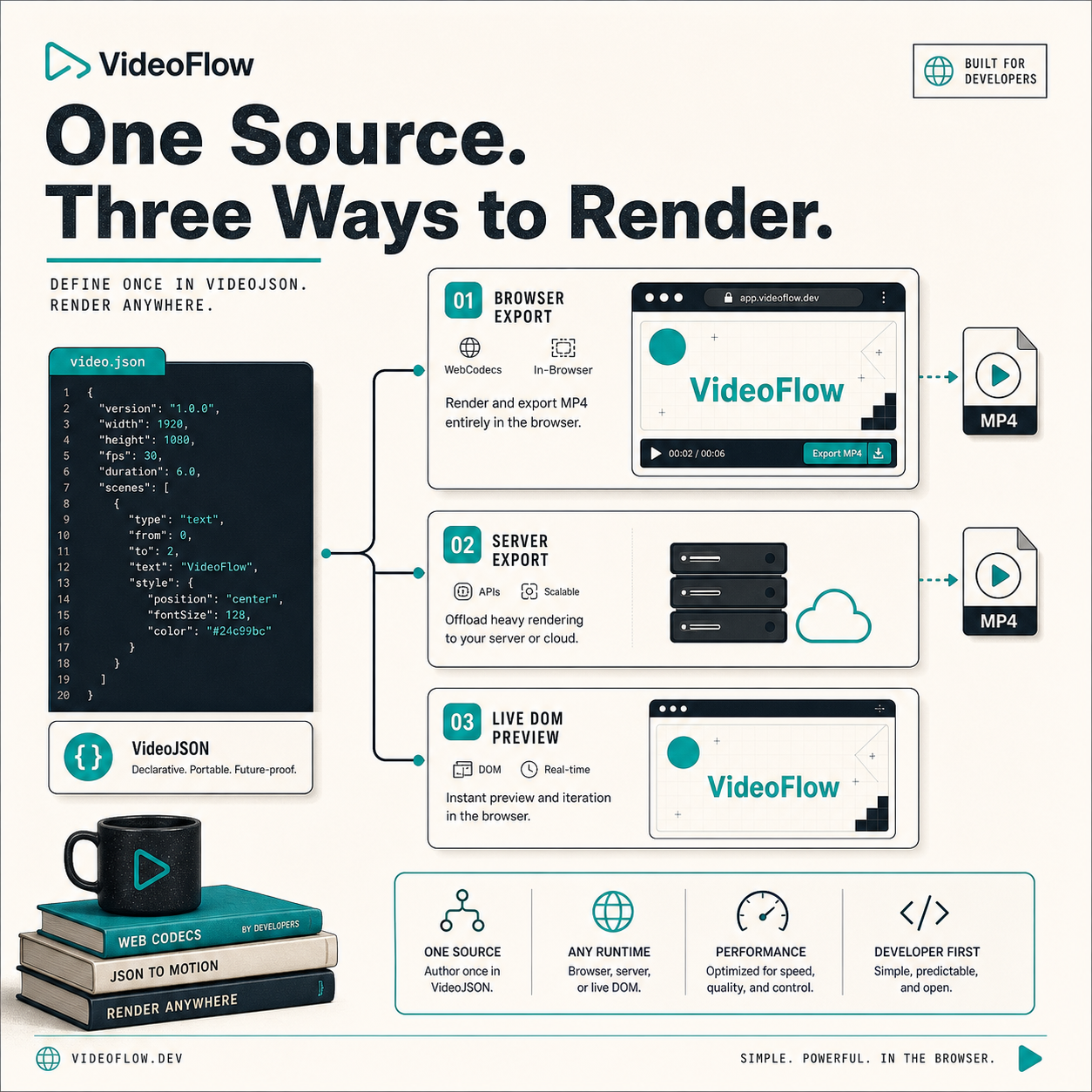
VideoFlow is useful because it lets me keep one scene model and decide later where the render happens. That means I can keep the template in JSON, let the browser do the export when it makes sense, and still have a server path when the job needs more throughput.
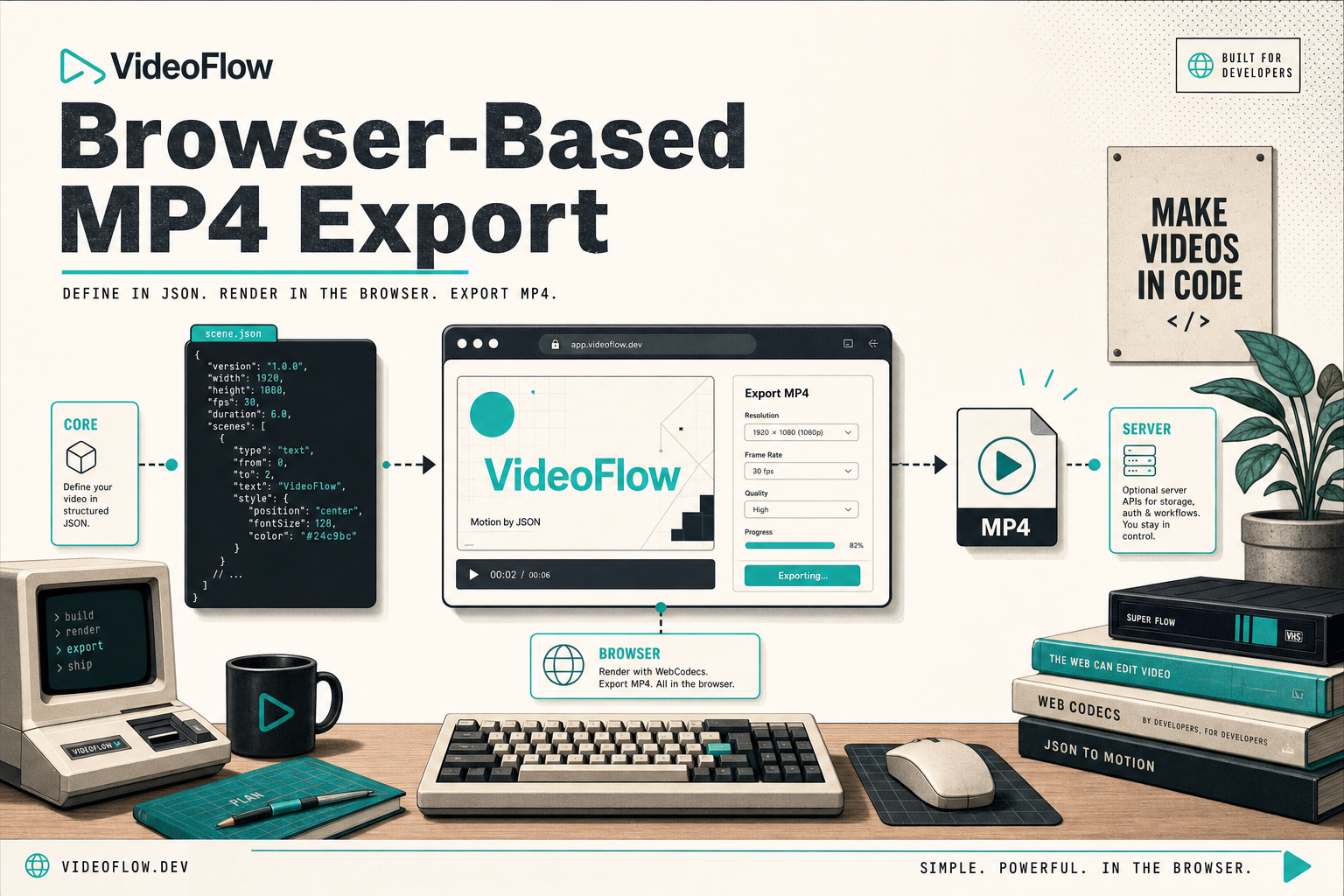
The rule I follow
If the browser export path needs different scene data than the preview path, I am already losing.
My preference is simple:
- Author the scene in
@videoflow/core. - Compile it to portable VideoJSON.
- Use that same scene data for preview, editing, and export.
- Choose the renderer based on where the job belongs, not on where the template was born.
That is what keeps the system maintainable. The template stays one artifact. The rendering target changes.
Here is the smallest shape I care about:
import VideoFlow from "@videoflow/core";

const $ = new VideoFlow({
  name: "Product Demo",
  width: 1920,
  height: 1080,
  fps: 30,
});

$.addText(
  { text: "Hello, VideoFlow!", fontSize: 7, fontWeight: 800 },
  { transitionIn: { transition: "overshootPop", duration: "500ms" } }
);

const json = await $.compile();
const blob = await $.renderVideo();
The important part is not the exact snippet. It is the contract: one scene, one data model, multiple render targets.
Where browser export actually helps
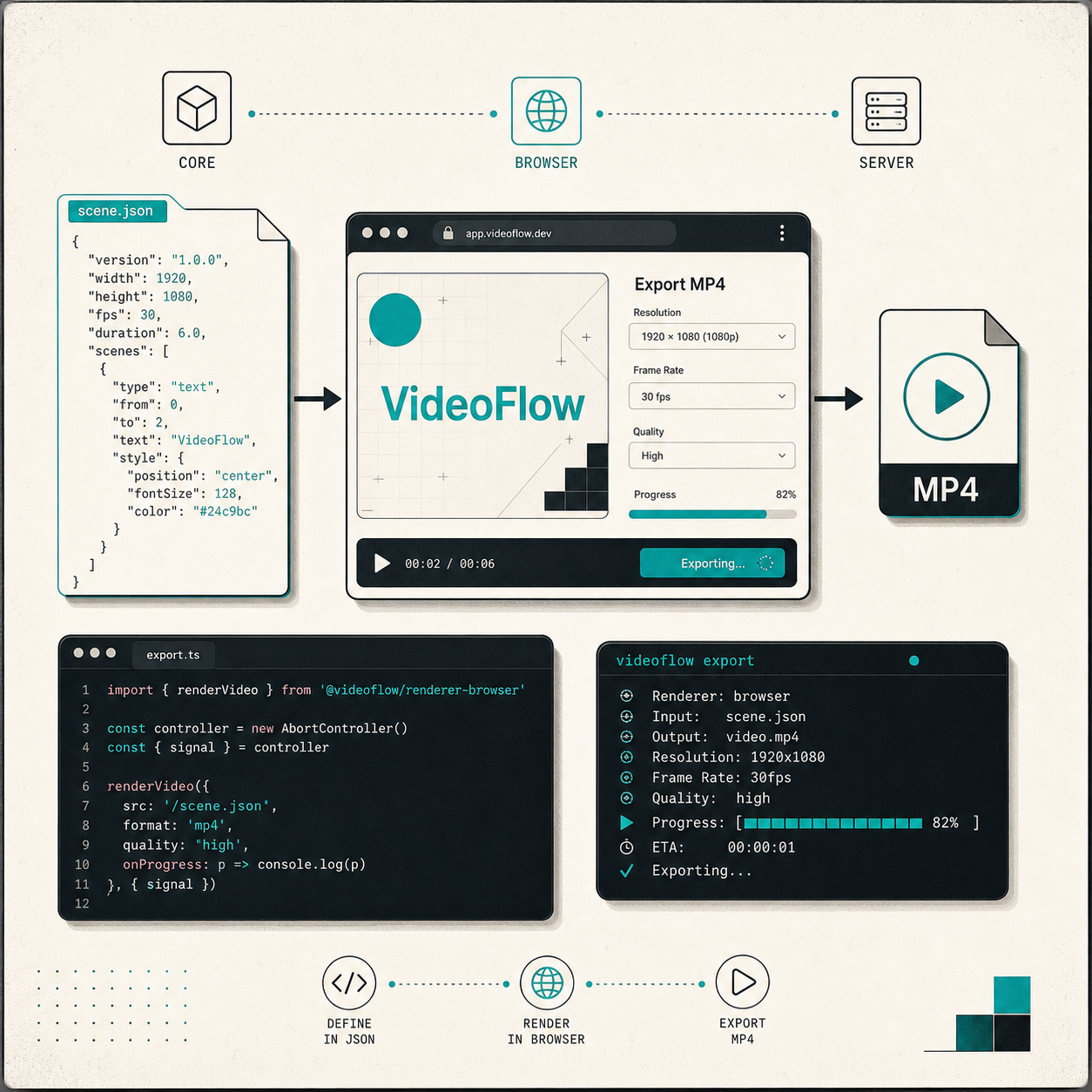
I reach for browser MP4 export when I want the user to stay in the app and finish the job there. That is usually the case for embedded tools, lightweight editors, internal dashboards, or a product flow where sending the project to a render server would be unnecessary friction.
It is also a good fit when I want the export button to feel local instead of remote. VideoFlow’s browser renderer is built for that kind of interaction, and the product notes call out progress feedback, cancellation, and worker acceleration as part of the experience. In practice, that means I can give the user feedback while the export runs without making them wait on a separate queue service.
The key trade-off is obvious: browser export is convenient, but it is not always the highest-throughput option. I only use it when the workflow benefits from staying in the browser.
If you want the broader pattern behind that choice, I wrote about it in How to Build a Three-Renderer Video Workflow With VideoFlow. That post is the more general version of the same idea: one JSON source, three render targets.
The editor should not fork the template
Browser export becomes much more useful when the editor and the exporter agree on the same structure.
That is why the React video editor matters here. It is not a second source of truth. It is a way to let a human manipulate the same JSON-backed scene without rebuilding the whole workflow.
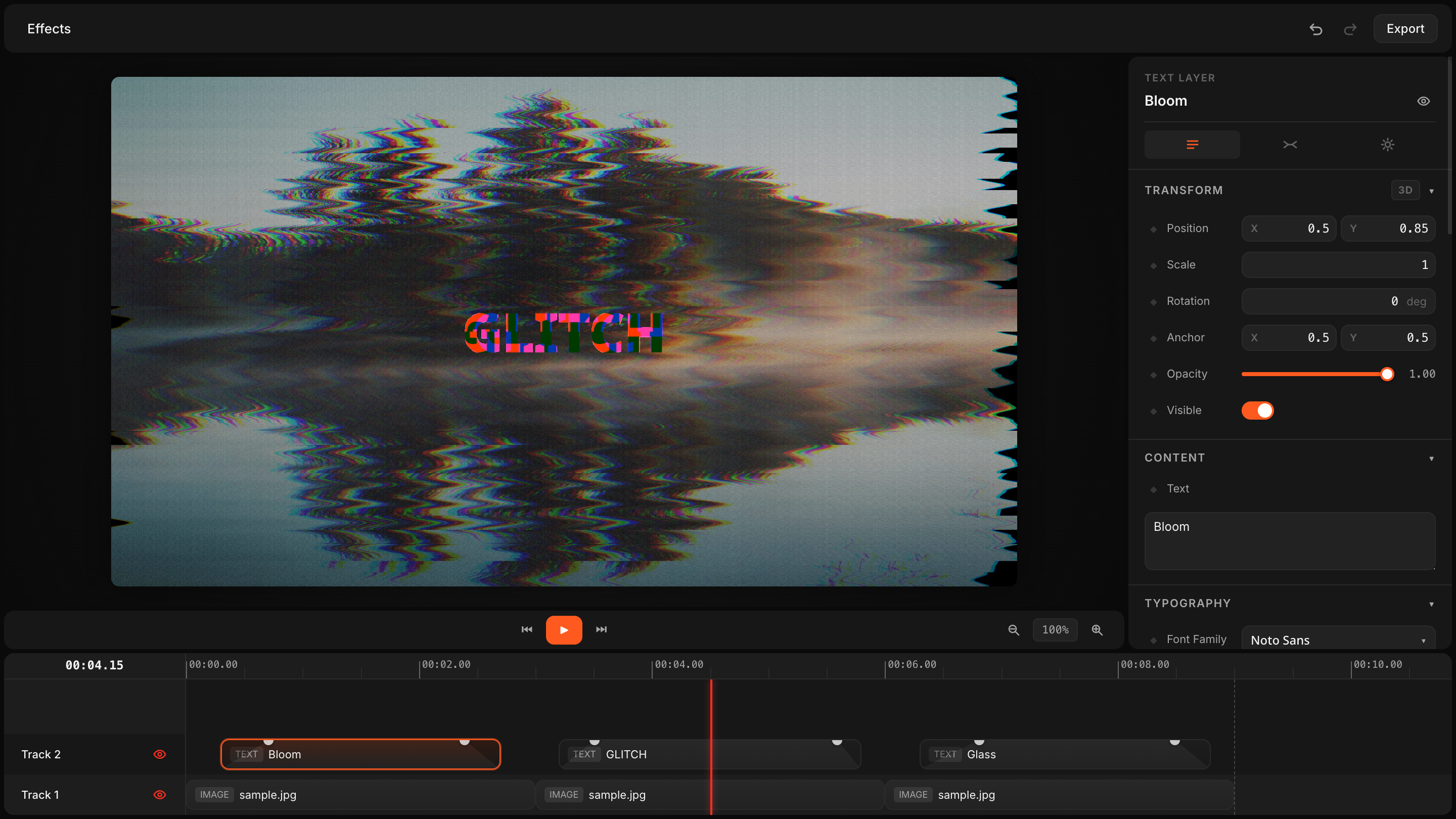
When I wire this into an app, I want the editor to mutate the scene carefully, not invent a new one. The user can trim, reorder, tweak keyframes, or swap assets, but the underlying template still has to be portable enough to export in the browser or on the server.
That is the same point I made in How I Built a React Video Editor Around Portable JSON with VideoFlow. If you are building the editor surface, that article is the better companion piece.
When I still send renders to the server
I do not force browser export into every workflow. If I am rendering in bulk, running scheduled jobs, or handling exports at queue scale, I still want a server-side renderer.
That is where the VideoFlow split makes sense:
- Browser renderer when the export should happen where the user already is.
- Server renderer when the job needs throughput, automation, or a queue.
- DOM renderer when I want a live preview with frame-accurate inspection.
The design goal is not “browser only.” The goal is “one scene, one portable format, many runtimes.”
If you want the practical decision tree, How to Build a VideoJSON Pipeline for Browser, Server, and React and How to Turn Video JSON Into Browser Preview and MP4 Export both go deeper on the boundary between preview and export.
The part I would keep in Git
The other benefit of staying JSON-first is that the template stays diffable.
If I need to change a text layer, swap an asset, or adjust a transition, I want that change to show up like code. I do not want to compare two opaque exports and guess which renderer did what.
That is why I also keep How to Make Video Templates Diffable in Git with VideoFlow nearby. The browser export story gets much cleaner when the template itself is already versionable.
The same logic is why How to Build a Three-Renderer Video Workflow With VideoFlow still matters even if the user mostly exports in the browser. The fallback paths matter, and they stay cheap when they all read the same scene data.
What I would ship first
If I were adding this to a product today, I would do it in this order:
- Build the scene once in
@videoflow/core. - Make sure preview and export consume the same JSON.
- Add browser export for the fast path.
- Keep the server renderer for heavy jobs.
- Put the React editor on the same structure so users can change the scene without breaking the template.
That is enough to ship a browser export workflow without creating a second template pipeline.
If you want to try it yourself, start with the VideoFlow homepage, then read the docs and renderer pages:
The short version is this: add browser MP4 export when it removes friction, not when it forces you to duplicate the scene model.