
October 17, 2026
I Make a Shopify UGC Asset Contract Before Generating Video Variations
A practical asset contract for producing clearer, more reusable Shopify UGC video variations with AI avatars.
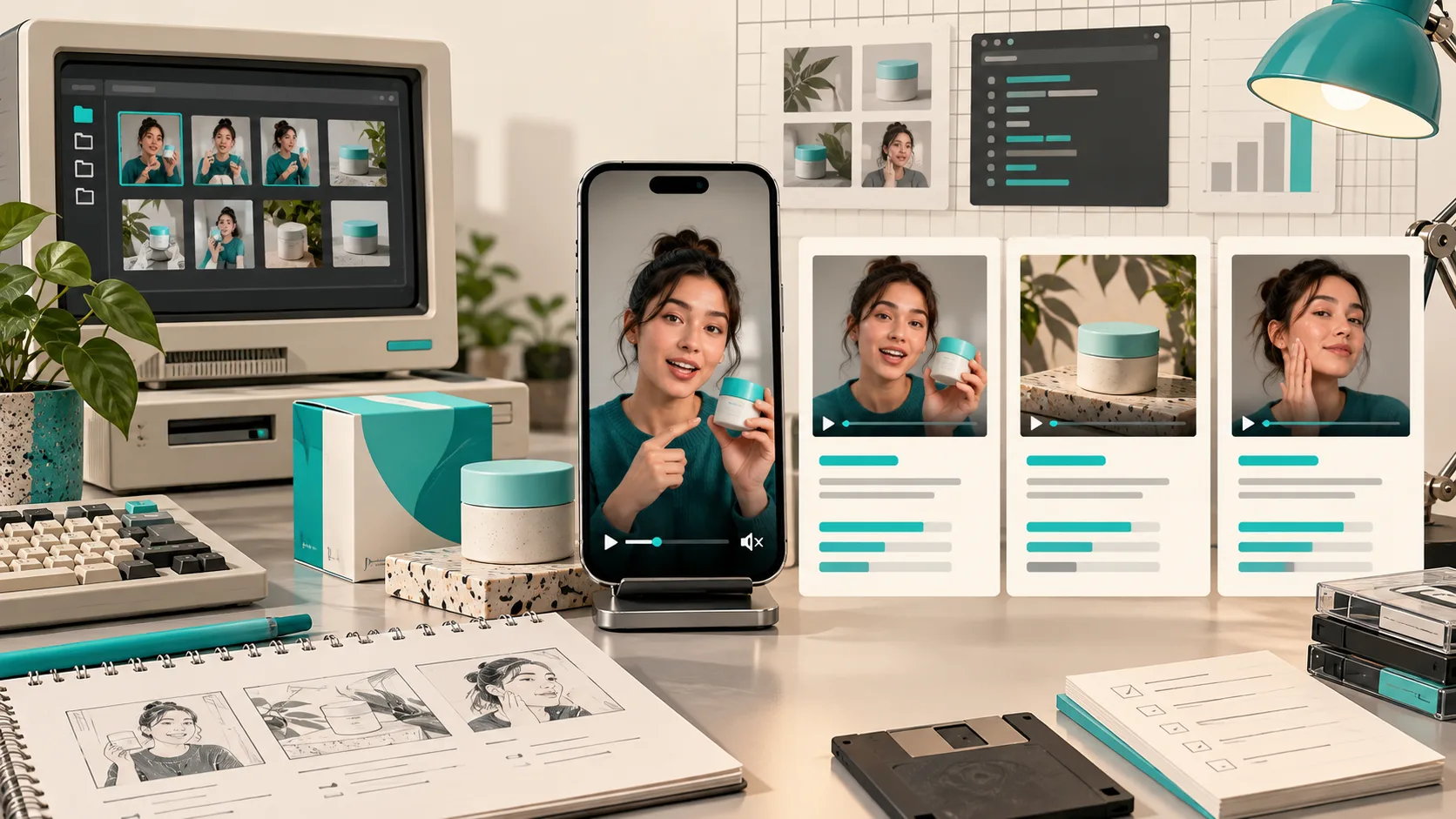
I used to describe a Shopify UGC video request in a Slack message: product link, vague audience, maybe a line like “make it feel more native.” Then I would ask for three variations and get three things that were technically different but impossible to learn from. One had a new opening. One had a new scene. One changed the product framing, voice, and call to action all at once.
That is not a creative test. It is a pile of clips.
Now I make a tiny asset contract before I generate anything. It is not a grand brand document. It is a deliberately boring record of what the video must show, what can change, and where the finished cut will live. That small bit of structure makes an AI UGC video generator useful for a Shopify operator instead of just fast. Supra UGC Maker is built around the pieces I need for this: avatars, scenes, scripts, voice and tone, product references, previewable segments, and reusable projects.

The contract is for the asset, not the campaign
A campaign brief can be wonderfully broad. An asset contract should be painfully specific. Mine has six fields:
{
  "product": "insulated bottle, 24 oz, leak-resistant lid",
  "placement": "product page, above the buy button",
  "viewer question": "Will it fit my daily commute?",
  "one promise": "easy to carry without leaks",
  "proof to show": "handle, lid close, bag-side pocket",
  "next action": "choose a color"
}
This is different from asking for a generic product video. It forces the clip to earn its place. On a product page, I want a short explainer with a visible product and a shopper question. For paid creative, I might instead set the placement to a vertical social placement and make the next action “learn more.” The product is still the same; the job is not.
That distinction is why I would keep this separate from a larger four-angle UGC test. The contract gives each asset a stable purpose before I decide whether the campaign needs more than one angle.
Lock three things before changing the creative
The most useful rule I have found is to lock the product proof, viewer question, and destination. These are the non-negotiables. If the bottle needs to look easy to carry, the video must actually show the handle or pocket; a pretty avatar monologue does not substitute for that proof.
Then I select only one variable for the first round: the opening line, avatar, scene, or tone. The other pieces stay put. It is the same discipline behind a small UGC test matrix, but here I apply it at the asset level.
For example, I might create these two versions:
- Version A: commuter scene, practical voice, opening with the bag-pocket proof.
- Version B: same scene, same product proof, same call to action, but an opening about avoiding spills.
If one performs differently, I can say something useful about the hook. If I also swap the scene, avatar, edit pace, and ending, I have made a new video—not a controlled variation.

Build the first cut from reusable inputs
This is where Supra UGC Maker’s project structure matters. I start by choosing an avatar or a custom AI model, then set the scene, add the Shopify product when it is relevant, and write the script in the context of the contract. I select voice and tone last, because they should reinforce the job rather than define it.
I keep the reusable inputs in one project: the product reference, the core proof beats, the scene that works, and the approved portion of the script. That way, a future variation is a fork with one intentional adjustment instead of a rebuild. The app lets me preview scenes, reorder and trim segments, update or regenerate clips, and save projects and scenes for reuse. Those are unglamorous capabilities, but they are the difference between testing and repeatedly starting from zero.
I also leave real creators in the plan where they are strongest: testimonials, community trust, and deeply personal lived experience. AI avatar product videos are a better fit when I need scalable explainers, fast creative learning, or multiple controlled variations—not a fake substitute for a real customer.
Add a review gate before download
Before I download a cut, I check four things in the preview:
- Can I identify the product immediately? The product should not be a background prop.
- Does the visual proof match the spoken claim? If the script says leak-resistant, show the relevant closure or use context.
- Is there exactly one next action? Product-page viewers and ad viewers should not have to decode the intended move.
- Did the chosen variable actually change? This prevents an accidental rewrite from contaminating a comparison.

That review gate is also where I decide placement. A cut for an ad can prioritize the first second. A product-page video can slow down enough to make the product understandable. An email teaser can be shorter, with the product and offer context already supplied by the surrounding email. The same generated segment does not need to do every job.
The small operational payoff
The asset contract takes me a few minutes, but it prevents the expensive kind of speed: rapidly generating clips that I cannot compare, reuse, or deploy with confidence. It gives the editor, marketer, and store owner the same shared definition of done.
If you need more Shopify UGC videos without rebuilding every shoot, install Supra UGC Maker from the Shopify App Store, create one product-page asset contract for a high-question SKU, and generate only two controlled first cuts. Compare those before scaling to a bigger creative system—like the test harness approach I used for Shopify UGC creative.
My next action is simple: pick the product question that sales or support hears most often, write the six fields, and make the first clip prove one thing clearly.