
September 29, 2026
How I Turn One Shopify Product Into Four Testable UGC Video Angles
A practical build-notes workflow for turning one Shopify product into four focused AI UGC video tests without rebuilding every asset.

I used to treat every new UGC ad as a miniature production project: find a creator, write a brief, wait for footage, then discover we had tested three versions of the same opening sentence. That is an expensive way to learn that a hook is weak.
For a recent Shopify product launch, I changed the unit of work. Instead of making one polished video, I built four deliberately narrow video angles from one product page. The point was not to pretend an AI avatar is a replacement for a creator with real community trust. It was to get faster at the early question: which customer problem deserves a real production budget?
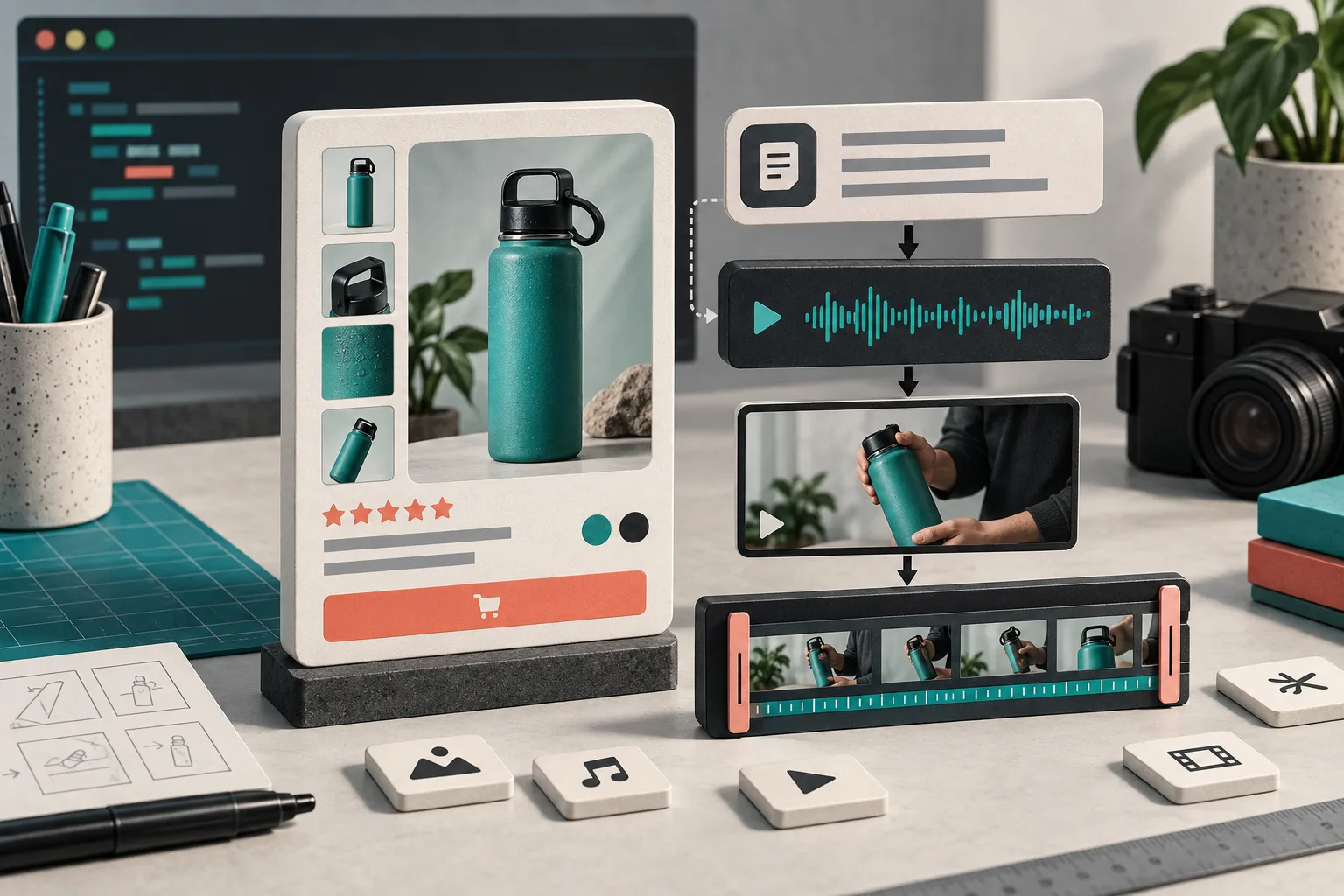
Supra UGC Maker is useful here because it lets me assemble an AI avatar, scene, script, voice/tone, and optional Shopify product reference in one reusable project. I can preview, reorder, trim, update, and regenerate clips without throwing away the whole setup. Here is the build-notes version of the workflow.
Start With One Product Question, Not Four Random Scripts
My first rule is that all four variations answer the same product question. For a skin-care product, that might be “Will this fit into a rushed morning routine?” For a gadget, it might be “What does this replace on my desk?” If every clip sells a different benefit, the test tells you very little.
I write down one audience, one problem, one product fact I can actually support, and one action. Then I vary only the opening angle:
- Problem-first: show the annoying moment before the product.
- Outcome-first: lead with the after-state the shopper wants.
- Objection-first: answer a realistic hesitation early.
- Use-case-first: drop the product into a specific routine.
That is enough variation to make the test useful while keeping the landing page, offer, and core claim stable. It also works much better than making four clips that differ in avatar, background, product promise, duration, and CTA all at once.

Build a Reusable Project Before You Generate Anything
Inside the project, I set the elements that should stay consistent: the product reference, visual environment, base voice, aspect ratio, and the final CTA. Supra UGC Maker supports preset or custom AI models, scene selection, scripts, speech, and reusable projects, so that stable setup becomes the fixture for the test rather than another variable.
Then I make four short script branches. Mine are usually 45 to 75 words. I keep the structure boring on purpose:
HOOK: name the situation or objection
PROOF: show or explain one product-relevant detail
PAYOFF: make the practical outcome concrete
CTA: one next action
For example, “I stopped packing three separate chargers for weekend trips” is a different opening than “The cable drawer was not the problem.” Both can lead to the same product proof and CTA. That makes the first three seconds the main thing under test.
If you are building this from a product page that is already hard to scan, fix that first. I have found that a reusable Shopify product-page content system gives every video a cleaner source of truth for specifications, care notes, and delivery expectations.
Give Each Version a Single Job
A common failure mode is writing “UGC” as a style instruction instead of deciding what the clip must accomplish. I label the four versions before generating:
- Angle A — interruption: earn the pause in a feed.
- Angle B — explanation: make the product easier to understand.
- Angle C — reassurance: deal with a purchase objection.
- Angle D — context: help the shopper picture ownership.
That label affects scene and tone. An explanation clip needs room for a product detail; an interruption clip needs a clean, credible first line. I do not ask an avatar to make a testimonial claim it cannot substantiate. For real customer stories and community trust, a real creator is still the better tool.
The project workflow is also handy when a test earns a second pass: duplicate the winning setup, change just the hook or scene, and regenerate. You get more Shopify UGC video variations without rebuilding every asset or organizing another shoot.
Put the Videos Where the Question Gets Answered
I do not publish all four clips to every surface. The placement should match the job:
- Paid social: test the interruption and outcome angles.
- Product page: use the explanation version beside the decision-making details.
- Launch email: use a concise context or outcome teaser.
- Post-purchase: use a clear setup or care explainer.
This matters because a feed viewer needs a reason to stop, while a buyer on a product page needs confidence. A small product-page video can reduce the gap between “I like this” and “I understand how it fits my life.” The same principle applies to the post-purchase moment; a focused clip can prevent confusion better than a broad, glossy brand video.
Review Like an Operator, Not a Rendering Queue
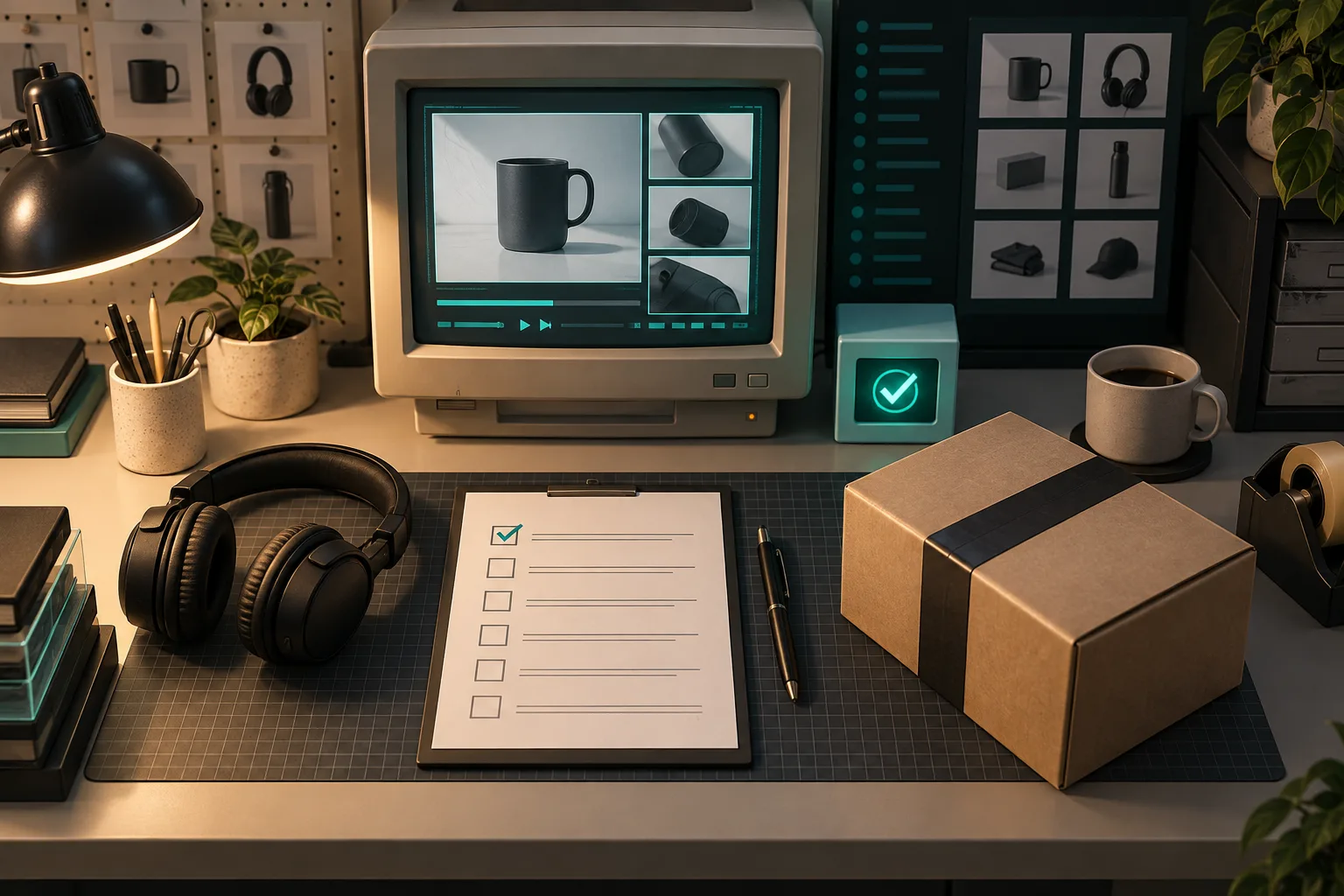
Before I download anything, I watch each version with the sound on and off. I check product fidelity, the script against the actual product page, voice pacing, scene appropriateness, and whether the CTA matches the destination. Then I ask one uncomfortable question: would a shopper understand that this is an AI-made UGC-style creative rather than a customer’s lived review?
That human review is not optional. AI makes it easier to generate options, not safer to publish unsupported claims. It is also why I avoid treating a test winner as a permanent answer. A strong angle can be turned into a real creator brief, a better product page module, or a new email segment once it proves its value.
What I Measure After the First Run
I choose one signal appropriate to the placement before launching. For paid creative, that may be qualified clicks or the cost of a meaningful visit. On a product page, it could be video engagement alongside add-to-cart behavior. For email, it might be clicks to the product page rather than raw opens.
The operational trick is to record the script and angle next to the result. Do not write “video 3 won.” Write “objection-first hook, calm studio scene, 22-second runtime, product-page CTA.” That is a reusable decision, not just a lucky file name.
If you need a fast first pass, try Supra UGC Maker with one product, one stable project, and four narrow hooks. Publish only the versions that pass human review, then let the best question earn the next round of creative work.