
August 6, 2026
How I Pick the First Shopify Products Worth Capturing in 3D
A practical way to choose Shopify SKUs for 3D capture, validate demand, and launch native product media without making every catalog item a project.
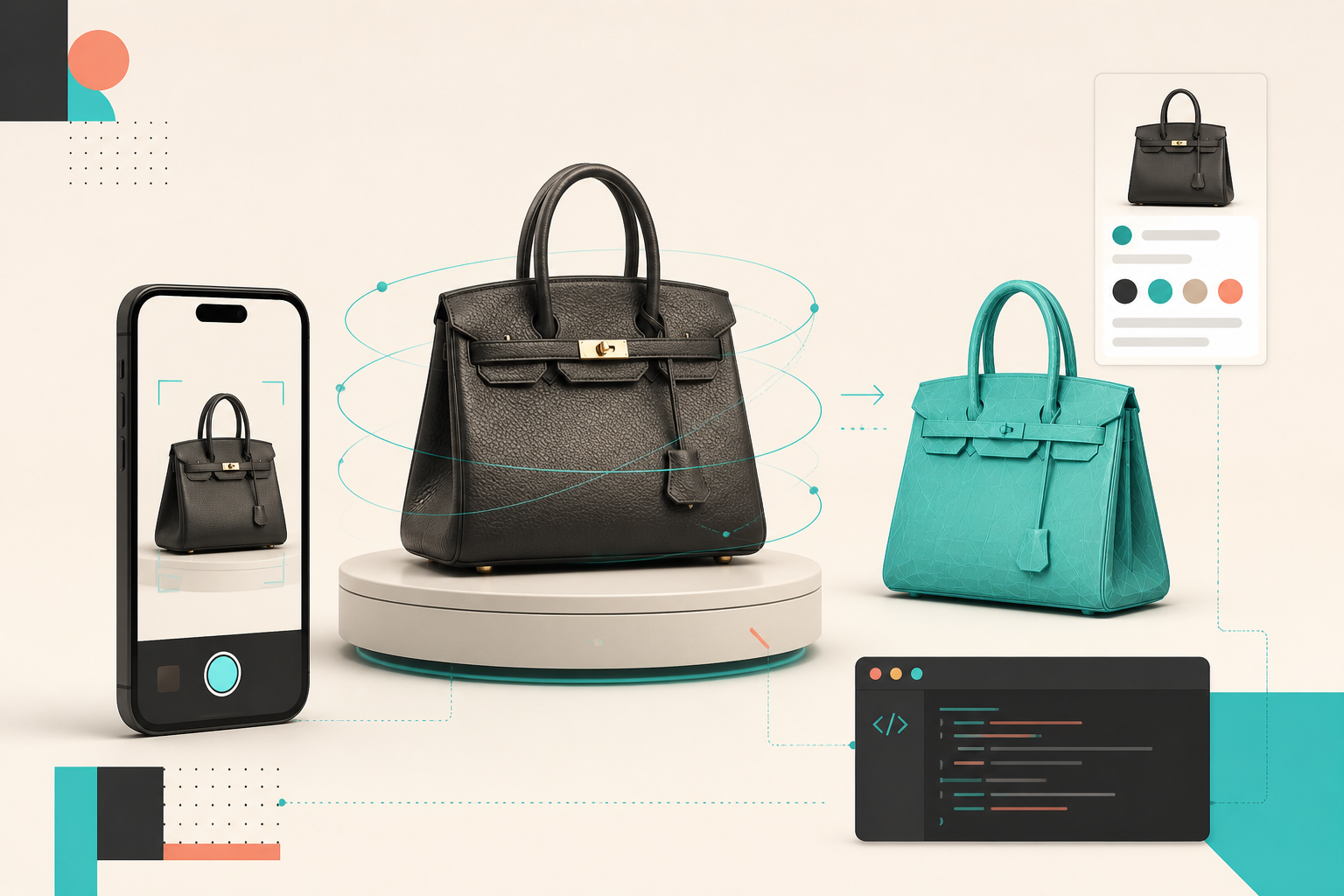
Most Shopify stores do not need 3D on every SKU. They need it first on the products where a flat gallery keeps creating hesitation.
That distinction saved me from turning a perfectly reasonable product-media experiment into a catalog-wide production project. A product page with 3D has to earn its place: the model should reveal something a shopper cannot comfortably understand from the existing photos, and the capture should be simple enough that the team will actually repeat it.
I now treat the first batch as a small product-page test, not a design-system migration. Supra 3D Capture is built for exactly that kind of rollout: take a guided set of phone photos, turn them into a web-ready GLB, then publish it as native Shopify 3D media or through an Online Store 2.0 app block. Here is the filter I use before I ask anyone to start circling a product with a phone.
Start With the Question Photos Cannot Answer
The strongest candidates are not always the best sellers. They are the SKUs where customers need to inspect shape, scale, material, or construction before clicking Add to Cart. Think structured bags, footwear, furniture accents, textured ceramics, unusual packaging, or products with an important back and side view.
I look for a specific gap in the current gallery:
- Does the product have depth that disappears in a front-on image?
- Is the material or construction easier to understand when the shopper can rotate it?
- Are support questions asking for another angle, a better sense of proportion, or a close-up of a detail?
- Does the product have enough margin or enough strategic importance to justify a better buying experience?
That is deliberately different from saying that 3D will guarantee a conversion lift. The useful promise is simpler: a customer can inspect the object on their own terms, which can reduce the expectation gap that static photos sometimes leave behind. My earlier notes on what makes a Shopify product worth scanning in 3D are a good companion when the shortlist is still too broad.
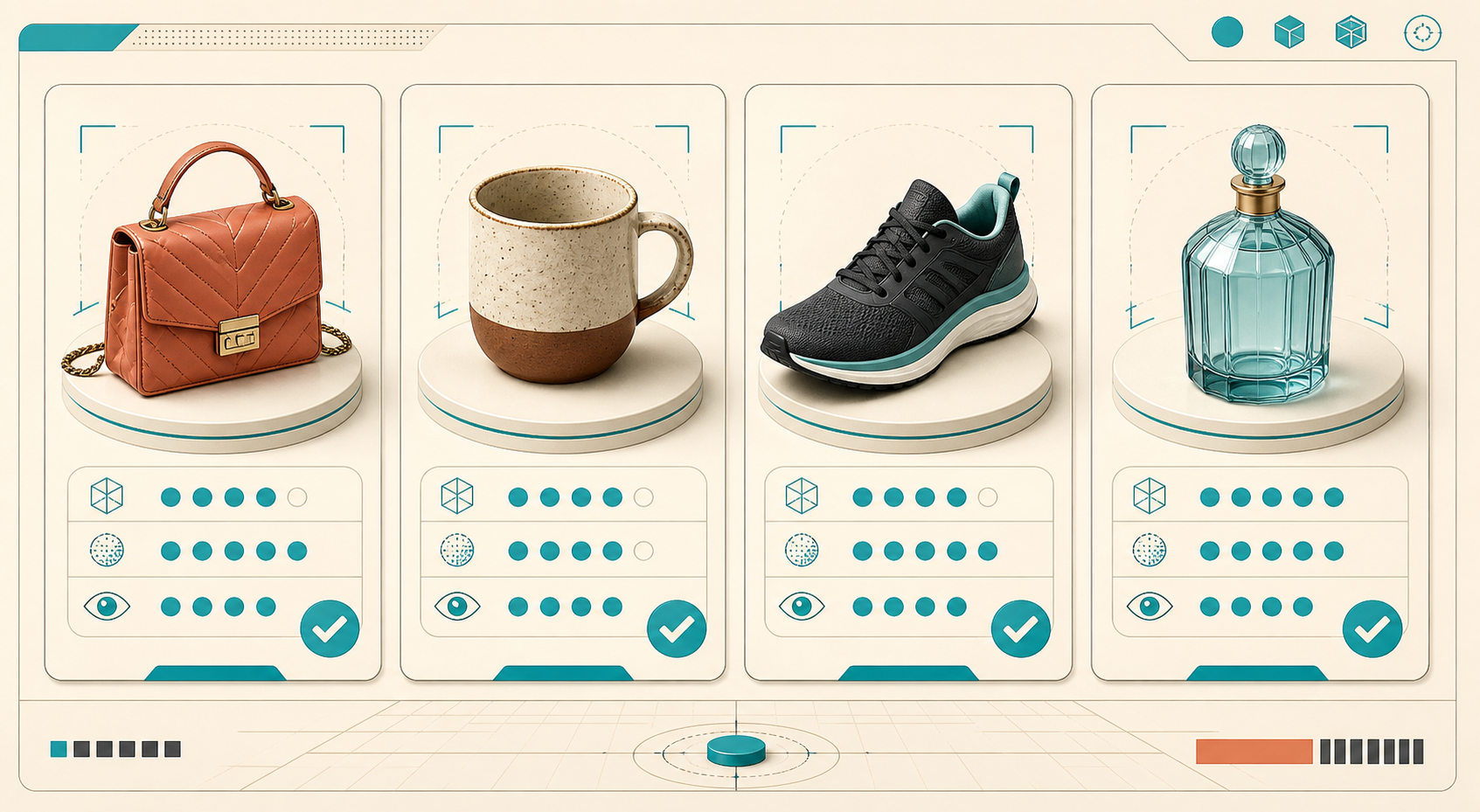
My Four-Part Priority Scorecard
I score each candidate informally across four dimensions. I do not need a spreadsheet with a hundred inputs; I need a repeatable reason to choose one product before another.
1. Dimensional payoff
Would rotation reveal a meaningful feature? A sneaker sole, handbag gusset, sculptural silhouette, embossed surface, or hardware detail usually scores well. A flat graphic tee or a commodity refill pouch usually does not.
2. Capture readiness
Can I place the item in even light and walk a steady orbit around it? Supra 3D Capture starts with 10+ guided phone photos, so a small-to-medium product that can sit still and be photographed from all sides is a sensible first run. Very shiny, clear, fuzzy, or flexible products can be worth modeling later, but they are not where I learn the workflow.
3. Page importance
A hero SKU, a high-consideration item, a product with several ambiguous angles, or a launch product all get a bump. I also look at the product page itself: if its current gallery is already doing the job, 3D is less urgent than a SKU whose photos cannot show how the object occupies space.
4. Operational fit
Could the team capture another five like it next week? The first item should create a practical template for lighting, background, naming, and review—not a one-off hero asset that needs a specialist to reproduce. If your source imagery is already messy, start by fixing the inputs with a one-source product photo workflow before you add another media format.
Run a Capture That Is Boring on Purpose
The best first capture is usually boring: stable product, even lighting, plain surface, and enough room to move around it. I avoid dramatic shadows and I make sure the product does not move while I circle it. The goal is not an editorial shoot; it is consistent visual information for photogrammetry.
With Supra 3D Capture, the workflow is intentionally merchant-friendly: open a guided session on a regular phone, orbit the product as it prompts you, upload the shots for processing, then review the generated GLB. No LiDAR or 3D-modeling background is required for that first pass.
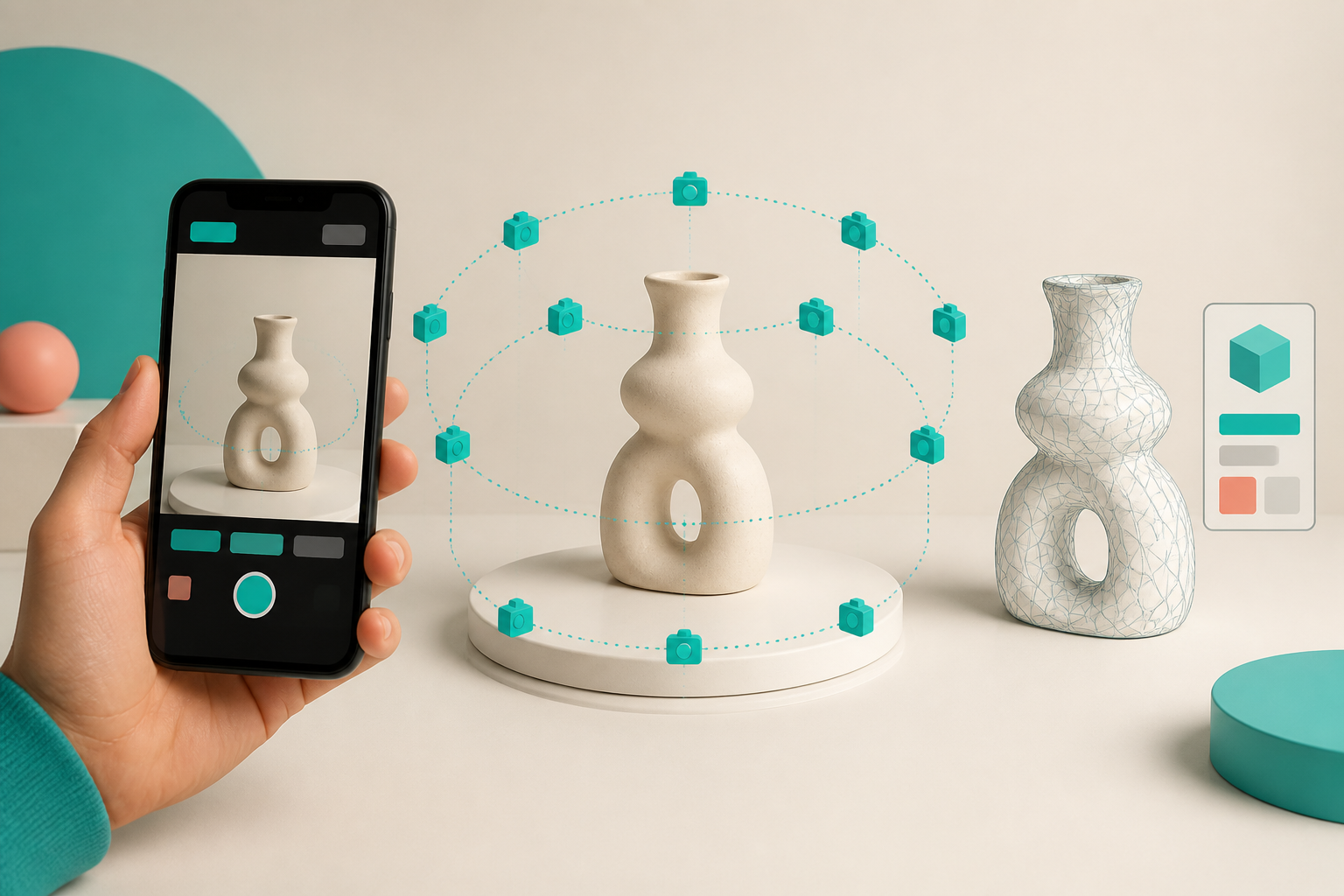
My quick preflight looks like this:
- Clean the product and remove loose tags or reflective distractions.
- Use soft, even light so the surface reads consistently around the orbit.
- Start with a product that holds its shape and has visible texture or geometry.
- Capture a complete circle at more than one height instead of improvising isolated detail shots.
- Keep the original photo set with the product record so the team can reprocess or compare later.
If you want a more formal selection pass, this 3D capture priority scorecard is the version I would hand to a teammate before a catalog review.
Publish Native 3D Where the Shopper Decides
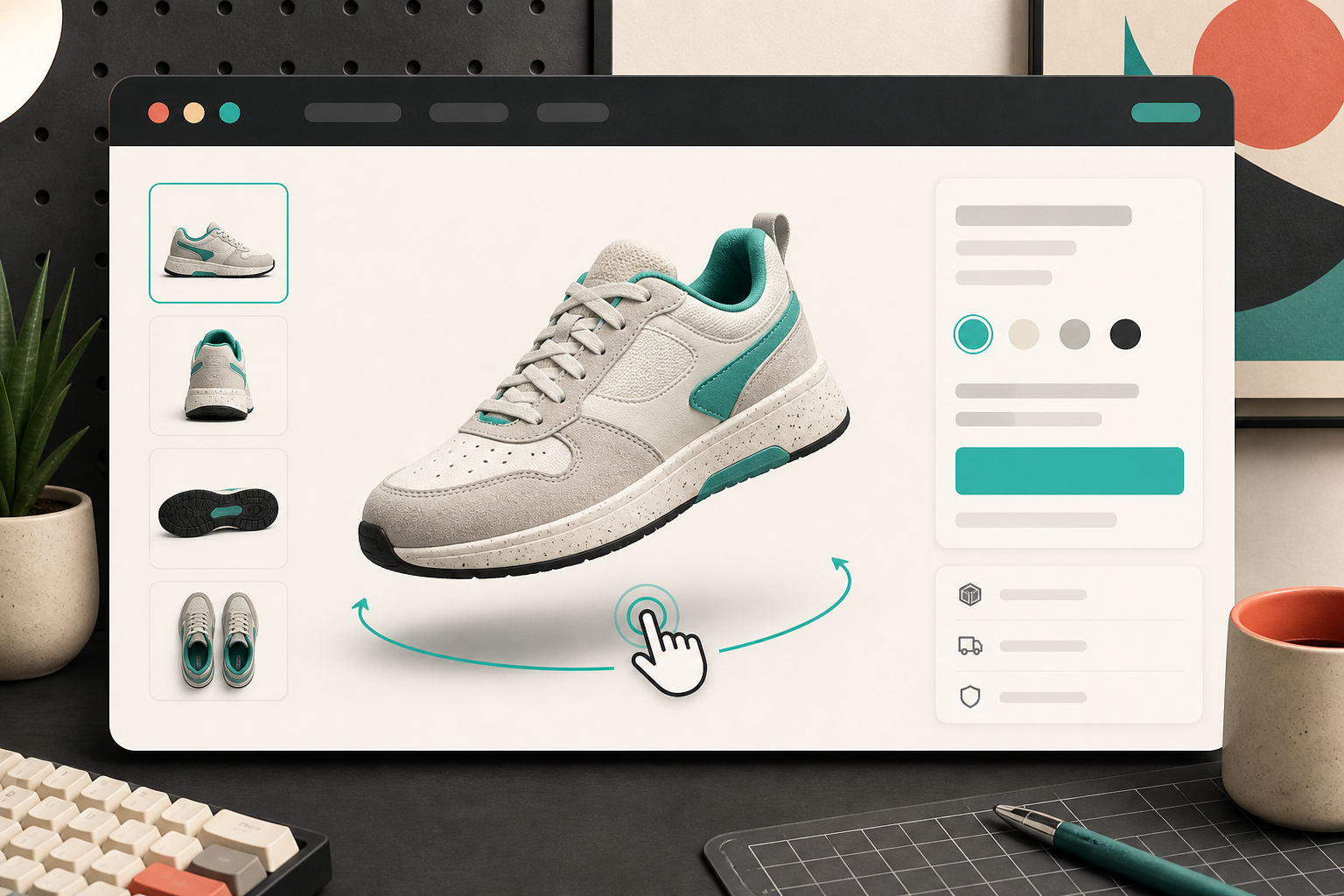
Once the model looks clean, I publish it where it has a chance to change the decision: the product page. Supra 3D Capture can attach the GLB to Shopify product media so compatible themes use Shopify’s native 3D viewer. If I need more control over placement, I use its dedicated Online Store 2.0 theme app block.
That matters because 3D should not become a novelty buried below a long description. I keep the model near the existing product gallery, test it on mobile, and make sure the regular images still cover color, scale, and lifestyle context. A spin-able model adds inspection; it does not replace good photography. For a useful way to think about which images still belong on the page and in campaigns, see my photo-routing workflow for product pages and ads.
Measure the Test Before Expanding It
For the first few models, I keep the measurement plan modest. I watch product-page engagement, customer questions, add-to-cart behavior, and return reasons for the selected SKUs. I also ask a simpler internal question: did the capture-to-publish path fit into the team’s actual workflow?
If a model is slow to produce, hard to place, or adds no clarity to the page, that is useful signal. If shoppers engage with it and the team can make another one without friction, I add the next product from the shortlist. The Free plan is a sensible way to validate the process with a small number of saved models and scans before committing to a bigger rollout; the current options are listed on the Supra 3D Capture app page.
Pick One Product, Not a Program
My next action is always the same: pick one product whose shape or material customers genuinely need to inspect, capture it under clean even light, and publish the resulting model beside the existing gallery. That turns 3D from a vague ecommerce upgrade into a small, reviewable product-page experiment.
When you are ready to run that experiment, start a Supra 3D Capture session and use the first model to learn what your catalog actually needs.