
July 7, 2026
How I Keep Video Templates Maintainable With VideoFlow
A practical way to keep programmatic video templates portable, versionable, and easy to render across browser, Node, and React.
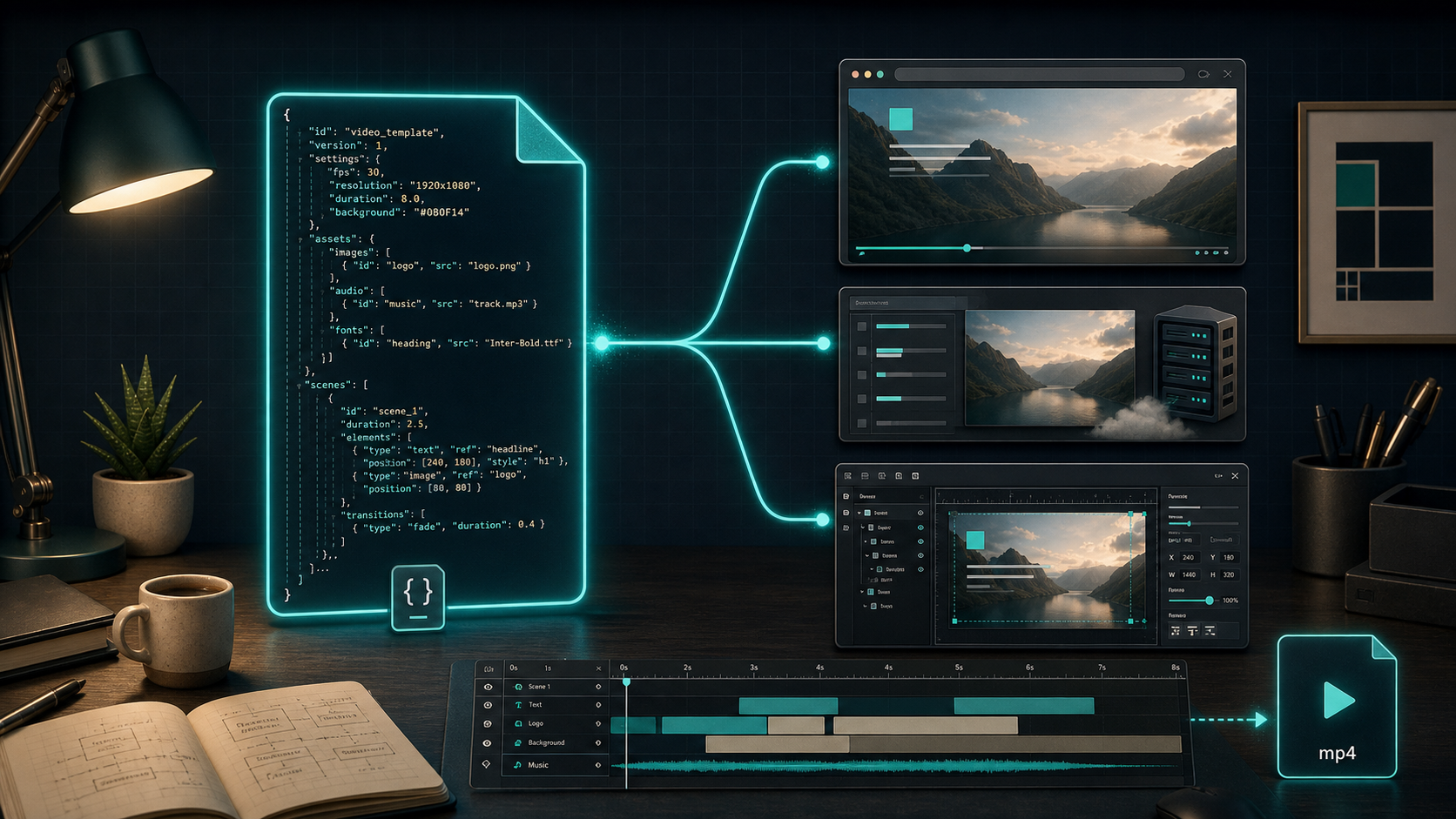
I keep running into the same maintenance problem with programmatic video: the first template works, then the second renderer shows up, then the editor shows up, and the code starts drifting because the template and the rendering path are too tightly coupled.
VideoFlow fixes that by making VideoJSON the thing I keep stable. I can author a scene in @videoflow/core, render the same structure in the browser or on a server, and mount a live preview or editor without rewriting the template for each surface. The product docs make that split pretty clear: VideoFlow, docs, core, renderers, React video editor, and examples.
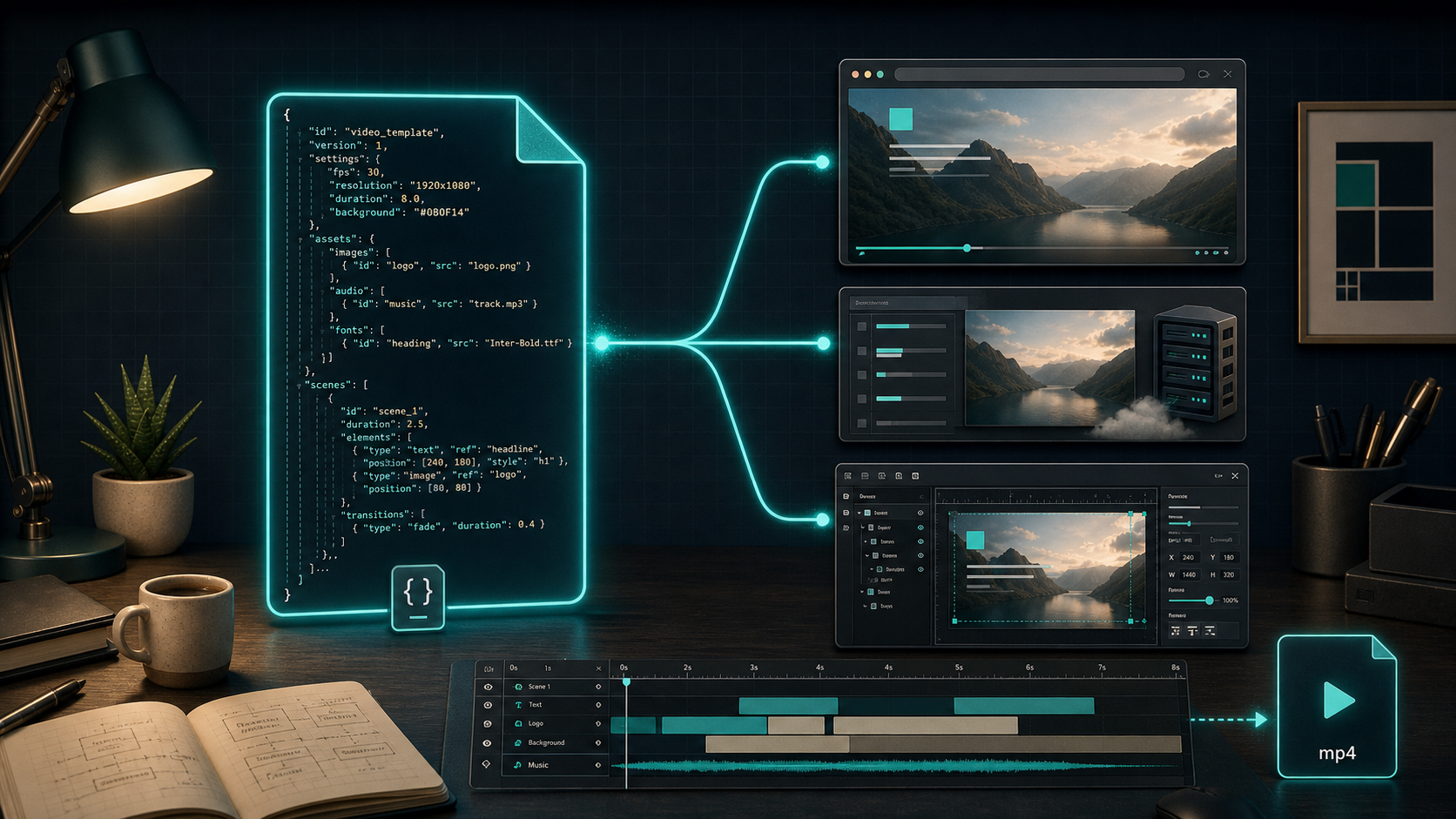
What I want from a video system is simple:
- one stable source of truth for scenes and timing
- one asset set that can travel with the template
- renderer code that stays thin
- output that I can diff, review, and version in Git
That is the difference between a template system and a pile of render scripts.
Keep The Template Small Enough To Review
The easiest way to make a video pipeline hard to maintain is to let everything live in one file. Scene definitions, asset loading, preview state, render orchestration, and editor wiring all blur together. Once that happens, every change feels risky.
I prefer to split the project into four roles:
video/
  src/
    template.ts
    scenes.ts
    theme.ts
  render/
    browser.ts
    server.ts
    preview.tsx
  assets/
    logos/
    music/
    fonts/
template.ts should describe the video, not the app around it. browser.ts or server.ts should decide how to render it. preview.tsx should only worry about the live experience. The more I respect that split, the less likely I am to break one surface while tuning another.
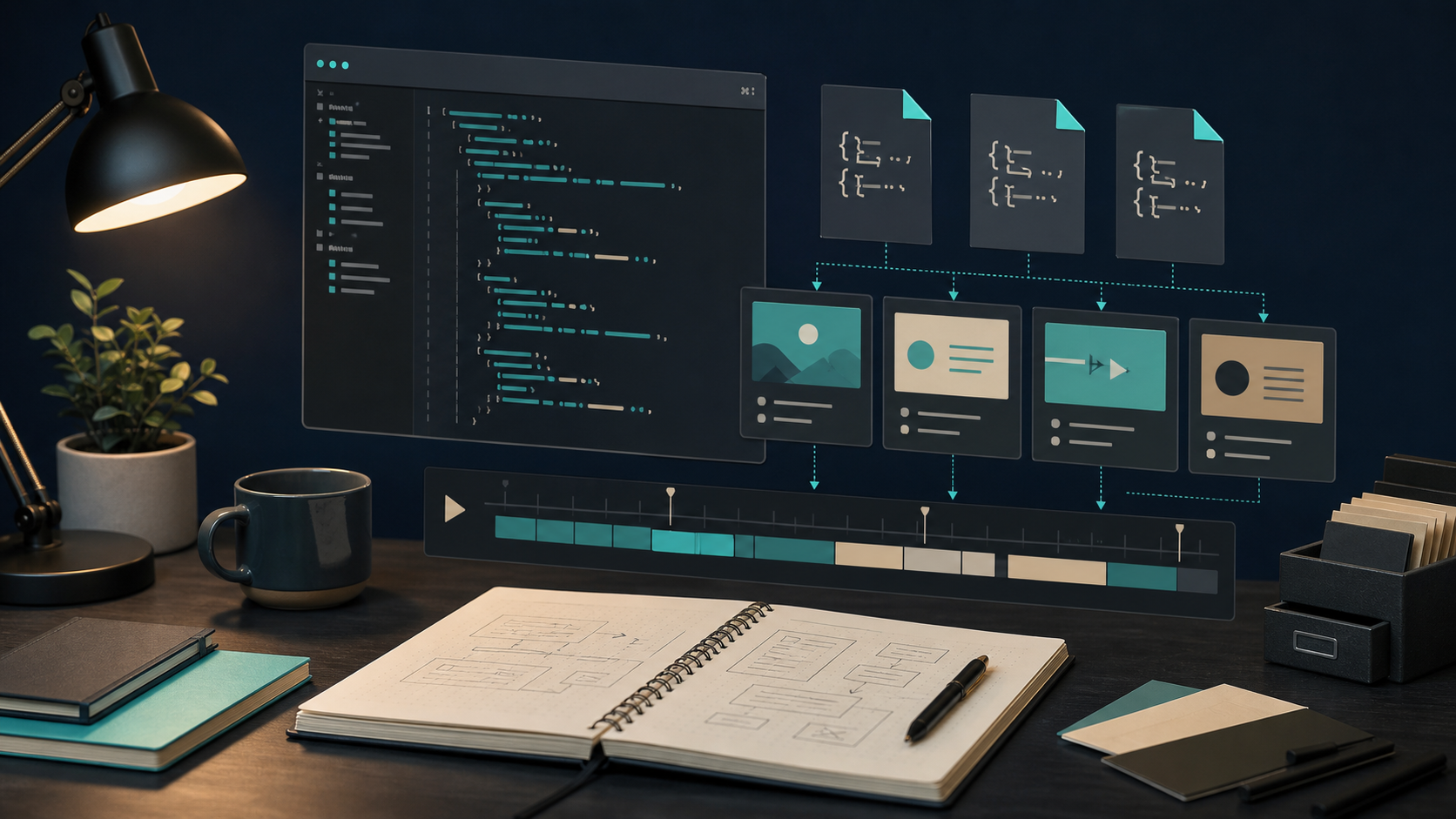
That separation also makes review easier. If I can open a pull request and inspect the template data without mentally simulating the whole render stack, I am much more likely to catch the wrong asset, the wrong timing, or the wrong font before it ships.
Keep Rendering Outside The Template
VideoFlow is most useful to me when I treat rendering as an adapter, not part of the template itself.
@videoflow/core gives me the fluent builder. The renderers do the job-specific work:
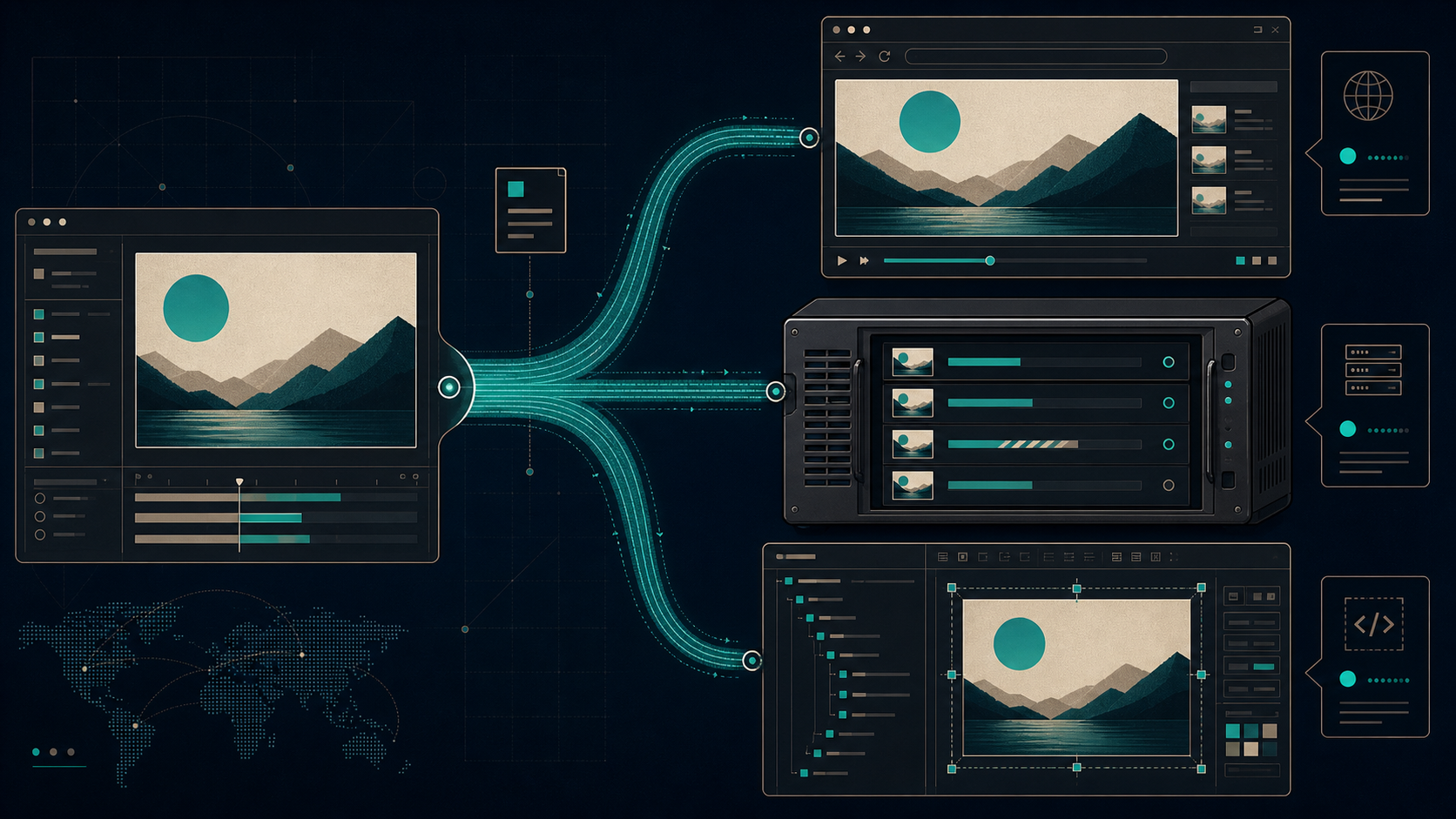
@videoflow/renderer-browserfor client-side export when a user clicks render@videoflow/renderer-serverfor queue jobs, batch jobs, and API-driven rendering@videoflow/renderer-domfor live scrubbable preview in an app@videoflow/react-video-editorwhen I want users to edit the template visually
That setup is why the product feels practical instead of theoretical. The same VideoJSON can drive a browser export, a Node render, and a live editor preview.
import VideoFlow from "@videoflow/core";

const $ = new VideoFlow({
  name: "Launch Teaser",
  width: 1920,
  height: 1080,
  fps: 30,
});

$.addText(
  { text: "New product drop", fontSize: 7, fontWeight: 800 },
  { transitionIn: { transition: "overshootPop", duration: "500ms" } }
);

const videoJSON = await $.compile();
That videoJSON is the part I care about keeping portable. Once it exists, I can decide whether to export it in the browser, render it on the server, or hand it to a preview/editor layer.
If you want the full mechanics of that approach, How I Keep One Video JSON Working Across Three Renderers and How to Render One Video JSON in Browser, Node, and React are the closest matches in this repo.
Keep Assets And Theme Tokens Nearby
The next thing that keeps a template maintainable is boring discipline around assets and theme values.
I do not want random colors buried in scene code. I do not want font names duplicated in five places. I do not want the same logo path hard-coded in every render path. The template gets easier to work with when the visual system is explicit.
What I usually keep near the template:
- brand colors
- font choices
- default spacing and timing constants
- shared intro and outro scenes
- asset references for logos, music, and overlays
That is also why VideoFlow’s layer model matters. The docs talk about text, image, video, audio, captions, and shape layers, plus layer groups for compositing a sub-tree as a single unit. That is the right level of abstraction for reusable scenes.
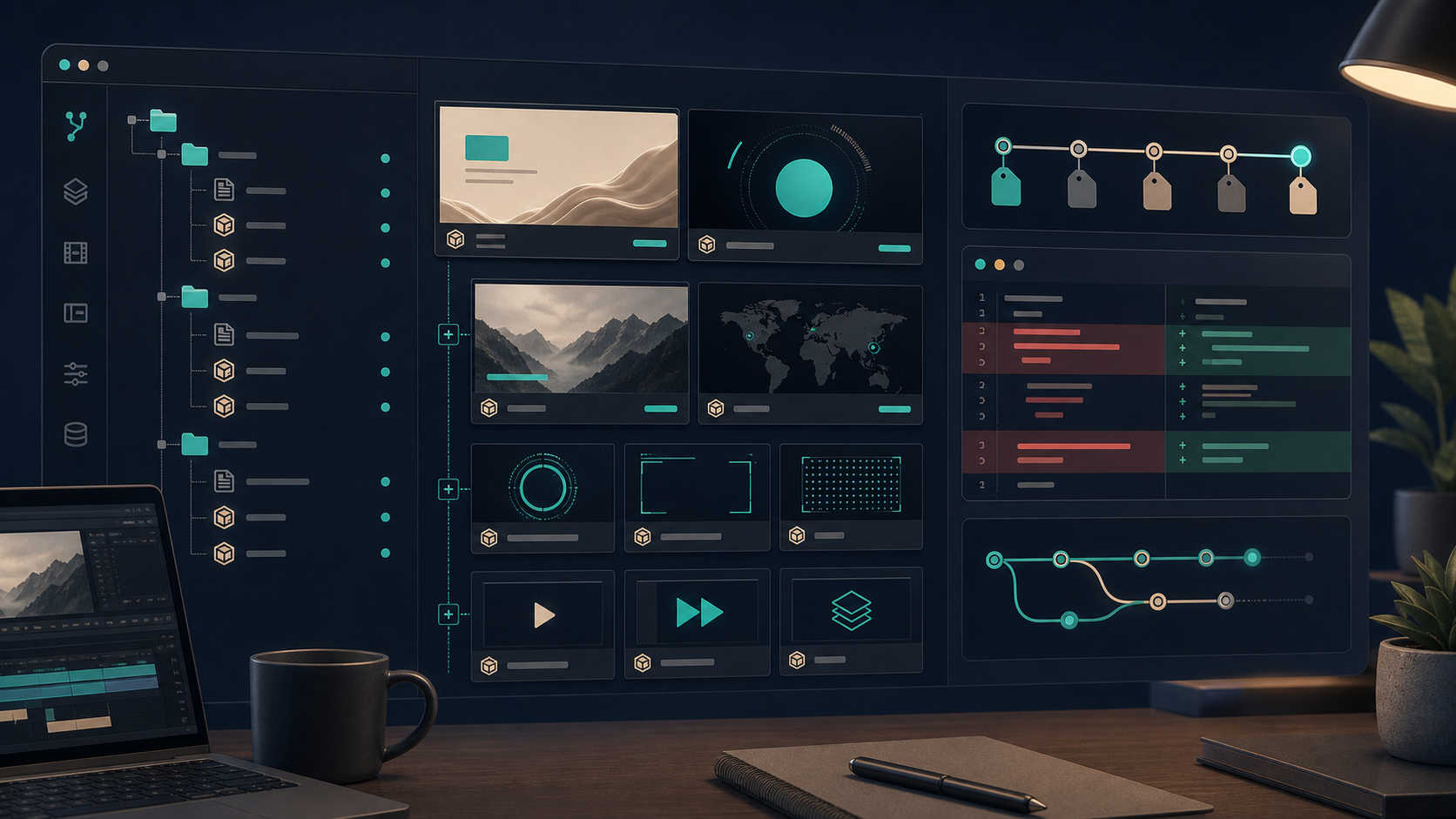
I also like that the same structure can support versioned templates without forcing me to freeze the editor. If I need the template to be edited visually later, I can keep the JSON and the editor synced instead of inventing a second representation.
If that is the path you are after, How I Add a React Video Editor to a JSON-First Video App and How I Build a Reusable UGC Video Library for Shopify show the reuse side pretty well.
Choose The Renderer By Job, Not By Habit
I think a lot of teams pick a renderer based on whatever they prototyped first. That works until the workflow changes.
My rule is simpler:
- use the browser renderer when the user expects an immediate export experience
- use the server renderer when the job belongs in a queue or an API
- use the DOM renderer when the product needs a live, accurate preview
- use the React editor when non-developers need to change the video without touching code
That decision tree is what keeps the template system honest.

The nice part is that VideoFlow does not force me to invent a new project structure for each job. I keep the source of truth in one place, then let the renderer do the last mile.
What I Would Ship First
If I were starting a new video workflow with VideoFlow, I would keep the first version narrow:
- Define one reusable template in
@videoflow/core. - Keep assets and theme values in shared modules.
- Add one renderer path first, then a second only if the use case needs it.
- Store the
VideoJSONoutput so it can be reviewed, diffed, and regenerated. - Add a preview or editor layer only after the core template is stable.
That order matters. It keeps the project maintainable by making the template the thing that stays fixed while the surfaces around it can evolve.
The good version of programmatic video is not a giant script that happens to export MP4s. It is a small, explicit system that can render in more than one place without becoming a rewrite every time the product changes.
If you want to try the stack yourself, start with the VideoFlow docs, open the playground, and inspect the GitHub repo. That will tell you quickly whether the JSON-first model fits the kind of video workflow you want to build.