
June 21, 2026
How I Turn Product Launches Into Shopify Blog Posts With Automation
A first-person Shopify workflow for turning launch notes into specific, scheduled blog posts without generic AI drafts.
How I Turn Product Launches Into Shopify Blog Posts With Automation
When a launch is moving fast, the blog is usually the last place that gets enough context.
The product page is ready. The collection is live. The team has notes in a doc somewhere. Then the blog post gets written from whatever is left, which is how you end up with something polished but vague.
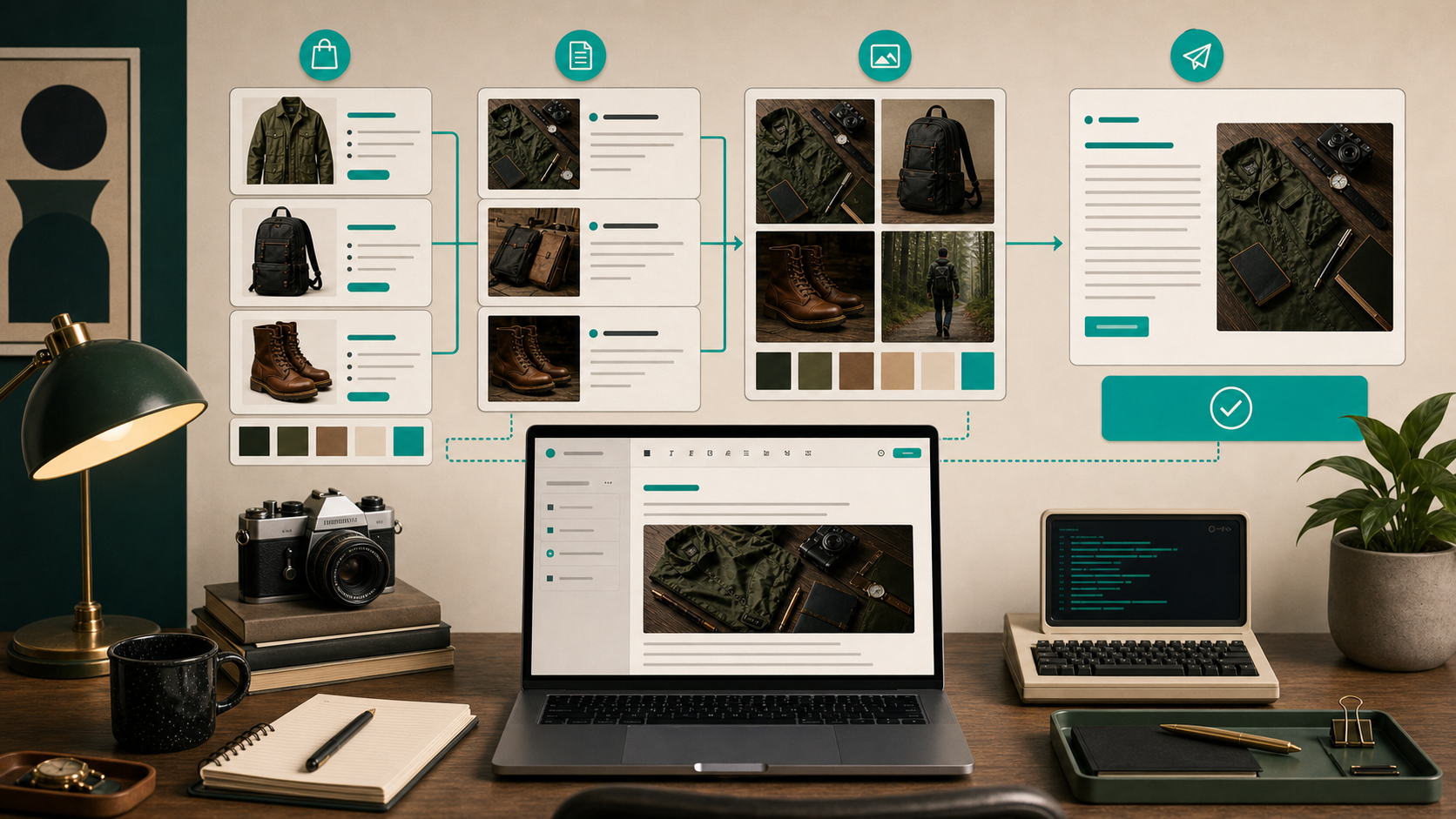
I wanted a better version of that workflow, so I tested Supra Blog Automation and the Shopify App Store listing. The useful part is not that it writes for you. The useful part is that it gives you a repeatable path from launch context to a usable draft, with SEO structure, product-aware content, visuals, and a publish-or-draft decision built in.
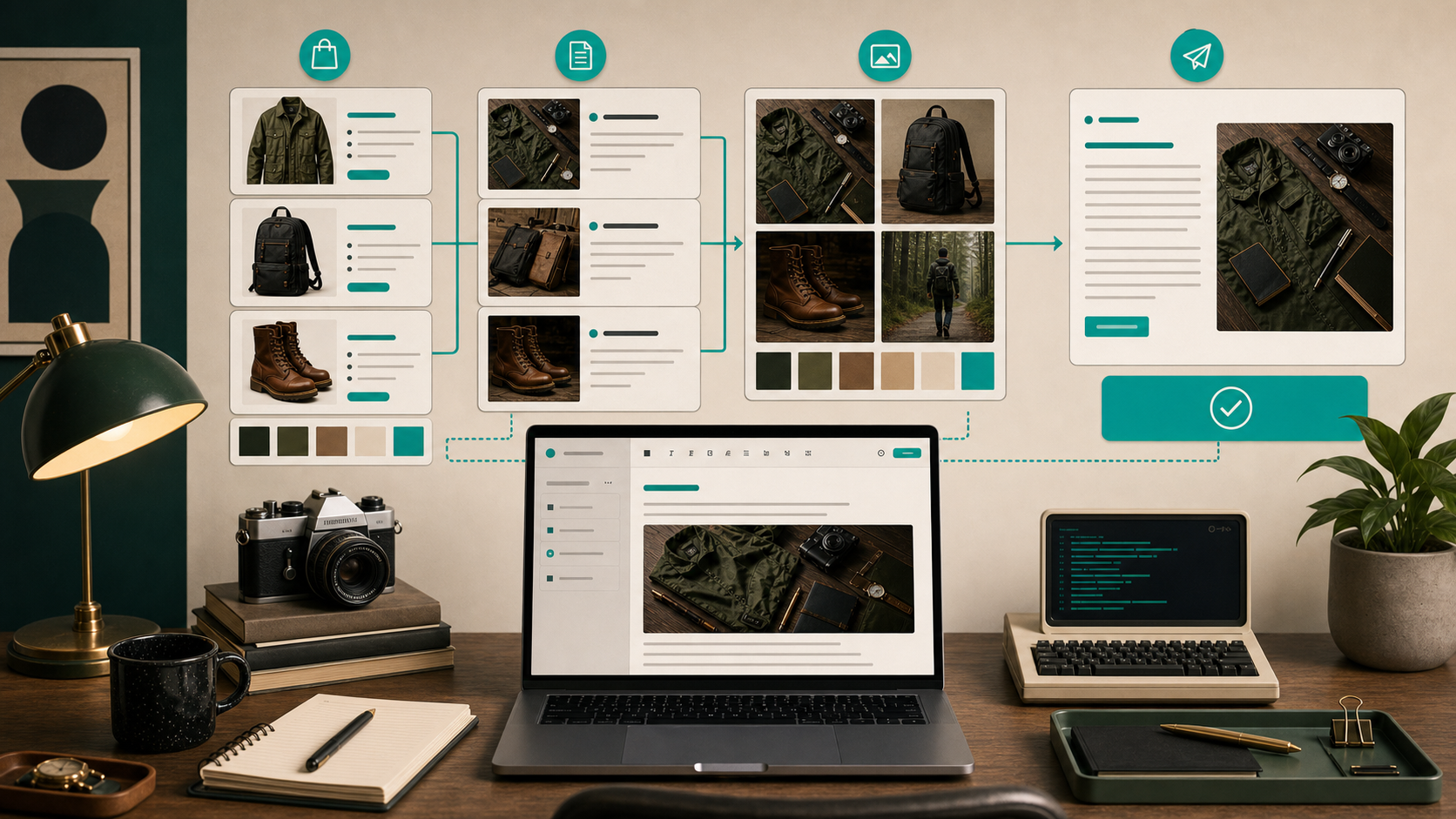
The reason that matters is simple: launch content is already specific. You have the product, the timing, the customer angle, and the business reason for publishing. If you keep that specificity intact, the post can support SEO and product discovery instead of becoming a generic “10 tips” article that happens to mention the store once.
1. Start With The Launch Brief, Not The Prompt
The mistake I kept making was starting with a broad prompt and expecting the tool to discover the angle for me.
That works badly. The better move is to hand the system a short brief that already answers the basic questions:
- What is launching?
- Who should care?
- What should the post help them do?
- Is this post meant to publish now or sit as a draft?
- What tone should the article use?
I keep that brief narrow on purpose. A launch post does not need every product fact. It needs enough context to stay grounded.
The draft gets better when the input already sounds like a merchant who knows what is going live and why it matters.
That is also where the earlier lessons from How to Build a Shopify Blog Automation Workflow That Feels Human and How to Decide Which Shopify Blog Posts Should Auto-Publish still hold up. Automation works best when the inputs already reflect judgment.
2. Decide What Belongs In The First Draft
Once the launch brief is in place, I decide what the first draft is allowed to do.
Usually I want the article to cover three things:
- the product or collection in plain language
- the problem the launch solves
- the next step I want the reader to take
Everything else is optional.
That keeps the post from trying to be a landing page, a buying guide, and a brand story at the same time. A blog post can do one job well. It does not have to do all of them.
I usually save the post as a draft when the launch needs extra review, especially if the article makes claims or references product details that should be checked by a human before anything goes live.
This is the same place where How to Automate Shopify Blog Posts Without Generic AI Content and How I Built a Draft-First Shopify Blog System for Ecommerce SEO are useful references. I do not want the machine to decide the angle for me. I want it to turn the angle I already picked into something publishable.
3. Use The Calendar To Protect Consistency
The recurring automation part matters more than it sounds.
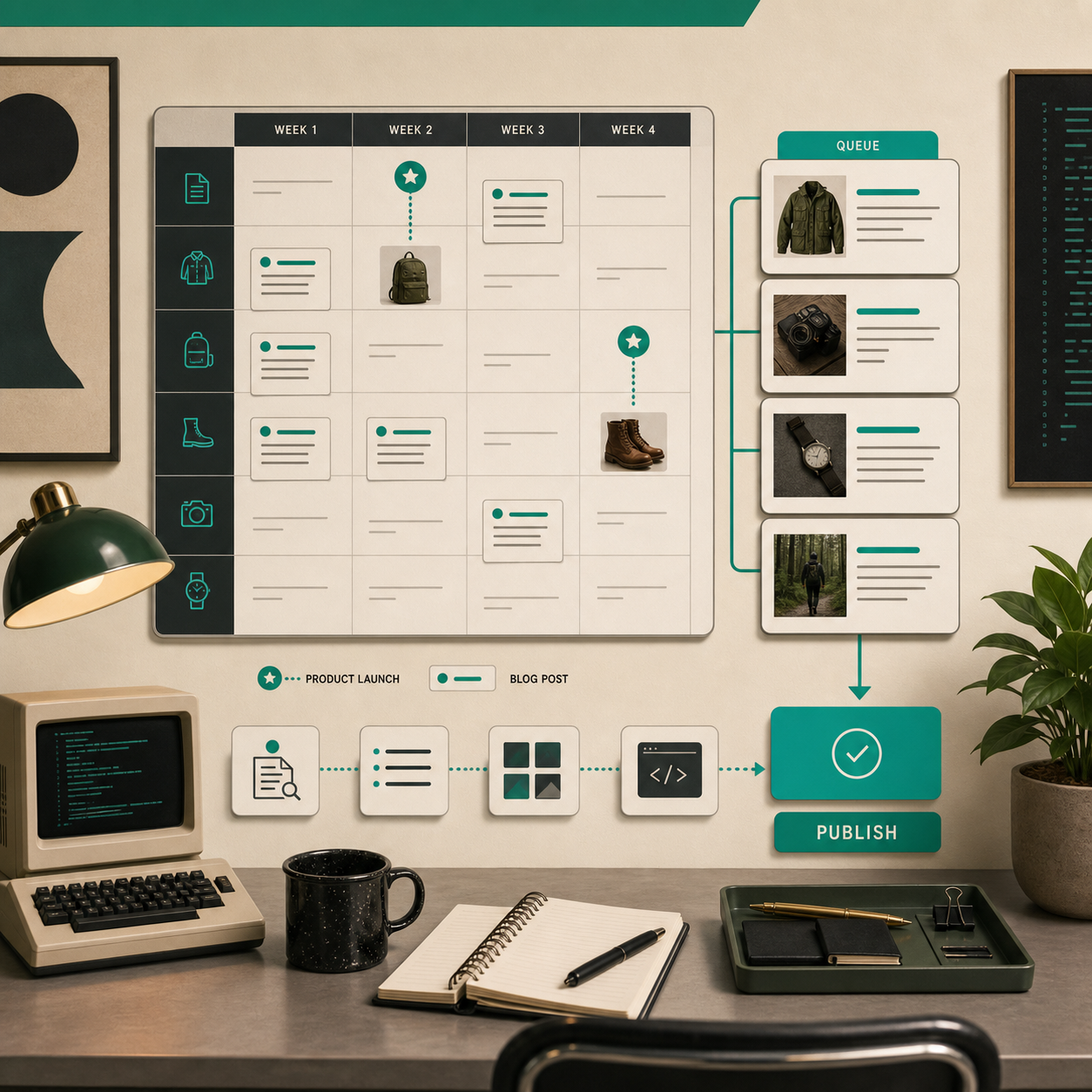
If launches are the only time I think about blog content, the site goes quiet between releases. A blog only helps SEO and discovery when it stays active long enough for search engines and readers to treat it like a real channel.
That is why I like having a schedule in the workflow instead of just a one-off draft. Launches become a content queue. The queue becomes a calendar. The calendar makes the blog feel like part of the store’s operating system instead of a side project.

For longer planning, I keep coming back to How to Build a Seasonal Shopify Blog Calendar That Writes Itself. The same rule applies there: consistency is easier when the system already knows what kind of post should happen next.
4. Add Visuals While The Context Is Still Fresh
I do not want to bolt images onto the article after the writing is done.
By the time the post is drafted, the product context is already fading. If I wait too long, I end up picking visuals that are generic or only loosely related to the point.
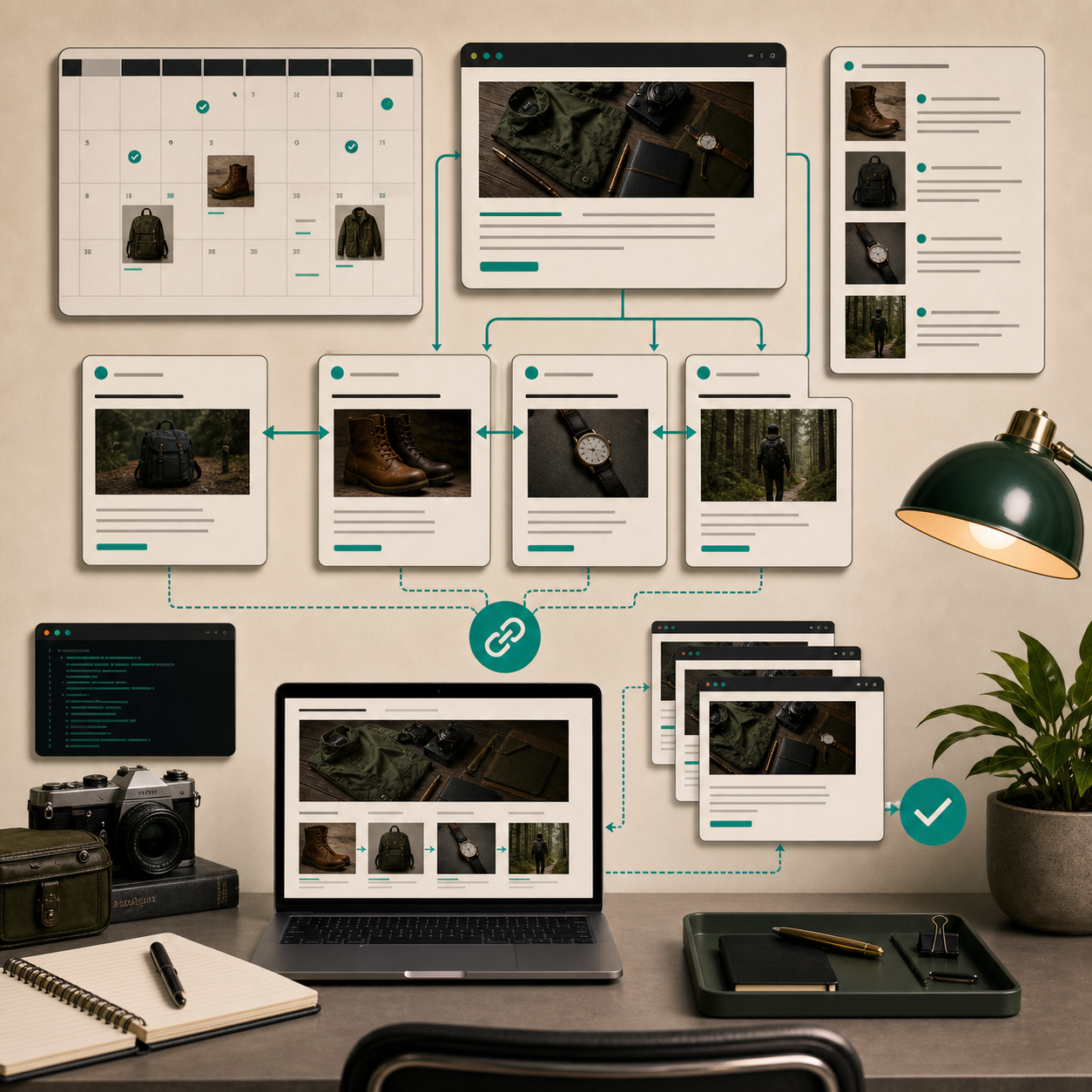
Supra Blog Automation supports AI-generated, stock, or product-based visuals, which is useful because the visual choice should match the article’s job. For launch posts, I like visuals that feel like part of the same system: product cards, catalog grids, workflow boards, drafts, and publish states.
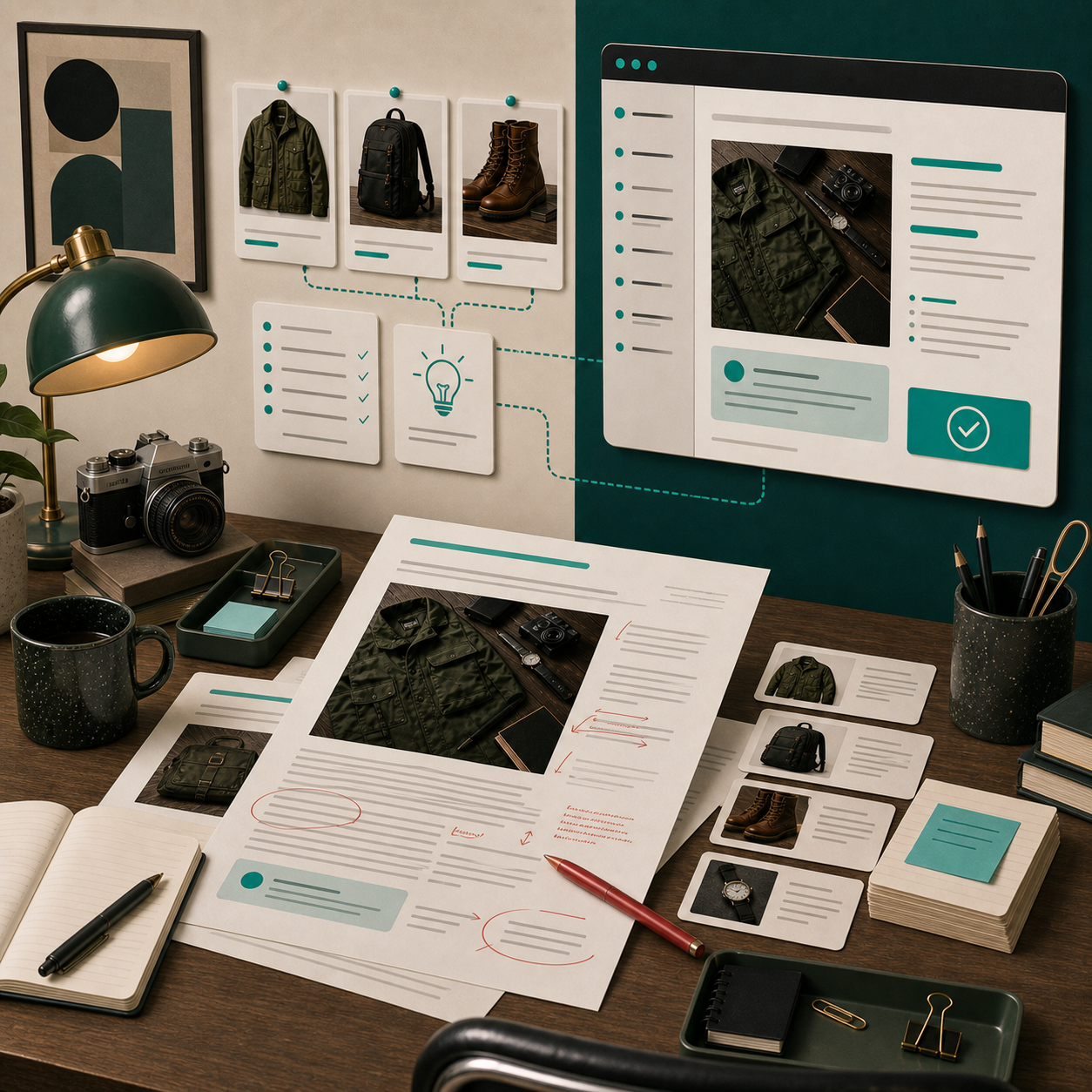
That is also where the article can feel more credible. The visual rhythm tells the reader this is an operational workflow, not a random SEO post with a stock photo at the top.
5. Review The Edges Before It Goes Live
I still do not let automation make the final call.
Before publishing, I check a few things manually:
- Is the product detail accurate?
- Do the links point where I expect?
- Does the headline sound like the store?
- Is the CTA too aggressive for the stage of the launch?
- Would I actually want this post on the site next to the product page?
That review step is what keeps the workflow useful. The machine handles the scaffolding. I handle the conviction.
The best version of this system is not “AI writes my blog.” It is “I can turn a launch into a structured draft quickly, then decide whether it deserves to ship.”
The Version I Would Keep
If I were setting this up for a Shopify store today, I would keep the workflow simple:
- write a short launch brief
- generate the post as a draft first
- add product-aware visuals
- link to the launch page and any relevant collections
- review the post before it auto-publishes
That is enough to keep the blog moving without turning it into generic AI output.
If you want to try that workflow, start with Supra Blog Automation or install it from the Shopify App Store. The free plan is enough to test the loop, and the main thing to watch is whether your launch briefs stay specific enough to produce posts you would actually publish.
That is the part I care about most: a blog that ships on schedule, stays tied to real products, and still feels like it belongs to the store.