
June 3, 2026
How I Built a Draft-First Shopify Blog System for Ecommerce SEO
A draft-first workflow for using Supra Blog Automation to turn product context into scheduled Shopify posts without generic AI copy.

How I Built a Draft-First Shopify Blog System for Ecommerce SEO
I kept running into two bad ways to run a Shopify blog. One was generic AI copy that sounded fine until I tried to use it on a real store. The other was a hand-built editorial process that was good but too slow to keep up with the calendar. Supra Blog Automation is the first Shopify app I’ve used that makes the middle path feel practical: start with product context, generate a draft, attach visuals, and keep a human review step before anything goes live.
The Shopify App Store listing says the app can generate, schedule, optimize, and publish SEO-focused posts for ecommerce stores. That is basically the workflow I wanted, because the problem was never “can I write a post.” The problem was “can I keep publishing posts that are actually tied to products, collections, and buying intent without turning the blog into a content factory.”

Start With A Brief, Not A Prompt
I stopped getting useful results the moment I started thinking of the post as an input bundle instead of a magic prompt.
The simplest brief I use looks like this:
{
  "topic": "How to choose the right product for a comparison guide",
  "goal": "support product discovery",
  "tone": "practical",
  "products": ["featured collection", "best seller"],
  "image_sources": ["AI-generated visuals", "product photos"],
  "publish_mode": "draft first"
}
That is not complicated, but it solves the main failure mode. The generator now knows what the article is for, what it should point to, and how risky the publish step should be. If the topic is a seasonal buying guide, I can steer the draft toward a collection. If the topic is a product comparison, I can give it the actual products and the criteria that matter. If the topic is a support article, I can make the tone narrower and the CTA softer.
That small amount of structure is what keeps the output from drifting into “useful in theory, useless in practice.”

Let The Tool Do The Boring Parts
The parts I actually want automated are the parts I used to waste time on:
- turning a topic into an outline
- giving the post a clean SEO structure
- suggesting internal links
- working product mentions into the copy
- generating or selecting visuals
- letting me save the result as a draft or schedule it on a recurring cadence
That is the real value of a tool like Supra Blog Automation. It is not “AI writing” in the abstract. It is a content pipeline for stores that need to keep publishing without hiring a full-time editor.
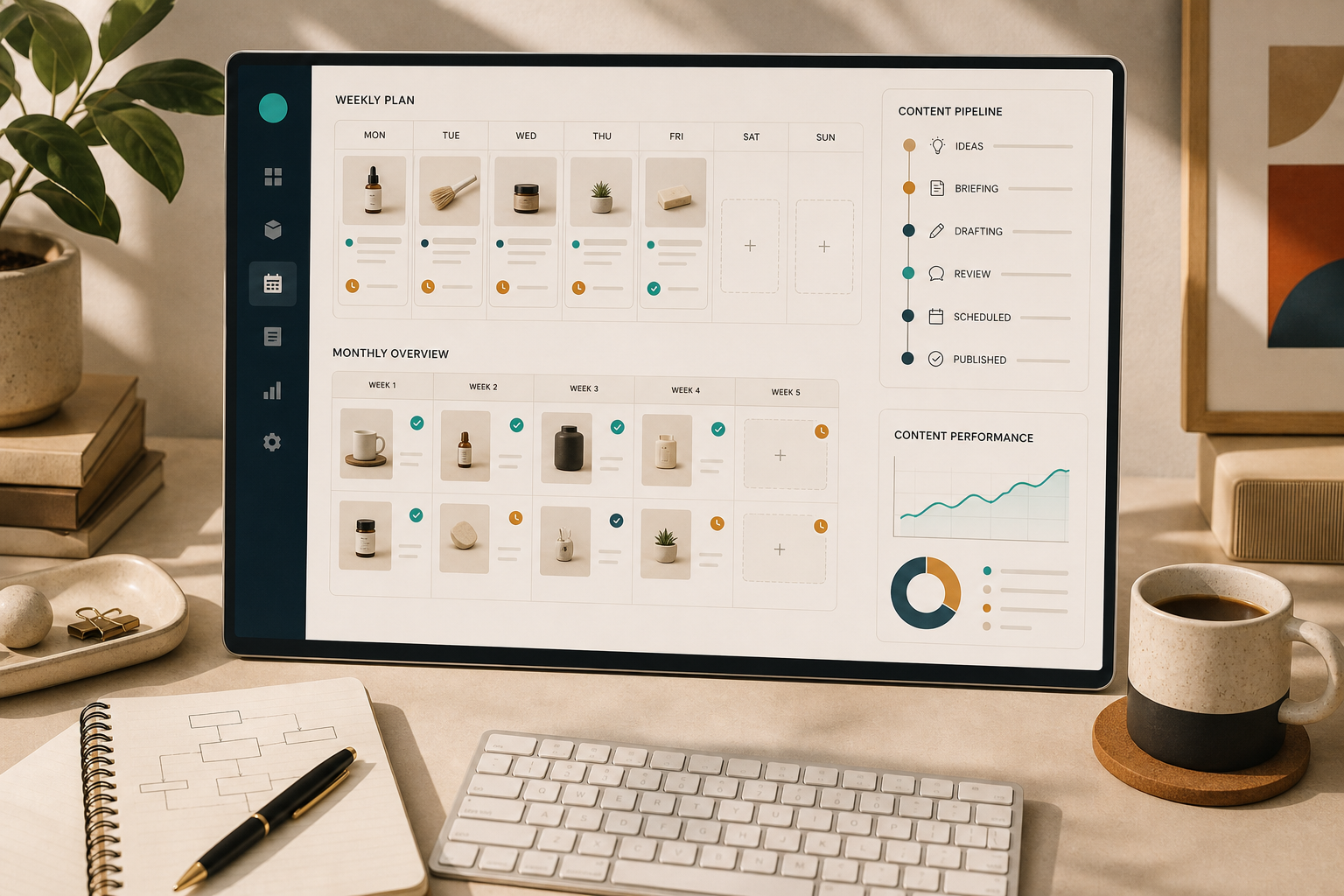
I especially care about the recurring mode. One-off blog posts are fine, but most ecommerce blogs fail because the owner has to remember to start over every week. If I can set a cadence once and keep using the same product-aware structure, the blog becomes part of operations instead of a side project.
That matters because SEO is not only about keyword targeting. It is also about consistency, topical coverage, and whether the post actually helps a shopper move from curiosity to product discovery.
Keep A Human Review Gate
I would not trust any system that promises fully autonomous publishing for every post. Even when the draft is good, I still want a human pass for product accuracy, link targets, and claims.
The review step is where I check:
- whether the product references are accurate
- whether the title matches the actual search intent
- whether the CTA fits the article instead of feeling bolted on
- whether the visuals match the section they sit beside
- whether the internal links are genuinely useful
That review step is also where the draft-first workflow matters. The app can publish immediately, but I would rather save the article as a draft for anything that involves pricing, comparison language, product claims, or seasonal advice. For low-risk, repeatable content, automatic publishing is fine. For anything that could misstate a product detail, draft-first is safer.
I wrote related posts around the same idea from a few angles: How to Build a Product-Aware Shopify Blog Workflow That Publishes on Schedule, How to Build a Shopify Blog Automation Workflow That Still Sounds Human, How to Turn Shopify Products Into SEO Blog Posts on a Schedule, and How to Keep a Shopify Blog Publishing Without Generic AI Drafts. This post is the build note I would hand someone if they wanted the shortest path to a sane setup.

Use Images As Part Of The Argument
The image workflow matters more than people expect.
For a product-heavy post, I do not want random stock photos. I want an image that supports the section it sits in. If I am explaining the brief, the image should feel like planning and product context. If I am explaining recurring publishing, the image should feel like a calendar or editorial board. If I am explaining the review gate, the image should look like a process checkpoint.
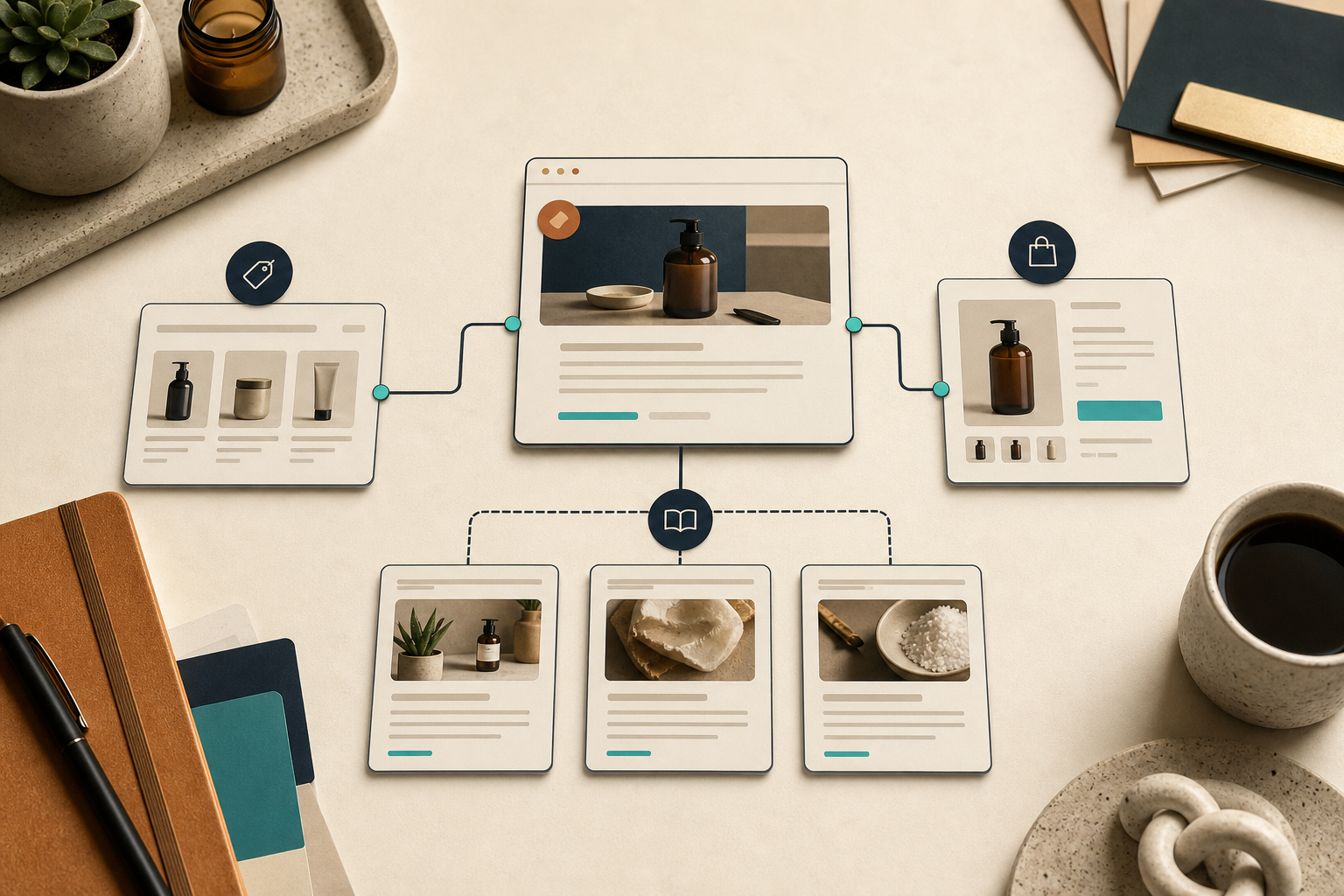
Supra Blog Automation supports AI-generated visuals, stock images, and product-based visuals. That flexibility is useful because each article does not need the same image treatment. A product launch post can lean on product shots. A workflow post can lean on clean AI-generated editorial art. A buying guide can mix both if that makes the piece more concrete.
The main thing is that the visuals should carry some information. They should not just fill space.
The Part That Actually Makes This Worth Using
The useful part is not that the app writes for you. It is that the app lets you keep a blog system alive without starting from zero every time.
Once I started treating the work as a repeatable sequence, the post stopped feeling like a blank-page problem. The sequence is simple:
- Start with a topic, a goal, and one or more real products.
- Let the tool generate the draft structure and visuals.
- Save or schedule the post.
- Review for accuracy and fit.
- Publish when the article is actually ready.
That is a much better shape for ecommerce blogging than “open document, stare at blank page, improvise.” It also maps well to stores that already have product pages, collections, and seasonal campaigns they want to support.
If you want the product link again, it is Supra Blog Automation. If you want the marketplace version, it is on the Shopify App Store. My advice is to start with one collection, one cadence, and one draft-first post. If that works, then the system is probably worth expanding.