
June 2, 2026
How to Set Up a Notion-to-Webflow Sync Without Manual Cleanup
A practical setup for mapping Notion drafts into Webflow CMS with SyncFlow, keeping fields aligned, and avoiding copy-paste cleanup.
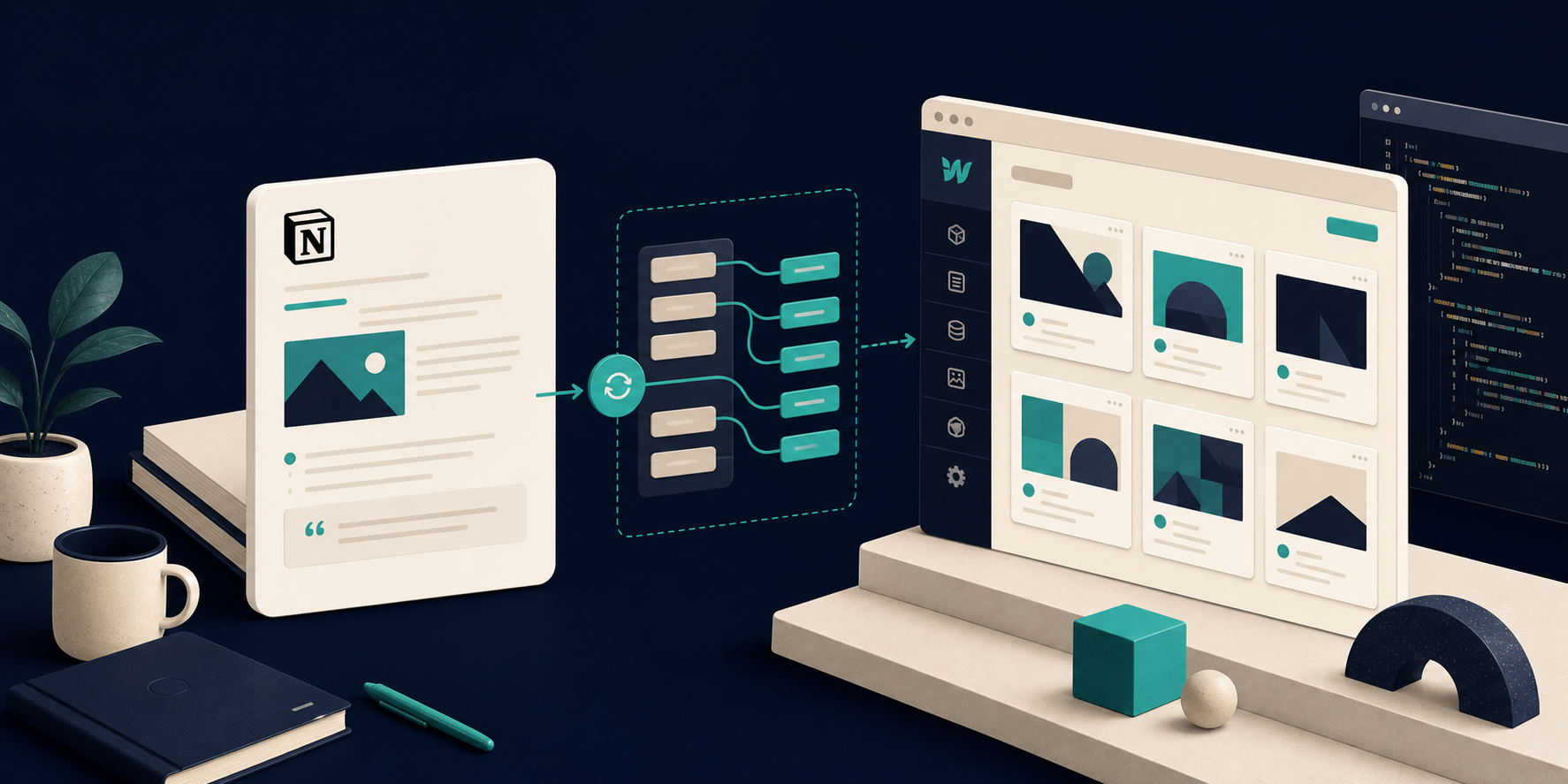
How to Set Up a Notion-to-Webflow Sync Without Manual Cleanup
I used to treat Notion as the place where the draft lived and Webflow as the place where I rebuilt it. That sounds harmless until you have to keep titles, slugs, rich text, linked pages, and images aligned by hand. The misses are small one at a time, but they add up fast.
That is why I would start with SyncFlow when the goal is to move Notion content into a Webflow CMS collection without recreating the same page twice. The workflow is intentionally simple: connect the accounts, map the fields, and sync the collection. I have already written about the same general problem in How I Keep Notion and Webflow in Sync Without Copy-Pasting and How to Sync Notion Articles Into Webflow CMS Without Manual Rebuilds. This version is the cleaner field note: how I would set it up so the workflow stays tidy after the first sync.
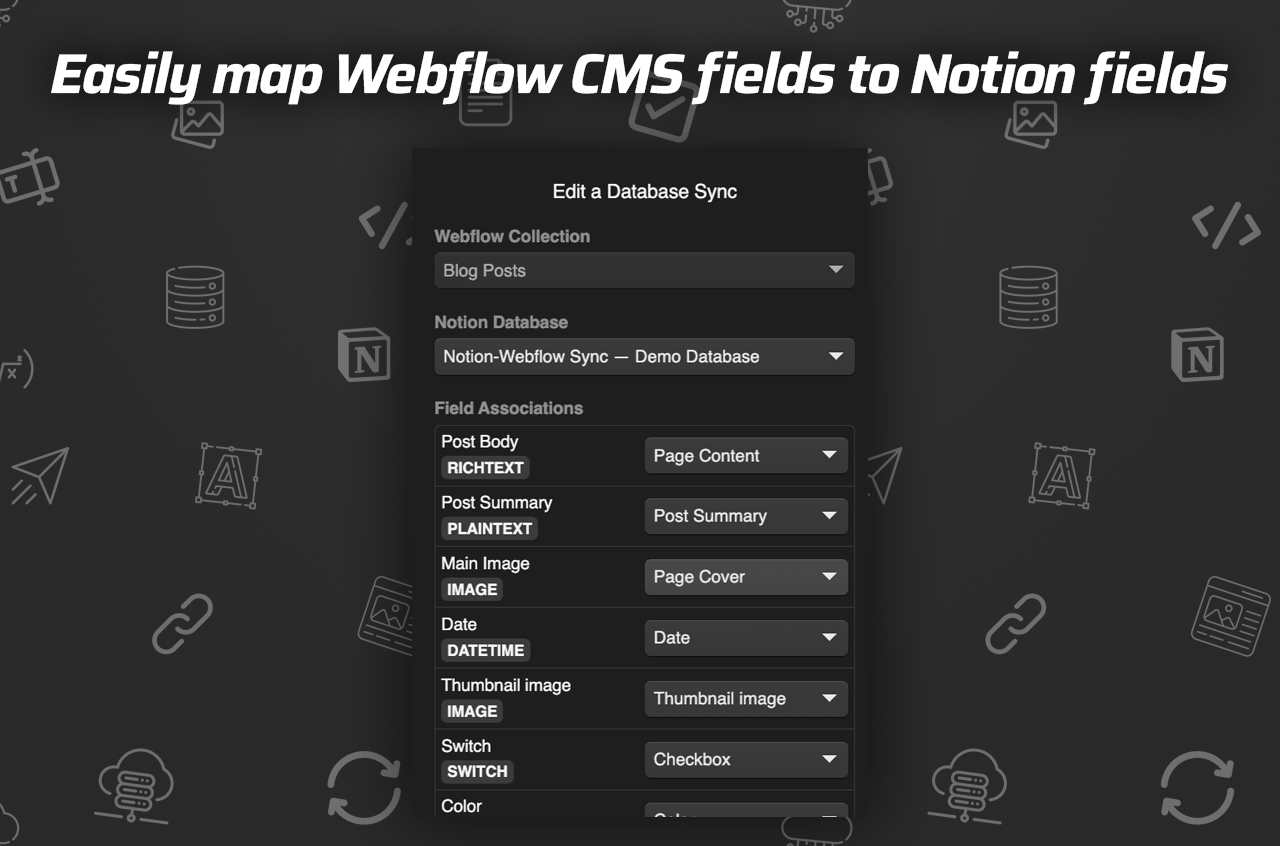
Start With The Fields You Actually Need
The safest setup is the boring one.
I would begin by deciding which side owns each piece of content:
- Notion owns the draft text, supporting images, and the edit history.
- Webflow owns the public CMS structure, the template, and the page presentation.
- Shared fields like title, slug, date, summary, and image need to be named and mapped once, then left alone.
That is where SyncFlow matters. The product is built to map a Webflow CMS collection to a Notion database, and it supports enough field types to make the mapping practical instead of awkward. If your content uses images, URLs, dates, checkboxes, or code-heavy blocks, that flexibility saves you from rebuilding the page by hand later.
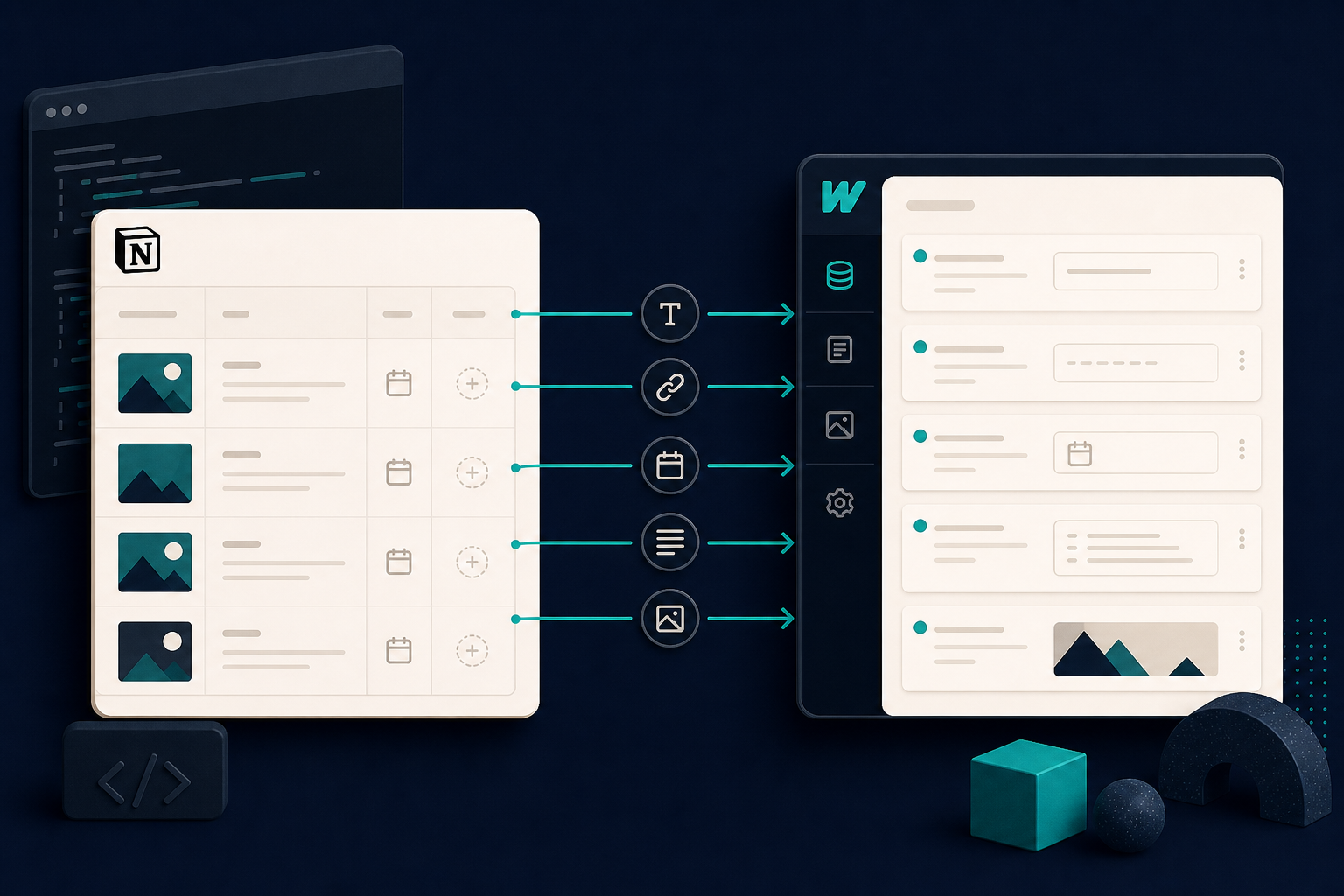
The part I care about most is that the mapping step is explicit. Once the fields are lined up, I can stop worrying about whether a future edit will break the page structure. That is also why I would keep the source database small at first. If the mapping is clean on one article, it is much easier to scale the setup to a full content library.
The Setup I Would Actually Use
SyncFlow’s own flow is straightforward:
- Install the app and connect your Webflow and Notion accounts.
- Map the Webflow CMS fields to the Notion database fields.
- Turn on auto-sync or run a manual sync when you want to push changes.
I would keep the first pass deliberately conservative. That means testing one article, checking the output, and only then letting the broader team use it. If the site depends on linked pages, code blocks, or math, those are the checks that matter first because they are the easiest places for a sync workflow to drift.
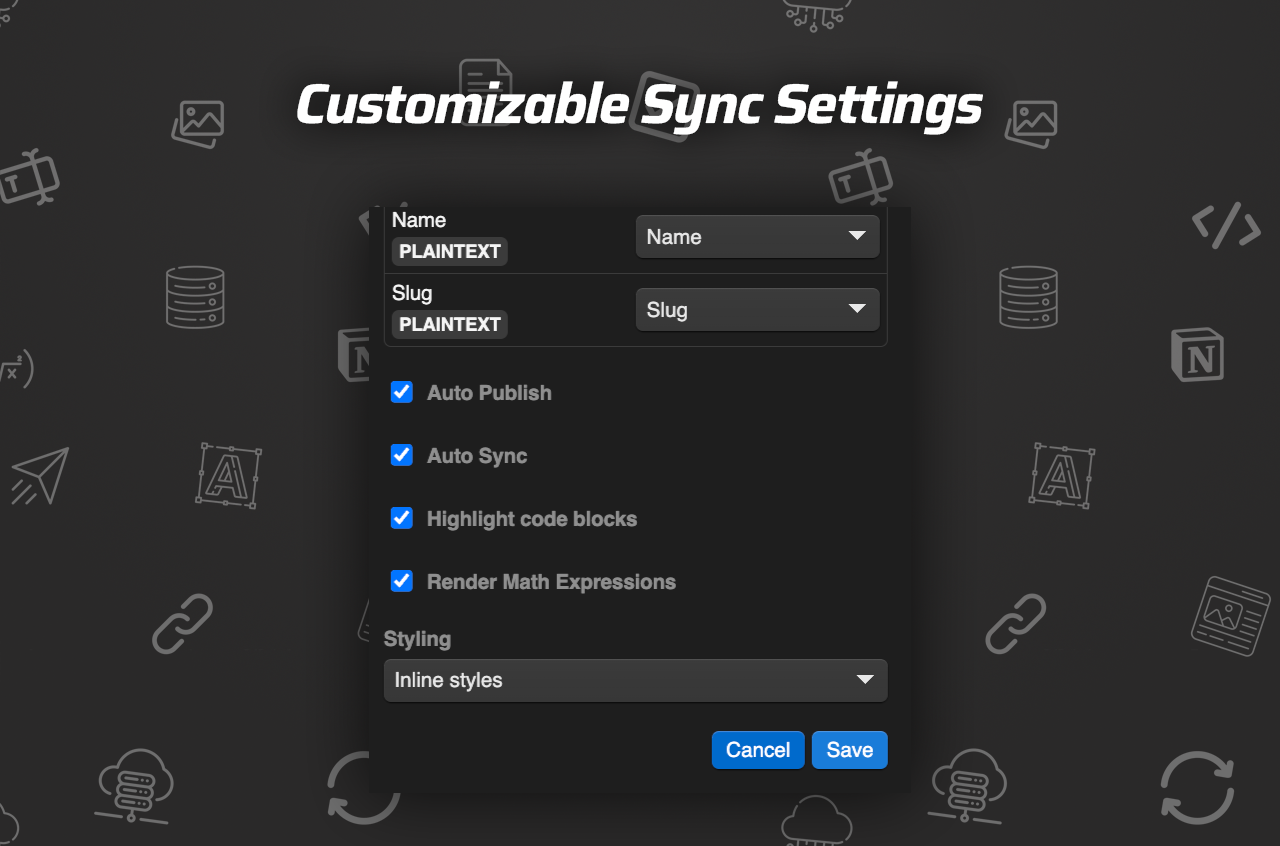
The settings screen matters because it tells you whether you are setting up a one-off import or a content process. Auto-publish is useful when the Notion side is already reviewed. Auto-sync is better when the team wants Webflow to stay current with every content edit. If you need more control, a manual sync is the safer first step.
How I Would Keep The Workflow Stable
The feature list in the product file is what makes this more than a simple importer. Page linking is useful when one Notion page should point to another Webflow post. Code highlighting matters when the article includes technical content. TeX support matters if the content needs real formulas instead of screenshots of formulas. And the option to use inline styles or classes gives you a choice between speed and Webflow-specific control.
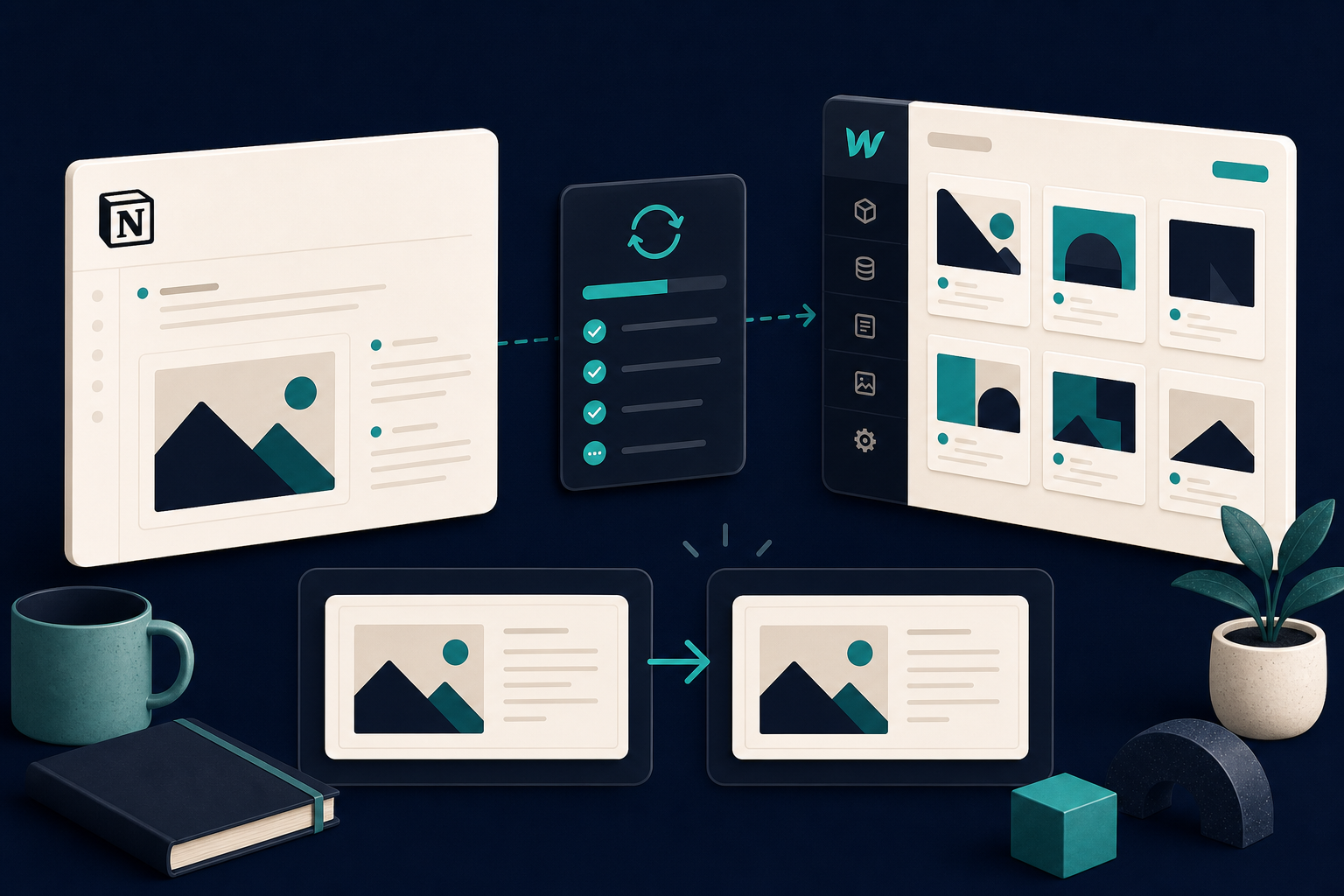
My rule of thumb is simple:
- Use inline styles when the priority is fast setup and a predictable import.
- Use classes when the Webflow template needs more design control later.
- Use a manual sync first if the content model is still changing.
- Use a full resync only after the field mapping has stayed stable long enough to trust it.
That is the part that keeps the workflow from becoming cleanup work. The more stable the field mapping is, the less time you spend fixing tiny mismatches after every edit.
If you are deciding whether this belongs in a broader Webflow stack, I would read it alongside How I Map Notion Databases to Webflow CMS Without Rebuilding Pages and How to Replace Webflow Hosting With GitHub Pages Using ExFlow. Those two posts are the adjacent decisions: one is about how the content enters Webflow, the other is about whether Webflow should stay the final host.
What I Would Tell A Team Before They Start
I would not sell this as magic automation. I would sell it as a cleaner content handoff.
If your team already writes in Notion and publishes in Webflow, SyncFlow gives you a way to stop retyping the same article twice. The important part is not the novelty of the sync. It is the discipline of choosing the source of truth, mapping the fields once, and then testing the output before anyone treats it like production infrastructure.
That is the point where the workflow becomes useful instead of fragile. The setup stays understandable, editors keep writing where they are comfortable, and Webflow becomes the publishing layer instead of the place where content has to be rebuilt.
If you want the shortest path to trying it, start with one database, one Webflow collection, and one article. Map the fields, run the sync, and only then decide whether you want auto-sync, auto-publish, or a manual review step in front of every update.