
November 2, 2026
How I Keep Browser RAW Previews Fast Without Trusting Them Too Much
A practical browser-worker architecture for local RAW previews, format checks, and honest rendering acceptance tests.

How I Keep Browser RAW Previews Fast Without Trusting Them Too Much
A browser RAW preview should do one job well: let a shopper, photographer, or support teammate decide whether a file is worth keeping before the tab locks up. I keep the heavy decode in a worker, ask for the smallest useful result first, and treat that result as a preview—not proof that my final renderer is correct. FlashRaw gives JavaScript and WebAssembly applications a local decoding path, but the architecture around it is what keeps the upload flow useful.
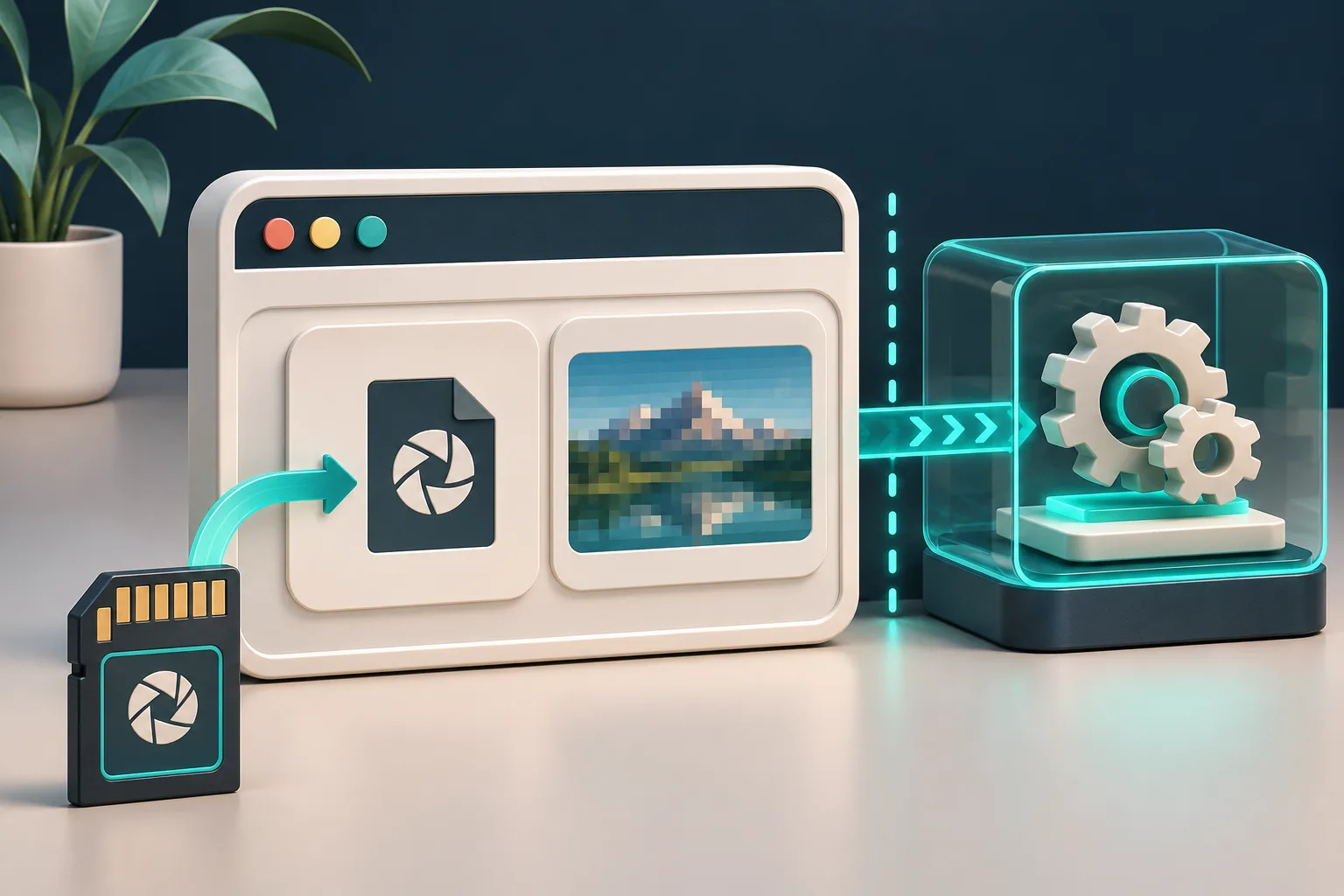
Start with the decision, not the full image
It is tempting to accept a RAW upload, decode a full RGB image on the main thread, and call the first visible pixels a win. On a big camera file, that turns one curious click into a frozen product tool. It also confuses two different questions:
- Can I show something quickly enough for the user to continue?
- Can I produce the colour-managed output that this application is willing to ship?
Those are not the same test. An embedded preview can answer the first question quickly when one exists. A developed RGB frame is what I use for the second. FlashRaw documents both preview extraction and display-ready RGB output, while keeping the underlying sensor metadata available for a more deliberate pipeline.
For a browser uploader, my first response target is modest: identify the file, show its camera metadata when available, and return either an embedded preview or a clearly labelled low-cost developed result. The full-resolution export can wait until the user chooses it.
Put decoding behind a worker boundary
The main thread owns the interaction: file picker, progress state, cancellation, and the preview element. A dedicated worker owns byte parsing and decoding. That split matters more than a clever loading spinner because a worker prevents CPU-heavy work from blocking the page event loop. The MDN Web Workers guide is still the right baseline for the messaging and ownership model.
My minimum message contract looks like this:
| Message | Main-thread responsibility | Worker responsibility |
|---|---|---|
inspect |
Send the chosen file and a request id | Read container and return metadata or a structured error |
preview |
Request the smallest acceptable preview | Extract embedded preview or make a bounded preview result |
develop |
Only after user intent | Decode and develop the requested output with explicit settings |
This is deliberately a contract, not a fake promise that every RAW file has the same fast path. In particular, make transfer and copy behaviour part of the test plan: large buffers can erase the responsiveness you thought the worker bought you. If you are already working through browser image variants, my notes on browser-ready product image variants are a useful companion: a preview asset and a publishable asset should have separate acceptance rules.
Treat support as a matrix
The extension is not enough. RAW support varies by camera, compression mode, bit depth, and sometimes crop or burst mode. FlashRaw’s format matrix labels support at that level and documents unsupported cases, including Nikon High Efficiency NEF variants in its corpus. That is much more useful than telling users that “NEF works.”
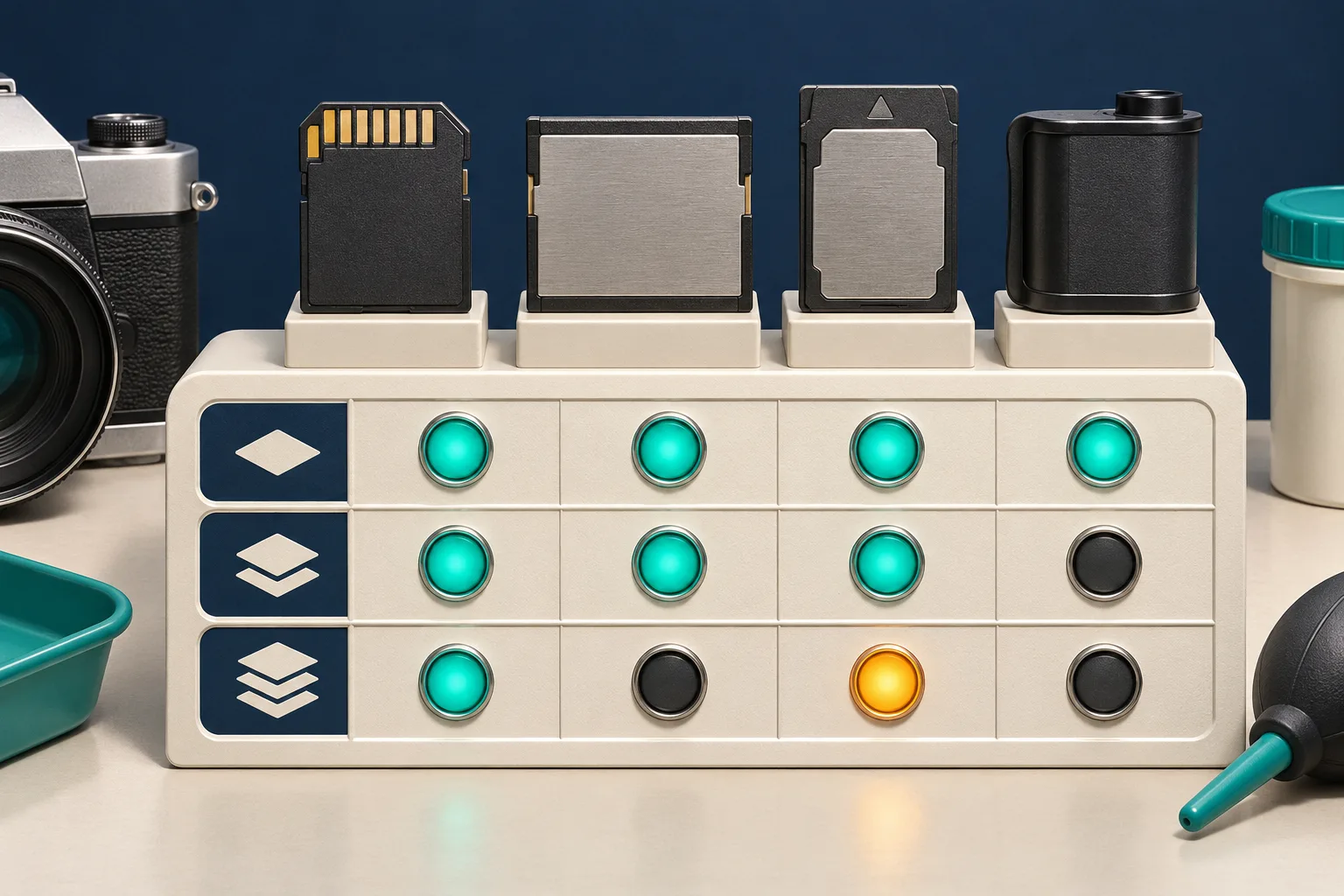
Before I enable a camera family in production, I keep a tiny fixture register:
- exact camera model and firmware, if known;
- file extension, compression mode, and dimensions;
- whether inspection works;
- whether an embedded preview exists;
- whether the developed result passes visual review;
- the fallback message when any step fails.
FlashRaw reports coverage and limitations against the raw.pixls.us corpus, but that is evidence for the documented corpus—not a substitute for your camera fleet. For a deeper decoder-selection pass, keep the RAW decoder reference guide nearby; before adding a previewer, the browser upload-validation guide is the more operational starting point.
Make the preview’s limits visible
An embedded JPEG preview is great for triage. It may not reflect your demosaicing, white balance, colour transform, crop handling, or orientation path. A decoded RGB image has different trade-offs: more work, more memory, and an actual rendering policy to defend.
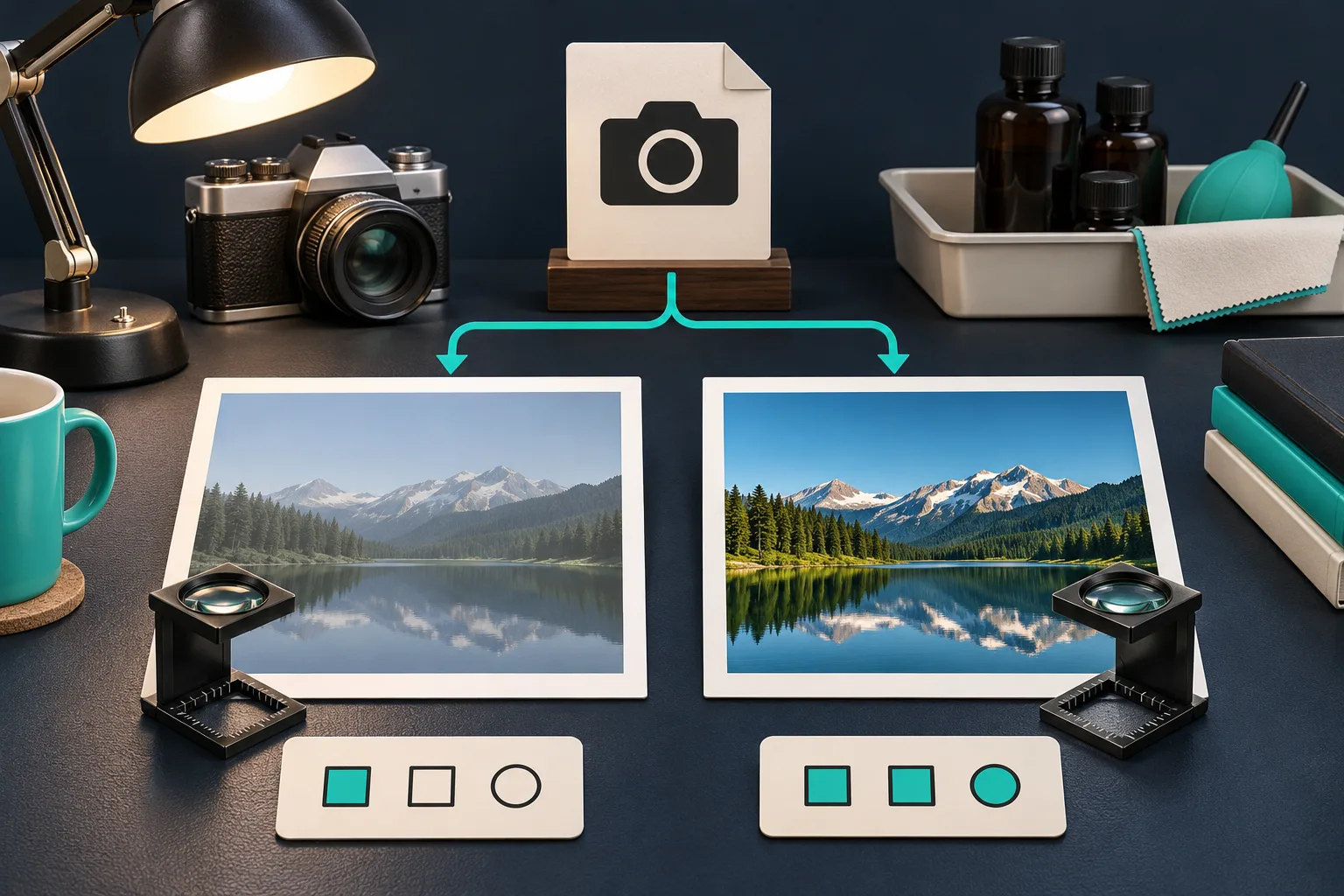
I use this small acceptance gate before calling a browser preview feature done:
| Check | Preview path | Final-render path |
|---|---|---|
| File opens without blocking UI | Required | Required |
| Camera and orientation look plausible | Required | Required |
| Product colour is approved | Not sufficient | Required on fixtures |
| Crop and active area are intentional | Helpful | Required |
| Unsupported file has a useful recovery path | Required | Required |
For colour-critical catalog imagery, I do not let a quick preview approve a listing. I preserve the RAW or original upload, use a reviewed export path, and compare representative fixtures against the application’s intended RGB output. The same caution applies to a migration from an older decoder: a successful decode does not establish visual parity. FlashRaw’s benchmarks are reproducible and scoped to specific machines, files, modes, and competitors; use that methodology as a model rather than turning a median into a universal speed claim.
A practical rollout order
I would ship this in four small moves:
- Inspect first. Return format status and metadata, with a safe unsupported-file message.
- Preview second. Keep the work in a worker and bound the output size; log timing and memory on real target devices.
- Develop third. Add RGB output only when you can name the colour space, orientation policy, and fixture checks.
- Export last. Make full-resolution output an intentional action with cancellation and a clear wait state.
That order gives the user a useful answer early and gives the team room to learn which cameras actually arrive. If you need a current compatibility decision before rollout, start with FlashRaw’s official format documentation, test the exact files you expect, then decide whether the worker preview is enough for the job.
The next action is simple: collect five representative RAW files, run them through an inspect/preview/develop fixture sheet, and make the first unsupported result as helpful as the first successful one.