
October 29, 2026
I Ran a Shopify 3D Media Pilot Before Modeling the Whole Catalog
A practical Shopify 3D media pilot: choose one SKU, capture it with a phone, publish a GLB, and decide what to scale.
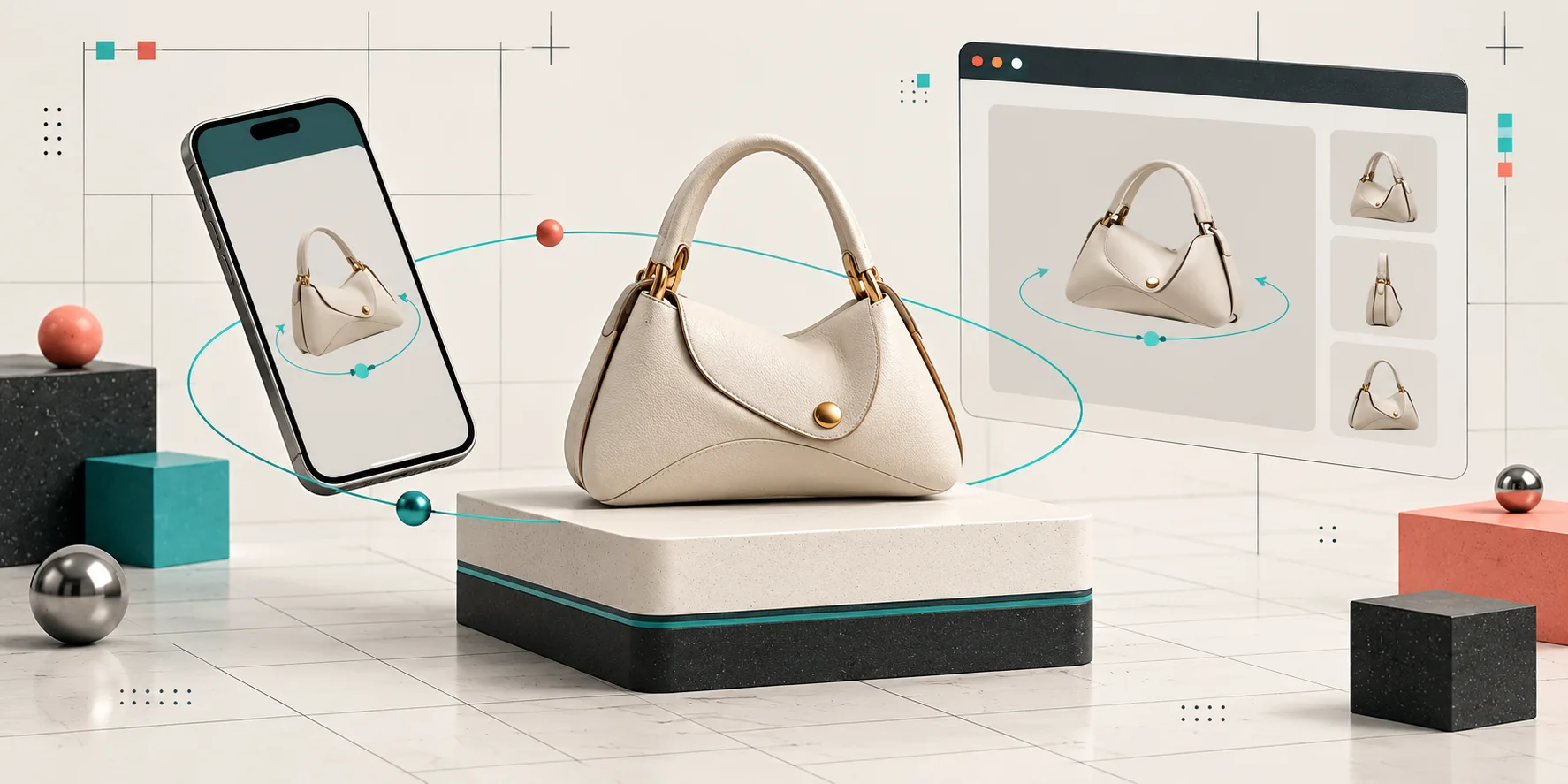
I did not want to turn every product into a 3D project. I wanted to find out whether interactive media earned a place on our Shopify product pages before I committed a week of capture time to the catalog.
That distinction changed the whole plan. Instead of asking, “How do we make 3D for everything?” I asked, “Which one product will teach us the most?”
I ran a deliberately small Shopify 3D media pilot with Supra 3D Capture: one physical SKU, one phone-photo session, one web-ready GLB, and one live product-page placement. The app’s workflow is straightforward: take a guided orbit of phone photos, let the photogrammetry process build the model, then publish it to Shopify product media or an Online Store 2.0 app block. The useful part was not the novelty. It was finally seeing where 3D helped the shopper understand shape, material, and scale better than another gallery image.
Why I Started With a Pilot
A catalog-wide 3D rollout hides the questions that matter. Is the product a good scanning candidate? Does the model load where customers actually browse? Does the spin reveal something a normal photo misses? And can the team make another model without inventing the workflow again?
A small pilot gives you honest answers without treating a GLB like a conversion magic trick. Interactive 3D can improve product-page confidence and engagement, but it cannot rescue vague copy, slow pages, or an unclear offer. I treated it as a layer in the product story.
I also made the pilot a companion to our product-page work. If you are rebuilding a page around shopper questions, the structure in this product-question build note is still the right foundation. The model gets a job inside that structure: answer a question that flat photos do not answer.
1. Pick a SKU That Benefits From Rotation
My first filter was simple: pick a product where a shopper benefits from moving around it. Good candidates have useful depth, silhouette, texture, hardware, or a detail that disappears in a front-on image. A structured bag, a shoe, a mug with an unusual handle, or a small home object can work well.
I avoided a reflective, transparent, furry, or very thin product for the first run. Those can be worth modeling later, but they add capture variables before you have proved the basics. I also avoided the bestseller just because it was the bestseller. A pilot SKU needs a clear visual question, manageable handling, and a product page that is already reasonably healthy.
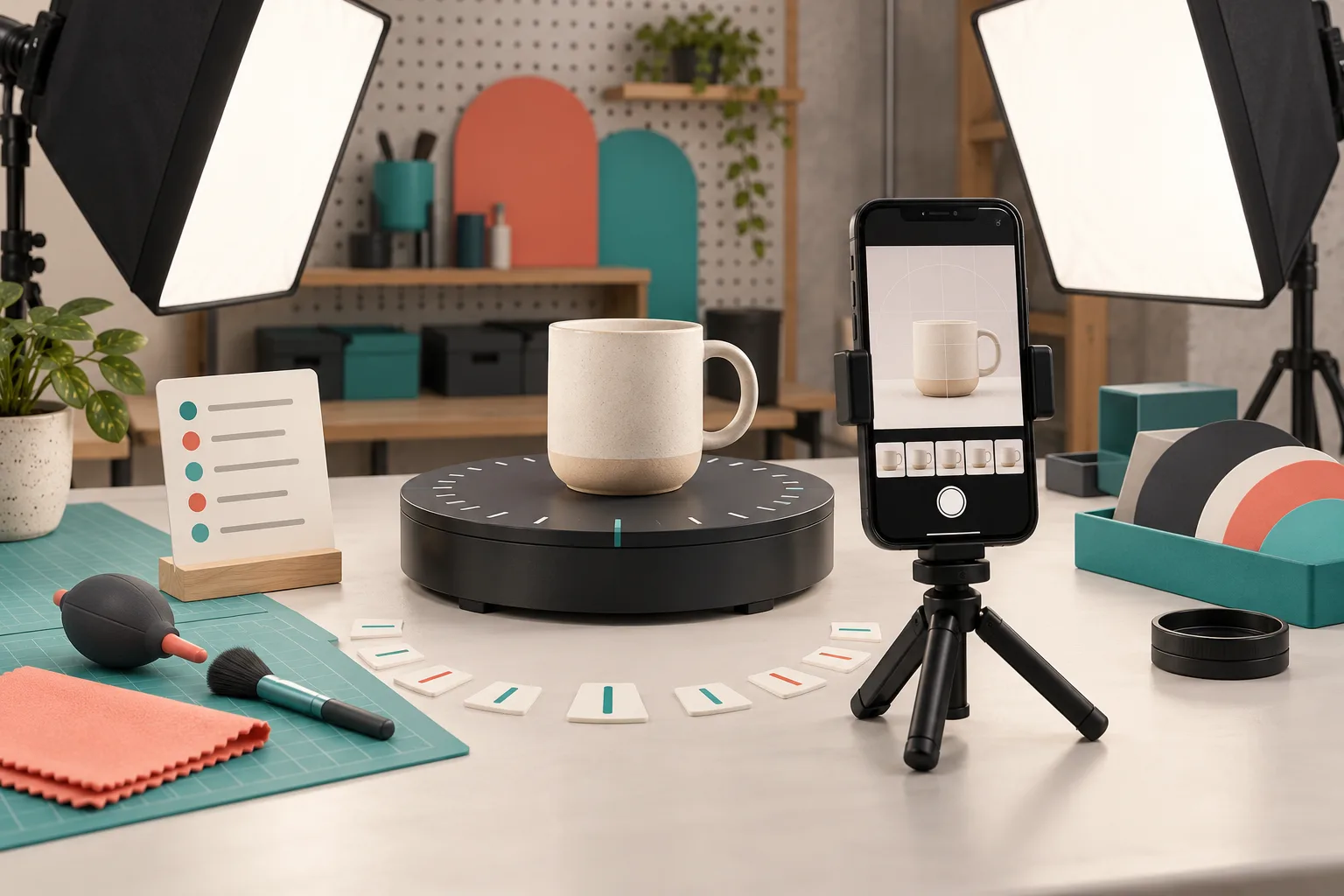
This is more specific than the usual advice to “add 3D media.” For a capture-focused checklist, I would keep the 3D capture card we used before shooting beside the SKU decision. It forces the unglamorous checks: background, light, access to every side, and the one detail the model must reveal.
2. Make the Capture Boring on Purpose
Photogrammetry rewards consistency. I used even lighting, a stable product, and a clean enough background that the product’s edges stayed legible. Then I followed the guided orbit from my phone instead of improvising a handful of hero shots. Supra 3D Capture is designed around 10+ guided photos, which is exactly the constraint I wanted: enough coverage to reconstruct the object without turning the session into a studio production.
My capture rule was: keep the product still, move the phone around it, and check the awkward areas before finishing. For a bag, that means the base, side profile, opening, and hardware. For a shoe, it means toe, heel, outsole edge, and collar.
Do not confuse a 360-style image sequence with an interactive model. The latter lets the customer choose the angle, which is why the product has to be captured from enough useful viewpoints in the first place.
3. Publish the GLB Where It Can Actually Be Found
Once the processed model is ready, publish it as Shopify-native product media when the theme supports it, or place it deliberately with the dedicated Online Store 2.0 app block. I did not bury the model below the entire description. I put it near the gallery context, where a shopper deciding whether to inspect the product would expect it.
That placement is a merchandising decision, not a technical afterthought. The native viewer makes sense when the model belongs with the gallery; an app block is useful when the model needs its own explanation or a little breathing room. Our earlier theme-integration guide covers why this does not need a full theme rebuild.
4. Test the Experience, Not Just the File
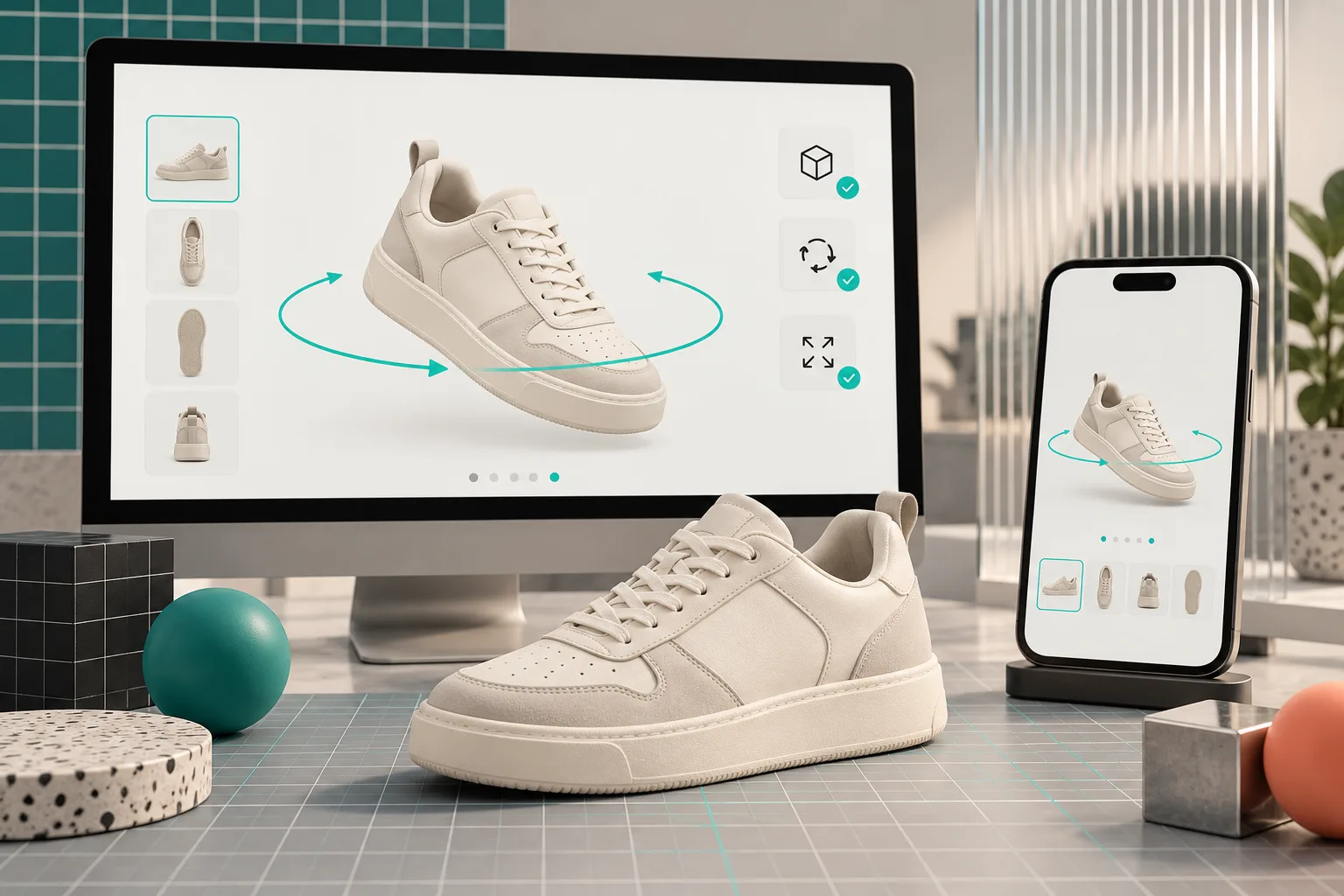
A valid GLB is only the beginning. I opened the product on desktop and a real phone, then checked:
- Can a shopper notice that the object is interactive?
- Does rotation feel responsive without covering the buy controls?
- Are the key angles represented cleanly?
- Does the viewer still work alongside the existing gallery, variants, and product-detail blocks?
- Does the page remain understandable if the shopper never touches the model?
That last point is my favorite test. The 3D viewer should add evidence, not become a required puzzle. I kept the existing photos because they are fast to scan and good at directing attention. The model then handles the job that suits it: letting someone inspect dimensional details on their own terms.
If your catalog uses selectable colors or linked products, resolve that relationship before you decide a model is “missing.” The decision rule in our variants-versus-linked-products note is useful here: the product architecture determines whether the model belongs to a variant, a sibling product, or neither.
5. Write Down the Scaling Decision
After launch, I did not jump straight to fifty scans. I wrote a one-page pilot recap: the SKU, the capture time, what needed retaking, where we placed the viewer, which questions it answered, and whether that workflow felt repeatable.
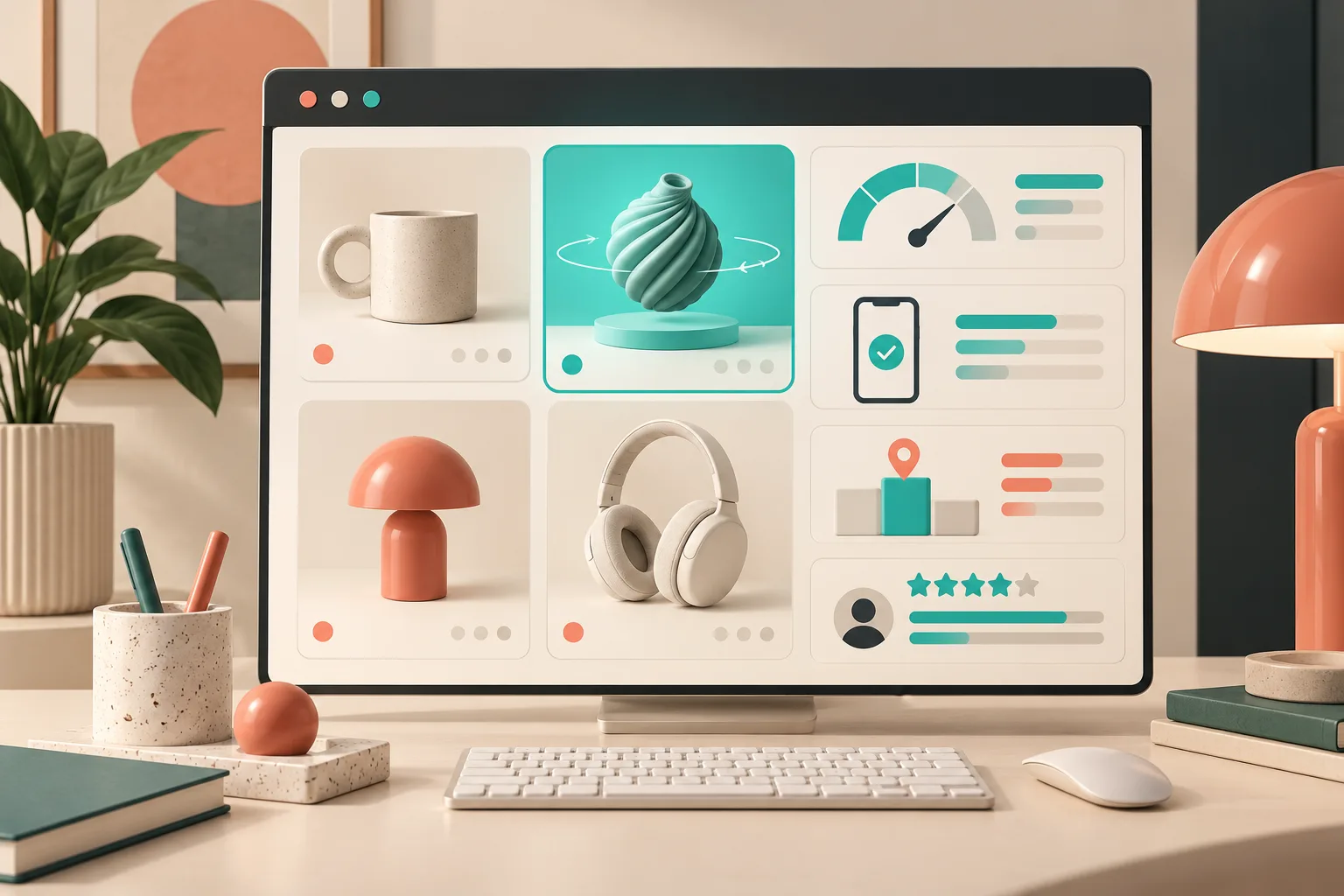
The useful next metrics are operational as much as commercial: model turnaround, rework rate, mobile behavior, merchant effort, and support feedback. You can also watch engagement and return reasons over time, but do not promise that one model will move a business metric by itself. The pilot is there to establish a credible baseline and identify the SKU patterns that deserve more investment.
If it worked, choose two more products with similar capture conditions. If it did not, identify whether the failure was the SKU, the lighting, the placement, or the product-page context. That is much cheaper than labeling the whole 3D idea a failure.
The Next Move
Start with one physical product this week. Pick an item whose side, depth, or material genuinely changes the buying decision; capture it with Supra 3D Capture; publish the GLB in Shopify; and test it on your own phone before asking anyone else to scale the workflow. You will come away with a real operating decision instead of a catalog-sized hypothesis.