
August 23, 2026
How I Pick the First Shopify SKU for a 3D Pilot
A practical way to choose one Shopify SKU, capture it with a phone, and validate native 3D media before scaling.
I like the idea of interactive 3D on a Shopify product page. I do not like turning it into a catalog-wide project before I know whether the theme, the capture workflow, and the shopper experience all hold up. The useful first move is smaller: pick one SKU that makes a strong case for 3D, ship a model, then inspect the result like any other product-page change.
That is the job I would use Supra 3D Capture for. It starts with 10+ guided phone photos, turns them into a web-ready GLB, then publishes to Shopify product media or an Online Store 2.0 app block. The app has a free plan in the Shopify App Store, so a single-SKU pilot does not need to begin as a procurement exercise.
The part that takes actual judgment is choosing that first SKU. Here is the filter I would use.
Start With a Product That Needs Spatial Explanation
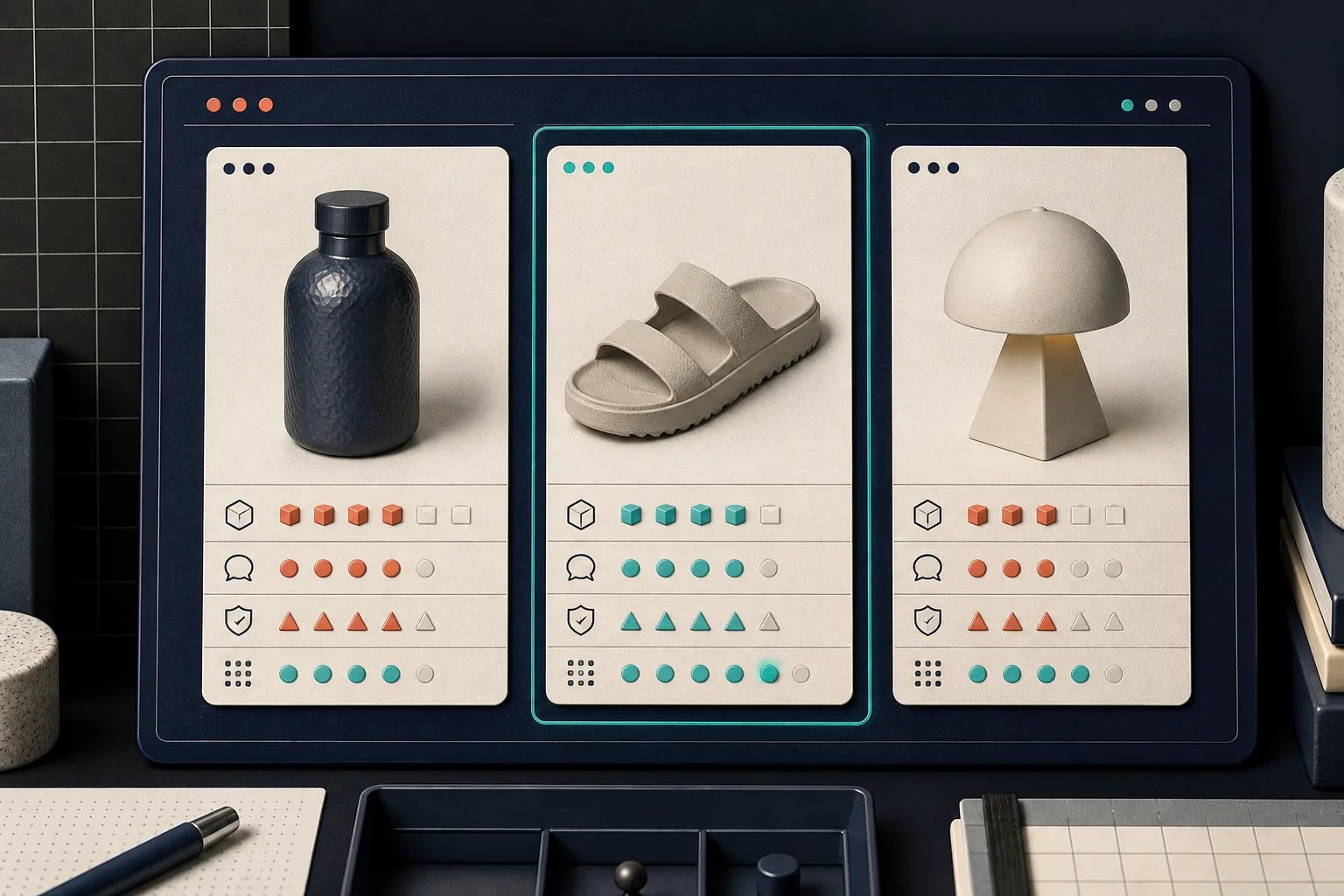
My first candidate is rarely the top seller. It is the item whose static gallery leaves a shopper doing mental geometry: a bag with internal depth, a lamp with an unusual profile, a shoe with a sole shape, a textured object, or a product whose size and silhouette create the same pre-purchase questions again and again. If five studio shots already explain the thing perfectly, 3D may be nice but it is not the best pilot.
I score candidates on four very unscientific-but-useful checks:
- Shape matters. Does rotating the object reveal a decision-relevant side, proportion, opening, underside, or surface?
- Questions repeat. Does support or product feedback suggest shoppers are unsure what the object is like beyond the hero shot?
- The capture is repeatable. Can I photograph the product on a stable, well-lit surface without turning every scan into a special production?
- The page has a natural home for it. Can the native media gallery or app block fit into the current product page without a redesign?
I would not begin with a clear bottle, a chrome fixture, a furry product, or a nearly featureless black object just because it is important. Those can be good projects, but they make a poor baseline because photogrammetry has less visual detail to use. Supra’s own capture guidance on difficult shiny, hairy, and clear products is a good reminder that a simple pilot should make learning easy, not prove heroics.
Make the Capture Boring on Purpose
Once I have the SKU, I do one controlled capture. I use the same finished product that appears in the listing, clear the background, avoid moving light, and take a steady orbit at a consistent distance. This is not a creative photo shoot; it is source material for reconstruction.
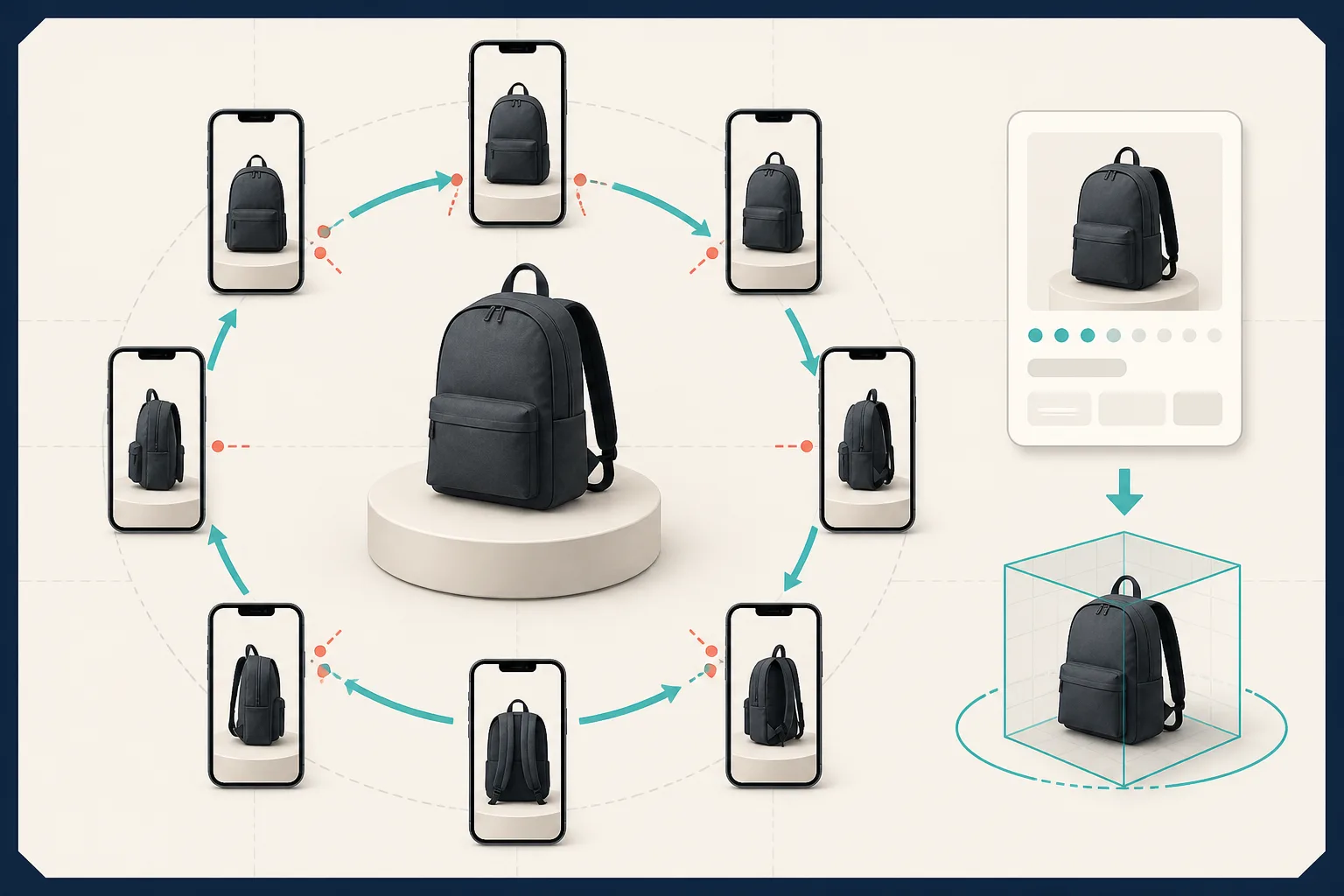
The important habit is coverage, not raw photo count. I want overlap between frames, enough views of the top and lower edge, and no major part of the product disappearing between shots. Supra 3D Capture’s guided phone workflow is built around this kind of capture, then processes the photos into a GLB. If I need a refresher on the first pass, I would pair this with my earlier note on a phone-first 3D media pilot, which keeps the project intentionally narrow.
Before publishing, I check the model itself rather than assuming a successful job is a finished asset. Rotate it on a desktop and phone. Look for a wobbly base, missing edges, unnatural texture seams, or a silhouette that changes unexpectedly. A believable model does not need to be an engineering-grade digital twin; it needs to represent the purchasable object honestly.
Put It Where a Shopper Will Actually Find It
For a standard product page, I would attach the GLB as Shopify product media first. That gives the model a fair chance to work alongside the existing gallery instead of hiding it behind a custom interaction. If the product page has a more deliberate story, Supra can also place the model with an Online Store 2.0 app block. I covered the theme-side decision in how to add a Shopify 3D model shoppers can actually use; the short version is to verify the exact published page, not just the app admin.
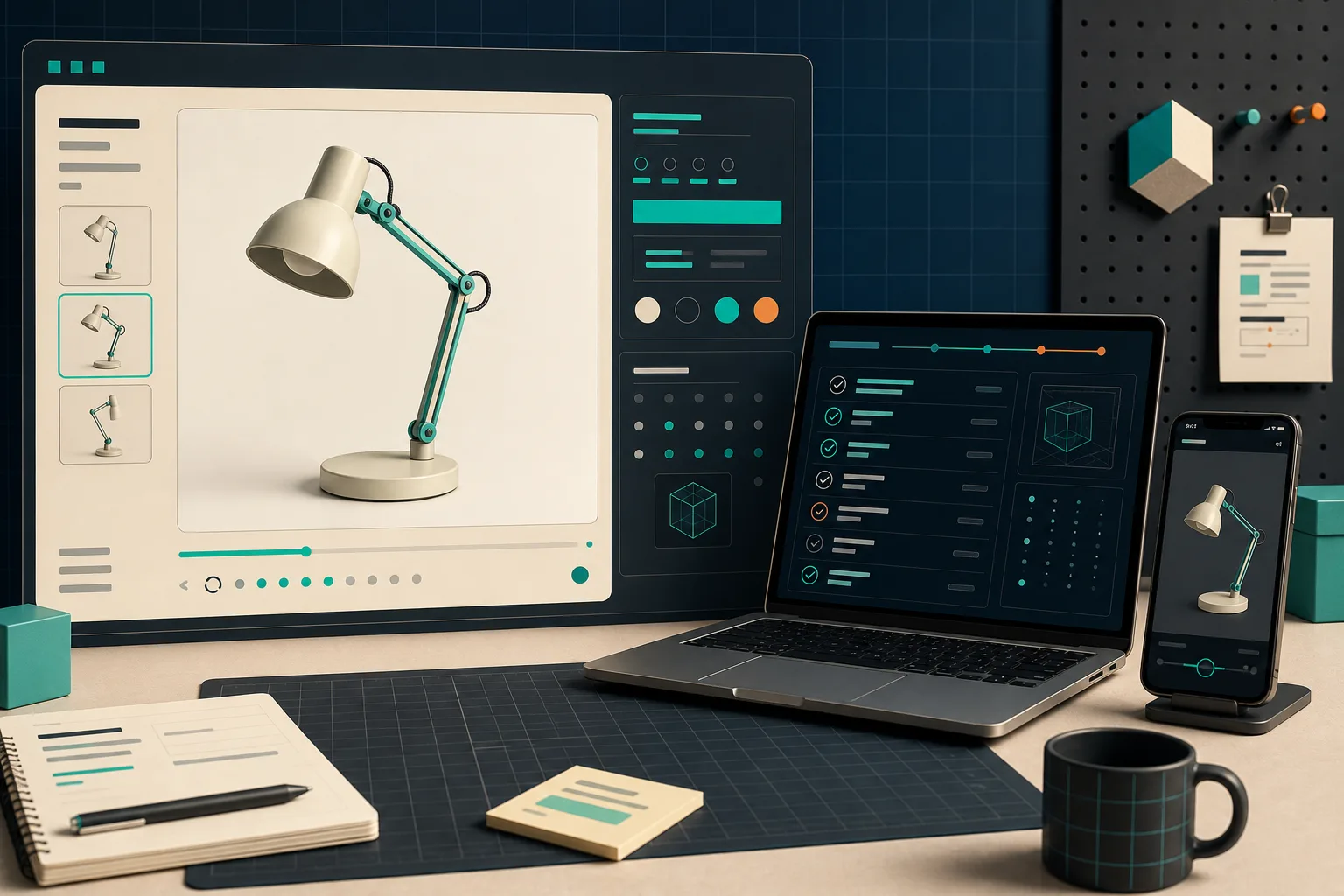
My release check is compact:
- The model appears in the intended gallery or section on desktop and mobile.
- It loads without covering the product title, price, variants, or add-to-cart path.
- A shopper can rotate it without needing instructions.
- The model matches the current sellable variant and its visible details.
- The original photos still do the jobs 3D cannot do well, such as color, material, scale, and in-use context.
That last point matters. Interactive 3D is an addition to a good media set, not an excuse to remove the photos that communicate finish or scale best. If your store is weighing interactive media more broadly, my previous native-3D planning sketch is a useful companion: it separates product readiness from theme readiness.
Decide What the Pilot Earned
After the pilot has been live long enough to collect ordinary traffic, I do not jump straight to a conversion claim. I look for operational evidence first: did the model render reliably, did anyone flag a mismatch, and could we repeat the capture without a specialist? Then I compare product-page engagement and common shopper questions with the same product’s baseline as context, not proof.
If the result is solid, I repeat the method on the next two products with the same kind of spatial question. If it is not, I document why: the product was difficult to scan, the theme placement was weak, or the media did not answer an important shopper question. That makes the next decision cheaper. For another perspective on the wider product-page opportunity, see this Shopify interactive 3D overview.
The concrete next action is simple: make a five-SKU shortlist today, score each one against shape, repeat questions, capture repeatability, and page placement, then run Supra 3D Capture on the highest-scoring product. One credible GLB on one live product page teaches more than a 50-SKU roadmap.