
August 23, 2026
How I Build a Webflow Static Mirror Before a Redesign
A practical Webflow export workflow for creating a testable static mirror before a redesign, migration, or hosting change.
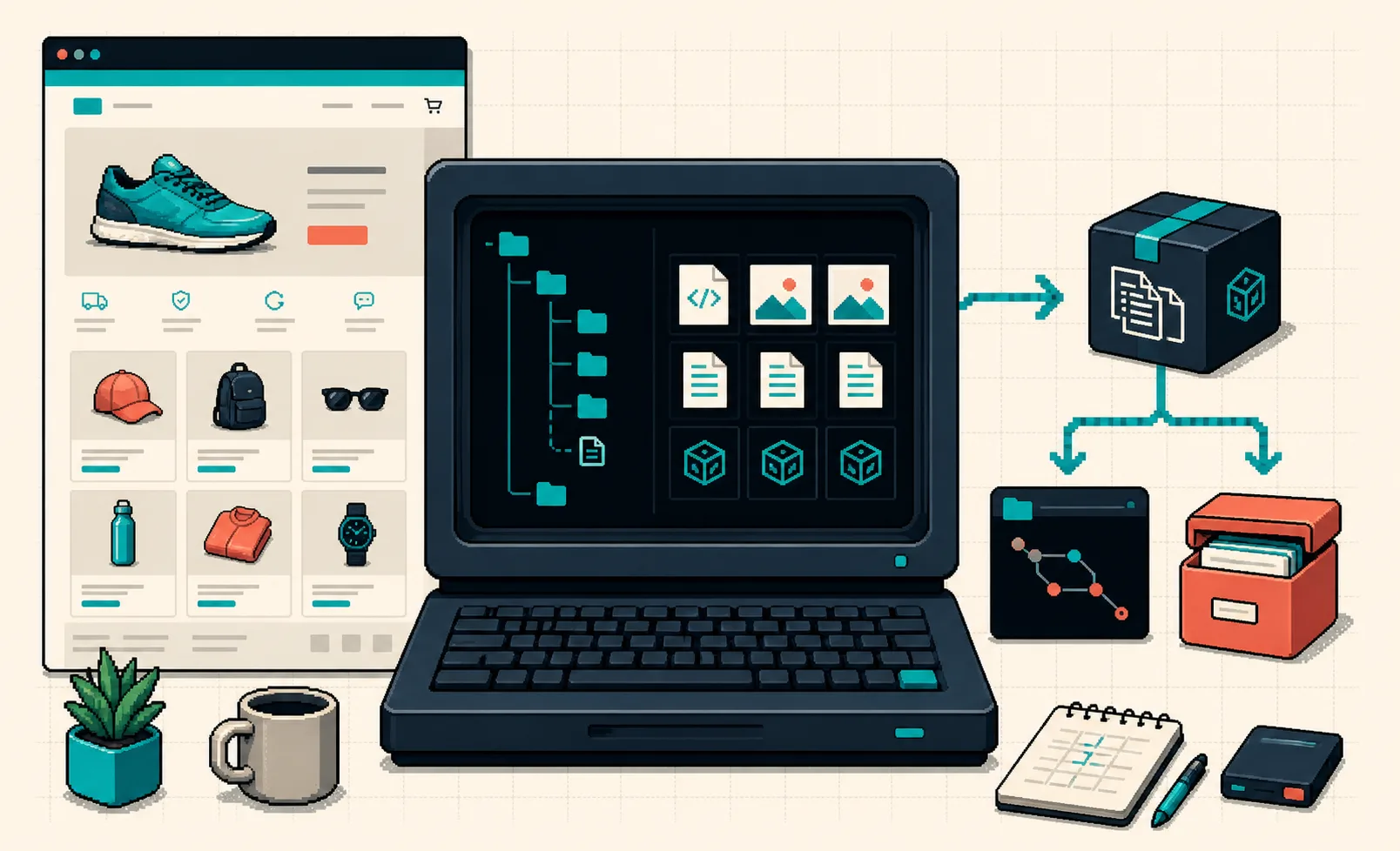
I do not start a Webflow redesign by touching the live site. I start by making a static mirror of what is already working.
That sounds fussy until a redesign uncovers the details nobody documented: a collection template that ranks, an interaction wired to an old script, a campaign page with an oddly specific redirect, or a product landing page whose image path only works because the current hosting stack is carrying it. A mirror gives me a reference build, a rollback asset, and a place to test deployment without asking production to be brave.
For Webflow sites, I use ExFlow’s Webflow exporter as the practical starting point. It is built to collect the published pages, CSS, JavaScript, images, media, and CMS-style routes into a static site I can download or deploy. The point is not to pretend a static export is automatically identical to a managed site. The point is to have a stable, inspectable baseline before changing the thing customers see.

The Mirror Is a Safety Net, Not the New Site Yet
A redesign has two jobs that are easy to mix up: improve the experience and preserve the behavior that already earns attention. When I combine them in one branch, debugging gets expensive fast. The mirror keeps the preservation job separate.
Before exporting, I make a short inventory:
- Top-level pages, campaign landing pages, and any old URLs still used in email or ads.
- CMS collections and their route patterns, especially blog, catalog, location, and comparison pages.
- Images, fonts, custom code, cookie tools, analytics, and scripts that load outside the page designer.
- Forms and any third-party destinations they depend on.
- Redirects, canonical tags, titles, descriptions, and social-preview metadata.
This is the part I missed in an earlier Webflow CMS cutover: the visible page list is not the same thing as the route inventory. Collection pages can look repetitive in the editor but each one may have a search, campaign, or support job in the real world. I capture the list first, then I can tell whether an export is complete rather than merely pretty.
Export a Baseline You Can Actually Deploy
I export the published URL, then keep the first output deliberately boring: no design edits, no content cleanup, and no asset optimization project sneaking into the same task. ExFlow can package the static files for download or sync them to Git, S3, FTP, or its managed hosting path. For a redesign safety net, I prefer Git because the baseline gets a commit, a date, and a diffable history.
My minimum setup looks like this:
main        -> the production mirror I have tested
redesign/*  -> experimental layout and component work
archive/*   -> dated exports before major launches
I give the baseline an explicit label such as pre-redesign-2026-08-23, then deploy it to a staging hostname. The staging URL does not need a marketing polish pass. It needs to let me open real routes and compare them against production. That simple boundary made the deployment portion of my earlier static Webflow cutover runbook much less stressful.

Compare the Right Things at Three Breakpoints
A screenshot diff is useful, but it is not enough. I open the live site and the mirror side by side at desktop, tablet, and mobile widths. I test the routes that make money or answer customer questions first. For an ecommerce brand, that usually means the home page, an evergreen landing page, a collection or catalog page, a representative CMS item, and the contact or conversion path.
I compare:
- Navigation, internal links, and active states.
- Page titles, descriptions, canonical behavior, and share previews.
- Product imagery, lazy-loaded media, fonts, and responsive crops.
- Interactions, accordions, sliders, embedded tools, and custom scripts.
- Forms, confirmation states, and the receiving inbox or service.
- Old URLs and redirects that should still land somewhere sensible.
If a form is intentionally dynamic or a tool depends on a server-side service, I document that exception instead of declaring the mirror broken. That distinction matters: a static mirror should expose dependencies before the redesign, not conceal them.

Turn QA Into a Release Gate
The fastest version of this process is not a giant test plan. It is a small release gate that I can run again after each redesign milestone. Mine has five questions:
- Did every priority route render with its intended assets?
- Do internal links and redirects resolve correctly?
- Does the mobile layout preserve the important conversion path?
- Are the titles, metadata, and canonical decisions intentional?
- Are form and script-dependent features either working or listed as deliberate exceptions?
That keeps the mirror useful after day one. A redesign branch can change freely, while the mirror gives me a clean way to notice whether a new component quietly removed an old behavior. For teams that need a more formal deployment path, I have also written about turning a Webflow CMS site into a static deployment pipeline.
Keep the Platform-Specific Bits Honest
A generic site copier may be fine for a one-page brochure site. I would not trust it as my only baseline for a modern Webflow build with CMS routes, interaction assets, custom scripts, and responsive media. That is why I start with a Webflow-specific export workflow, then test the result on the same routes the business actually uses.
The same habit transfers, but not blindly, to other builders. ExFlow also offers Framer exports for animation-heavy marketing sites and Squarespace exports for sites where a complete static copy matters during a handoff. I use different QA emphasis for each platform; for example, my Squarespace handoff checklist puts more attention on media, navigation, and client-facing ownership.
My Next Move
Before approving the first redesign mockup, export one static Webflow mirror and deploy it somewhere private but reachable. Open five high-value URLs next to production, note every mismatch, and commit the baseline. Once that exists, the redesign stops being a leap of faith and becomes a controlled set of changes you can test, ship, and roll back.