
September 24, 2026
How I Test One Shopify 3D Model Before Scaling Product Media
A practical first-model workflow for testing Shopify 3D product media with phone photos, native GLB publishing, and a simple measurement plan.
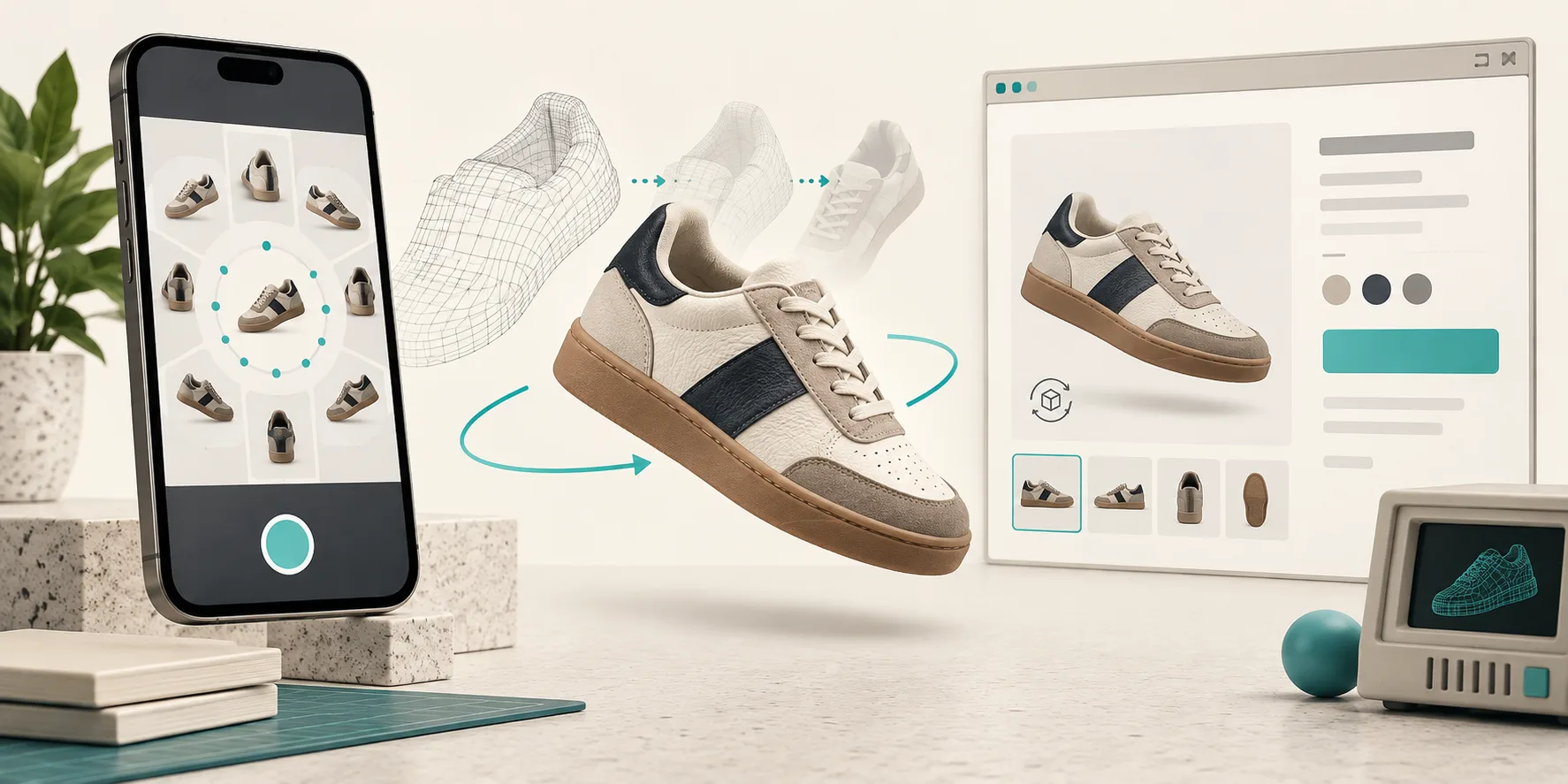
If I’m adding 3D product media to a Shopify store for the first time, I do not start by planning a catalog-wide conversion. That is how a promising feature becomes a six-week asset project nobody can measure. I pick one product, make one GLB, put it on one product page, and treat the whole thing like a product-page experiment.
That is the practical lane for Supra 3D Capture: take a guided set of phone photos, let photogrammetry turn them into a web-ready GLB, then publish it into Shopify’s native 3D media or an Online Store 2.0 app block. No 3D artist, LiDAR rig, or heroic production brief required.
My first-model rule: choose a SKU with a question to answer
The first model should earn its place. I look for a product where flat photos force the shopper to guess about shape, scale, texture, or a detail on the back or side. Think footwear, bags, small furniture, bottles with unusual geometry, or a product with controls and ports. A simple test is: would a customer naturally try to turn this over in their hands?
I avoid shiny, transparent, fuzzy, or featureless objects for the very first run. Those are not impossible, but photogrammetry needs stable visual detail. Supra’s own guide on shiny, hairy, and clear products is a good reminder that difficult materials deserve a controlled follow-up, not a first-day deadline.
This selection step is different from a generic SKU-priority exercise. The earlier 15-minute 3D capture readiness test is useful before you pick a candidate; here I’m narrowing the work to one question: does interactive inspection make this product page clearer?
Build a capture plan before opening the camera
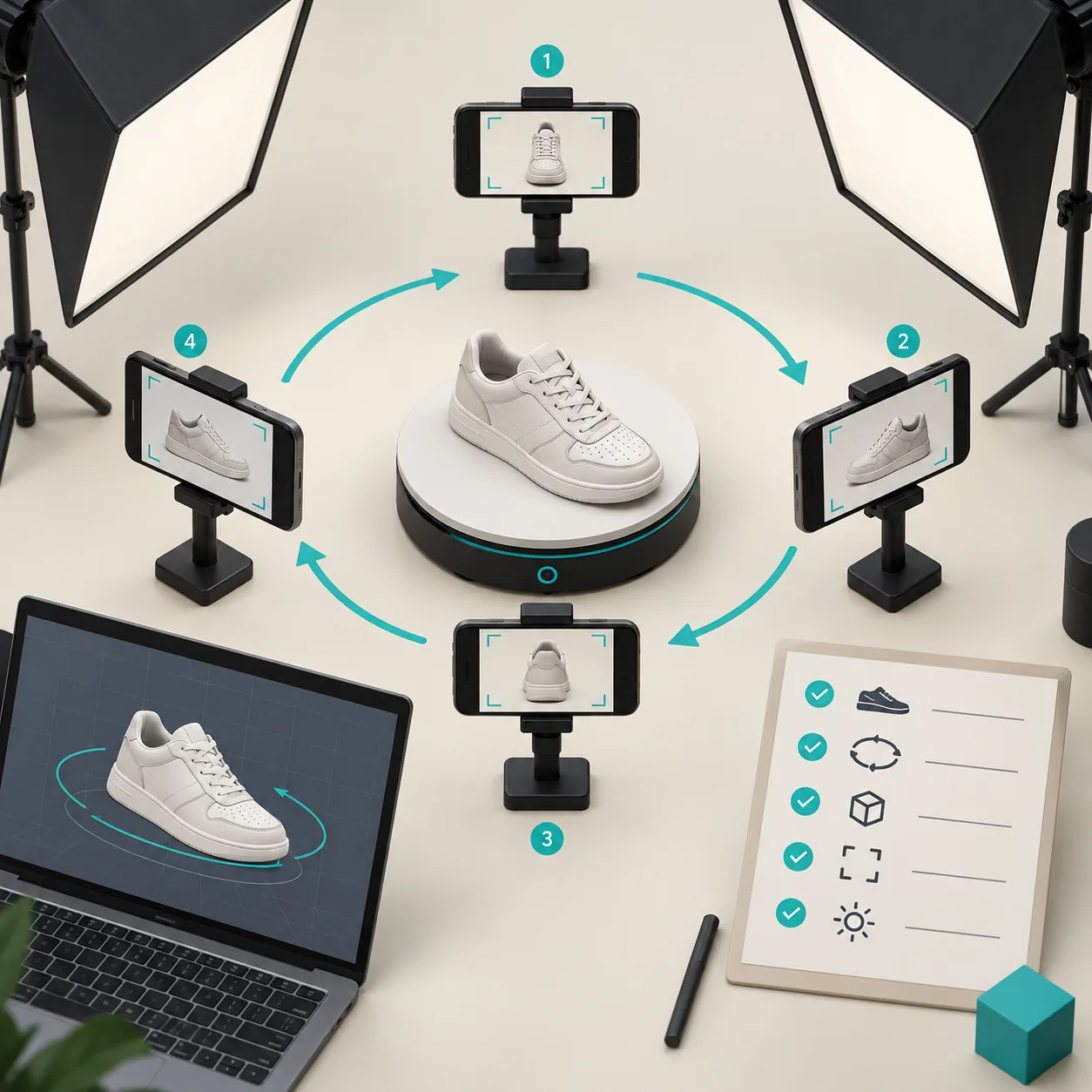
Phone-based 3D capture is less about owning a special phone and more about making the inputs boringly consistent. I use a clean, evenly lit surface, wipe down the product, and leave enough room to walk an orbit around it. Then I make sure the product is static and the background is not competing for attention.
For the first session, I keep it simple:
- Use diffuse, even light so reflections do not jump between frames.
- Capture the full object from a steady orbit; Supra guides the capture flow and is designed around a short set of phone photos.
- Check that the top, sides, and the detail a shopper cares about are actually visible.
- Keep a few normal product photos too. The model should improve the gallery, not replace its useful close-ups.
The same discipline applies when I prepare a product for other visual workflows. A fit-family audit asks whether an apparel chart is appropriate for a product; this capture plan asks whether the product’s physical story is legible enough to reconstruct.
Publish it where shoppers can actually use it
Once Supra has processed the capture into a GLB, I publish it to the selected Shopify product rather than treating it as a downloadable asset that lives in a folder. The useful paths are Shopify’s native 3D product media when the theme supports it, or the dedicated Online Store 2.0 app block when I want a deliberate placement in the page. The Supra 3D Capture App Store listing confirms both publishing options.
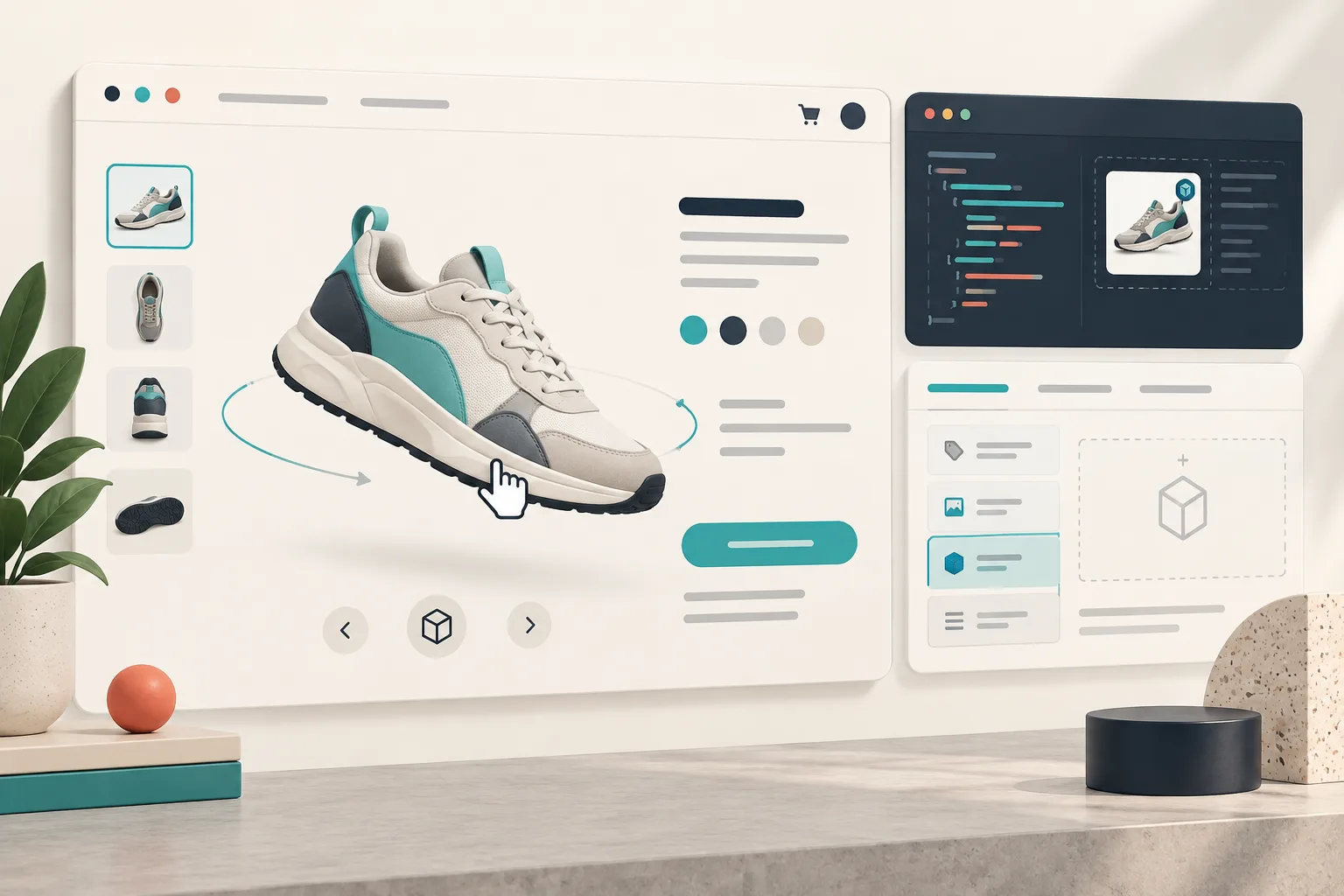
Then I test on an actual phone. Desktop is good for a quick visual check; mobile tells me whether the model loads in the flow of shopping, whether the first frame makes sense, and whether it sits beside the gallery and purchase controls without hijacking them. I also check the model after a theme update, just as I would check any structured product-spec content. Product-page media is only valuable when it survives the systems around it.
Give the test a small measurement window
I do not promise that one 3D model will magically lift conversion. It can improve customer confidence and make shape easier to understand, but an honest test needs a baseline. For one or two weeks, I note the product page’s existing traffic, add-to-cart rate, customer questions, and return reasons. After launch, I compare the same signals and watch a few session recordings if the store already has a privacy-respecting analytics tool.
The qualitative read matters too. If support tickets stop asking “what does the side look like?” or a sales teammate says customers are referencing a detail they can now rotate toward, that is useful evidence. If nothing changes, I inspect the placement, mobile performance, product choice, and image quality before I conclude that 3D itself was the problem.
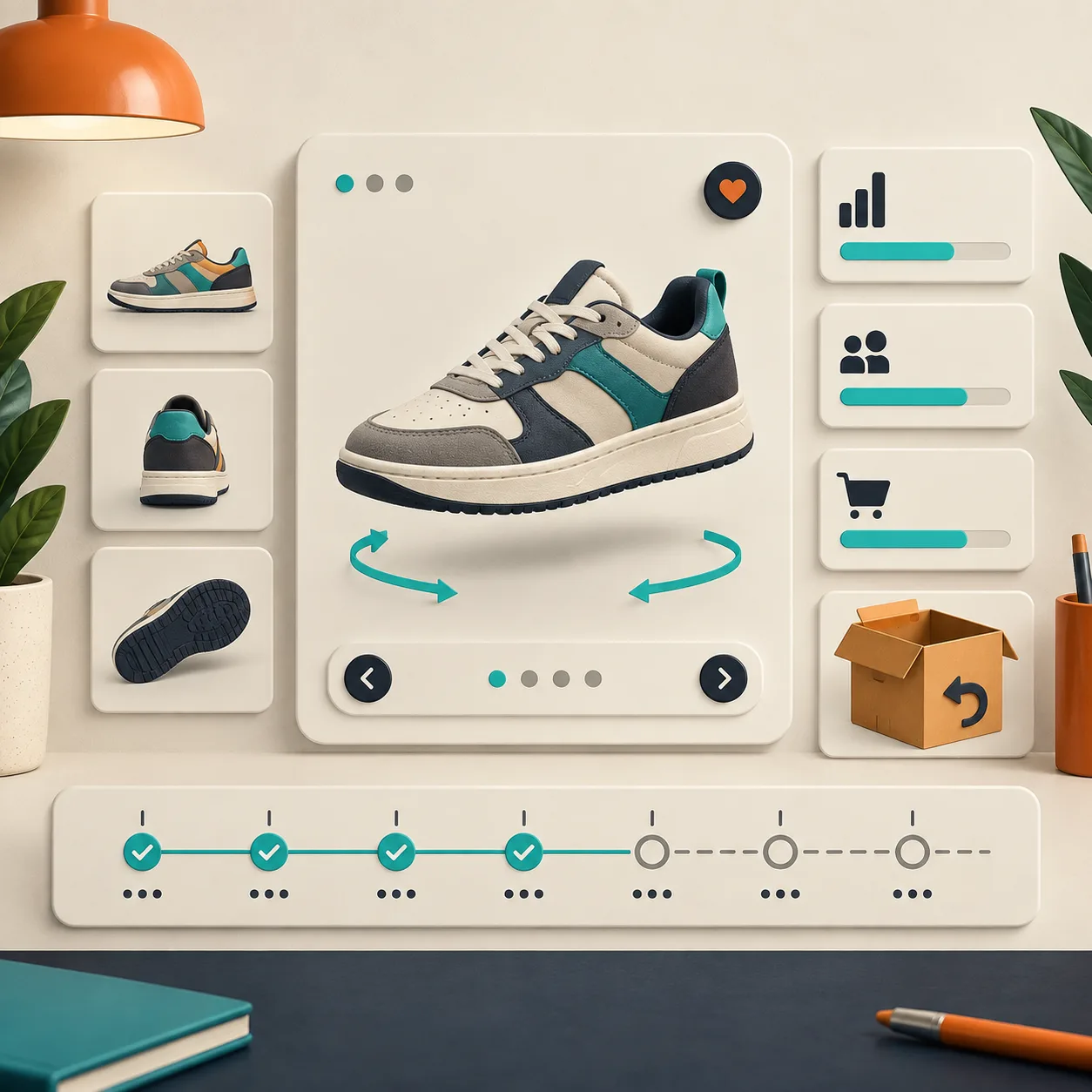
That review loop is why I prefer a single-SKU pilot over an all-at-once media refresh. It is the same practical instinct behind a safe Shopify bulk-update preflight: narrow the scope, verify the result, then scale what held up.
The next action I would take
Pick one product that customers would genuinely want to rotate, set up an evenly lit phone capture, and publish the resulting GLB to a staging or low-risk live product page. Start a Supra 3D Capture session and make the first model a measurable product-page decision—not a speculative catalog project.