
September 16, 2026
Which Shopify Products Deserve Interactive 3D First?
A practical way to choose, capture, publish, and test the first interactive 3D product models in a Shopify catalog.
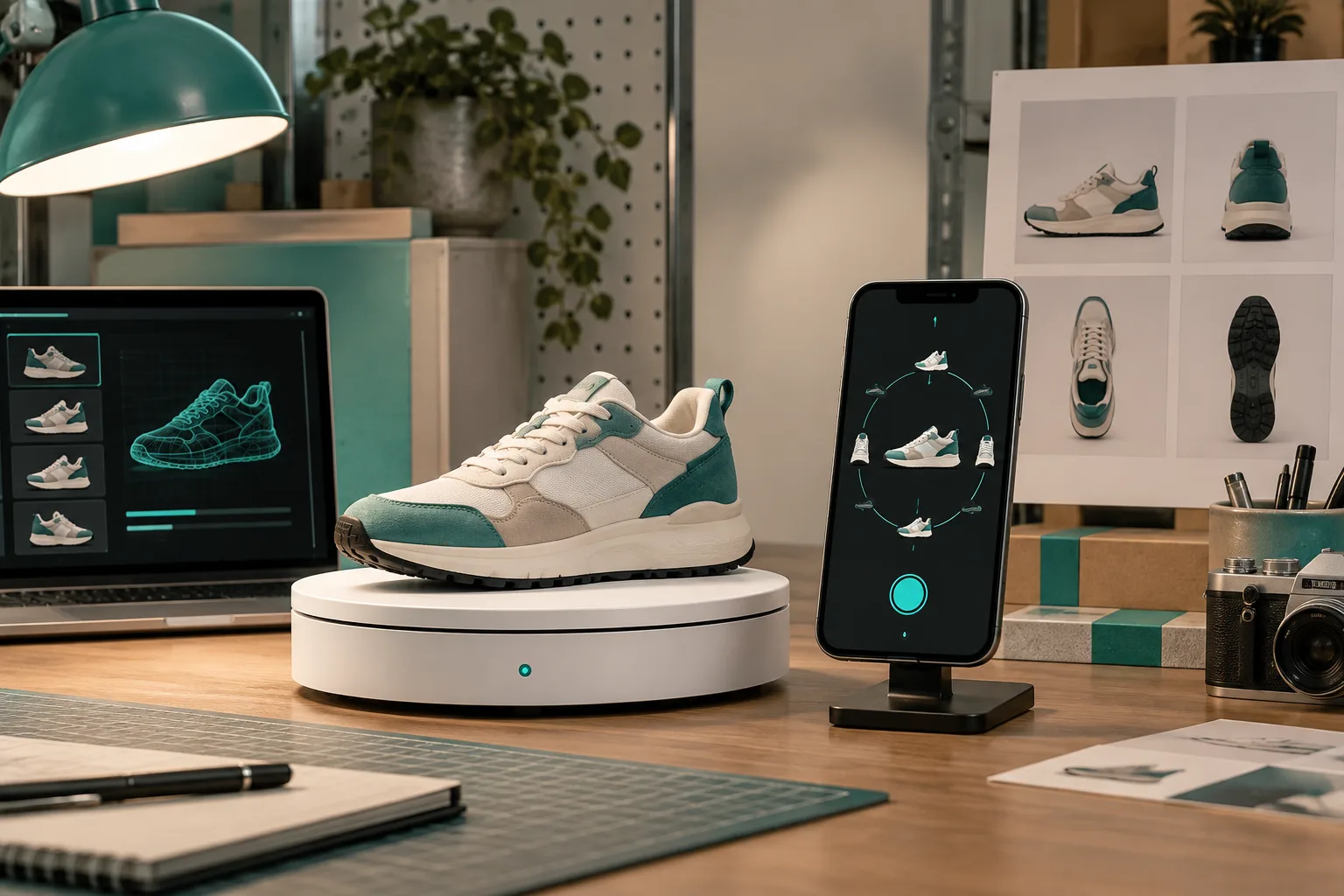
I did not start my Shopify 3D work with the whole catalog. I picked the products that photos struggled to explain: a textured object with depth, an item with several useful angles, and a product where shoppers regularly asked the same shape or scale questions. That small priority list made the first capture work feel useful instead of experimental.
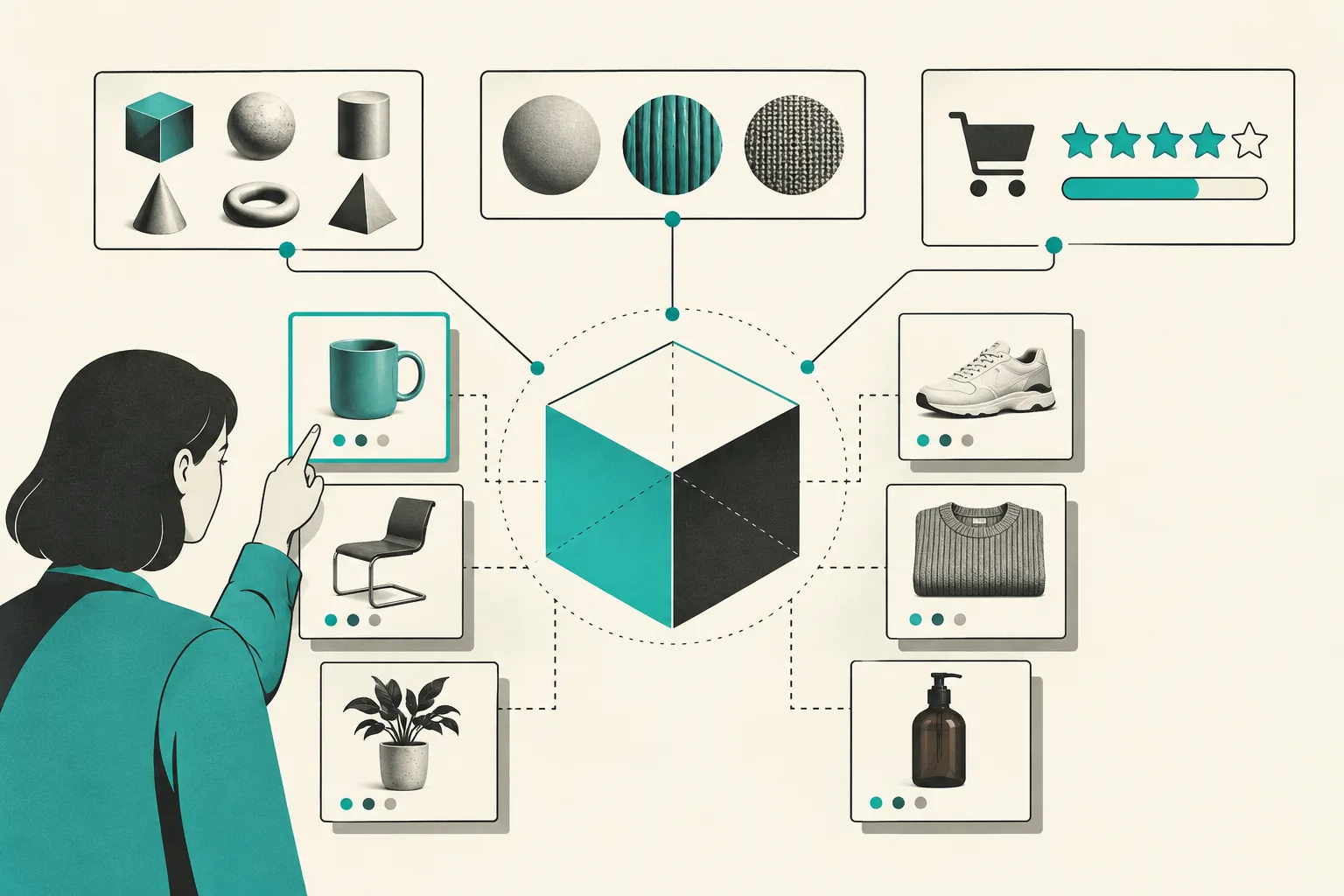
Start with products that have an expectation gap
Interactive 3D helps when a flat gallery leaves important questions unanswered. Good early candidates include products with contours, moving parts, material texture, unusual proportions, or details hidden by a standard front-facing photo. Think of a bag with interior depth, an intricate home object, a tool with functional surfaces, or a premium item a customer wants to inspect from every side.
Do not prioritize an SKU only because it is new. Prioritize it because better visual understanding can help a shopper decide. That is a more practical target than trying to predict a guaranteed conversion increase.
Supra 3D Capture is built for this workflow: use a regular phone to take a guided set of product photos, process the set into a web-ready GLB model, and publish it as Shopify product media or through an Online Store 2.0 app block.
Check the product before you scan it
Set the product in even light and give it enough empty space to separate it from the background. Clean reflective surfaces, remove loose packaging, and make sure the item is stable. The goal is not a beautiful photo shoot. It is a consistent set of images that lets photogrammetry understand the product from many angles.
Some products need extra care. Very shiny, transparent, or fuzzy surfaces are harder for any photo-based reconstruction process because they change appearance across views. Start with a simpler, matte, well-defined item for the first model, then build up confidence with trickier inventory later.
Capture a steady orbit
Use the guided capture session and walk around the product rather than changing the product position. Keep your distance and height consistent, overlap adjacent angles, and do not rush past important details. Supra 3D Capture is designed around a merchant-friendly multi-photo orbit, so the phone becomes the capture tool rather than a reason to buy specialist gear.
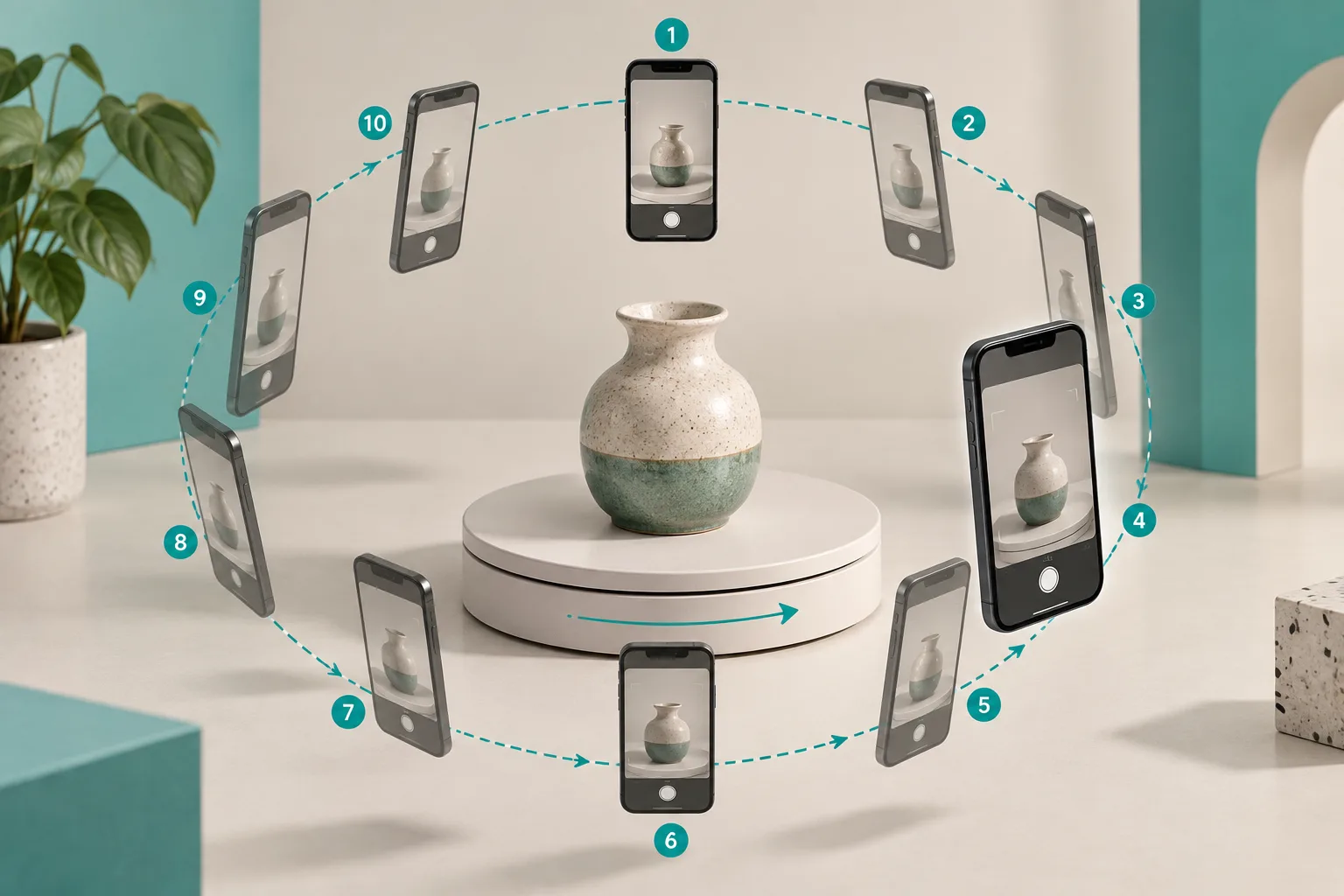
What I look for after capture is coverage: did I see the top, bottom, sides, handles, seams, and the details that customers ask about? If a part of the item never appeared in the input photos, it is not reasonable to expect it to appear reliably in the model.
Publish the model where a shopper will notice it
After processing, attach the GLB to the Shopify product media or place it with the dedicated theme app block. Then inspect it in the actual theme on desktop and mobile. A model can be technically correct and still be too far down the page, hidden among weak media, or competing with the primary product image.
Use it as a complement to strong photography, not a replacement. The first image should still explain the product quickly. The interactive model is the deeper inspection layer for people who want more confidence.
Test the customer experience
Open the product page in a clean browser session and ask a practical question: can I find, rotate, and understand the model without being taught how? Check load time, touch interaction, layout behavior, and whether the model appears as expected in your theme.
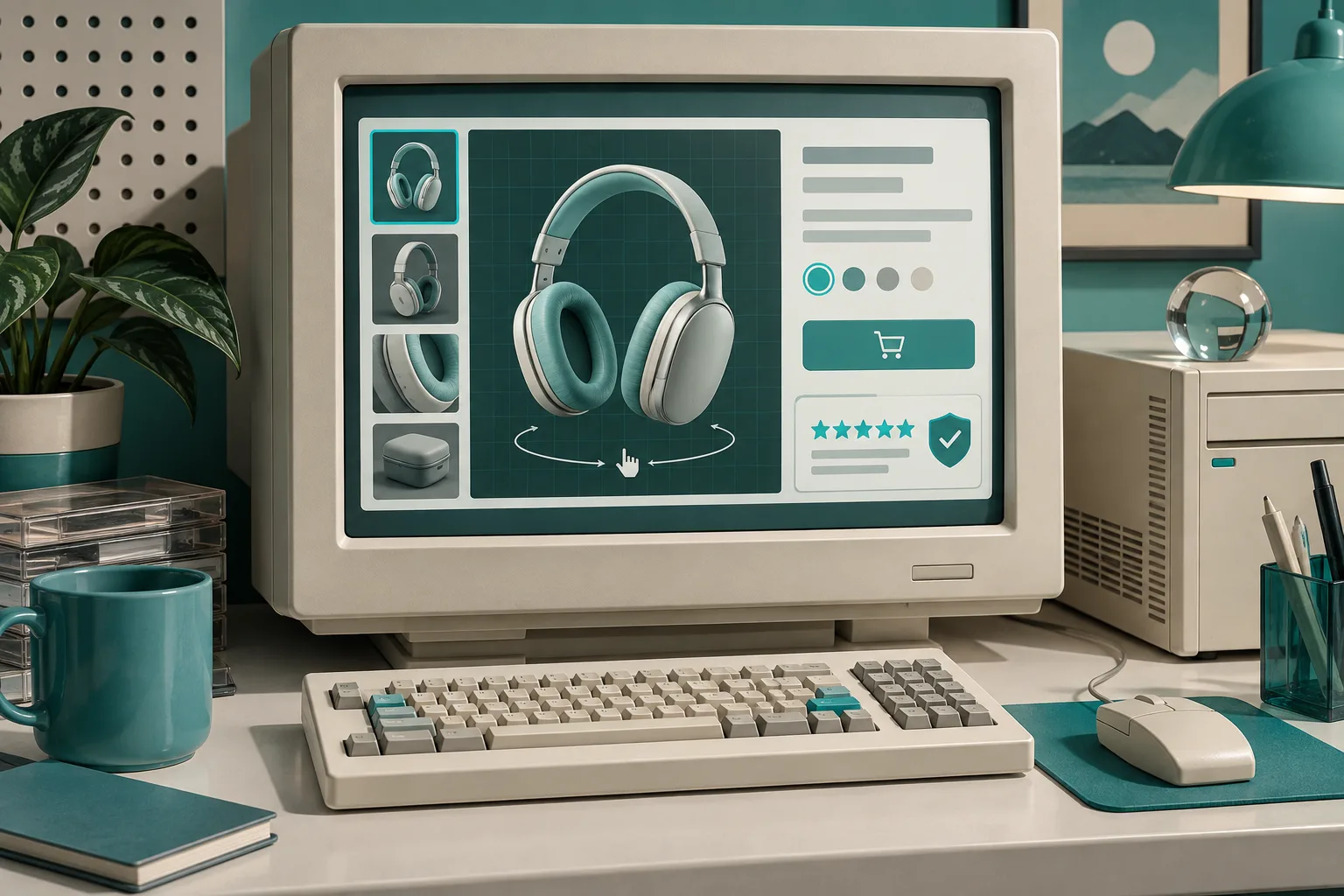
I also compare it with the product gallery. If the model reveals a different color, shape, or detail from the photos, fix the merchandising problem first. Consistency between every piece of product media matters more than adding a flashy feature.
Create a small rollout list
For the next batch, score products on three simple factors: how hard they are to understand from photos, how often they drive pre-purchase questions, and whether the physical item can be captured reliably. That gives you a rational queue without turning every SKU into a 3D project.
The strongest first 3D models are not usually the whole catalog. They are the few products where a shopper can actually learn something by rotating the object. Start with one high-confidence SKU, publish it natively in Shopify, and let the product page teach you where interactive media earns its place.