
September 16, 2026
How to Use AI Agents to Draft Reviewable Product Videos
A practical workflow for turning AI-generated video drafts into validated, previewable, and approval-ready product videos.

I would not ask an AI agent to make a finished product video in one leap. I would ask it to produce a structured draft, show that draft in a preview, and let a person approve the claims, media, and timing before an MP4 exists. That small change turns video automation into something a product team can actually inspect.

Give the agent a structured target
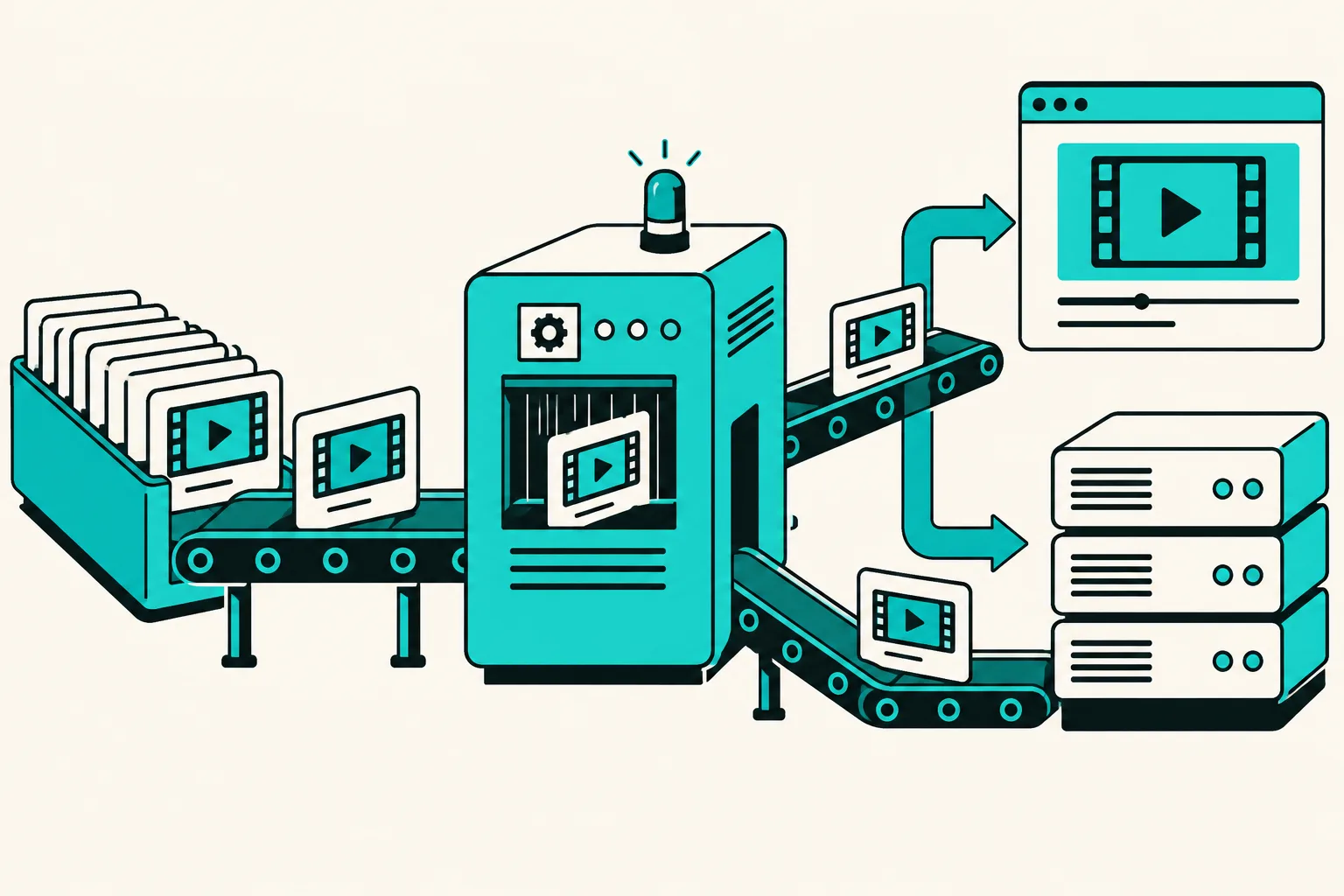
VideoFlow treats the video as portable VideoJSON. A template can define the permitted layers, transitions, captions, and timing; an agent fills fields such as product name, image sequence, feature, hook, and call to action. The result is data that can be validated before it becomes an export.
This is a better contract than a vague request for a video. You can reject missing product images, unsupported effects, overlong copy, or a forbidden claim before a renderer spends time making an MP4.
Keep the template versioned
Use a small set of templates for the jobs you repeat: a product-page demo, a short social variation, a customer recap, or a launch teaser. Store the template and generated VideoJSON together. When something needs to change, you can compare the input and output instead of searching through old editor projects.

Preview before human approval
The DOM renderer can show a live, scrubbable preview of the same VideoJSON. This is where I would check the first seconds, media crop, product accuracy, caption length, and CTA. If a user needs to make a final adjustment, the React Video Editor can open the same structured project in a multi-track timeline.
The approval question stays simple: would we publish this exact version on the product page or in a campaign? If not, change the data or template and preview again.
Render for the destination
Browser rendering works well for a small, user-triggered export. Server rendering fits a batch of product variations or an API-backed queue. Because both can begin with the same VideoJSON, the workflow does not fork into separate creative projects just because the delivery path changes.
Next step
Start with one product template and one constrained JSON schema. Have the agent create three draft variations, review them in a live preview, and render only the approved one. Once that loop is dependable, you can connect catalog data, CRM events, or content calendars without turning automated video into an opaque black box.