
September 14, 2026
I Stopped Treating Product Video Variations as Separate Projects
The small structured workflow I use to turn one catalog brief into reviewable product video variations.
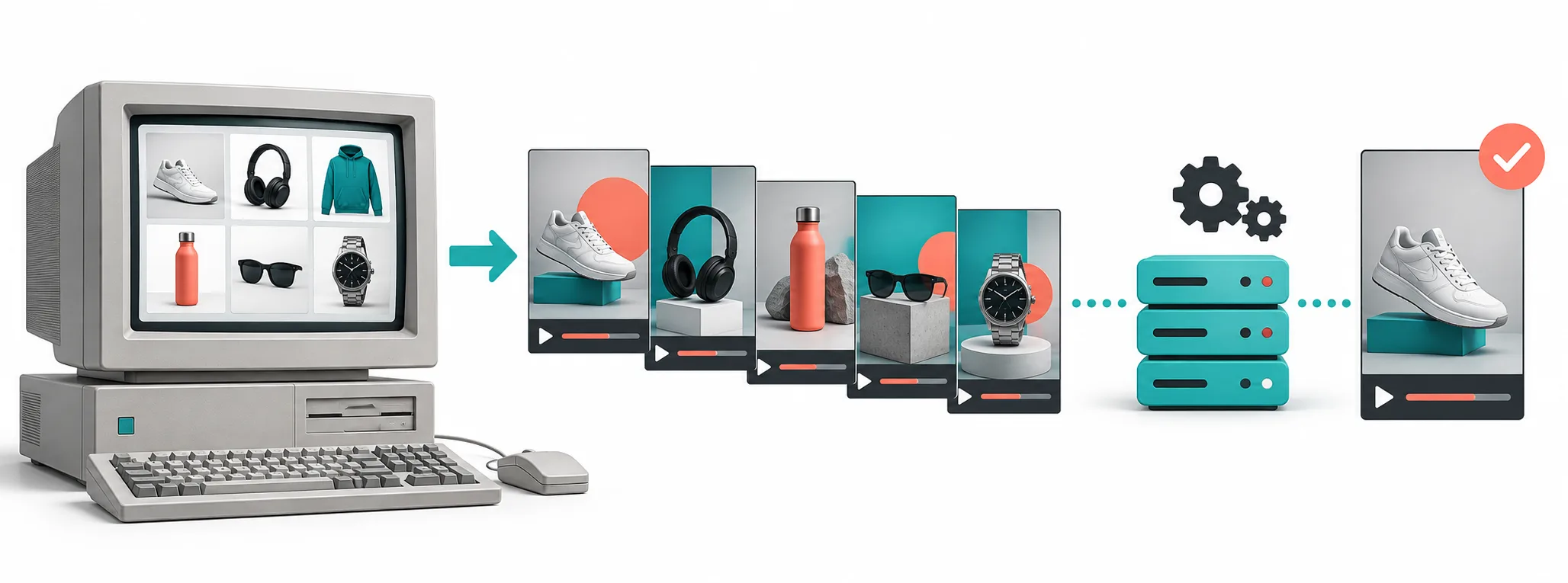
One catalog update used to mean three fresh video requests
Every product launch used to create the same tiny pile of work: vertical video, square video, another hook, another locale. Each request sounded separate, so we handled it separately. The real problem was not rendering. It was the lack of a shared description of what the video was supposed to be.
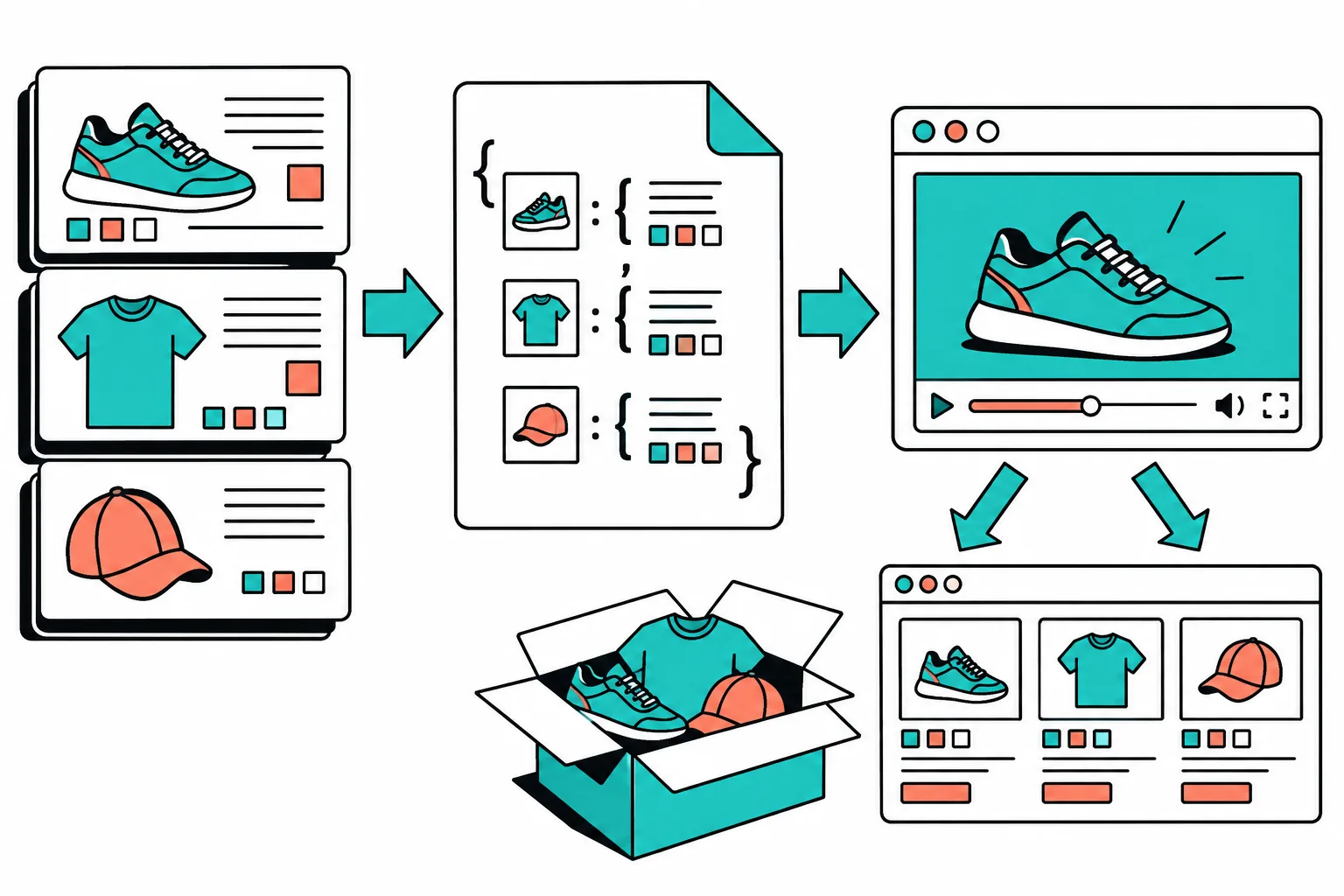
I now start with a compact product brief: product ID, approved title, media, price or offer text, destination URL, hook, CTA, locale, and output format. That becomes a queue item rather than a loose creative request.
VideoFlow is useful here because its TypeScript core can turn structured inputs into VideoJSON, then preview or render the same description in different environments. I am not asking a renderer to invent the campaign. I am giving it a bounded, inspectable job.
Keep the template narrow
A template owns the visual grammar: opening frame, product shot, typography, transition, CTA placement. The brief owns the changing inputs. I keep the variables named and visible so a marketer can see which hook, image order, format, and landing-page link are attached to a variation.
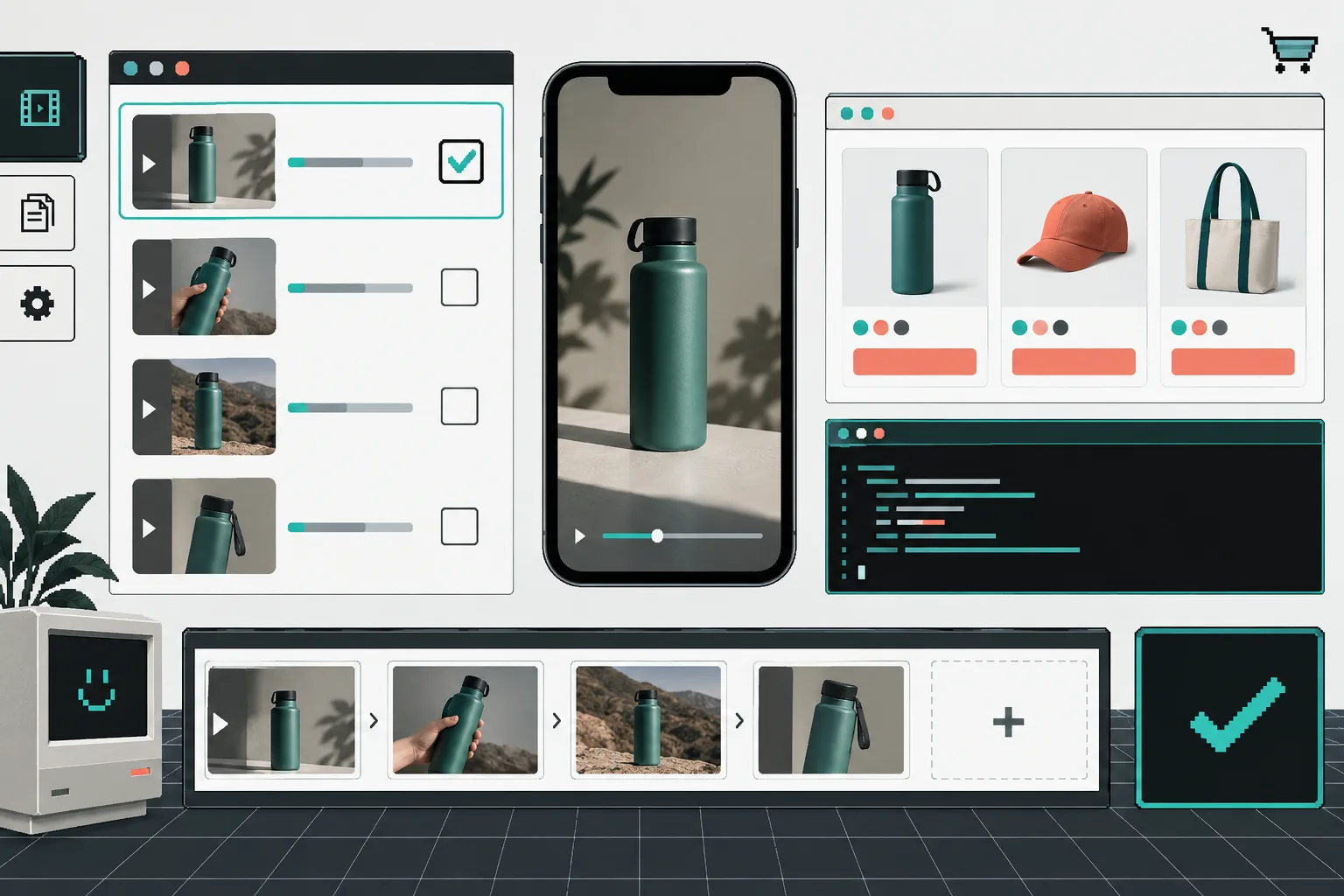
That lets one product brief produce a small group of useful versions without cloning timelines. A vertical launch clip and a square retargeting clip can share the same product facts while changing only the constraints that should differ. The VideoFlow examples make that structured approach easier to inspect before designing a whole workflow.
Review the description before rendering
The key operational step is a visible approval state. My queue moves from drafted to ready for review, approved, rendering, rendered, and delivered. An item cannot jump from data entry straight to publishing.
I preview the variation and check the unglamorous details: correct product image, current price, readable hook, intended CTA, and right destination URL. This is the same idea behind adding a review step to automated product video work: automation should make decisions easier to see, not harder to reverse.

For teams that need an editing surface inside their own product, VideoFlow also provides a React video editor. That is a useful escape hatch when a review needs a real adjustment instead of another exported file.
The boring checklist that keeps it working
Before a batch renders, I check that every item has an asset, a destination, a format, an owner, and an approval. Missing inputs fail visibly rather than turning into a mysterious bad export. When the catalog changes, the affected queue items return to draft.
The next step is small: take one recurring product-video request, write the fields that repeat, and make those fields the contract. Start with the VideoFlow documentation. One clear queue is usually more valuable than another folder full of almost-identical videos.