
September 14, 2026
I Moved a Webflow Campaign Site Into Git Before the Next Launch
How I export a published Webflow campaign site, test the static output, and put a reviewable copy in Git before launch work starts again.

The campaign was live, which made it the right time to preserve it
A campaign site is usually at its most fragile immediately after launch. Everyone is busy watching traffic, swapping copy, and preparing the next offer. That is exactly when I want a portable copy of the published Webflow site. Not because I am planning a dramatic migration that afternoon, but because the page has finally become a known-good reference.
I used to leave that work until a redesign or a renewal conversation forced it. Then the process started with guessing: which collection pages were live, which asset was the final hero, and whether the exported version had ever been tested outside the builder. Moving the site into Git early changed the mood completely. It gave me a versioned snapshot I could inspect, deploy, and compare without touching the live campaign.
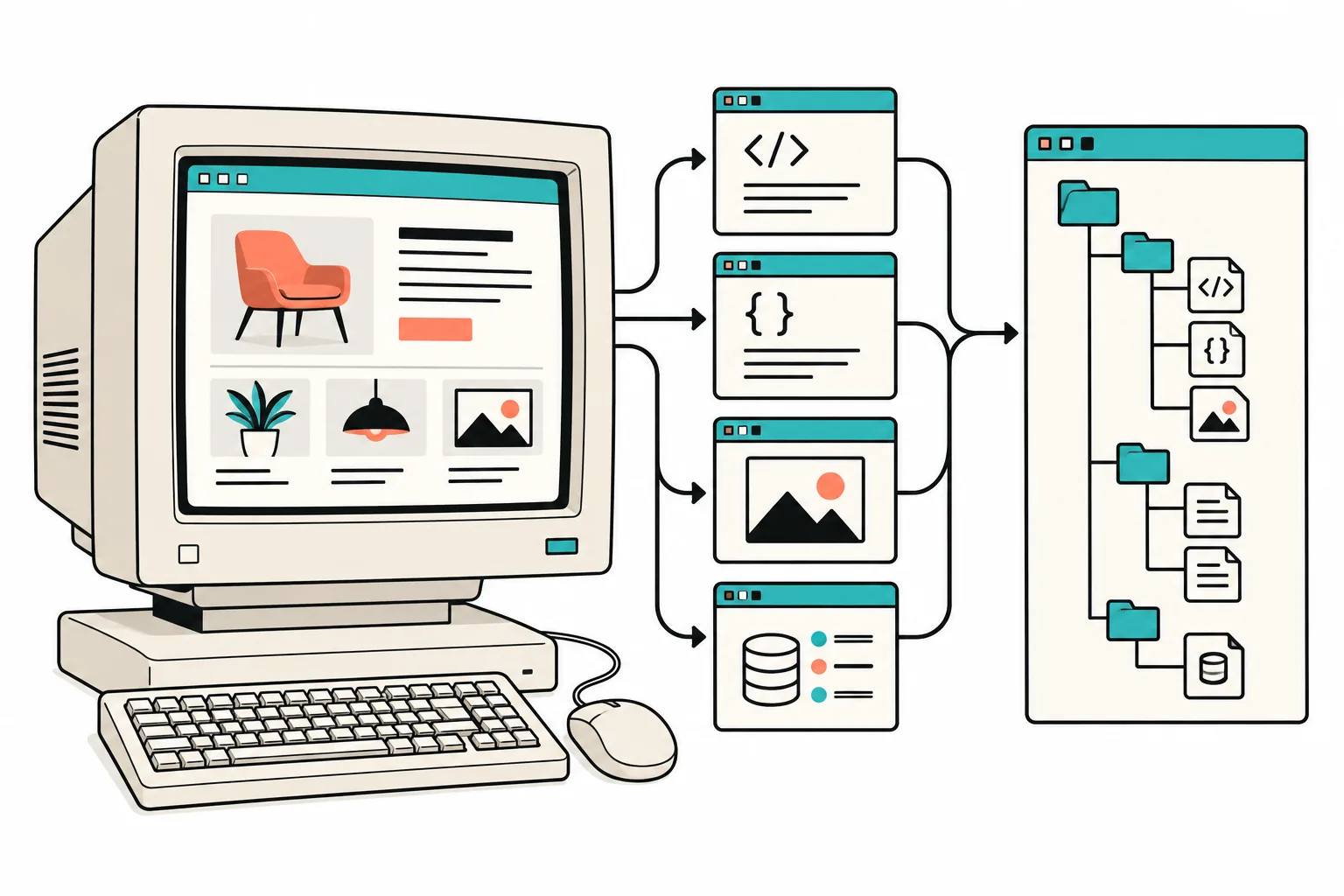
For the export itself, I use ExFlow’s Webflow exporter. It is designed to collect the published Webflow site into static HTML, CSS, JavaScript, images, and CMS pages, then let me download a ZIP or send the output toward Git, S3, FTP, or a managed host. That is a better starting point for this job than a generic downloader because a modern Webflow campaign page is not just one HTML file with a few photos.
I start with a short release note
Before exporting, I record the published URL, the campaign name, the date, and a few routes that must survive: the landing page, any collection or CMS routes, the confirmation page, and the pages that carry paid traffic. I also note the pieces that are intentionally external, such as an email form provider, analytics, a checkout link, or an embedded calendar.
That note answers an important question later: did the static copy lose something, or was that thing always a hosted integration? It also keeps the Git repository from becoming a mysterious archive with no clue about what the snapshot represents.
I follow the same preflight instinct I used in my Webflow redesign backup checklist. The export should be a deliberate capture of a known state, not a panic button after someone has already changed the source.
Export the site, then look at the boring details
Once the campaign is stable, I run the export and inspect the folder before I commit it. I expect to find page files, asset folders, stylesheets, scripts, and the images used by the routes I listed. I pay close attention to files that have a habit of disappearing into the background: font requests, lazy-loaded media, CMS route output, and any custom script or stylesheet added for the campaign.

Then I serve the static output locally. A very small local check is enough to expose most first-pass problems:
npx serve .
From there, I open direct routes rather than only clicking around from the home page. I check the primary CTA, mobile breakpoint, image loading, metadata, and any visible interaction. If the campaign has a form, I treat it as a separate deployment question: a static copy can preserve the page, but the submission destination needs an intentional replacement or an explicitly documented limitation.
That is the trade-off I want visible. Exporting gives me portable frontend files; it does not magically turn every hosted or dynamic service into a local feature.
Put the snapshot in Git while it still has context
When the output looks right, I put it in a small repository with a readable first commit. The repository is not an engineering trophy. It is a durable answer to ‘what did this campaign look like when it launched?’

My commit message is ordinary on purpose:
git add .
git commit -m 'Archive autumn campaign static export'
With that in place, I can deploy a preview, compare later changes, or hand the folder to another developer without sending a random ZIP through chat. If the campaign needs a different home, the same static output can be taken to a host that fits the team: a Git-based deployment, S3, FTP, or an ExFlow Hosting setup. The right answer depends on who owns updates next week, not on which hosting option sounds most impressive.
My QA checklist is short but strict
Before I call the archive done, I check:
- Every campaign route opens directly.
- Images, fonts, CSS, and JavaScript load without missing requests.
- The desktop and mobile layouts match the published page closely enough for the job.
- Metadata and social sharing details still describe the correct campaign.
- Forms, external links, analytics, and redirects have an explicit plan.
- The repository contains a note naming the source URL, capture date, and known exceptions.
It is the same practical discipline that makes a Framer handoff calmer: the export file is only useful once somebody has confirmed what it can do. I have also used the approach for a Squarespace staging copy, although each platform has different details worth checking.
Why I do this before there is a problem
The benefit is not just lower hosting dependency. It is operational clarity. A static Git snapshot lets me answer questions about a campaign without logging into the builder, gives a future redesign a reference point, and makes a handoff less fragile.
My next action is to take the current published Webflow campaign page, export it with the Webflow exporter, and run the direct-route test before the next batch of edits begins. A quiet archive is not glamorous, but it is one of the most useful pieces of launch infrastructure I have.