
August 1, 2026
How I Script the Real Claude Code TUI With dash-p
dash-p keeps Claude Code scriptable from the terminal, so I can automate local workflows without moving to a separate headless path.
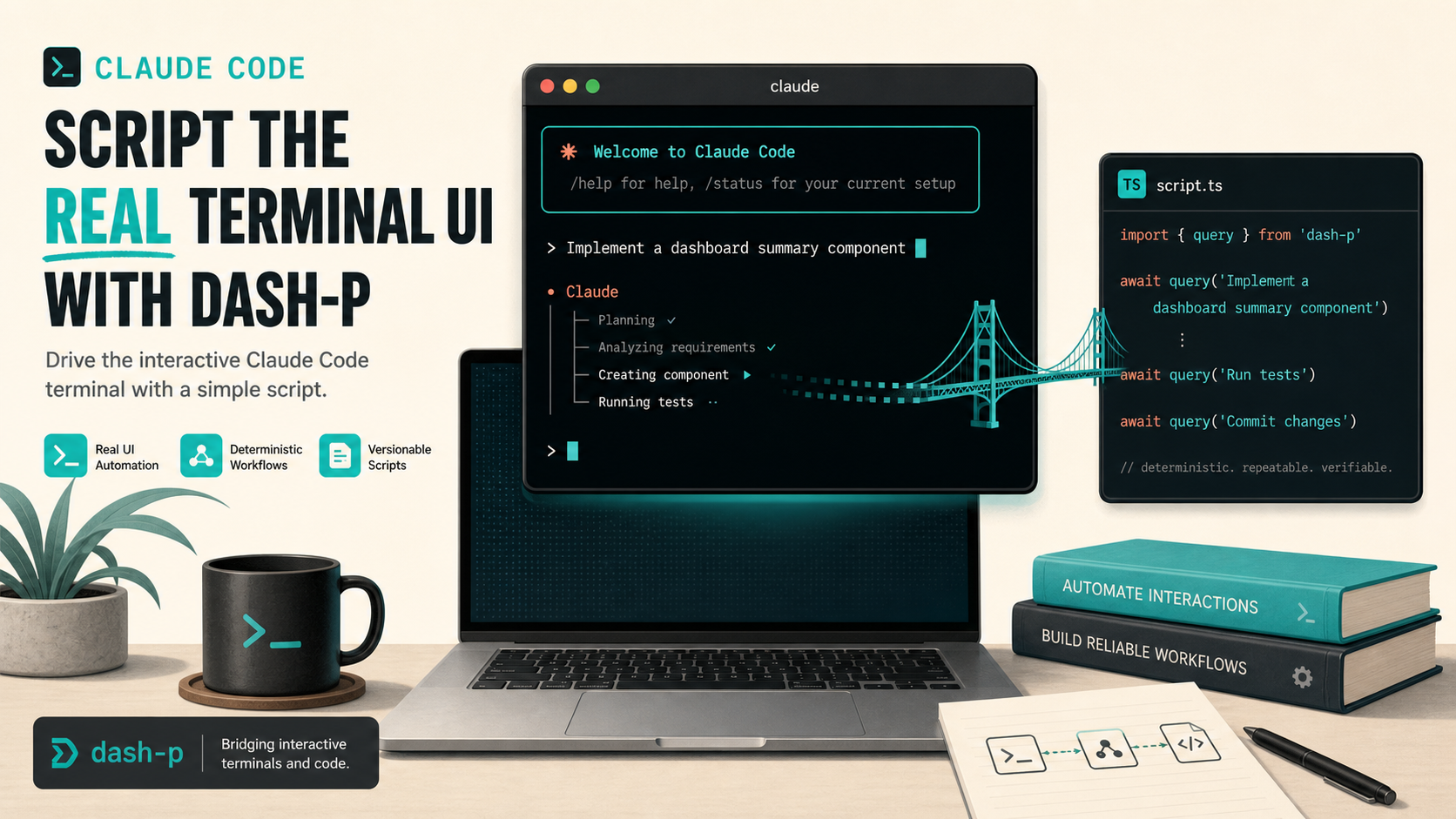
If you already use Claude Code in the terminal, the annoying part is not getting output. It is deciding how to automate it without forcing your workflow through a different product surface.
Anthropic now documents Claude Code plan usage and API credit usage as separate paths, and its pricing page makes the API side explicit. That is useful context if you are building apps. It is less useful if you just want to script your own local terminal session and keep using the interface you already trust.
That is the gap dash-p fills. It makes Claude Code scriptable by driving the real interactive TUI instead of pretending the terminal is a clean headless API.
What dash-p Actually Does
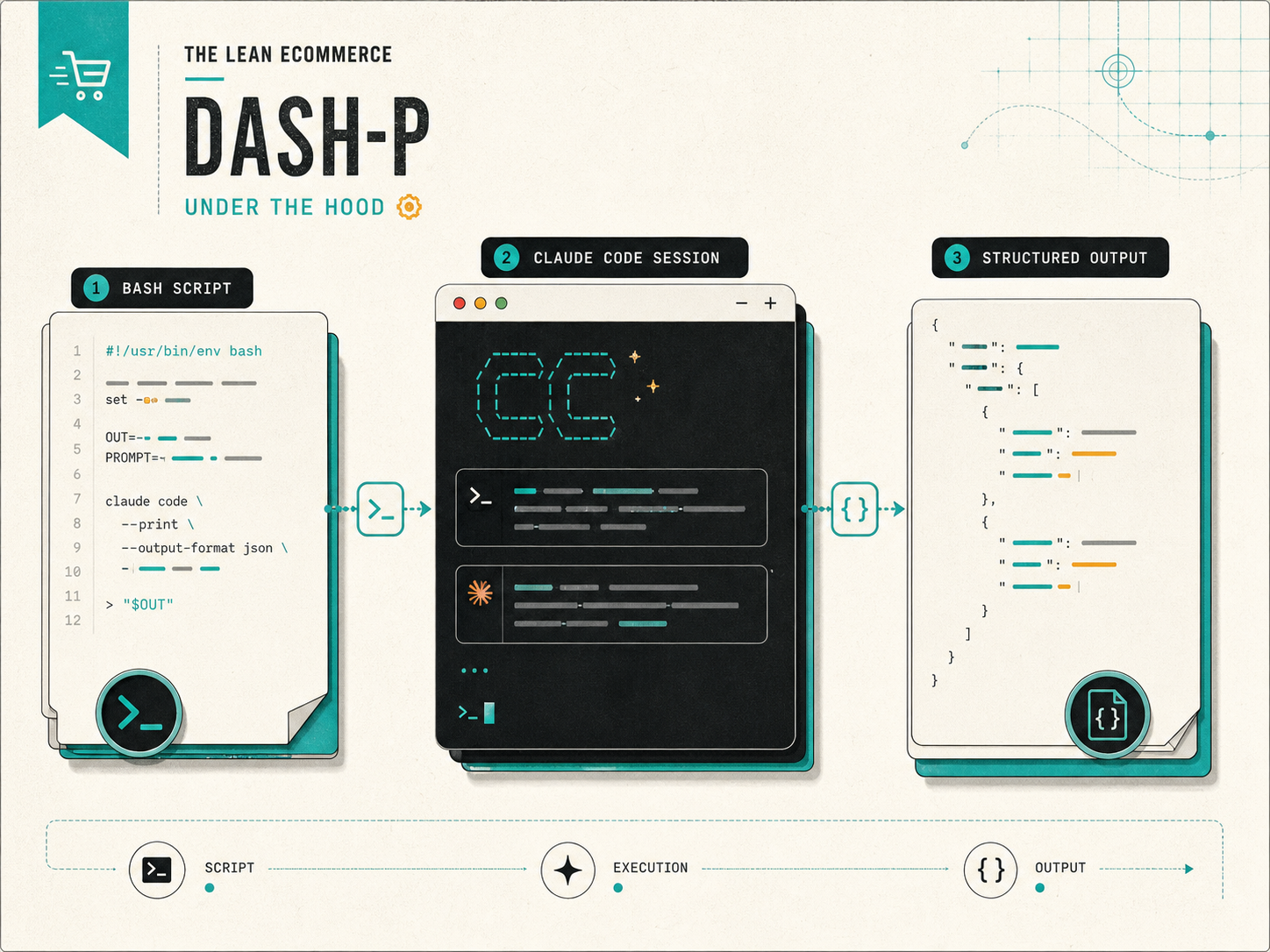
dash-p launches the official claude command, writes prompts and keystrokes into the live terminal session, and reads the rendered output back out. In practice, that means you keep the same login flow, the same local permissions, and the same Claude Code UX. You are not swapping to a parallel protocol just to get something scriptable.
That design is the whole point. The repo describes it as a CLI and TypeScript library for driving the real Claude TUI process you already use. The product is not trying to be a hosted API wrapper, and it is not trying to bypass authentication or permissions. It is a local bridge around the tool you already have open.
Where I Would Use It
The best use cases are small, composable automation tasks:
- Summarize a repo before starting work.
- Turn a shell script into a repeatable Claude-assisted workflow.
- Wrap a local review task inside a Bash command or a TypeScript helper.
- Keep a personal coding assistant scriptable without rebuilding the entire workflow around a new SDK.
That last point matters. If you are working in a terminal-first environment, the real win is not more AI. It is fewer context switches.
CLI First, SDK When You Need It
The simplest way to start is the CLI:
npm install -g @ybouane/dash-p
dash-p "summarize this repo"
If you want to compose it into your own code, the TypeScript side gives you a query-shaped interface:
import { query } from "@ybouane/dash-p";

for await (const event of query({
  prompt: "Summarize the active git diff in five bullets.",
  options: { model: "sonnet", includePartialMessages: true },
})) {
  if (event.type === "result") {
    console.log(event.result);
  }
}
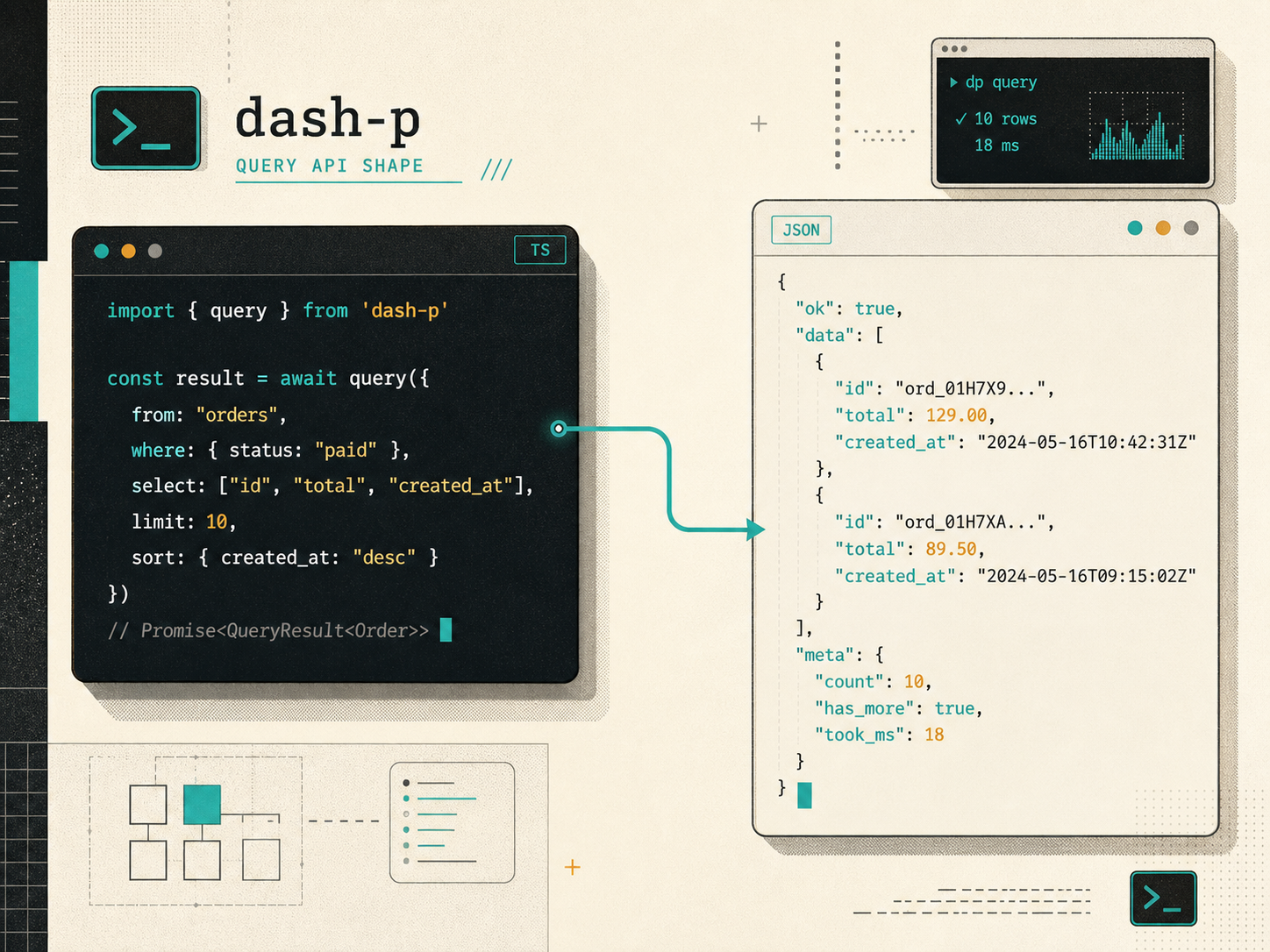
That is the shape I like most for local automation. The CLI covers one-off tasks, and the SDK shape makes it easy to wire Claude Code into a script, a helper, or a small internal tool without inventing a new abstraction every time.
Why I Care About the Billing Split
Anthropic’s help center now treats Claude Code plan usage and API credit usage as distinct. The Claude Code article explains that you can stay within your Pro or Max allocation by declining API credit options when prompted. The same article also says that if you choose API credits, usage is billed at standard API rates instead of plan pricing.
That distinction is exactly why dash-p is interesting. If your goal is to build a production product, you should probably use the official API path. But if your goal is to automate your own local Claude Code session, dash-p lets you keep the interactive workflow instead of immediately moving to a different billing model and a different mental model.
The current pricing page is also a reminder that API usage is a real cost center. Anthropic lists Claude Opus 4.8 at $5 per million input tokens and $25 per million output tokens, Claude Sonnet 4.6 at $3 and $15, and Claude Haiku 4.5 at $1 and $5. That is fine when you need the API. It is just not the same thing as scripting your own terminal session.
The Trade-Off Is Real
This is not a free lunch. Any tool that scrapes or drives a terminal UI inherits the fragility of that UI.
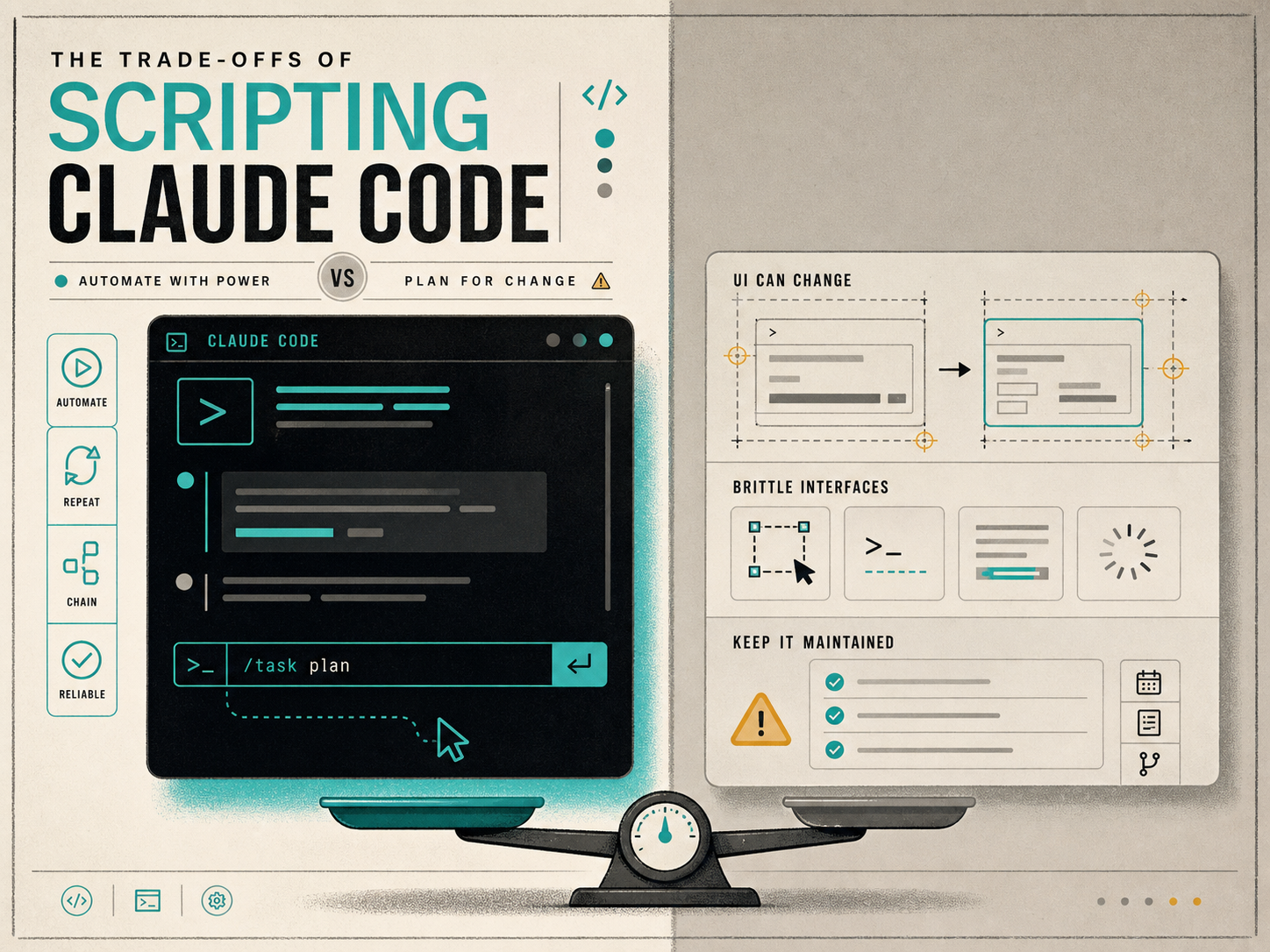
What I would keep in mind:
- UI changes can break scraping or calibration.
- You still need the official Claude CLI installed and authenticated.
- It is a local developer tool, not a production integration layer.
- It is strongest when you want the real TUI behavior and do not want to fake it.
That is also why I think of dash-p as a pragmatic bridge, not a universal replacement. It is useful when the terminal session itself is the product.
Related Posts
I have been exploring this setup from a few other angles too: How to Automate the Claude Code TUI With dash-p, How I Script Claude Code Locally With dash-p, How to Turn Claude Code Into a Local Shell Pipeline, and How to Automate Claude Code Without Switching to the Agent SDK. Together they map the same idea from scripting, shell usage, and structured querying.
The Practical Next Step
If you already have Claude Code installed, try a small task first. Run dash-p against a harmless repo summary or diff explanation, then decide whether the real TUI is good enough for the workflow you are automating.
That is the right test. If it works, you can keep building around Bash or TypeScript. If it does not, you have learned that you actually need a different abstraction instead of guessing.
Start with the dash-p repository or install the package locally and wrap one tiny task before you commit to a bigger automation design.