
July 1, 2026
How I Turn Product Notes Into Shopify Blog Drafts Automatically
A practical workflow for turning Shopify product notes and FAQs into publishable blog drafts with SEO, internal links, and a review pass.
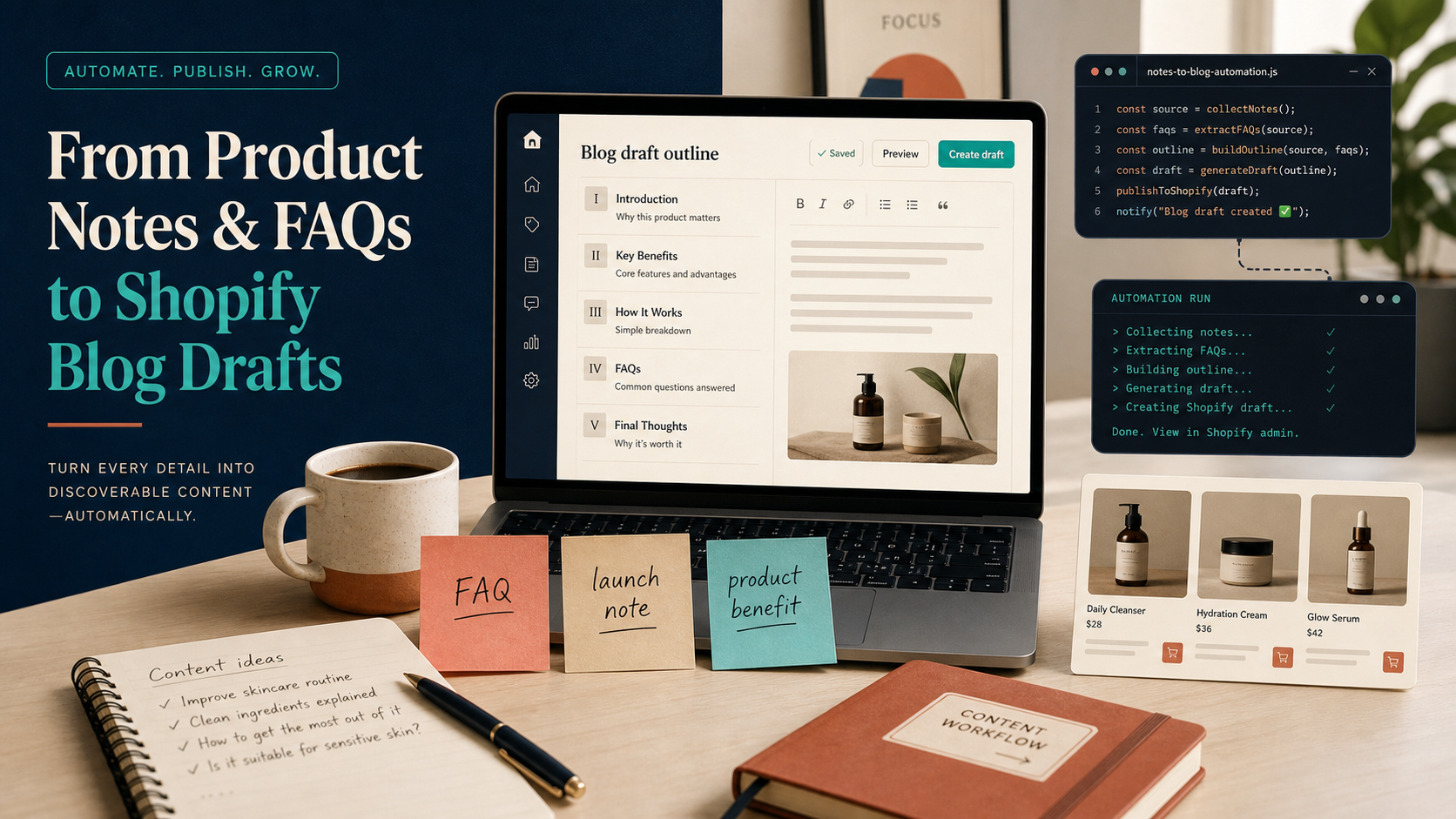
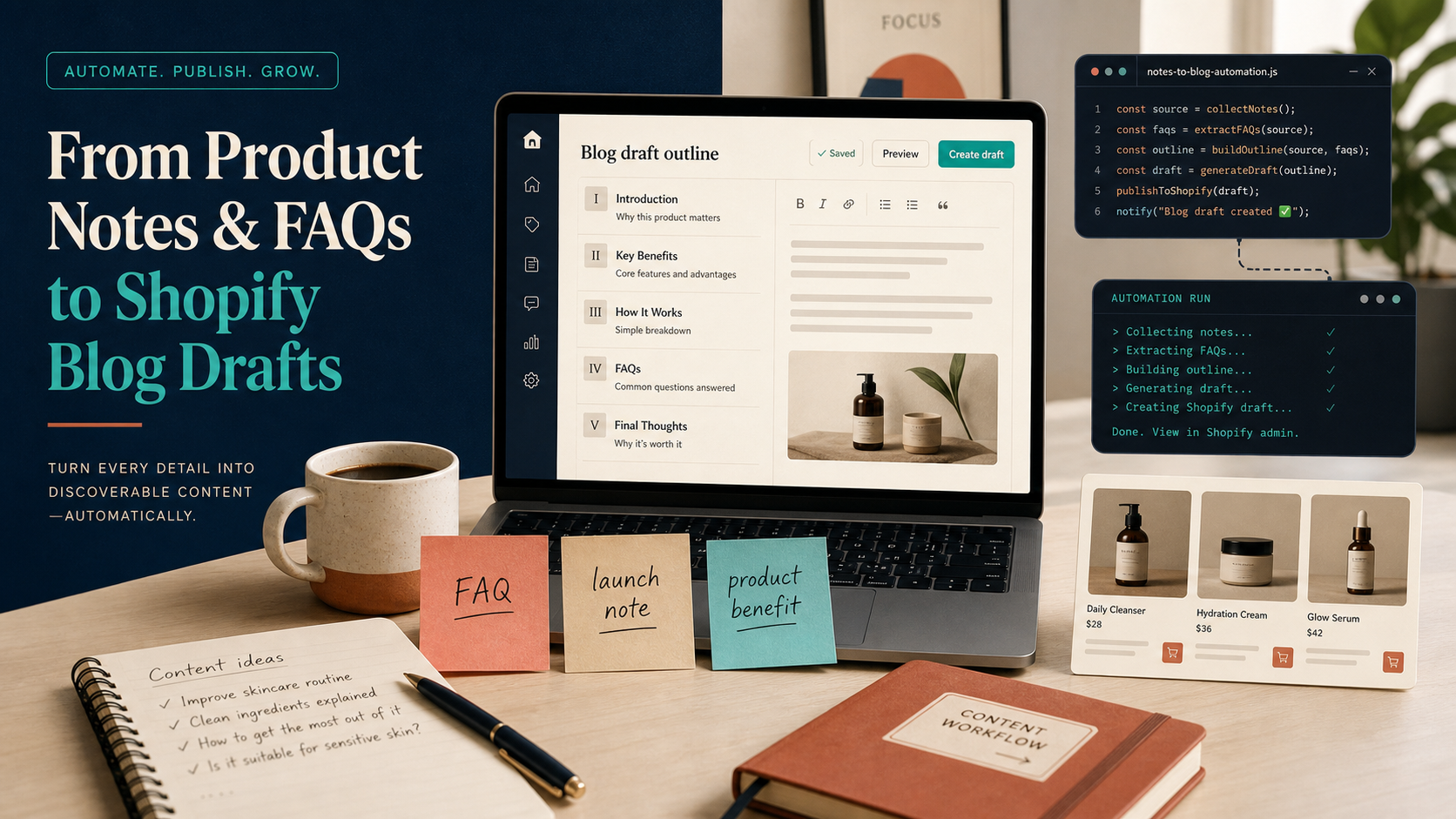
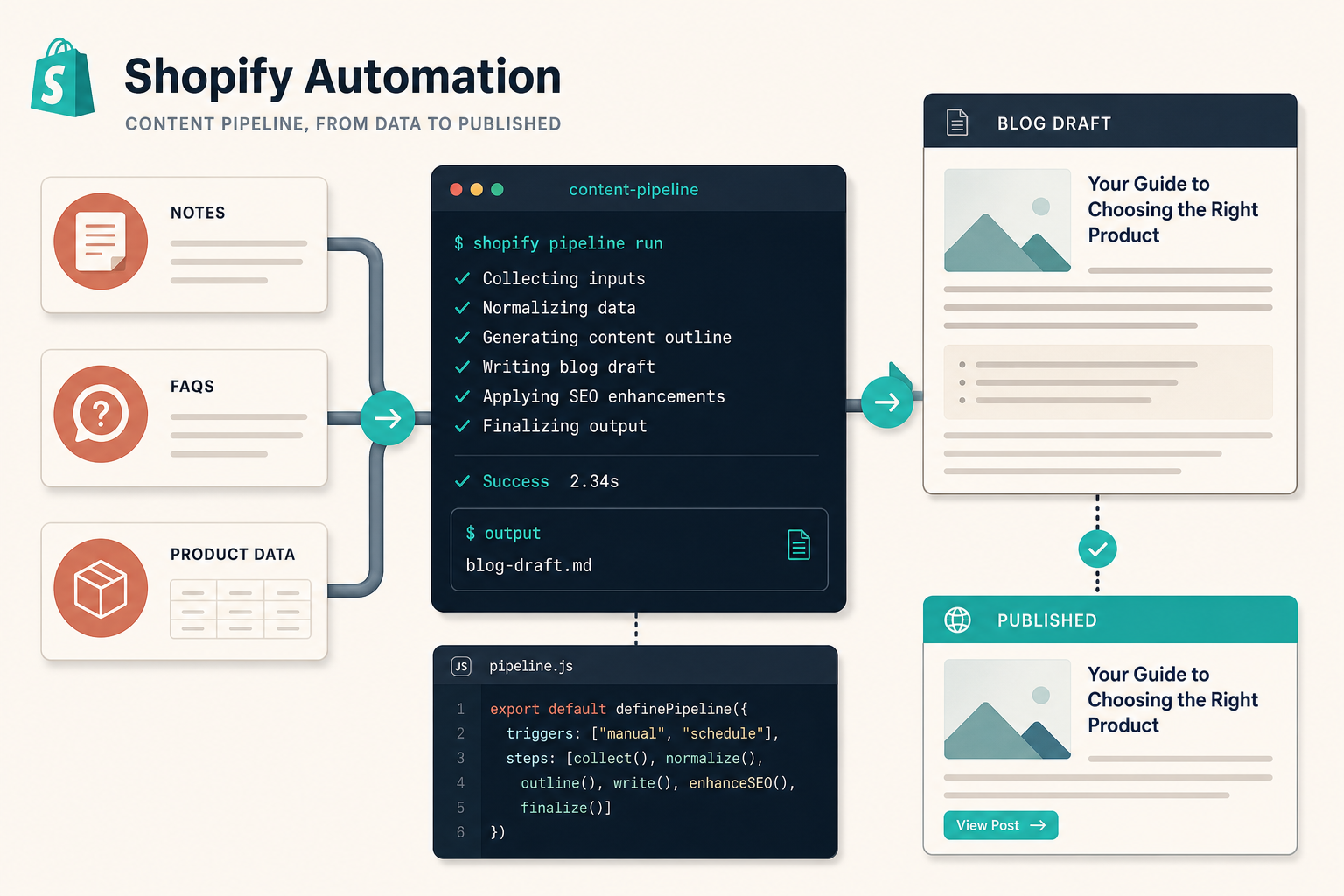
I stopped trying to start Shopify posts from a blank page. The better workflow is to feed the writer the material you already have: product notes, FAQ answers, launch bullets, and a clear idea of the collection or product you want to support. That is where Supra Blog Automation helps: it can generate an SEO-shaped draft, add internal links, work with product context, and either publish immediately or leave the post in draft for review.
If you have already had AI output that felt broad or generic, I wrote about that failure mode in How I Keep Shopify Blog Automation From Sounding Generic. The fix is not more prompting. The fix is better source material.
What You Need Before You Generate Anything
I keep the input pack small. If I have these five things, the draft usually comes out useful on the first pass:
- One product or collection to support.
- A one-sentence problem the reader is trying to solve.
- Three to five real customer questions.
- One or two product benefits that are actually true.
- One target keyword or topic angle.
That is enough to make the article specific without turning it into a research project.
A simple source pack can look like this:
Topic: How to choose the right product for a specific use case
Goal: educate first, sell softly
Source notes:
- Product benefit
- Care or setup instructions
- Common objections
- Launch details
- Collection link

Review checklist:
- Is the claim accurate?
- Does the post answer the search intent?
- Does the CTA fit the reader's stage?
How I Turn Notes Into a Real Brief
Once I have the notes, I turn them into a brief the generator can use. I do not ask it to be clever. I ask it to be structured.
A good brief usually includes:
- The topic in plain language.
- The audience and the problem.
- The product or collection to feature.
- The tone I want the article to use.
- The visual style or image sources I allow.
That is where the app’s product-aware workflow matters. Supra Blog Automation is designed for single-post generation and recurring automations, so you are not stuck manually rebuilding the same setup every time. If your blog needs a steady flow of content, I would rather schedule a recurring automation than remember to publish by hand every week.
The same source-first discipline shows up in How I Build a Shopify Blog Queue From Launches, FAQs, and Collections. The queue works because the inputs are real. You are not inventing topics from zero.

What the Draft Should Do for You
A useful first draft should do three jobs at once:
- Answer the reader’s question early.
- Mention the product or collection naturally.
- Give you a clean place to add internal links, images, and a CTA.
Supra Blog Automation already supports SEO-focused structure, internal links, product promotion, and image generation, so the first draft does not have to be plain text that you later patch together. That saves time, but it also keeps the article closer to the shape you actually want to publish.
If I am starting from a tighter product summary instead of loose notes, I use the same shape as How to Turn a Shopify Product Brief Into a Publishable Blog Draft. The difference is mostly input quality. Better input usually means less rewriting.
What I Still Review Before Publishing
Automation should cut repetition, not judgment. I still check four things before a post goes live:
- Product accuracy. If the article names a feature, a material, a use case, or a benefit, I verify it.
- Search intent. If the title promises a how-to, the body has to deliver a how-to.
- Internal links. The post should point to relevant collection or product pages, not just sit there on its own.
- Voice. I trim any paragraph that sounds like it was generated for a prompt instead of a reader.
That review pass is basically the draft-review loop from How to Set Up Shopify Blog Automation With a Draft Review Loop. I would keep that loop even when the automation is working well. It is the easiest way to avoid publishing something technically correct but still awkward.
Here is the kind of redline pass I want on every draft:

- Remove vague intros.
- Replace generic claims with product facts.
- Cut links that do not help the reader move forward.
- Tighten the CTA so it matches the reader’s intent.
Publish Now or Save as Draft
This is the part that usually decides whether automation actually fits the store.
Publish immediately when:
- The post is evergreen.
- The product facts are stable.
- The article is mostly educational.
- You already trust the source material.
Save as draft when:
- The launch details may still change.
- The product claim needs human review.
- The article is tied to a seasonal campaign.
- You want a second pass on brand voice.
That flexibility is one of the reasons I would use Supra Blog Automation over a generic writing tool. The point is not just to generate words. The point is to keep the store blog moving without giving up control.
The Main Thing I Would Repeat
The win is not that the AI writes a blog post. The win is that the post starts from the same real inputs you would use manually: product notes, customer questions, and a clear publishing goal. Once the workflow is set up, the blog stops being a blank page problem and starts acting like a repeatable content system.
If you want to try it on a real store workflow, start with the Supra Blog Automation landing page or install it from the Shopify App Store. Build one draft from a product note pack, review it once, and then decide whether the next step should be publish now or schedule it to run again.