
May 26, 2026
How I Built a Shopify UGC Ad Testing Matrix
A practical workflow for turning one Shopify product into multiple UGC-style video ads with avatars, scenes, scripts, and reusable projects.
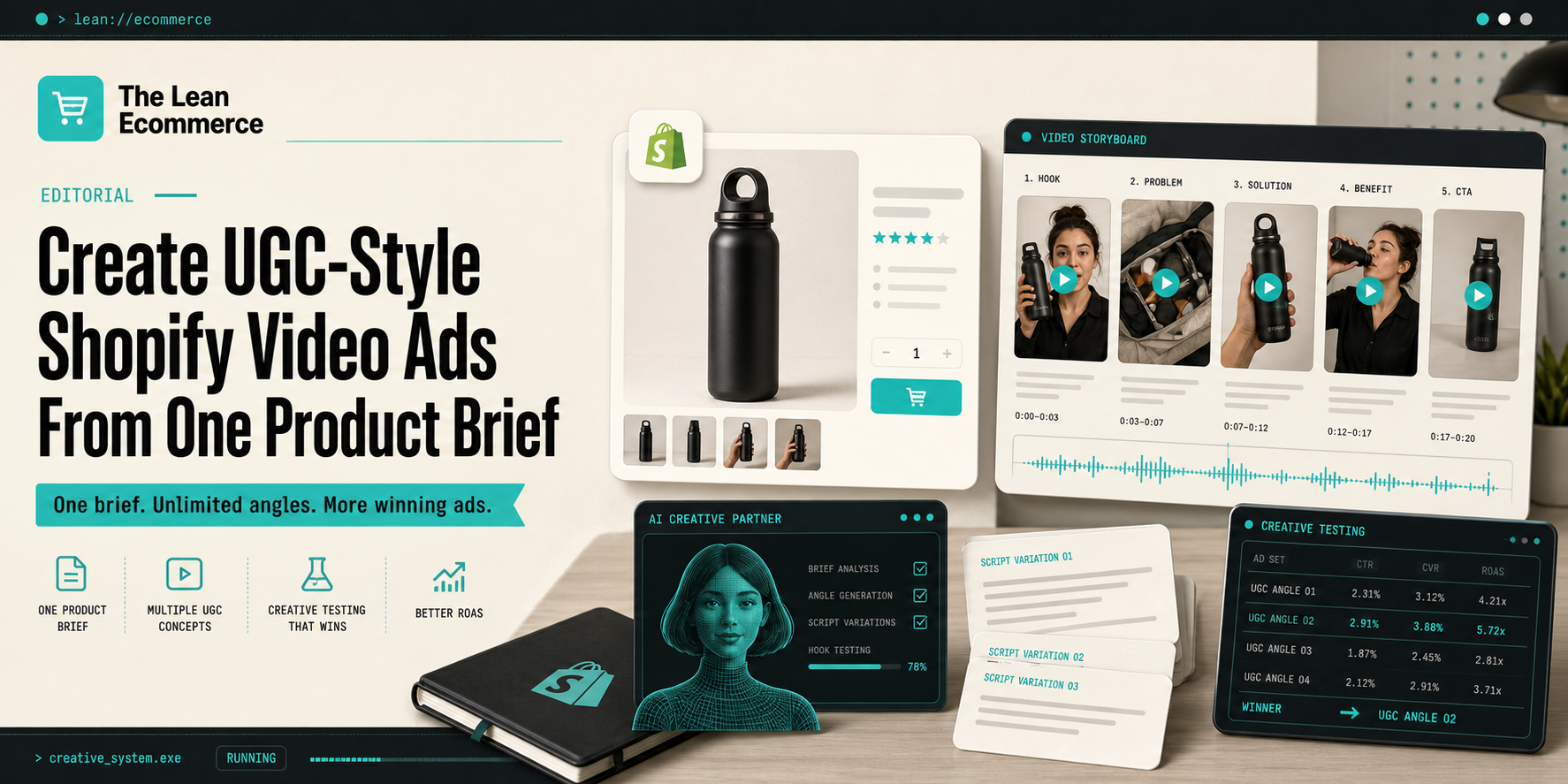
How I Built a Shopify UGC Ad Testing Matrix
I kept running into the same problem: one product, one video, and not enough signal to know which angle would actually sell. If I want to move faster without hiring creators, re-shooting product footage, or handing the whole job to an editor, I need a way to generate useful variation on purpose.
That is the space where Supra UGC Maker makes sense to me. It is a Shopify app for building UGC-style product videos with AI avatars, scenes, scripts, speech, and product references. I can pick a preset avatar or generate a custom AI model, choose a scene, write the script, set the voice and tone, then generate clips I can reuse in ads, product pages, launches, emails, and social posts. The Shopify App Store listing is here if you want to check the install path.
The matrix I actually use
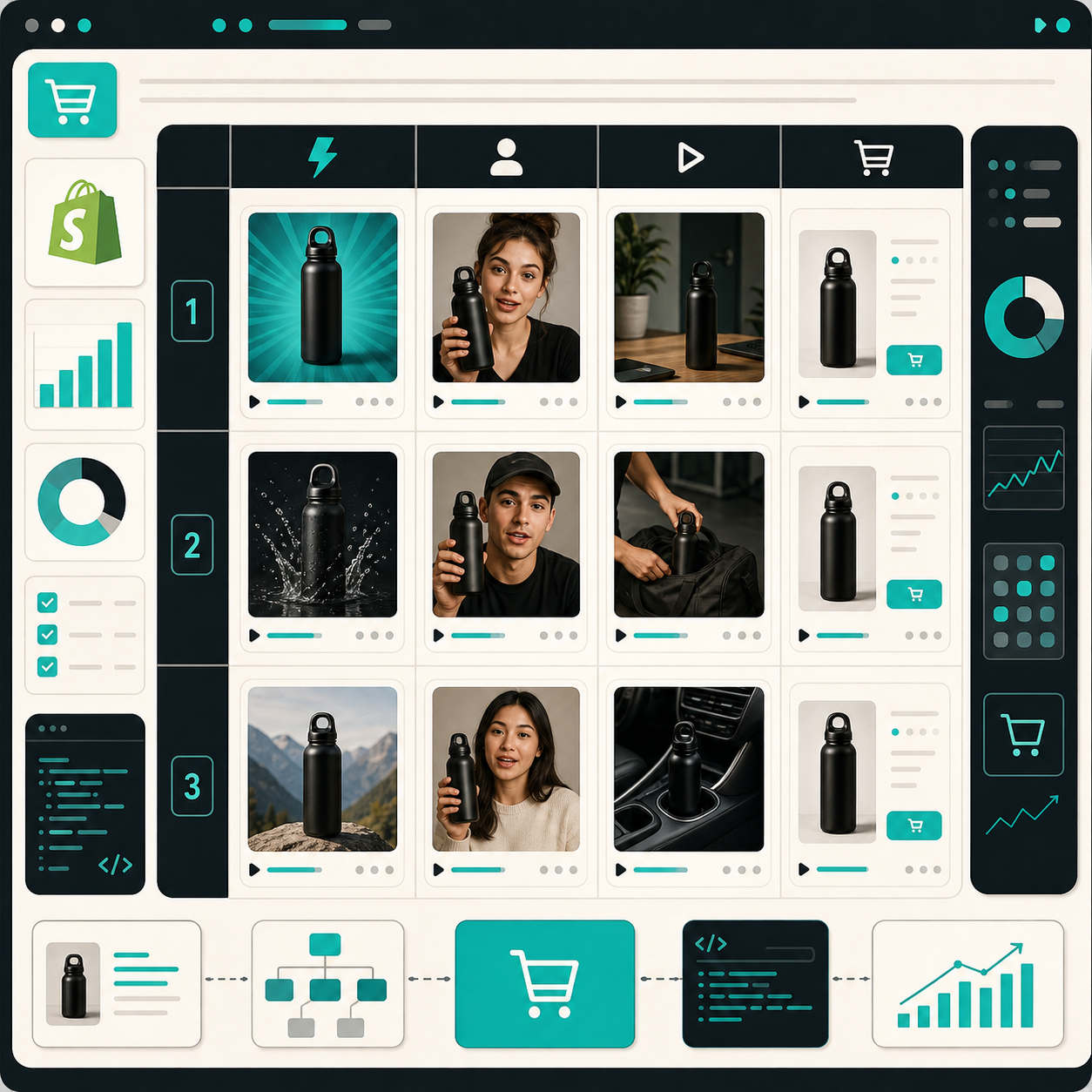
I do not start by asking for five random videos. I start by deciding which variables are worth testing.
For most Shopify products, I keep the first matrix small:
Hook        -> problem / outcome / comparison
Avatar      -> preset / custom model
Scene       -> studio / boutique / outdoor
Tone        -> calm / confident / urgent
CTA         -> shop now / see it in action / learn more
That is enough to create a real testing set without turning the project into a combinatorial mess. The point is not to generate the maximum number of cuts. The point is to learn which creative direction gives the product the best shot.
I also like that Supra UGC Maker lets me save reusable projects and regenerate or reorder clips without rebuilding the whole thing. That matters once you realize the first version was close but not quite right.
The build order
When I sit down to make a batch, I keep the process boring on purpose.
- Choose one product and one job for the video.
- Write three hooks before touching the generator.
- Pick one avatar and one scene first, not six of each.
- Add the product reference so the clip stays specific.
- Choose the voice and tone so the delivery matches the angle.
- Generate the first cut, then trim, reorder, update, or regenerate inside the project.
That order keeps me from polishing a weak idea. If the hook is flat, the rest of the video usually feels flat too.
Here is the prompt shape I keep in my head when I build a variation:
Product: one Shopify SKU
Hook: problem statement in the first line
Avatar: preset or custom model
Scene: studio, boutique, outdoor, or brand-specific setting
Tone: direct, helpful, or energetic
CTA: one action only
The nice part is that the workflow is repeatable. I do not need a camera crew, a production calendar, or a separate editing pass for every variation.
What I test first in the script
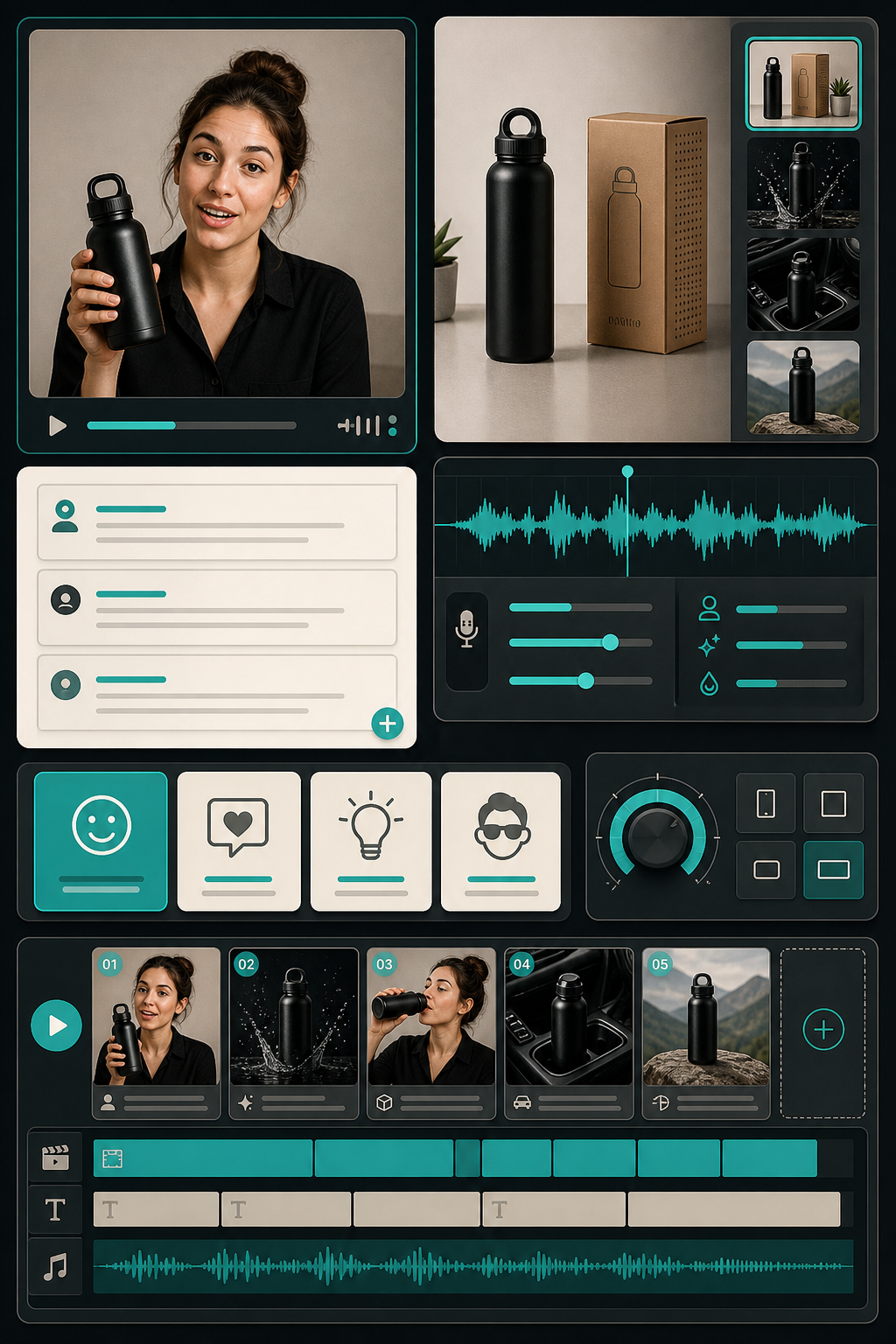
The script is where I usually find the fastest wins. I care less about clever copy and more about whether the first two seconds are doing useful work.
The questions I ask are simple:
- Does the hook name a real problem the shopper has?
- Does the avatar actually show the product instead of talking around it?
- Does the scene support the price point and audience?
- Does the CTA match the intent of the page or ad channel?
If the answer is no on any of those, I regenerate the clip or rewrite the line before I waste time scaling a weak variation.
This is also where the reusable-project workflow helps. I can keep the same product reference and create new ad angles without starting from scratch every time.
Where I actually use the outputs
I do not treat these clips as just paid-social assets. A good UGC-style video can do more than one job.
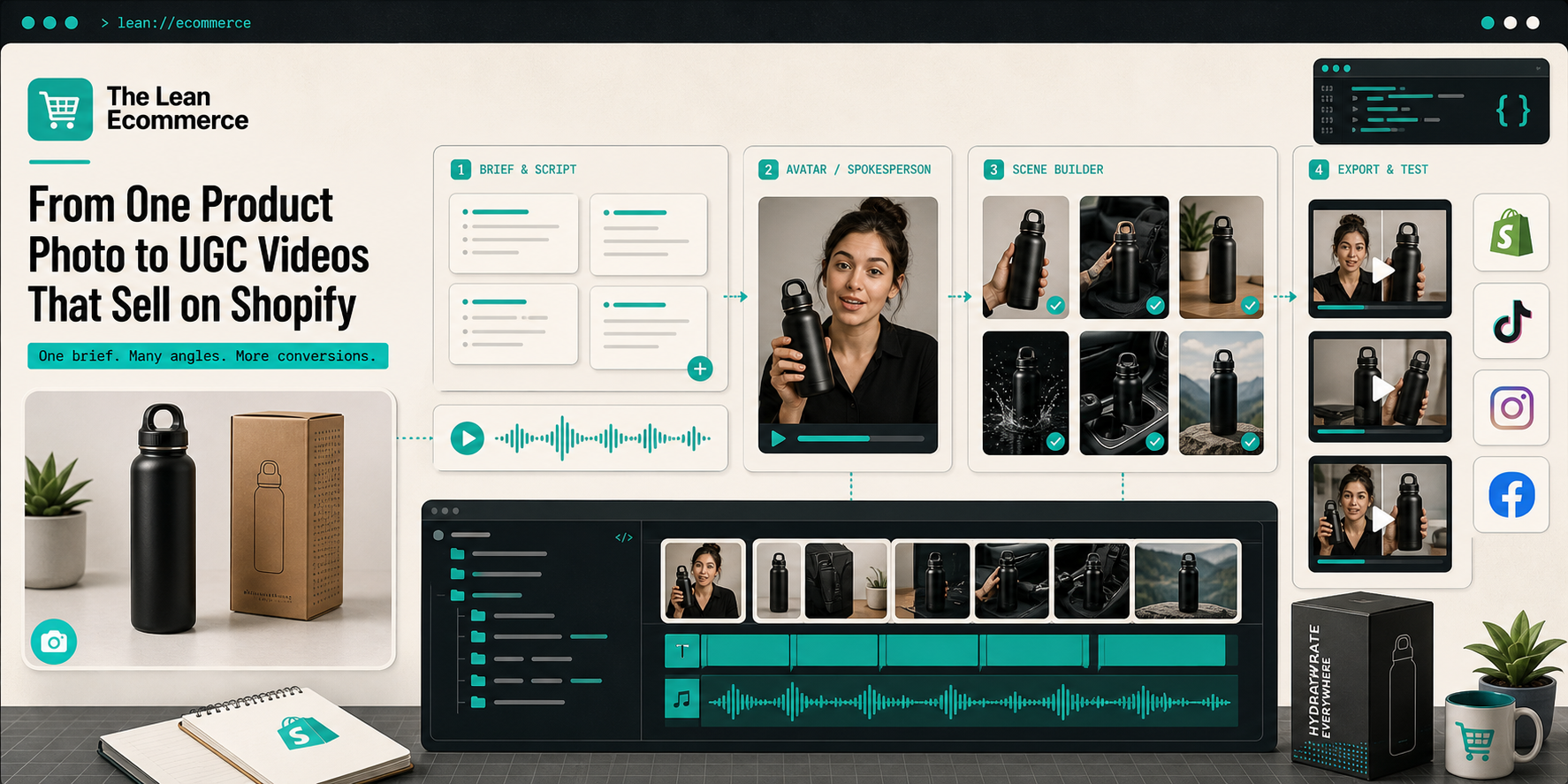
The placements I care about most are:
- TikTok, Instagram Reels, and Facebook ads;
- product page modules for shoppers who want motion before they buy;
- launch emails that need a visual hook fast;
- seasonal promo pages where the offer changes every few weeks;
- post-purchase or education flows when the product needs a little explanation.
That spread matters because it changes how I write the script. A product-page video can be more explanatory, while a paid ad usually needs a faster hook and a tighter CTA.
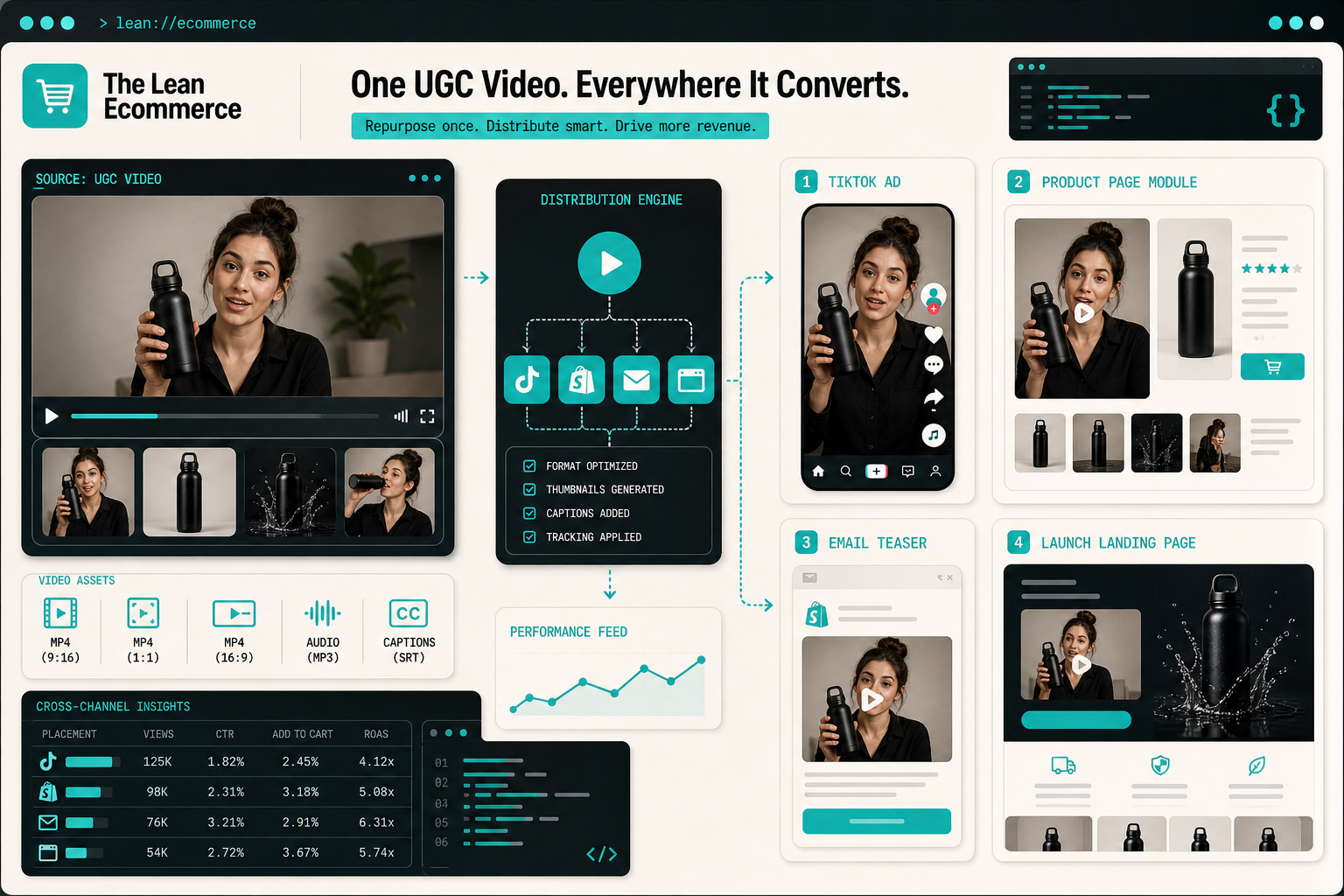
The other thing I like is that the same creative system can support a lot of different campaign rhythms. If I need a launch cut this week, a promo cut next week, and three ad variations after that, I am not rebuilding the whole workflow each time.
The version I keep and the version I throw away
I keep a variation when it does three things well:
- the hook lands immediately;
- the product is visible and easy to understand;
- the scene feels like it belongs to the audience I am targeting.
I throw it away when it is vague, overdesigned, or trying too hard to sound like a generic creator video. The whole point of this workflow is to make UGC-style creative faster, not to replace judgment.
If you want more context on how I got here, these earlier posts are the best follow-ups:
- How to Create UGC-Style Shopify Product Videos Without a Shoot
- How to Turn One Shopify Product Into Five UGC Video Ads
- How to Turn One Product Brief Into Five Shopify Video Ads
- How to Make Shopify UGC Video Variations for Ad Testing
Bottom line
I want a workflow that gives me more ad angles without turning every new cut into a mini production. Supra UGC Maker is useful because it keeps the creative pieces explicit: avatar, scene, script, voice, tone, product reference, and a project I can keep iterating on.
If you have one Shopify product and need better creative this week, start with one hook, one scene, and one avatar. Build the first version, compare it against the other angles, and only scale the versions that actually earn attention.