
May 21, 2026
How I Kept Video Templates Versionable in Git With VideoFlow
A Git-first workflow for VideoFlow templates, portable JSON, and reviewable video changes.
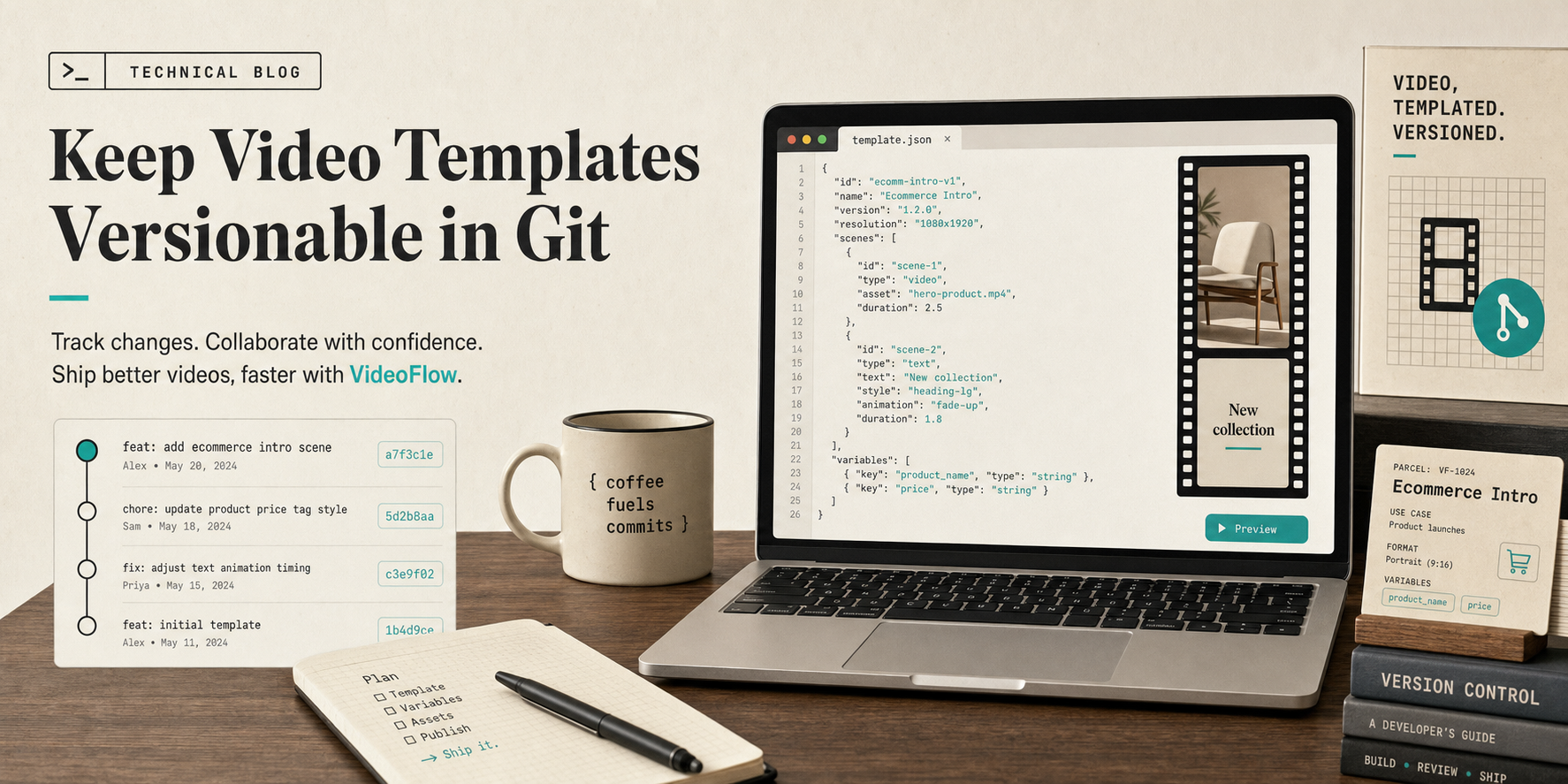
I kept hitting the same problem: the moment a video template lived only in a timeline editor, it stopped behaving like code. Small changes were hard to branch, harder to review, and annoying to reuse later. Once the template changed, I wanted the workflow to behave like the rest of the stack: editable, reproducible, and easy to diff in Git.
VideoFlow gave me a cleaner boundary. The core is built around programmatic video, portable VideoJSON, and renderers that can run in the browser, on a server, or in a live DOM preview. If you want the details, the docs, core docs, playground, and GitHub repo are the right entry points.
Why I Wanted a Git-First Workflow
The first thing I stopped doing was treating the video template like a one-off creative asset. Once a product team asks for a new headline, a seasonal offer, or a region-specific variant, the template becomes a shared code path. That means it deserves the same review model as anything else that ships.
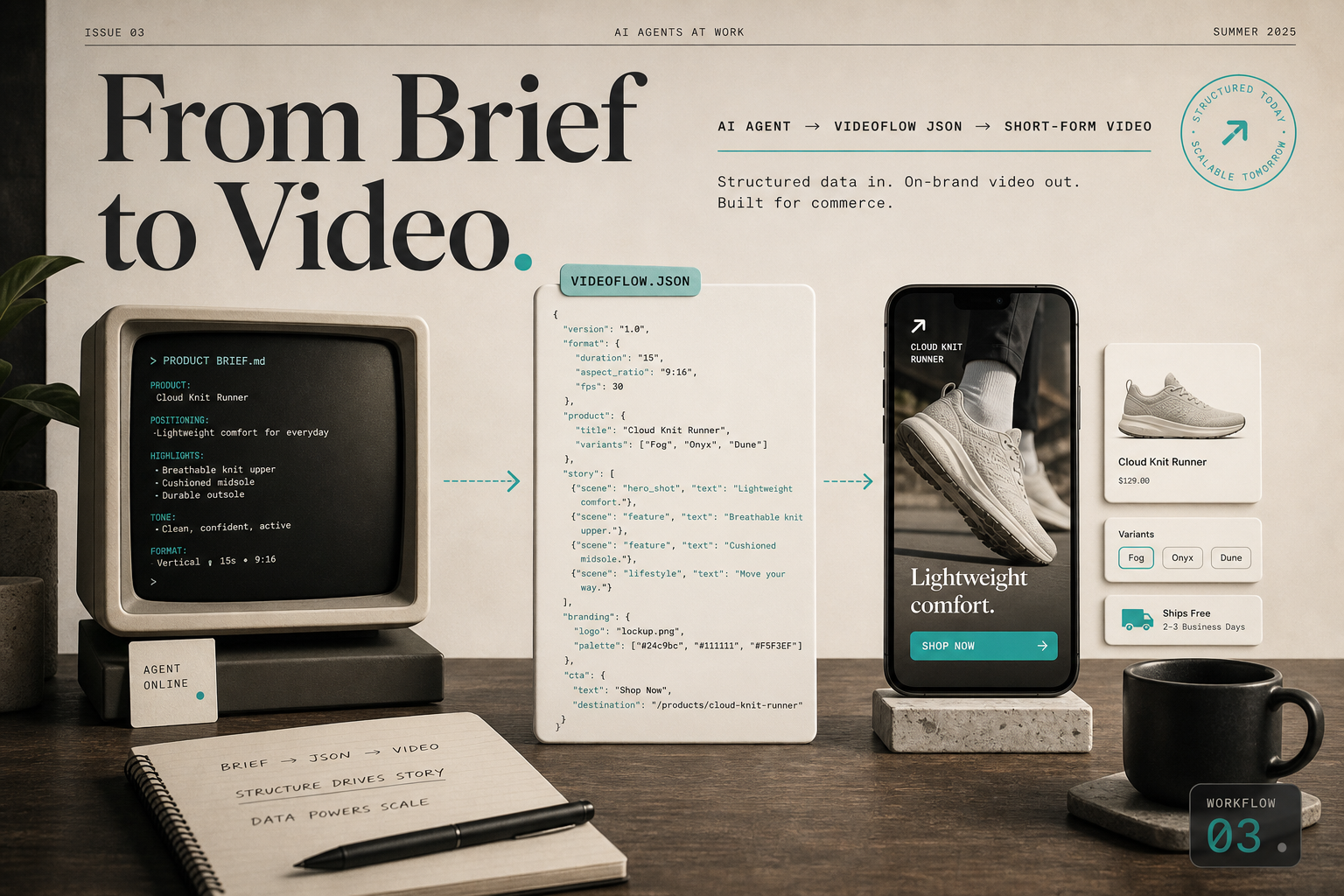
This is the part that matters most: the change history becomes legible. A reviewer can see whether the update changed copy, timing, layout, or output settings. A future maintainer can trace the evolution of the scene instead of guessing why a layer moved.
I keep the source of truth close to the template, and I keep the renders out of the way. In practice, that usually looks like a layout like this:
video/
  templates/
    launch.ts
    launch.videojson
  assets/
  renders/
The point is not that every file must be committed forever. The point is that the editable source stays in version control, while the expensive outputs stay separate. That keeps diffs readable and review noise low.
Compile Once, Reuse Everywhere
VideoFlow works well here because the source can be written in TypeScript and compiled into portable JSON. That gives me one artifact that can travel between environments without me rewriting the project for each renderer.
import VideoFlow from "@videoflow/core";

const $ = new VideoFlow({
  name: "Product Launch",
  width: 1920,
  height: 1080,
  fps: 30,
});

$.addText(
  { text: "New collection", fontSize: 7, fontWeight: 800 },
  { transitionIn: { transition: "overshootPop", duration: "500ms" } }
);

const videoJson = await $.compile();
That compile step is the handoff I wanted. Once the template is data, I can render the same source in the browser for low-friction export, on the server for batch jobs, or in the DOM renderer for a live scrubbable preview. The same JSON can support a developer workflow and a product workflow without splitting the template into two separate systems.
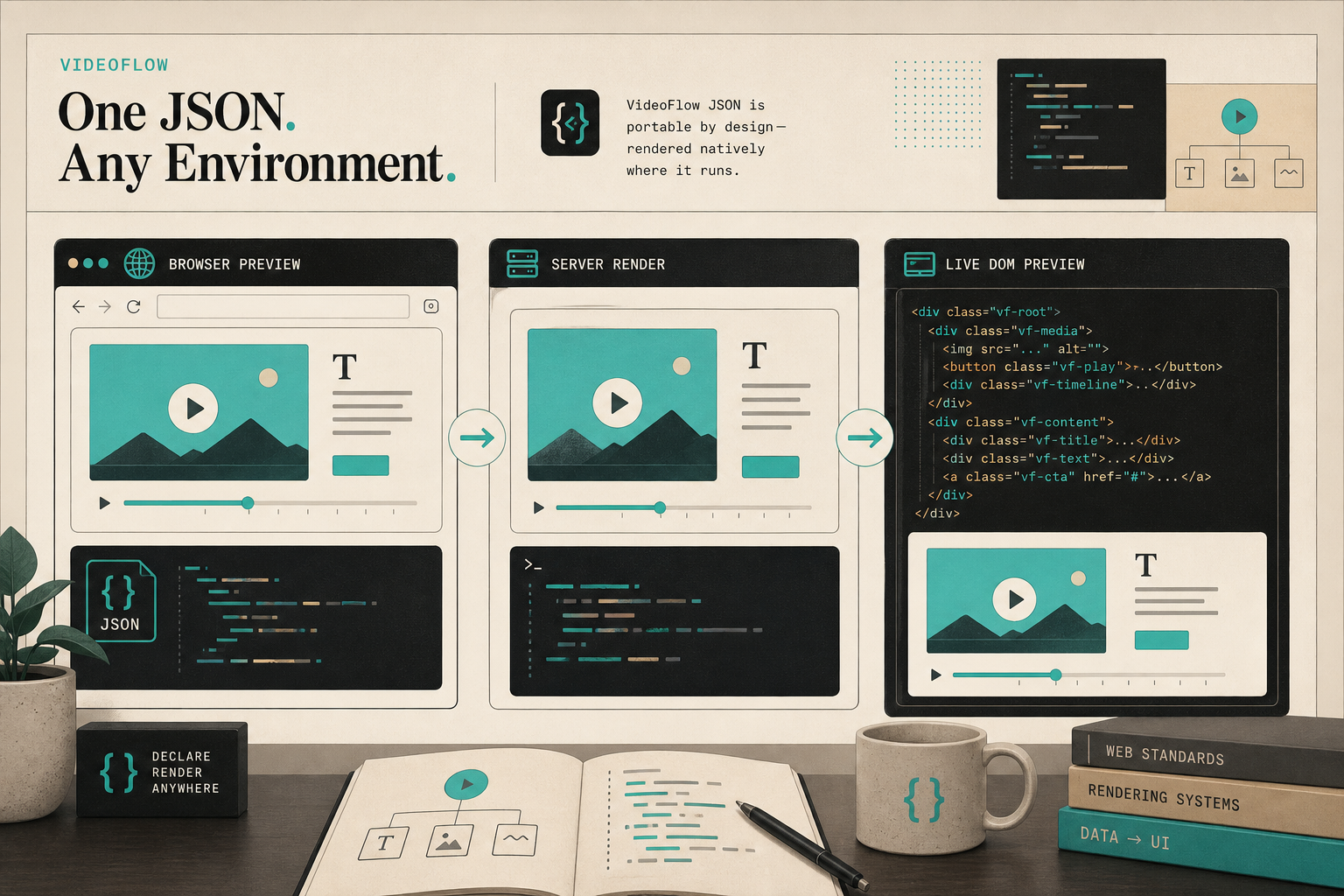
When I am iterating, the browser and DOM paths are especially useful. When I need scale or automation, the server path becomes the obvious choice. I do not have to redesign the scene just because the runtime changed.
Review Changes Like Code
Once the template is Git-native, PR review starts working again. I can isolate a copy tweak from a timing tweak. I can compare one scene change against the previous version. I can ask a teammate to review the structure instead of clicking through a timeline.
A simple habit helps here: one commit for one type of change. If I am changing title copy, I keep that separate from transition timing. If I am adjusting a new lower-third layout, I keep that separate from the export settings. The diffs stay readable and the blame stays useful.
git diff -- video/templates/launch.ts
git diff -- video/templates/launch.videojson
That also makes it easier to move quickly when a template has to evolve for a campaign. A new product card, a new CTA, or a shorter duration no longer feels like a risky full redraw. It is just a scoped code change.
If you are building adjacent patterns, these earlier posts cover the surrounding pieces well: How to Generate MP4 Videos from JSON with TypeScript with VideoFlow, How to Build a Portable JSON-to-Video Pipeline with VideoFlow, How to Build a Browser-Based MP4 Export Pipeline with VideoFlow, and How to Turn Product Data Into MP4 Videos with VideoFlow.
When the Brief Becomes Structured Data
At some point, the input stops being a designer note and starts being a structured brief. That is where I like VideoFlow even more, because an agent, a script, or a simple build tool can turn the brief into JSON without touching the rest of the template.
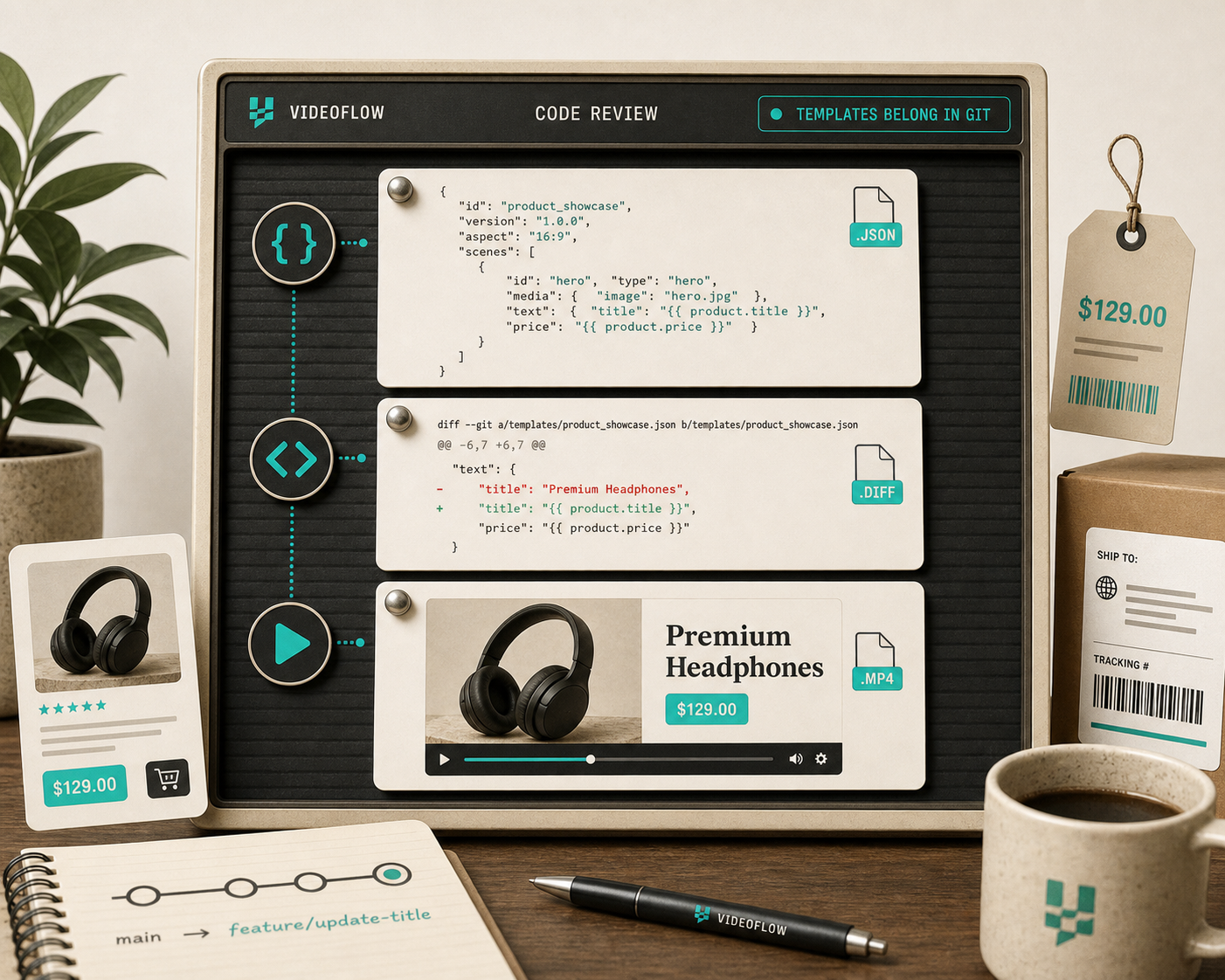
That is the best version of the workflow for me: the brief changes, the JSON changes, the output changes, and the review remains understandable. I do not have to manually re-author the entire video every time the message changes.
The Tradeoff
This is not the right approach for every video. If the work is deeply manual, exploratory, or cinematic, a traditional editor is still the better tool. VideoFlow is strongest when you need repeatability, template reuse, and a source of truth that lives comfortably in Git.
If that is the workflow you want, start with the playground, keep the core docs open while you build, and promote the template into your repo once it feels stable.
The practical next step is simple: pick one repeatable video, encode its structure as VideoFlow code, and commit the portable JSON so the next change is a diff instead of a rewrite.